
Hikvision: Limite permission to view camera


To control user and limited number of camera remote live view or play back. We can set on limited user by user following setps.
- Login to NVR via brower.
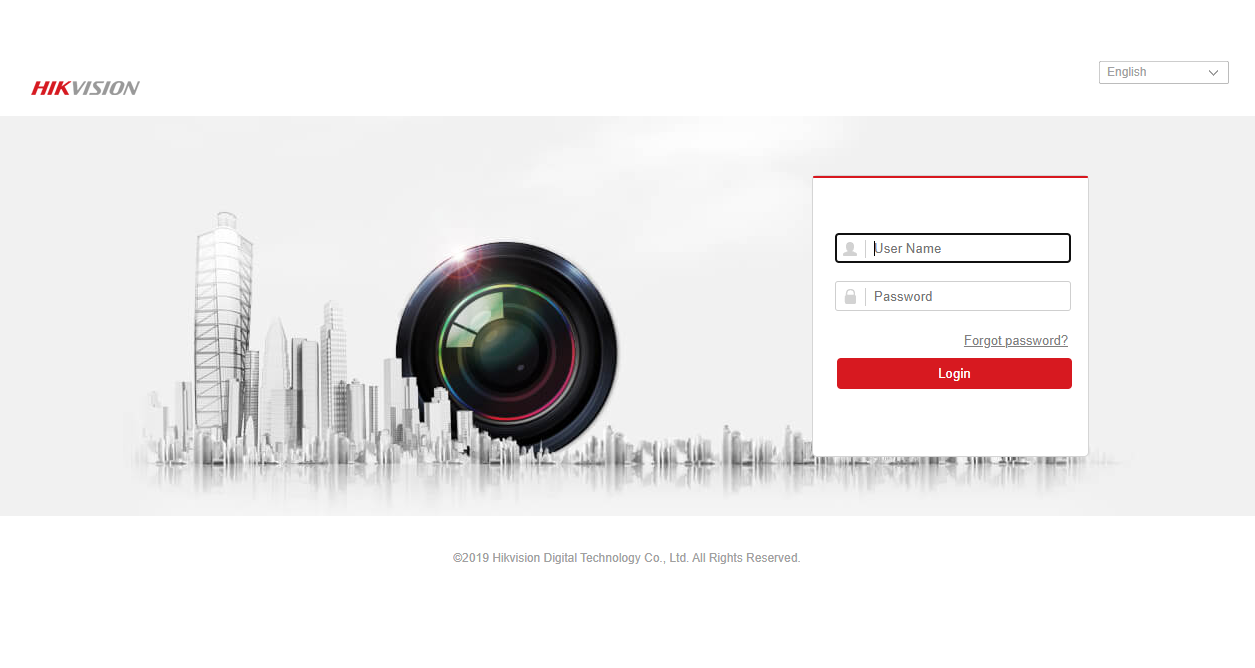
- Using user admin to login.
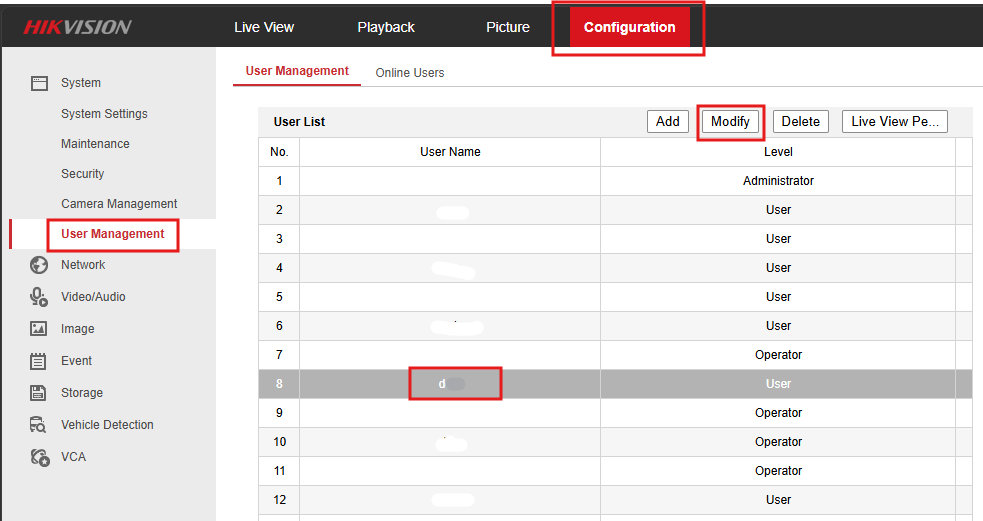
- Goto "Configuration" > "User Management" > Select user > "Modify" (if user not available user add new).
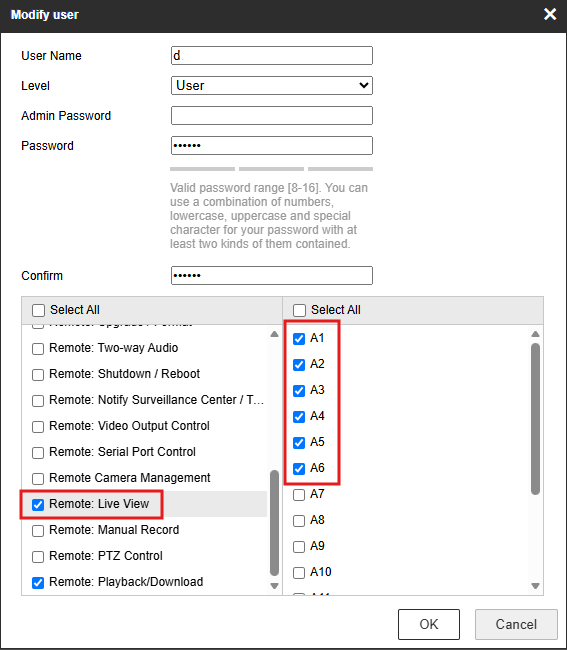
- In user settin looking for "Local Live view", "Local Playback", "Remote Live view", "Remote Playback"
- Select cameras for this user.
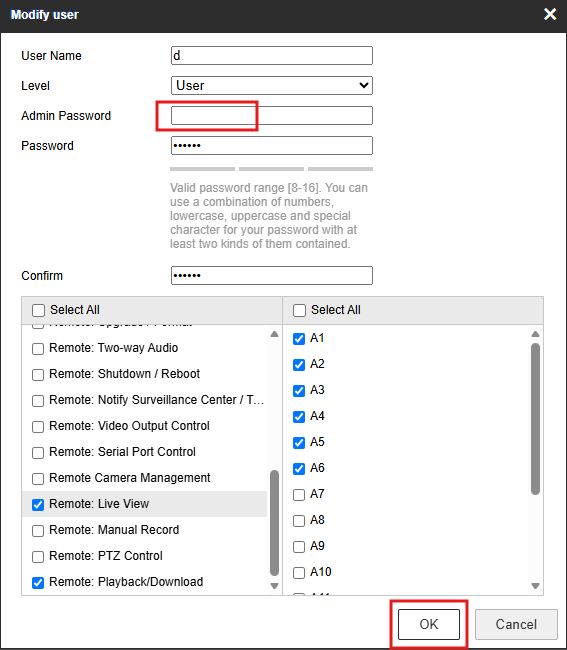
- Enter admin password and OK to save.
- Test liveview via web browser, it will show only camera 1-6.
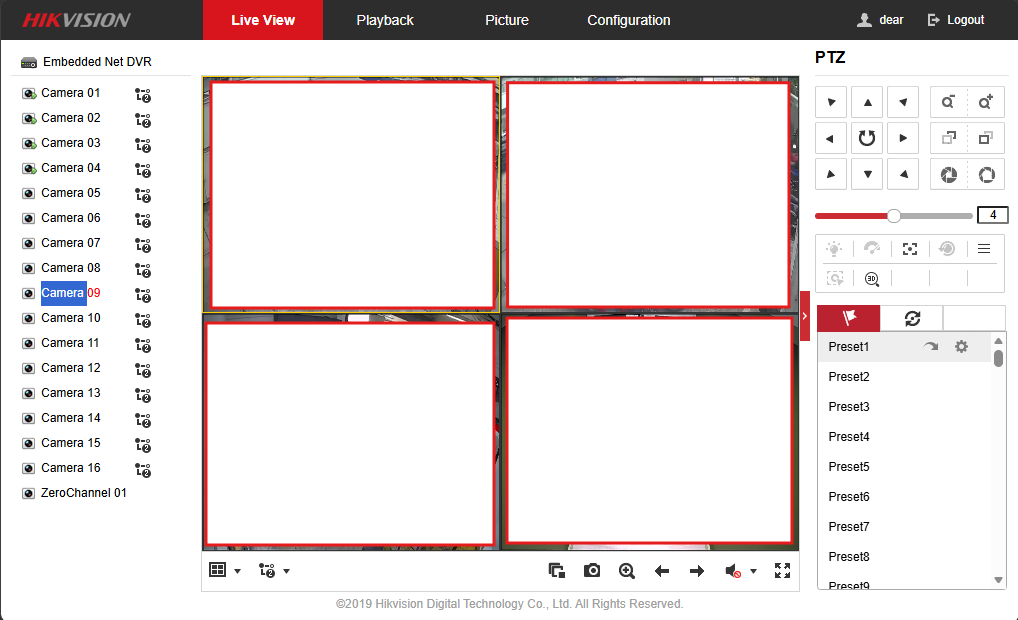
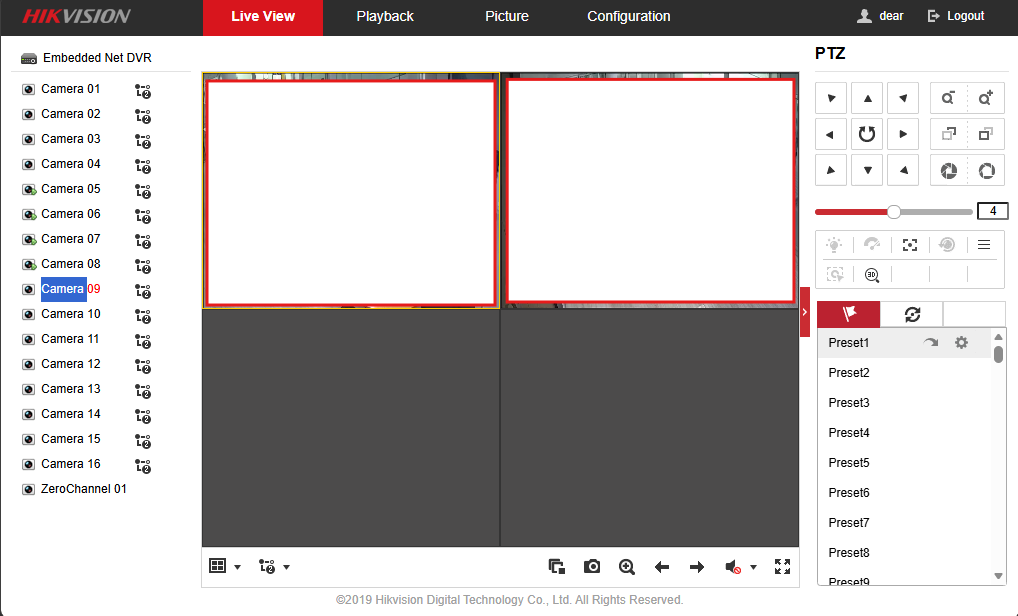
- Also check on iVMS-4200 application.
- It show only allow camera on this user also.