
Computer tips "Organize your screen with Virtual Desktops (separate your work world)".


Have you ever experienced this? You have programs open all over your screen – Excel, LINE, your browser watching YouTube – and when you try to find the window you need, your eyes get strained, and you end up minimizing windows frantically.
Windows has a feature called "Virtual Desktops" that lets you split your workspace into multiple "virtual screens," like having an extra monitor.
Keyboard shortcuts you should remember:
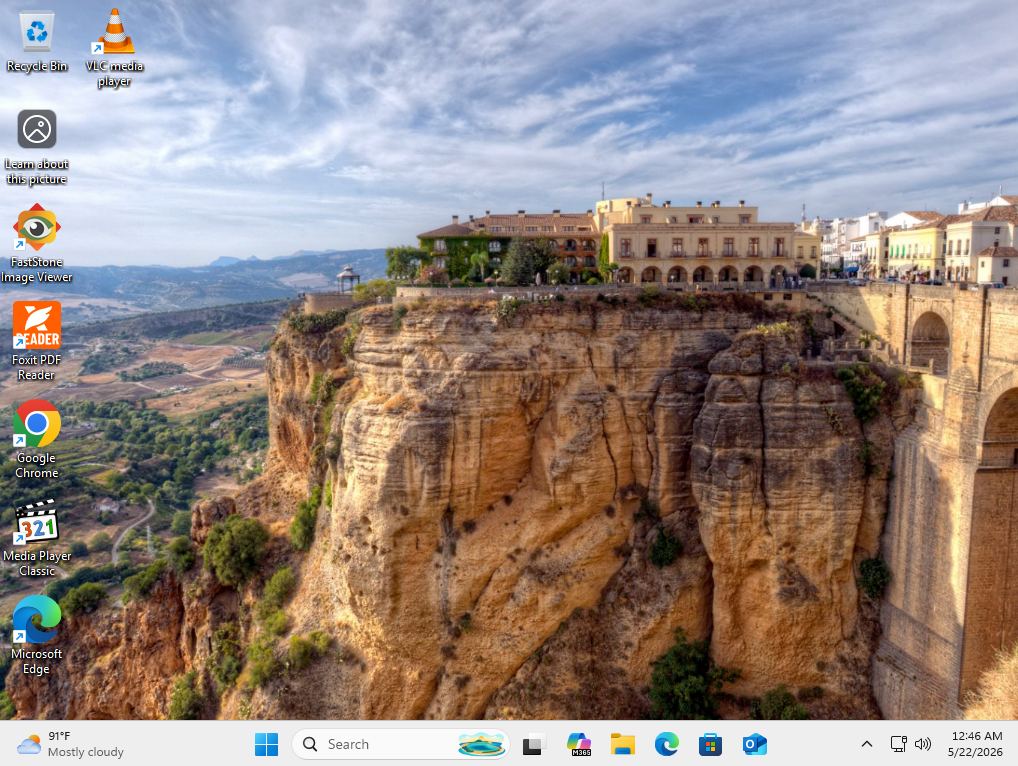
- Windows + Ctrl + D : A new screen will be created immediately (the screen will be clean, with no programs open).
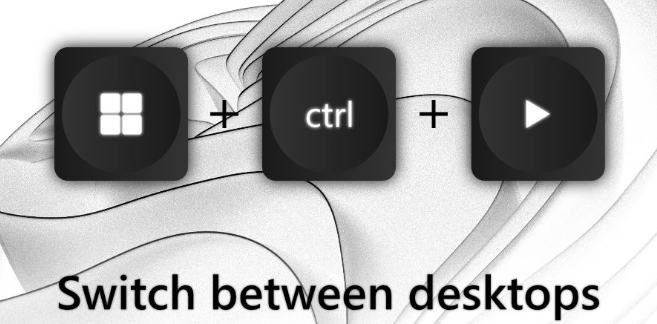
- Windows + Ctrl + Left/Right arrows : Used for quickly switching between screens.
- Windows + Ctrl + F4 : Close the virtual screen (open programs will be moved back to the main screen, so don't worry about losing your work).
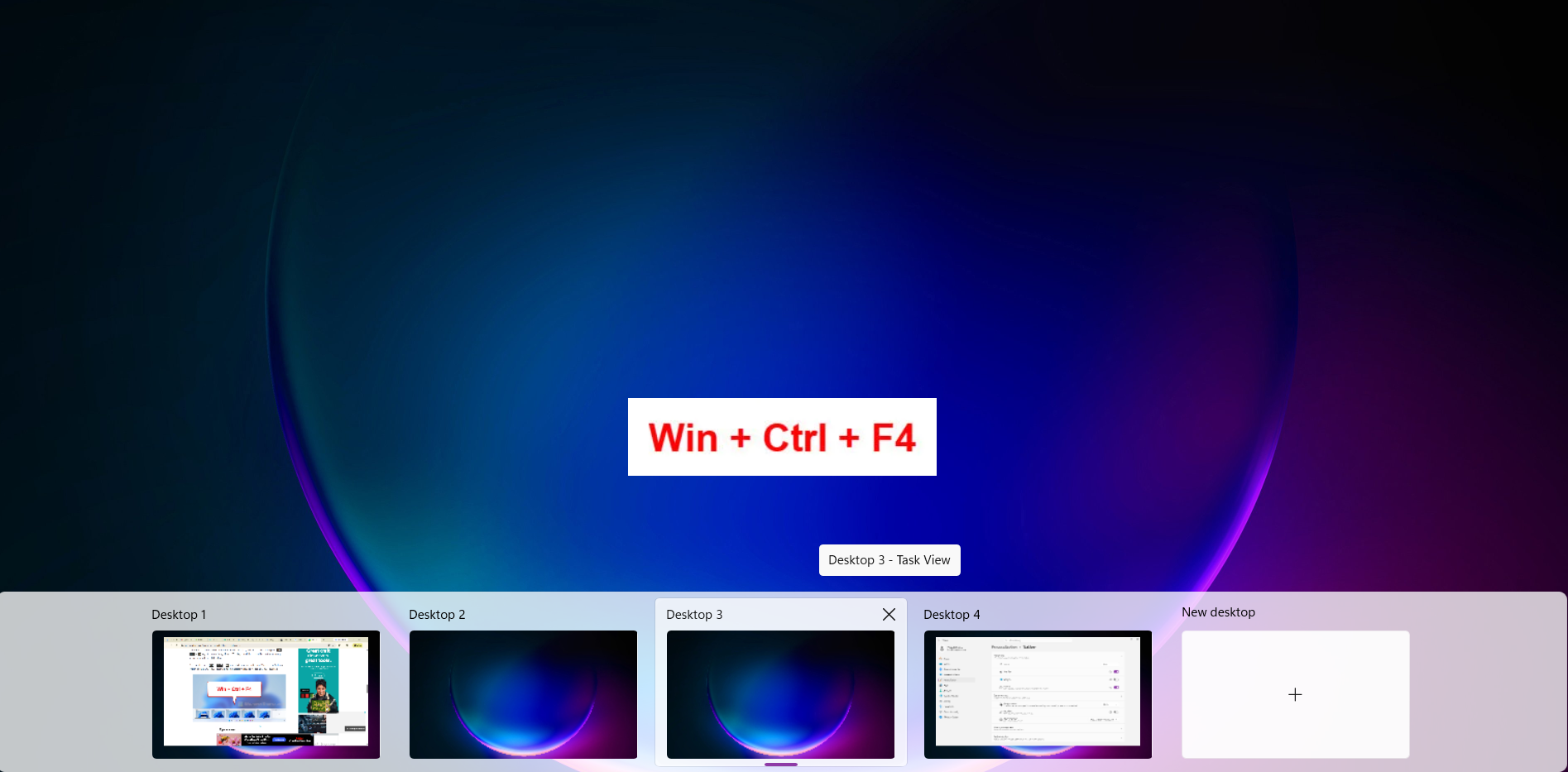
Examples of usage:
- Desktop 1 (Durable): Running serious work programs such as Word, Excel, Outlook.
- Desktop 2 (Entertainment/Personal): Leaving LINE, Spotify, or YouTube open.
finished..
end..