
Computer tips "Reset the graphics card driver instantly in 1 second".


Quick fix for a frozen computer: Reset the graphics card using a keyboard shortcut (no need to hold down the Power button).
When playing games, working hard, or opening many apps, if the screen goes black, the image freezes, or the mouse becomes unresponsive, most people resort to pressing and holding the power button to force a shutdown. However, this risks losing files or causing Windows to malfunction.
But actually, Windows has a "secret shortcut" to instantly reset the graphics driver in 1 second without restarting the computer!
How to use (compatible with both Windows 10 and 11)
If you encounter a frozen screen, black screen, or flickering image, press these four buttons simultaneously: Windows Key + Ctrl + Shift + B
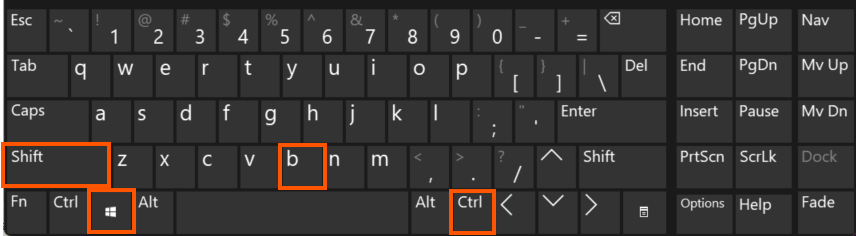
What will happen:
- The screen will turn off for about 1-2 seconds.
- The machine will emit a short "beep" sound once.
- The screen will turn back on, and the graphics card system will be refreshed.
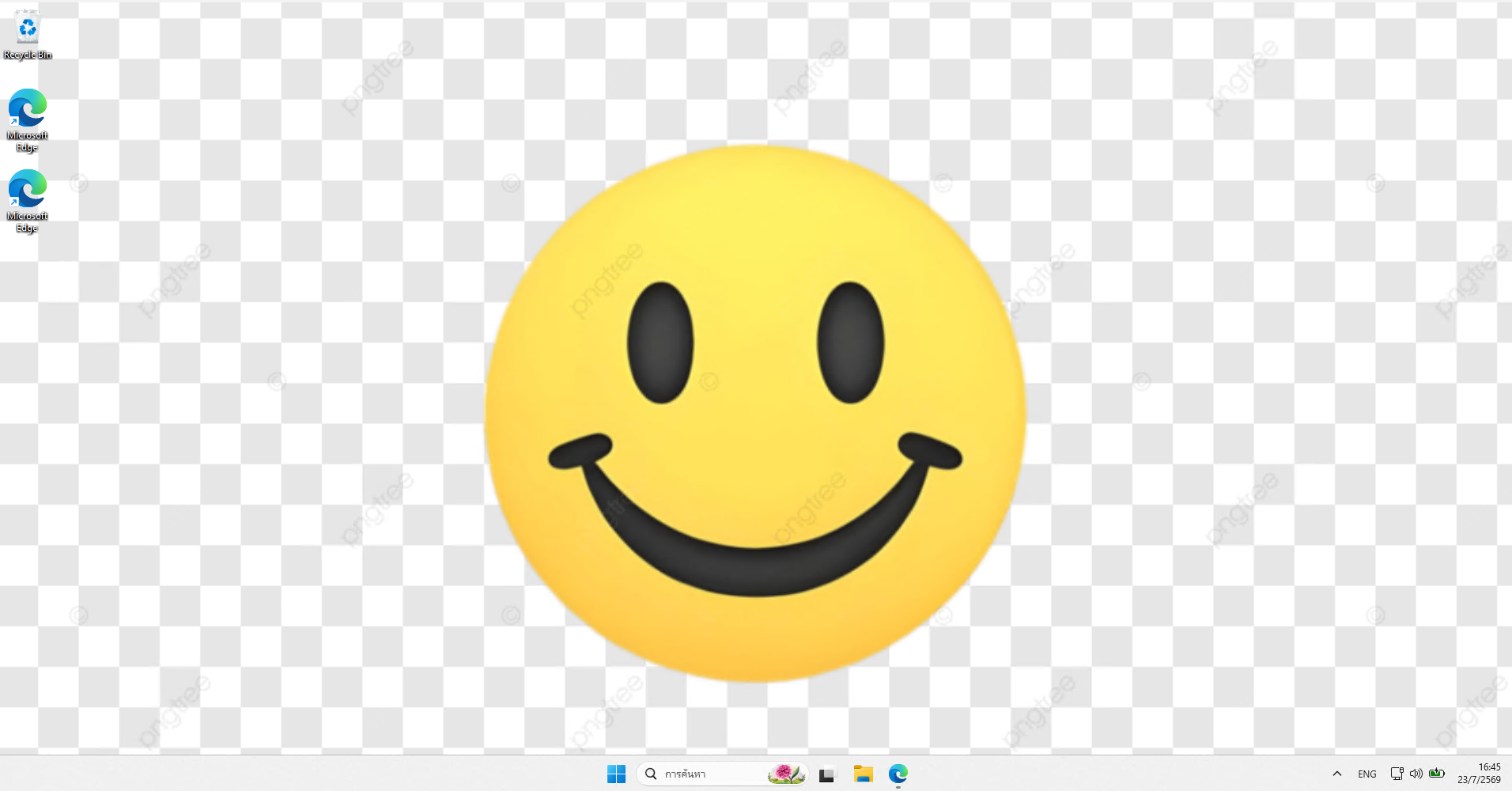
Advantage: Your open tasks won't be lost, and the program won't close. It's like a "slap in the face" to wake the graphics chip up and get it working normally again.
..