
Create Proxmox USB boot using Terminal on macOS


Creating a bootable Proxmox VE USB drive on a Mac OS through the macOS Terminal.
- Download ISO proxmox from the web. (https://www.proxmox.com/en/downloads/proxmox-virtual-environment).
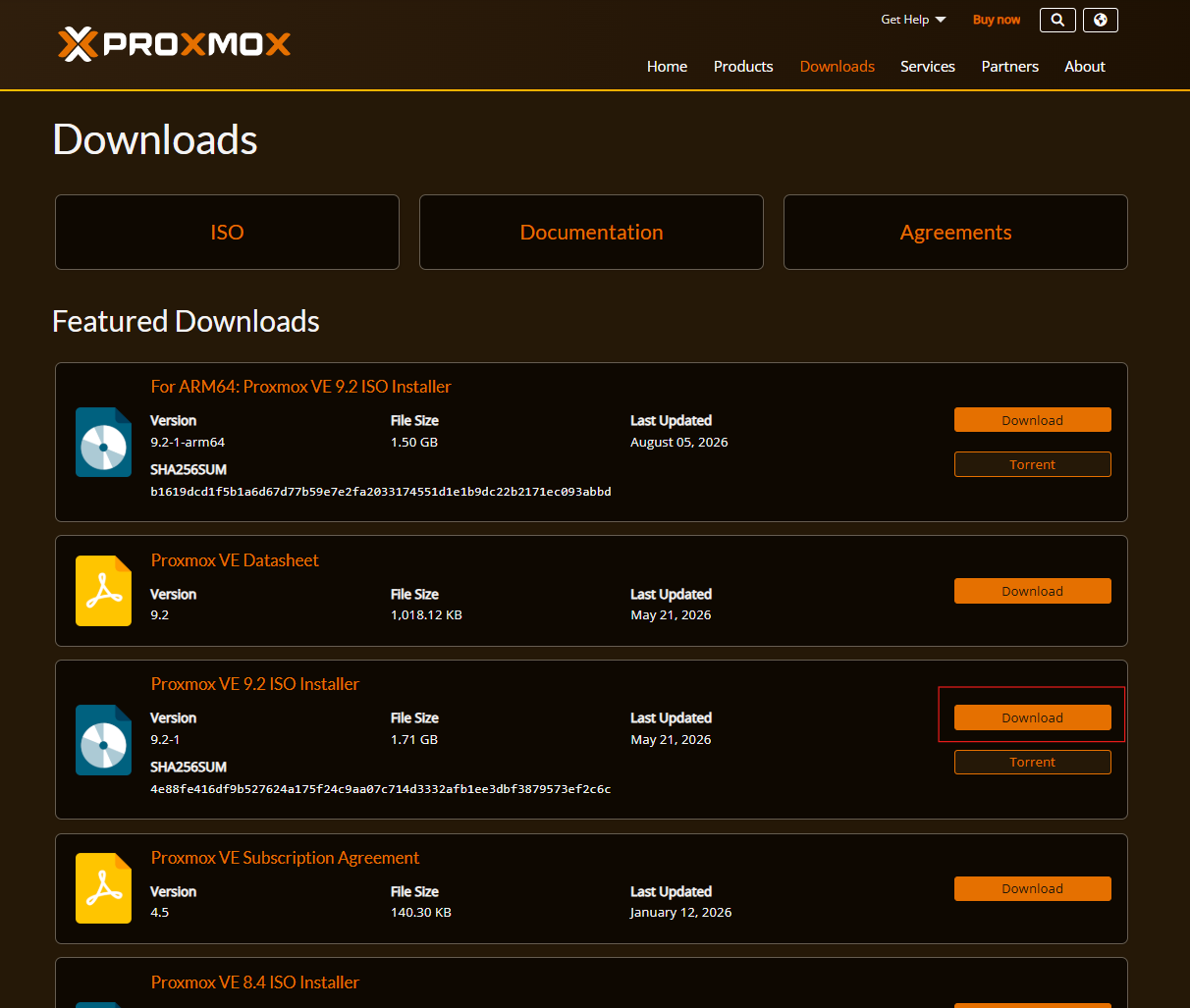
- Open "Terminal" and brows to your download directory.
- User following command to convert the ISO to a DMG format (Replace file name "proxmox-ve_*.iso" with your actual file name).
hdiutil convert proxmox-ve_*.iso -format UDRW -o proxmox-ve.dmg
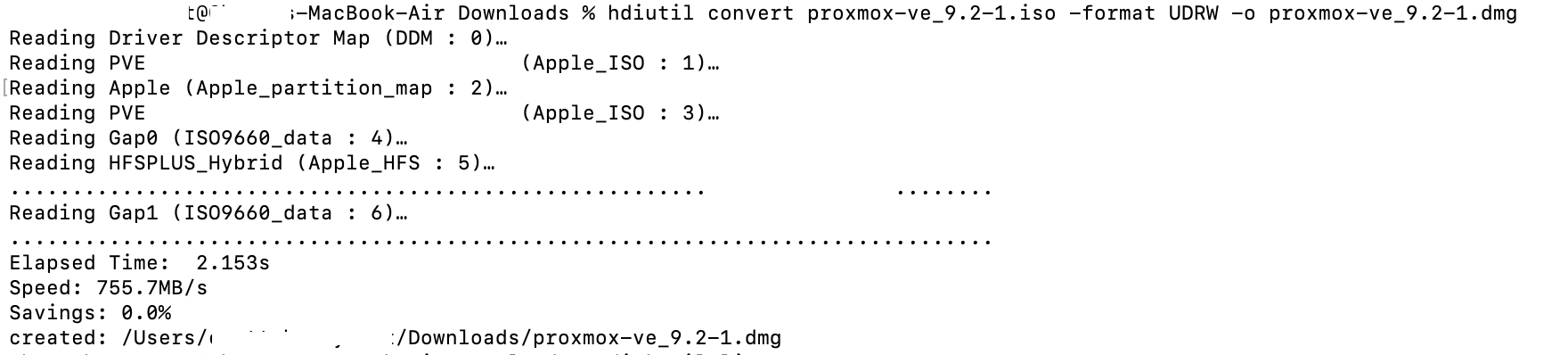
- Plug USB to your Mac.
- List your drives to identify your USB.
diskutil list
- Unmount the USB drive (Replace "diskX" with your actual USB disk number).
diskutil unmountDisk /dev/diskX
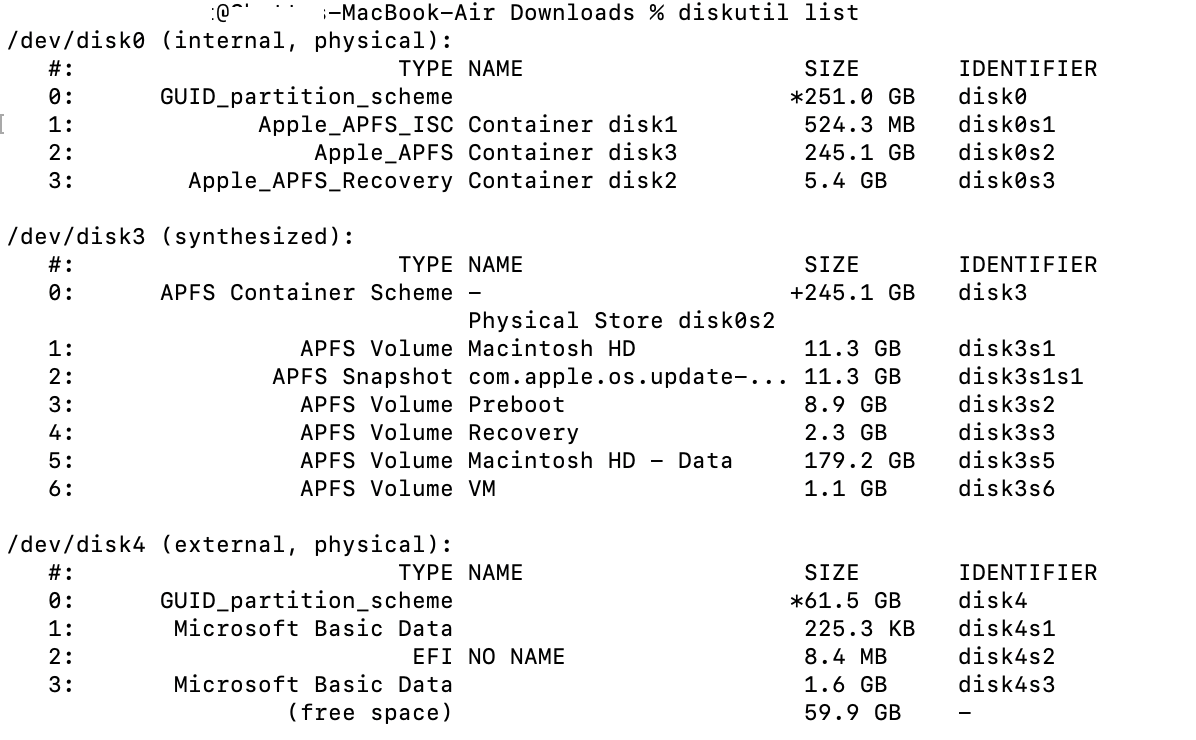
- Write the image to the USB drive (Replace "diskX" with your actual USB disk number).
sudo dd if=proxmox-ve.dmg bs=1M of=/dev/rdiskX conv=fdatasync

- Enter your Mac password when prompted and wait for the process to complete. Once done, eject the drive.
diskutil eject /dev/diskX
