
Run a script to clean up and delete junk files from your entire computer in one click (PowerShell Script).


Instead of having to repeatedly run Clean Disk or use external programs, you can create your own file to clear cache and junk files on the system:
- Open Notepad and paste this code:
PowerShell
PowerShell -Command "Clear-RecycleBin -Force"
Remove-Item -Path "$env:TEMP\*" -Recurse -Force -ErrorAction SilentlyContinue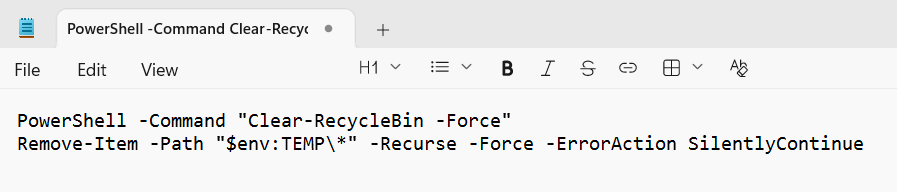
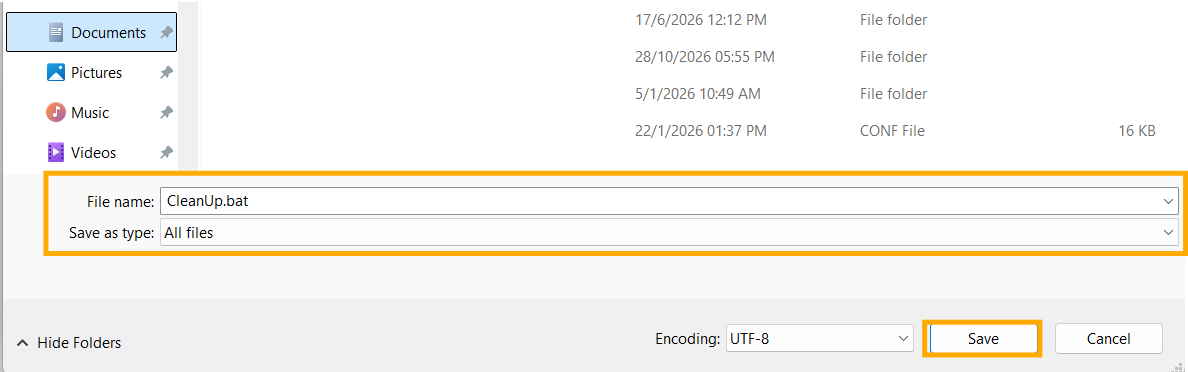
- Save the file as CleanUp.bat (select "All Files" as the Save as type).
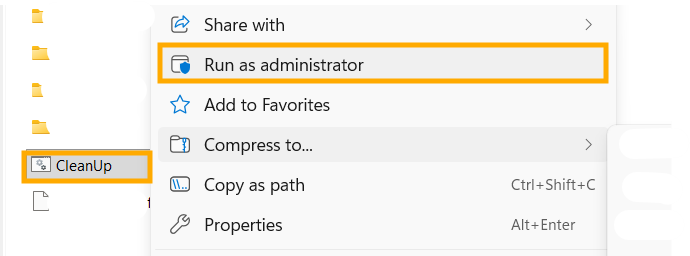
- Whenever your computer starts to slow down or your memory is full, simply right-click this file and select "Run as administrator." This will instantly clear temporary files and delete junk from the Recycle Bin in a fraction of a second.
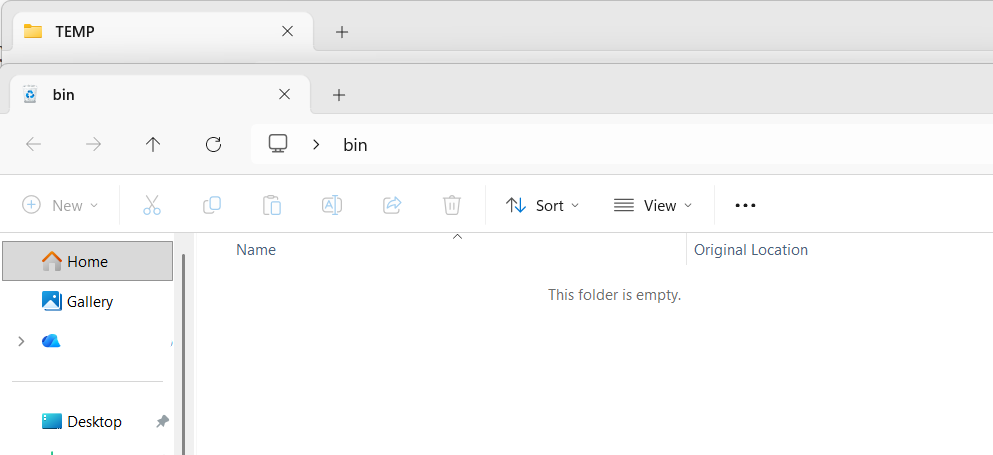
finished..
end..