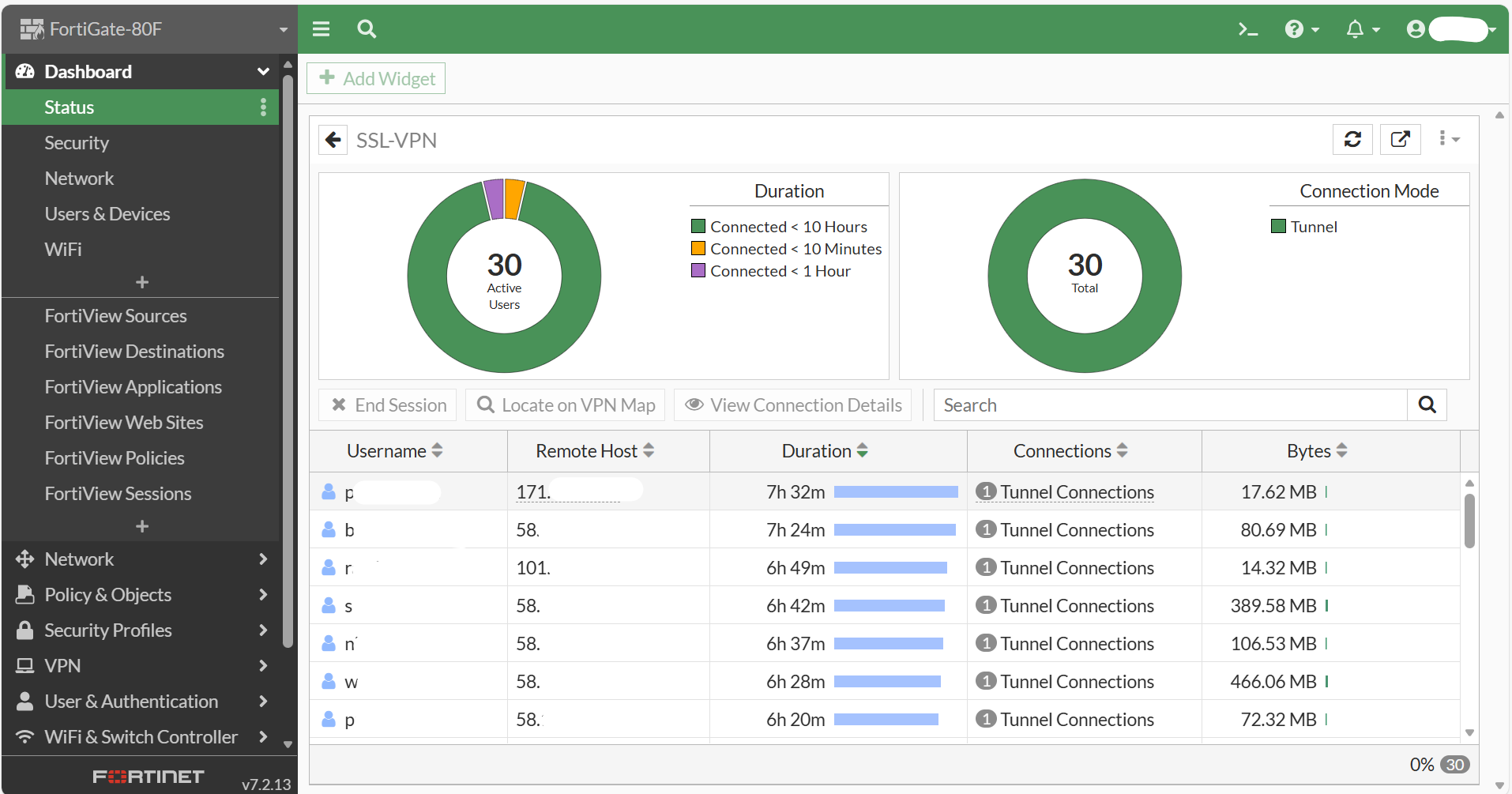
FortiGate: Add Widget to view active users for SSL-VPN


To preview overall about SSL-VPN user for current session. This Widget will help to monitor this.
1. Login to Fortigate web console.
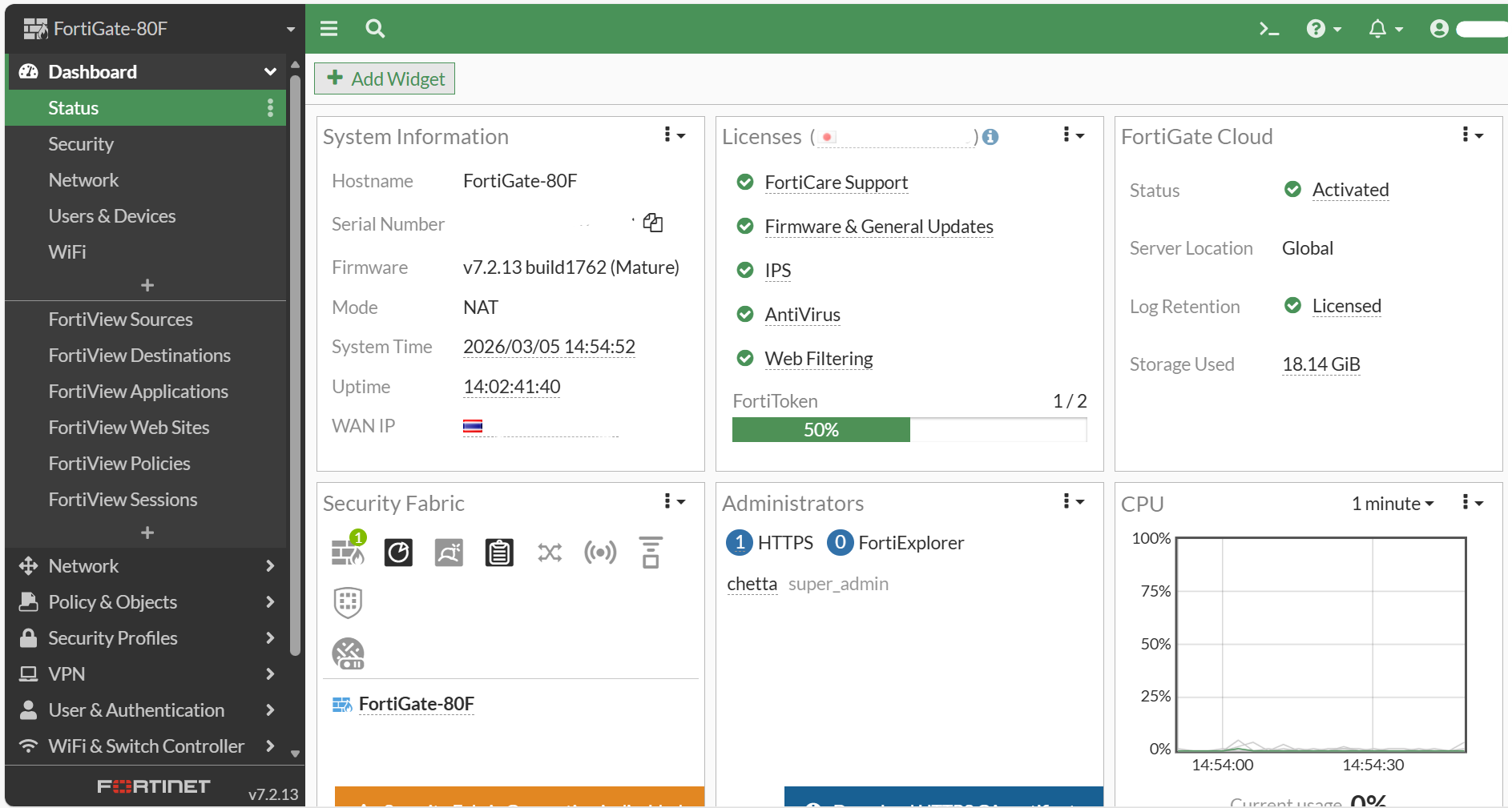
2. Goto "Dashboard" > "Status".
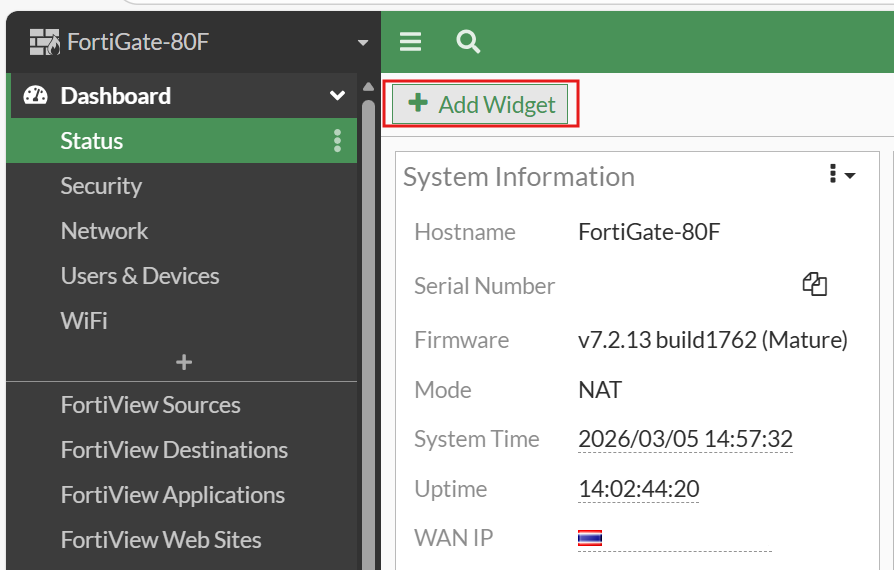
3. "Add Widget".
4. "Network" > "SSL-VPN".
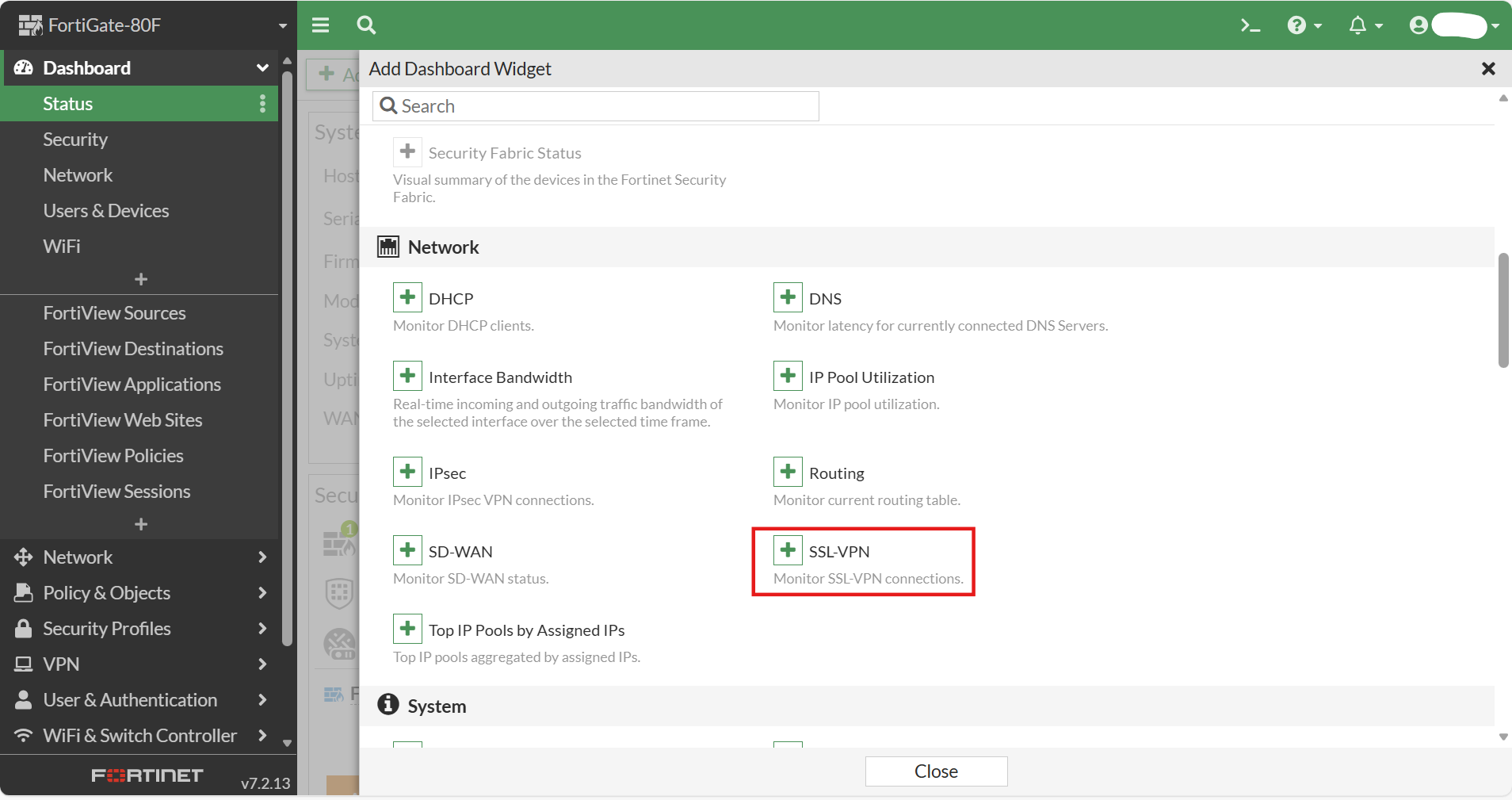
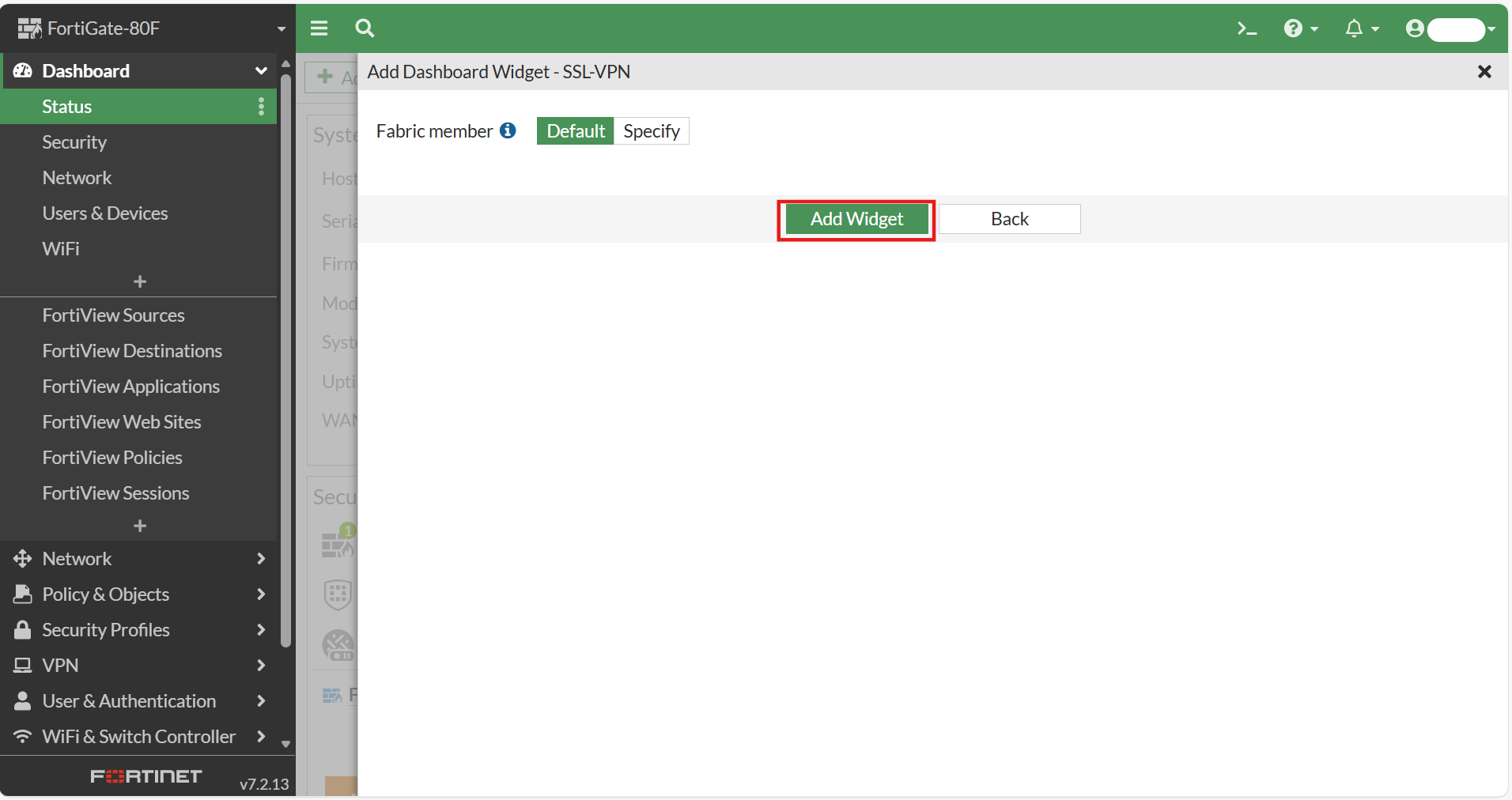
5. Click "Add Widget".
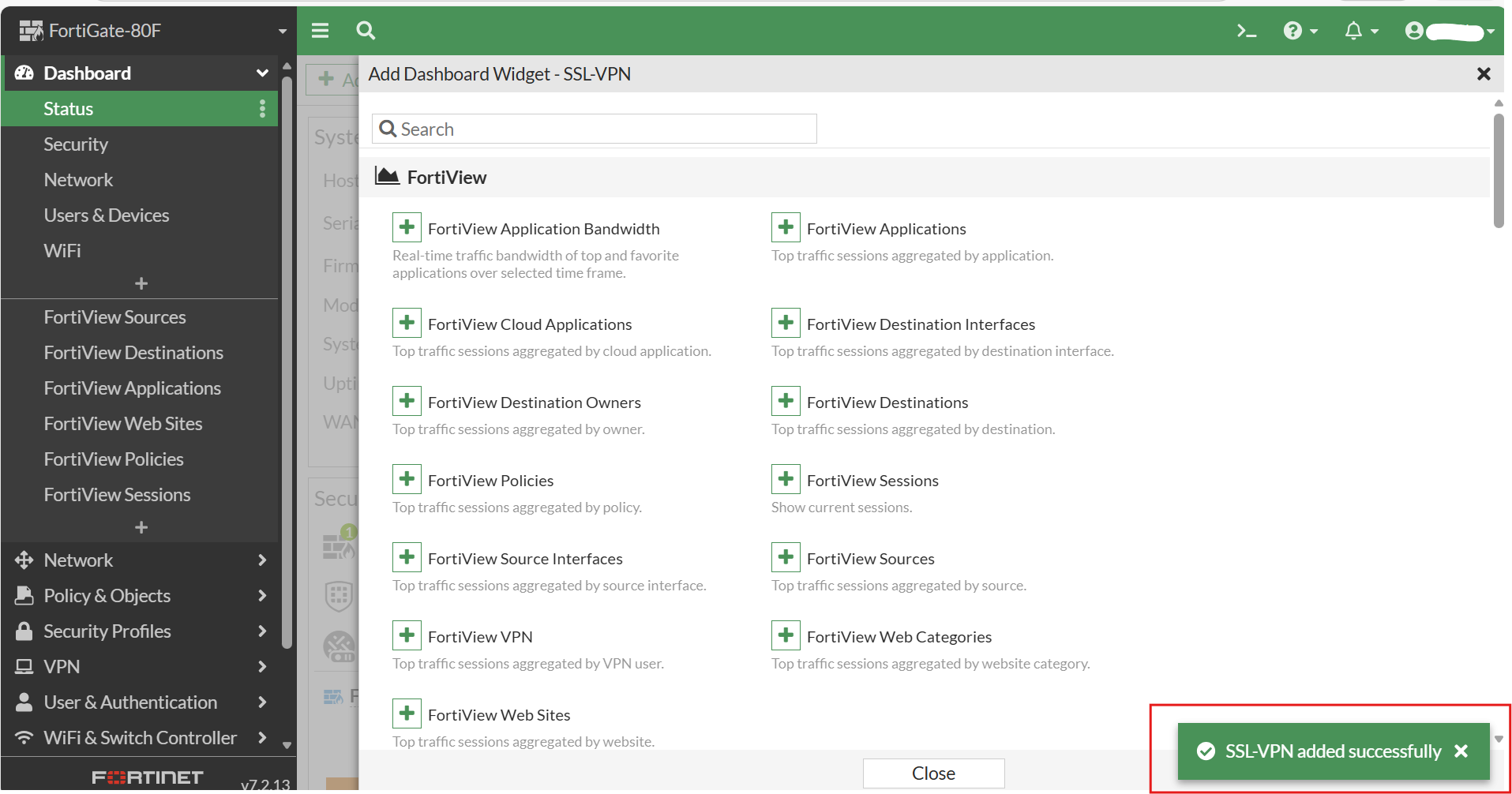
- Widget "SSL-VPN added successfully" > Closc.
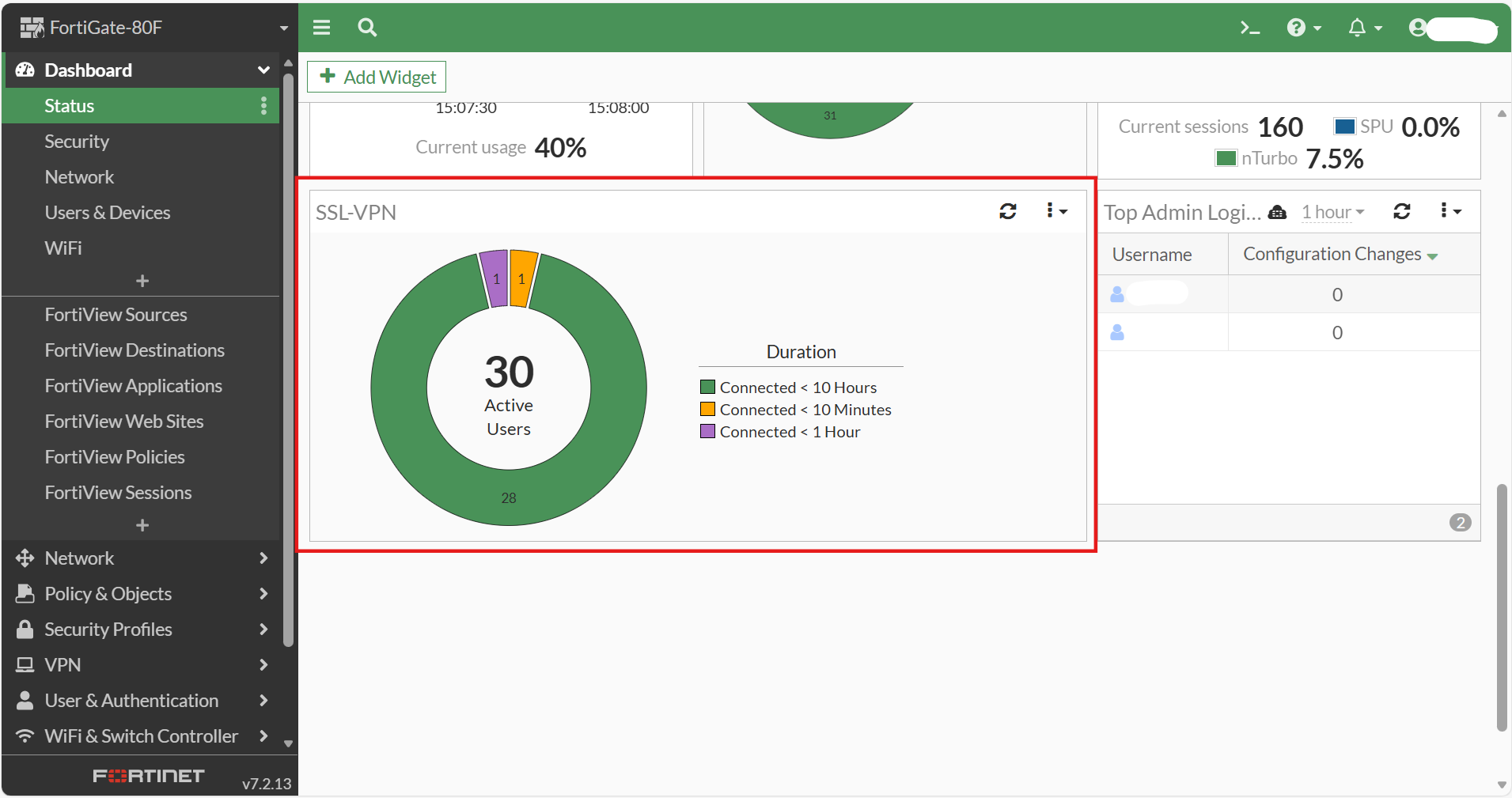
7. SSL VPN Widget show on dashboard.
8. Click "Expand to full screen".
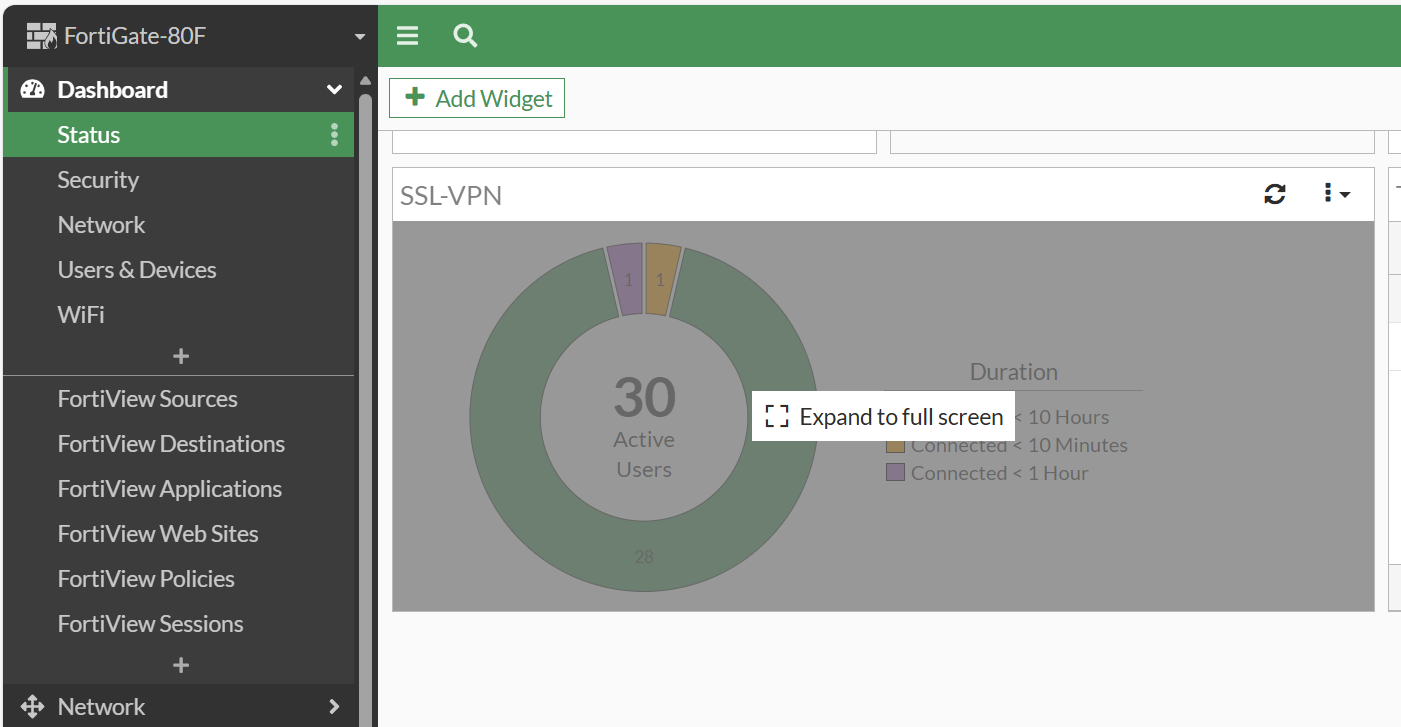
9. Information for SSL-VPN.