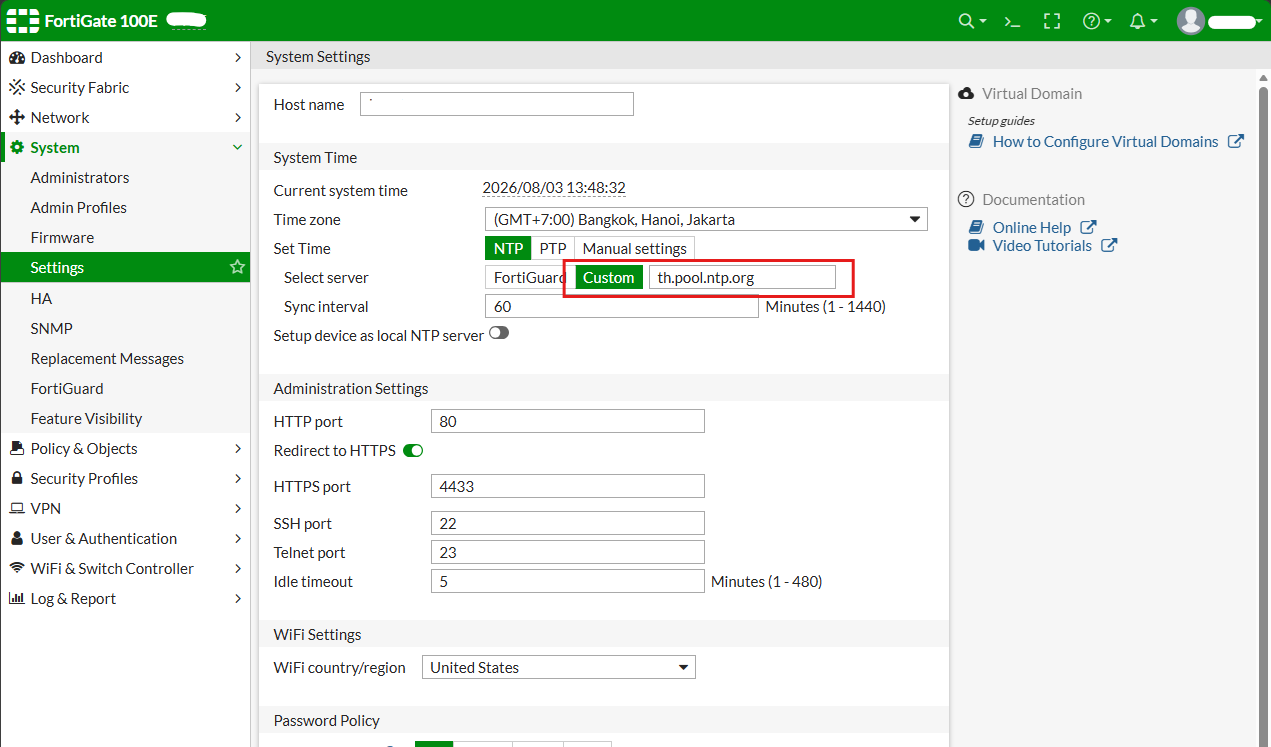
FortiGate: Set custom NTP with CLI (from grayout)


To set cutom NTP time on FortiGate 100E. First founed the Manual setting menu is gray out. Follow the step to enable and set manual setting for NTP on FortiGate.
- Login control.
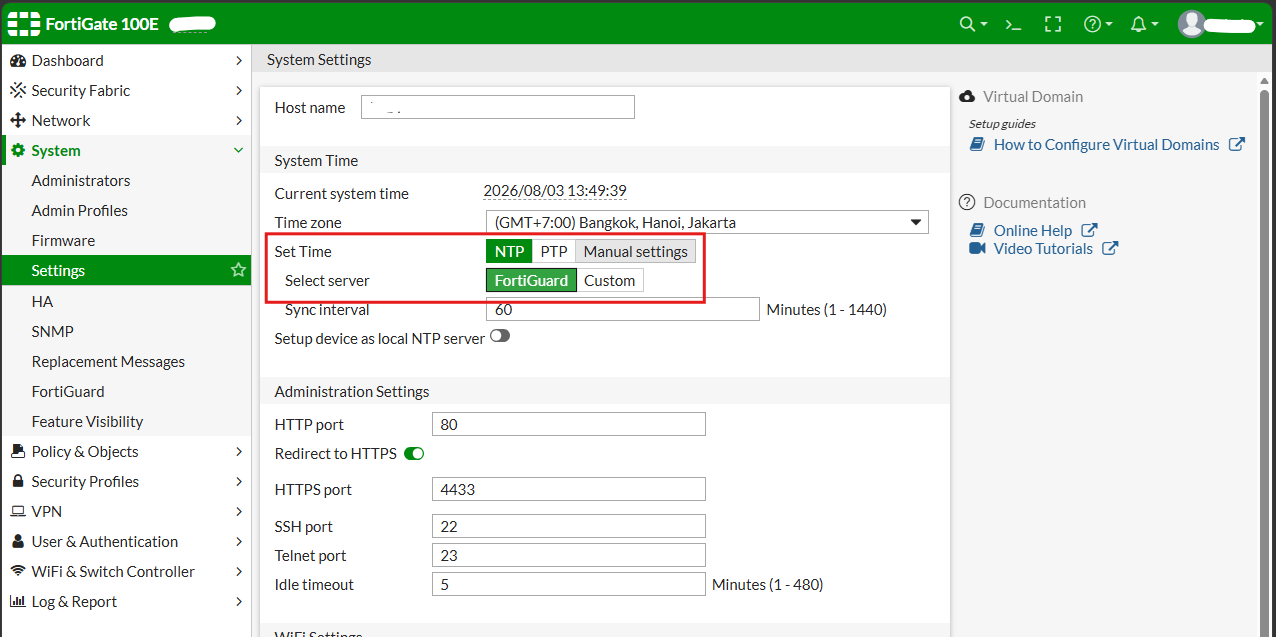
- "System" > "Setting" > "System Time" Section.
- The "Manual settings" is gray out (Default time is with FortiGuard).
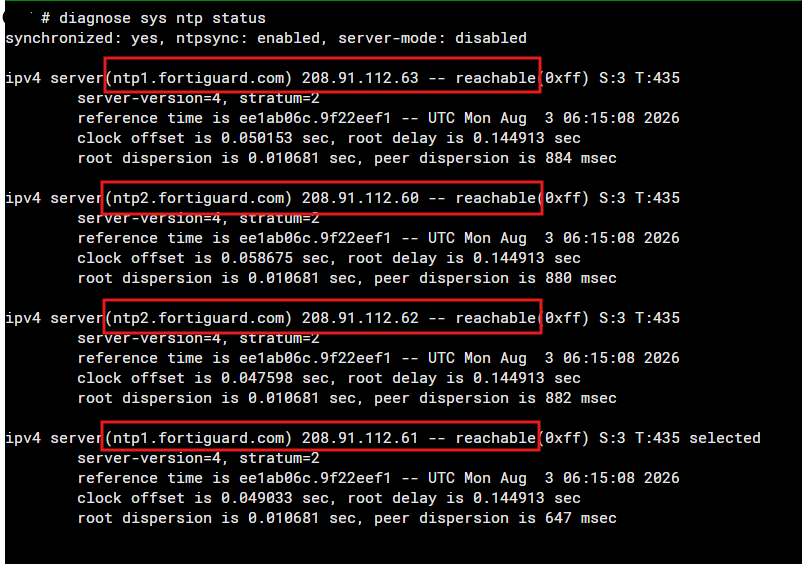
- Open CLI command to check current NTP time.
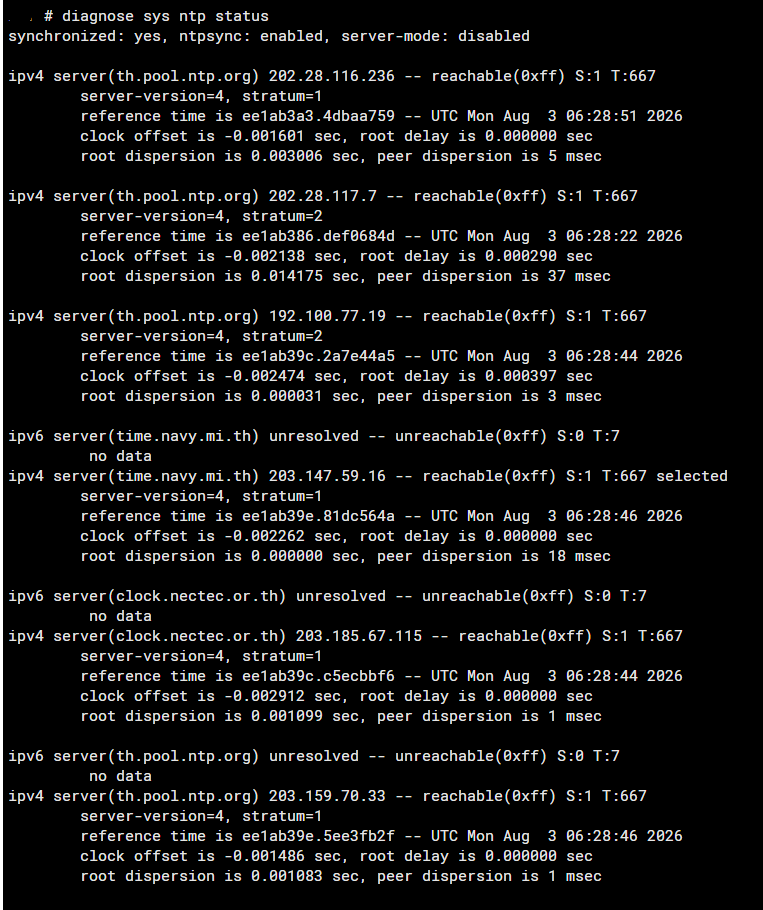
- Run command check ntp status "diagnose sys ntp status".
- Set new ntp time with following command.
config system ntp
    set ntpsync enable
    set type custom
    config ntpserver
        edit 1
            set server "th.pool.ntp.org"
        next
        edit 2
            set server "clock.nectec.or.th"
        next
        edit 3
            set server "time.navy.mi.th"
        next
    end
end
- After enter no.6 line by line until finish.
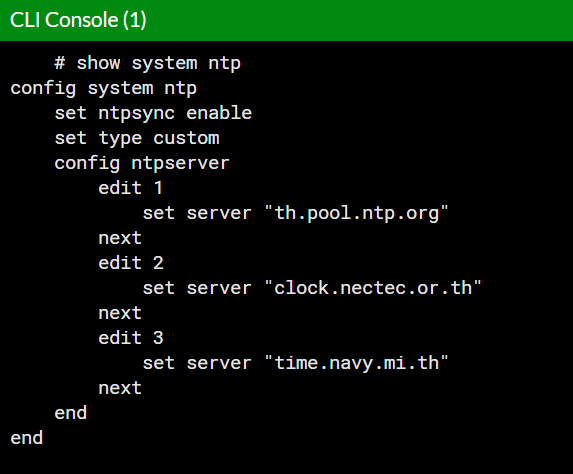
- List ntp by command.
show system ntp
- run diagnose ntp again by,
diagnose sys ntp status
- Close CLI and back to GUI menu it will active button custom NTP.