
How to disable Private Wi-Fi Address on your Iphone.


Disabling the **Private Wi-Fi Address The "Private Wi-Fi Address" feature on your iPhone is designed to enhance privacy by using a different, randomized Media Access Control (MAC) address for each Wi-Fi network you connect to. However, some networks (especially enterprise, educational, or those using MAC-based filtering) may require you to turn it off.
Here is how to disable the Private Wi-Fi Address on your iPhone:
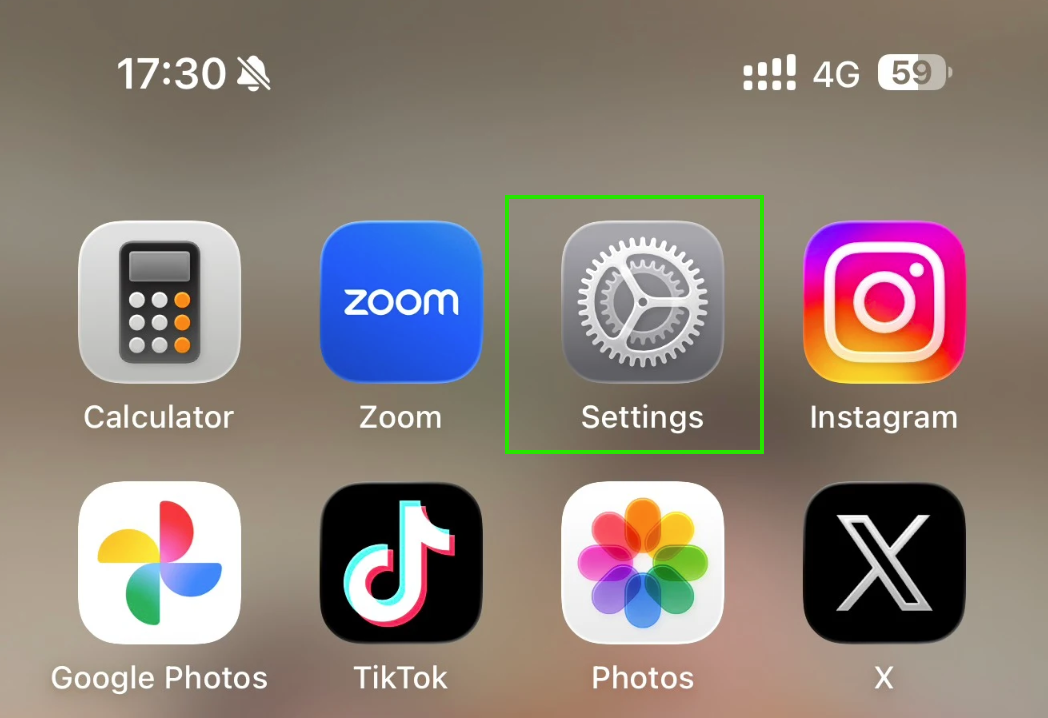
1.Go to Settings ⚙️: Tap the Settings app on your iPhone's home screen.
2.Tap Wi-Fi.

3.Tap ! behind your Wi-Fi.

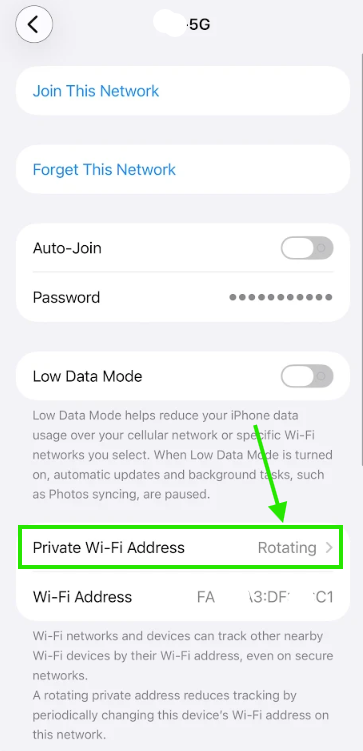
4.Tap Private Wi-Fi Address > Rotating.
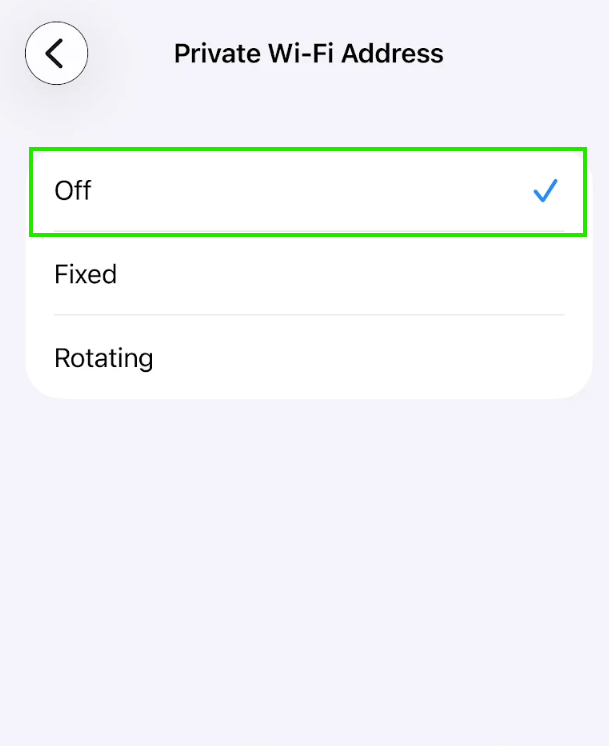
5.Change option Private Wi-Fi Address to "Off"
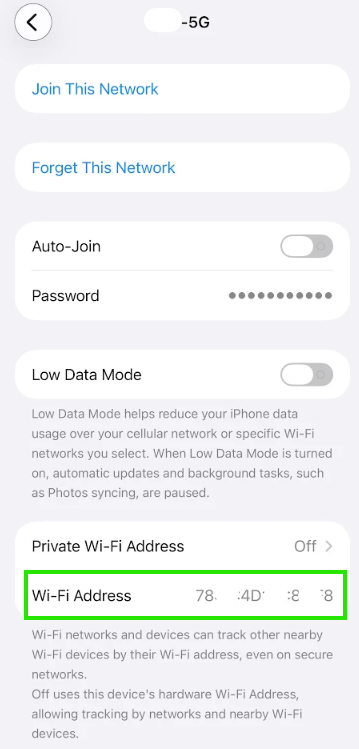
6.Step back and check mac address. Now is real mac address of Wi-Fi Address.
end..