
How to disible Private Mac Address WiFi on Android phone.


Disabling the Private MAC Address (often called Randomized MAC) The process to disable the Private MAC Address (also called MAC Randomization) on an Android phone is done on a per-network basis and the exact steps can vary slightly depending on your phone's manufacturer (e.g., Samsung, Pixel) and the Android version.
This feature is enabled by default on most Android devices running Android 10 and later to enhance your privacy by preventing tracking across different Wi-Fi networks.
General Steps to Disable MAC Randomization.
1.Open Settings ⚙️: Go to the main Settings app on your phone.

2.Navigate to Wi-Fi Settings:
- Tap Connections (or Network & Internet on Samsung devices).

3.Tap Wi-Fi (or Internet)
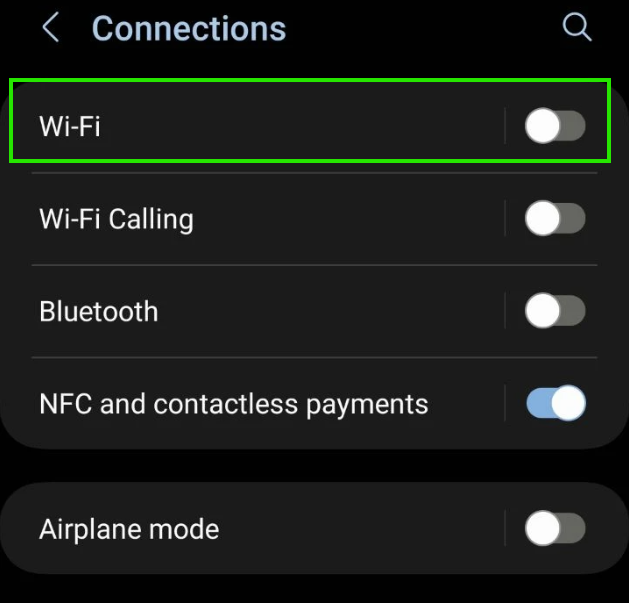
4.Tap turn on Wi-Fi.
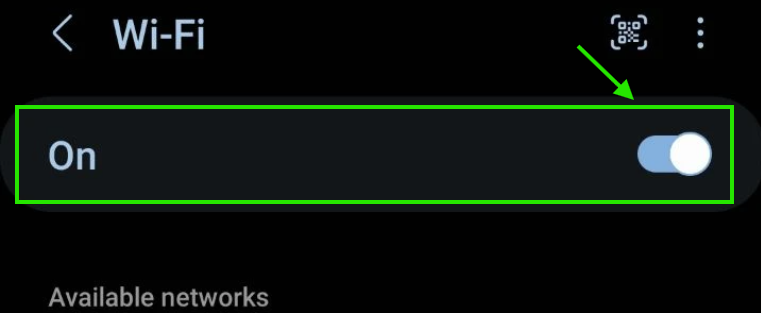
5.Choose the Wi-Fi network you want.

6.Tap at below "View more"

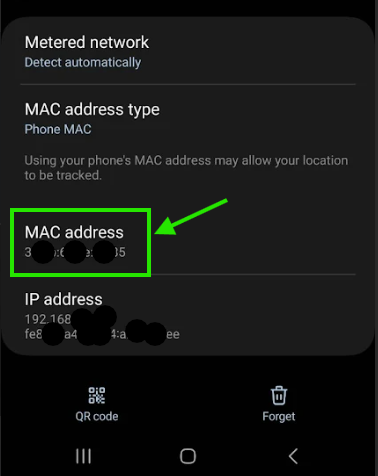
7.Looking for the "MAC address type" and tap it.

8.And choose at "Phone MAC"

9.Looking at the "MAC address". Now is real Mac address of Wi-Fi Address.
end..