
How to uninstall updates windows update on windows 11.


To uninstall updates in Windows 11, This method is suitable for resolving slow performance or errors after an update.
Methods to Uninstall Windows 11 Updates:
- go to Settings.

- Selete Windows Update.

- Selete Update history.

- And choose Uninstall updates.
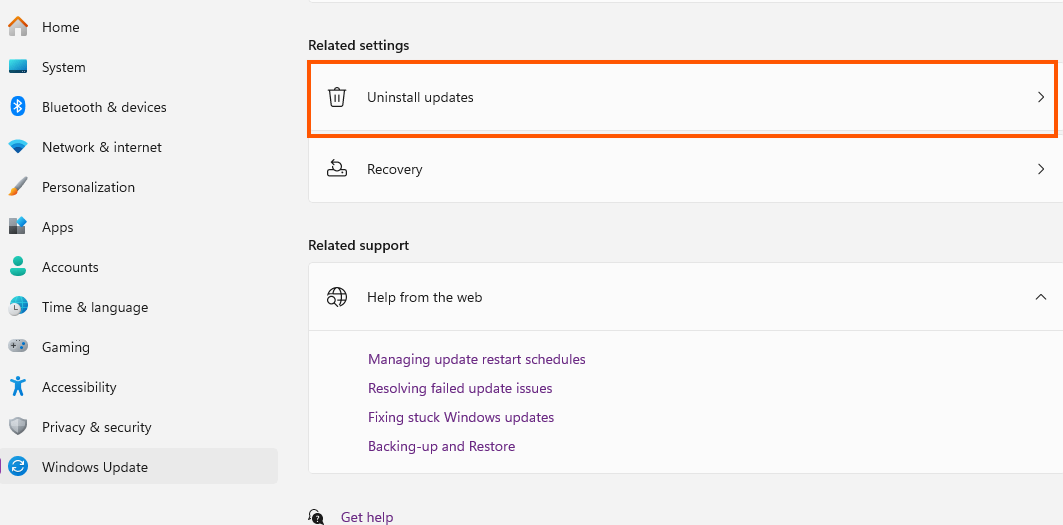
- You can see all of update, Choose the most recent one that caused the problem then click Uninstall.

- The system may prompt you to restart the device to complete the process.
finished..