
How to use keyboard shortcuts to select a color from the screen (color picker).


For those who need to create PowerPoint slides, edit images, design web pages, or want to get the exact colors from a logo/image on the screen without opening Photoshop or wasting time saving and using a color picker website, Windows has a hidden toolkit called Windows PowerToys (official free software from Microsoft) which contains this hidden feature.
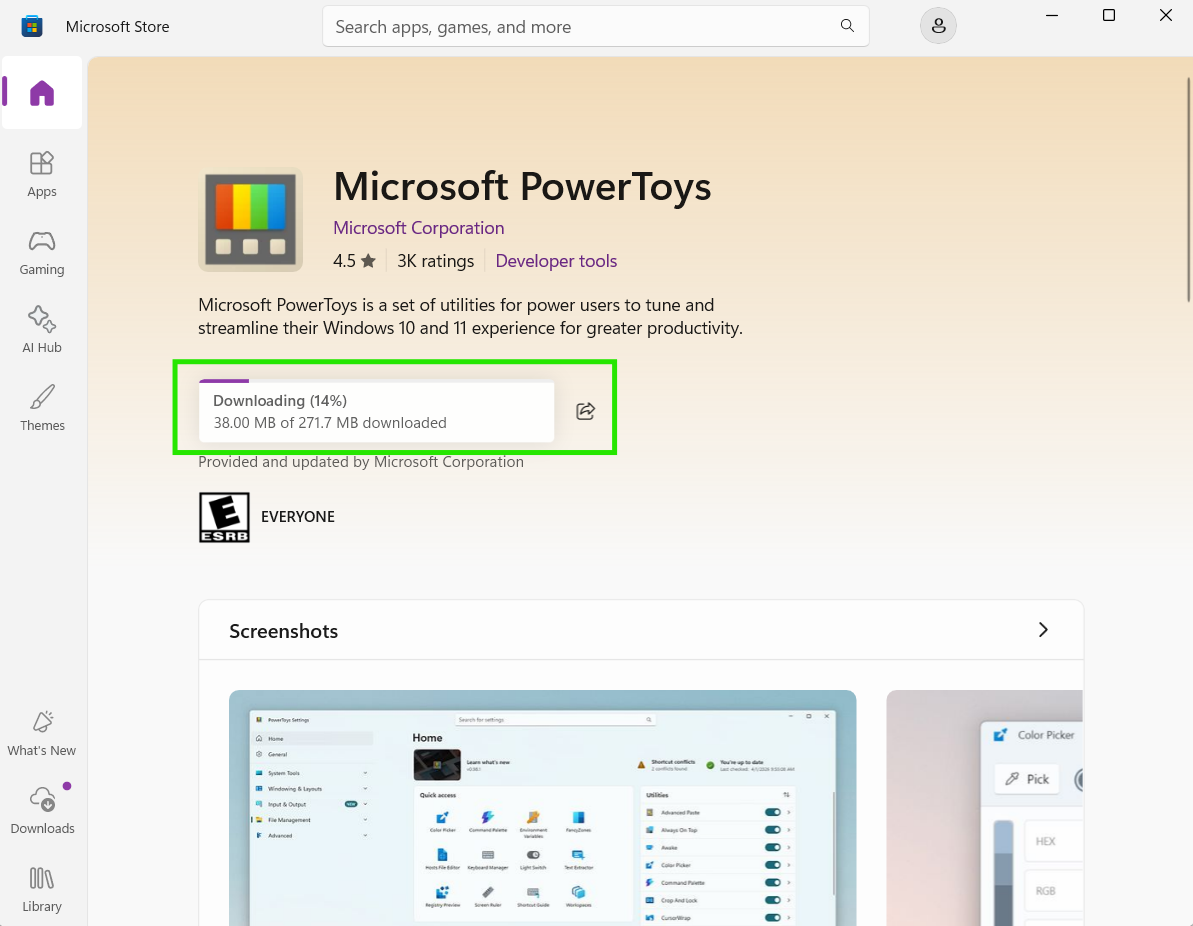
First, if your computer doesn't already have the PowerToys app (noticeable when it doesn't appear when you click the button), you can download it for free from the Microsoft Store. Simply search for "Microsoft PowerToys".
How to use the color picker shortcut like a pro:
- Press the Windows + Shift + C keys simultaneously.
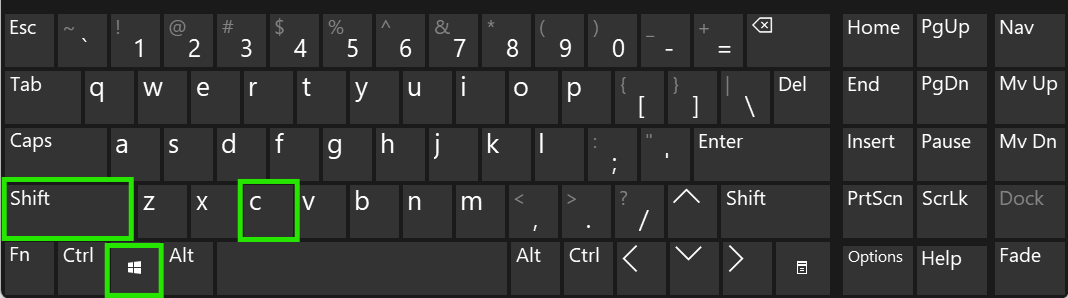
2.The screen will be frozen, and your mouse cursor will transform into a magnifying glass. When you hover your mouse over any point on the screen (whether on a website, in a video, or in an app), the color code (HEX/RGB/CMYK) will be displayed immediately.
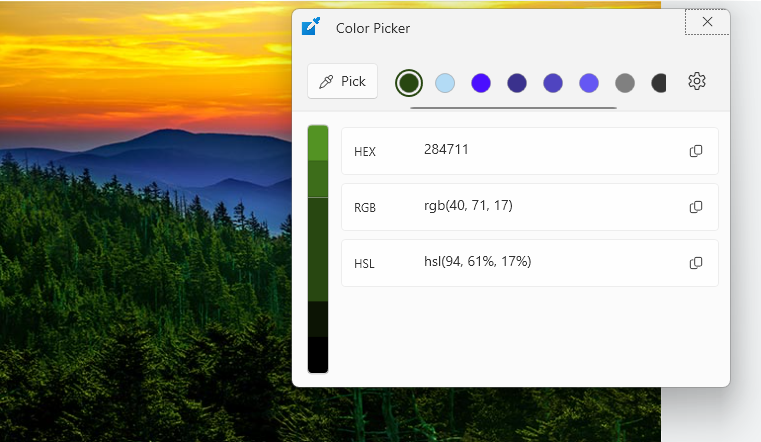
- Clicking the left mouse button once will copy the color code to the clipboard. You can then press Ctrl + V and paste it into the color changing box of various programs.
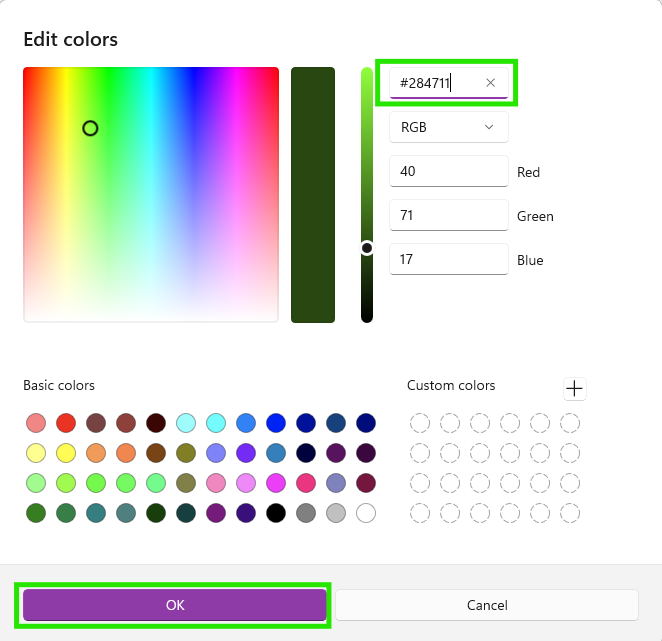
finished..