
Kaspersky Security Center 15.1 system backup


Backup Kaspersky Security Center(KSC) this importanc process for prepaing databackup to move or restore backup to the new server
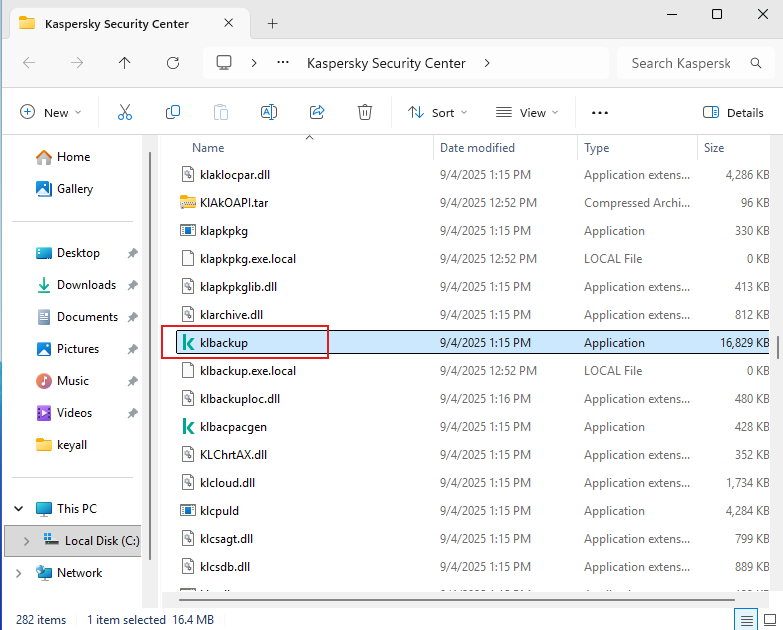
- Open program folder by Goto
C:\Program Files (x86)\Kaspersky Lab\Kaspersky Security Center\klbackup.exe
- Looking for file name "klbackup.exe"
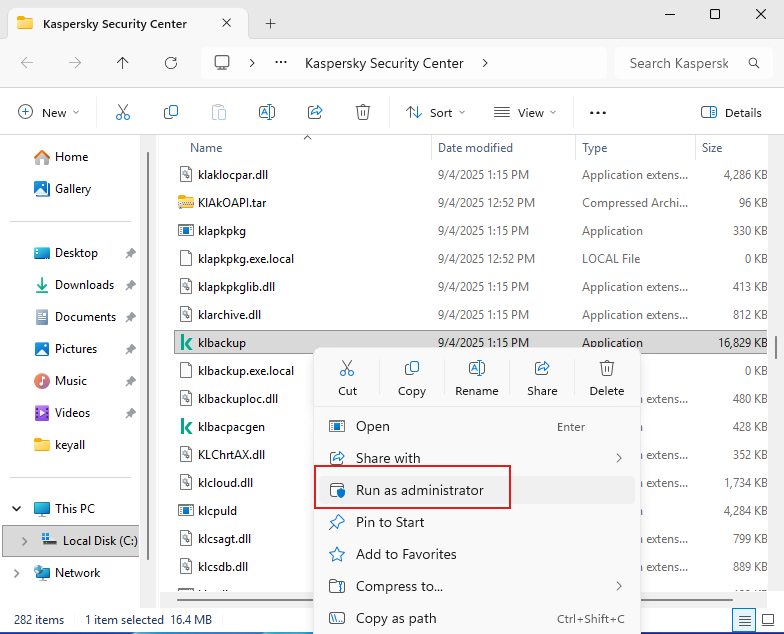
- Right-click > "Run as administrator".
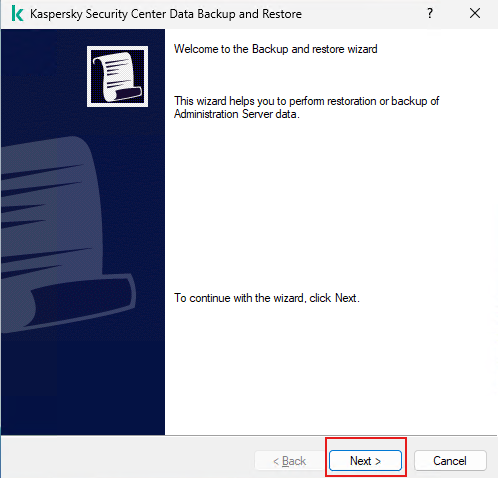
- Kaspersky Security Center Data Backup and Restore wizard will showed. Click "Next".
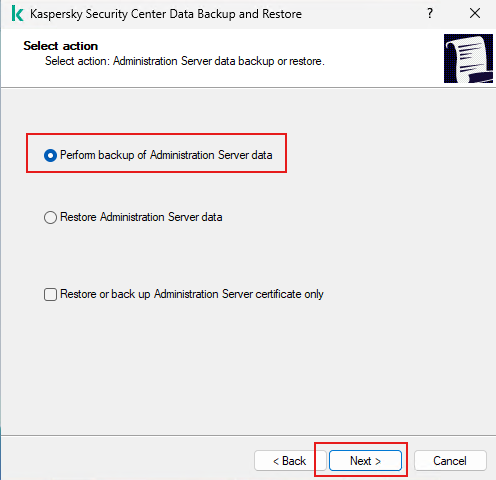
- Checked "Perform backup of Administration Server data". Click "Next".
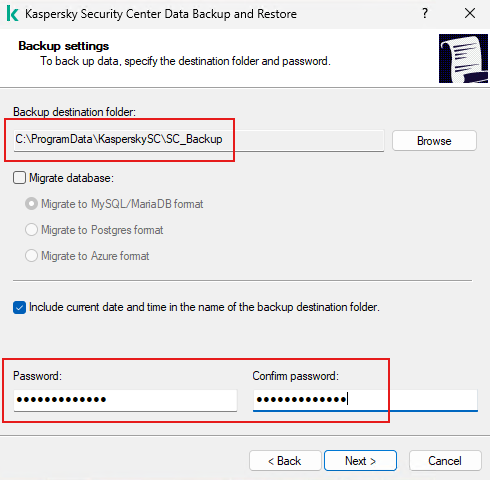
- Select backup destination (This example using default). And enter the password (Keep remember password this will using when restoring). Then click "Next".
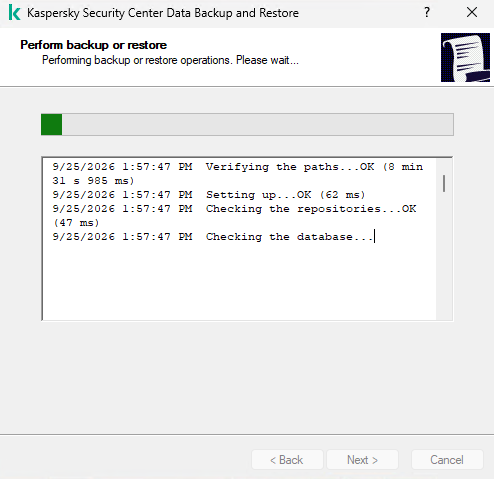
- Backup on process.
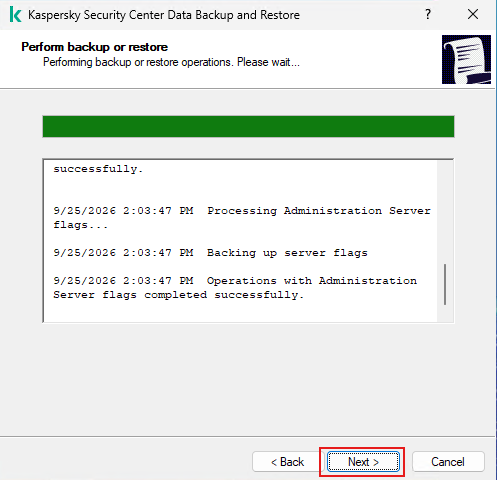
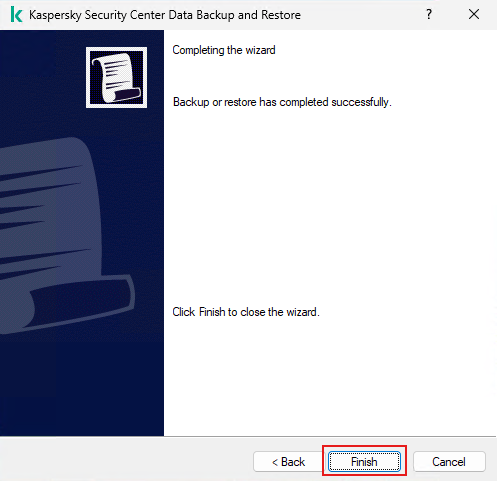
- Check file backup is created at (C:\ProgramData\KasperskySC\SC_Backup).
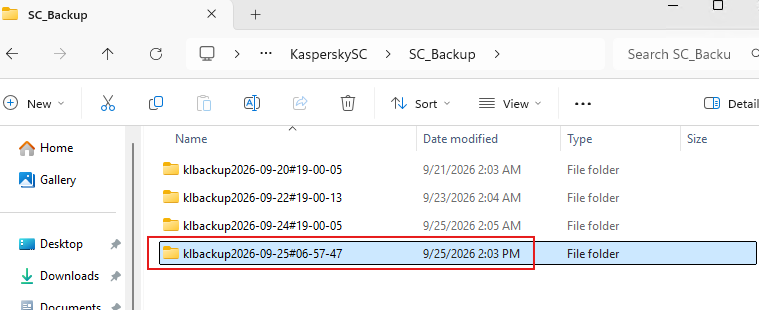
- Copy this file to safe location (not the same server incase Disaster Recovery).