Kaspersky Security Center 16 on Ubuntu 24.04 - First login pages and setup pages


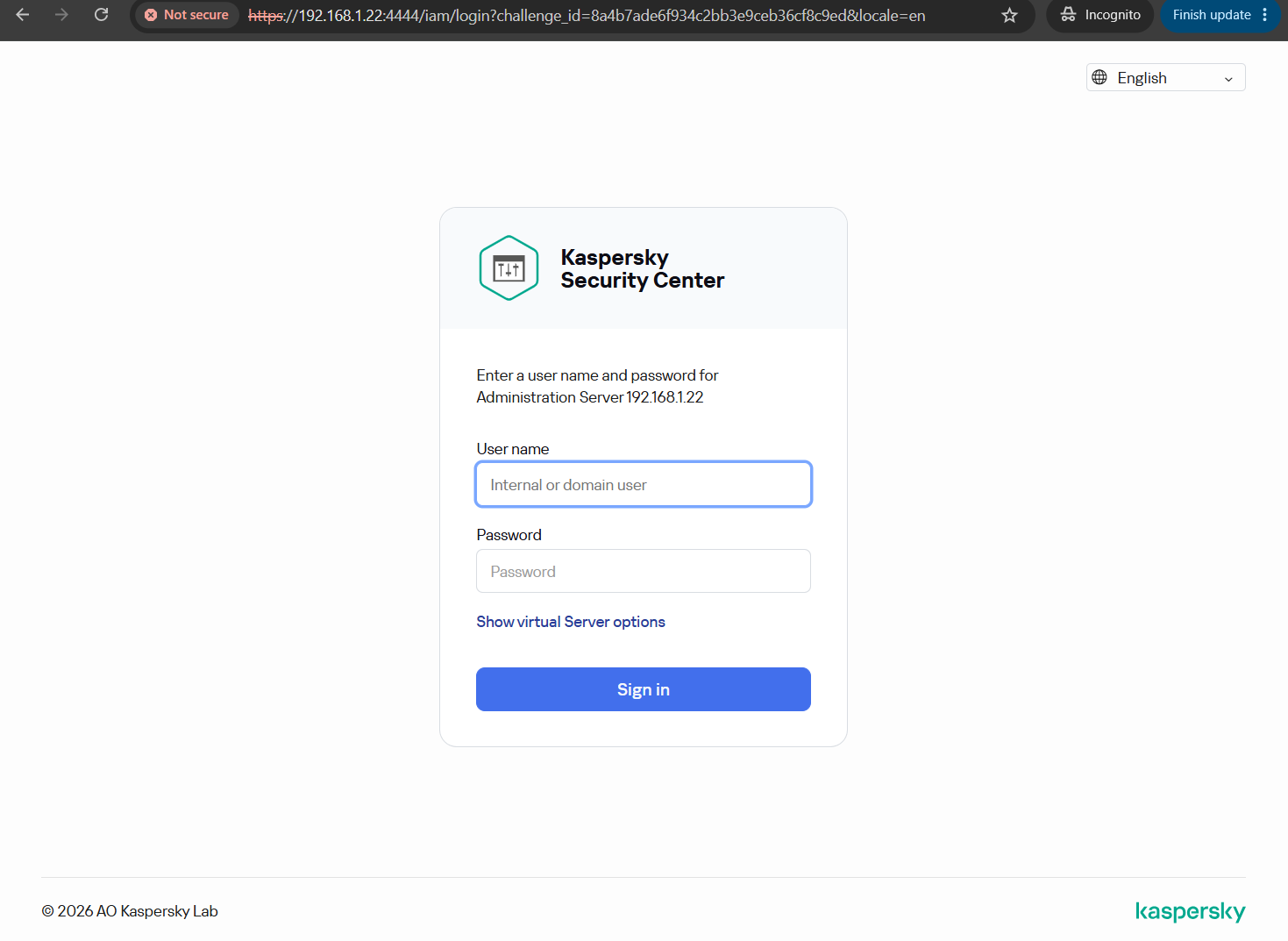
Quick review pre-setup for the first time login goto https://your_server_ip:8080 (After install successfully).
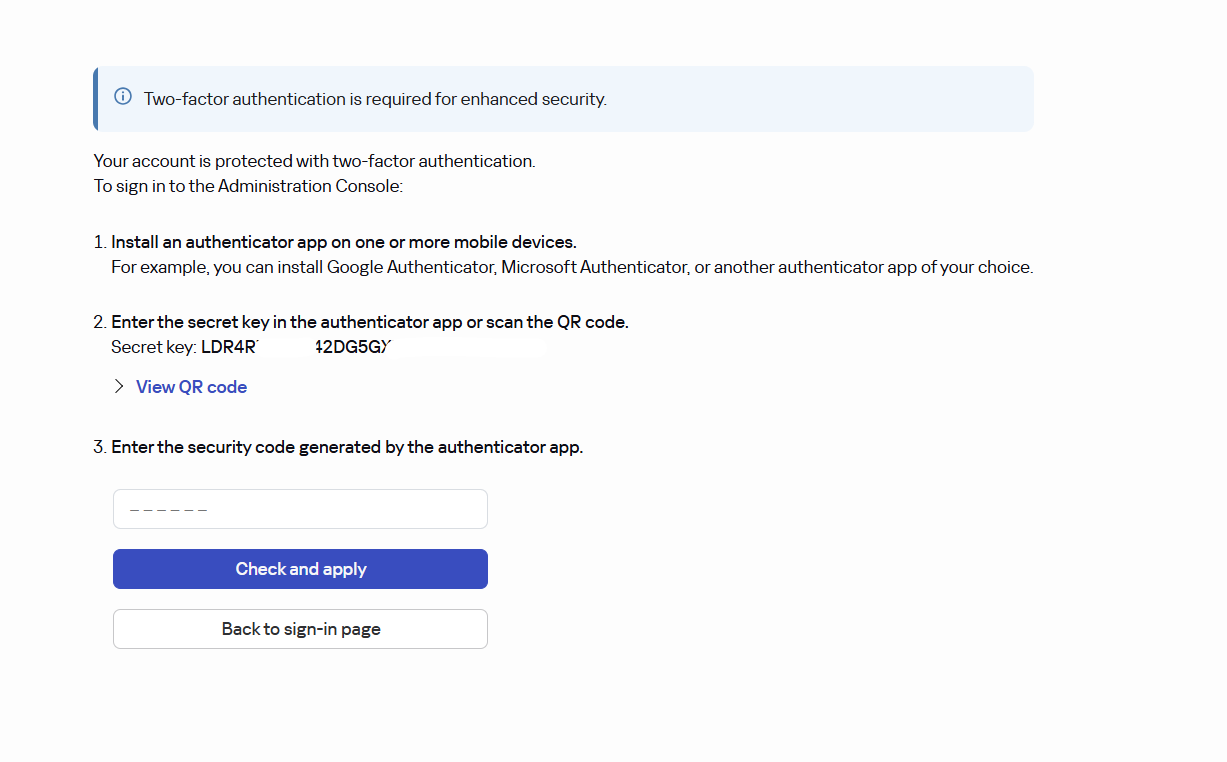
For the first login system will require to set 2FA login, you can use barcode to register 2FA with app on mobile (Ex.Google/Mikcrosoft/1Password Authenticator).
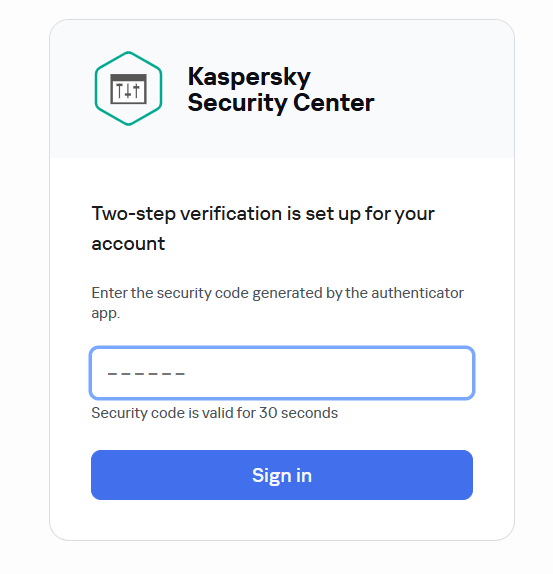
Enter code from your 2FA app to login.
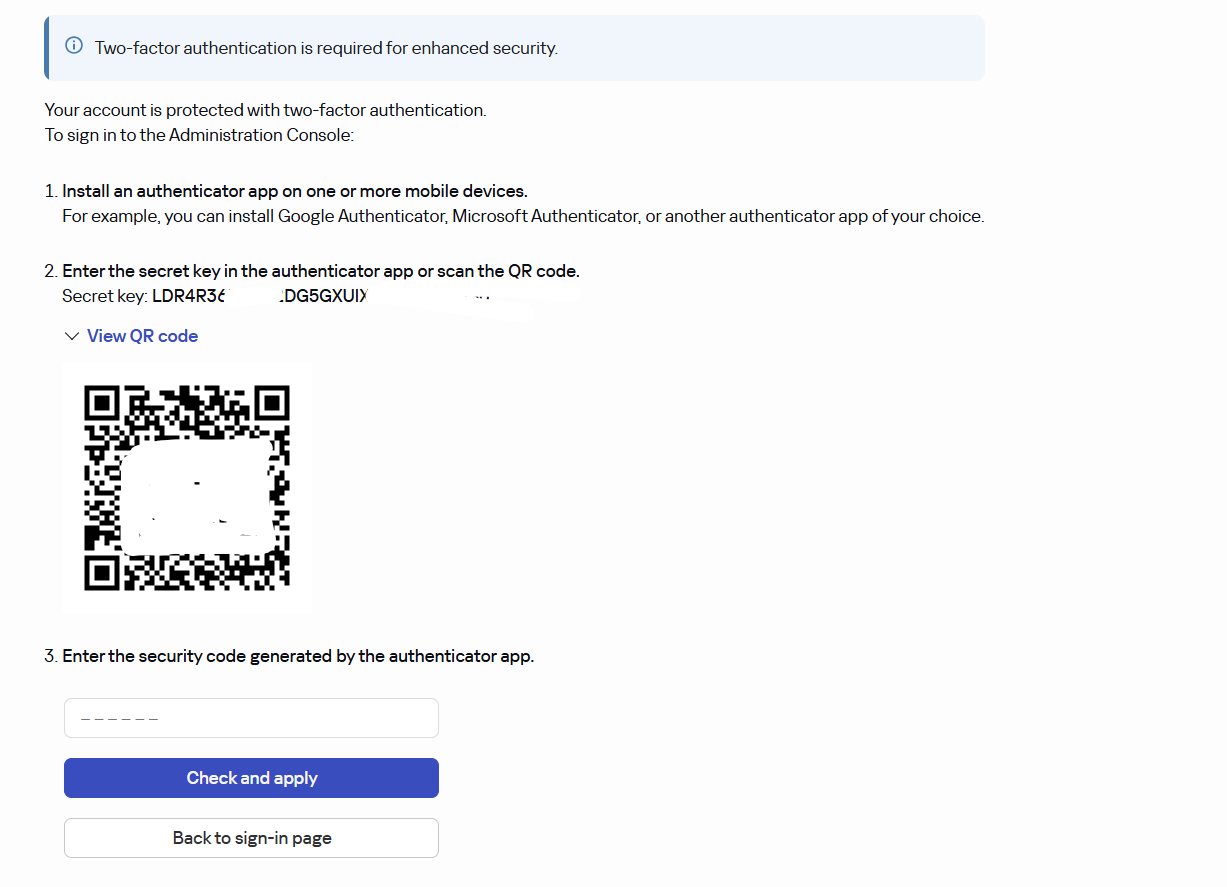
Two-step verificatin for login
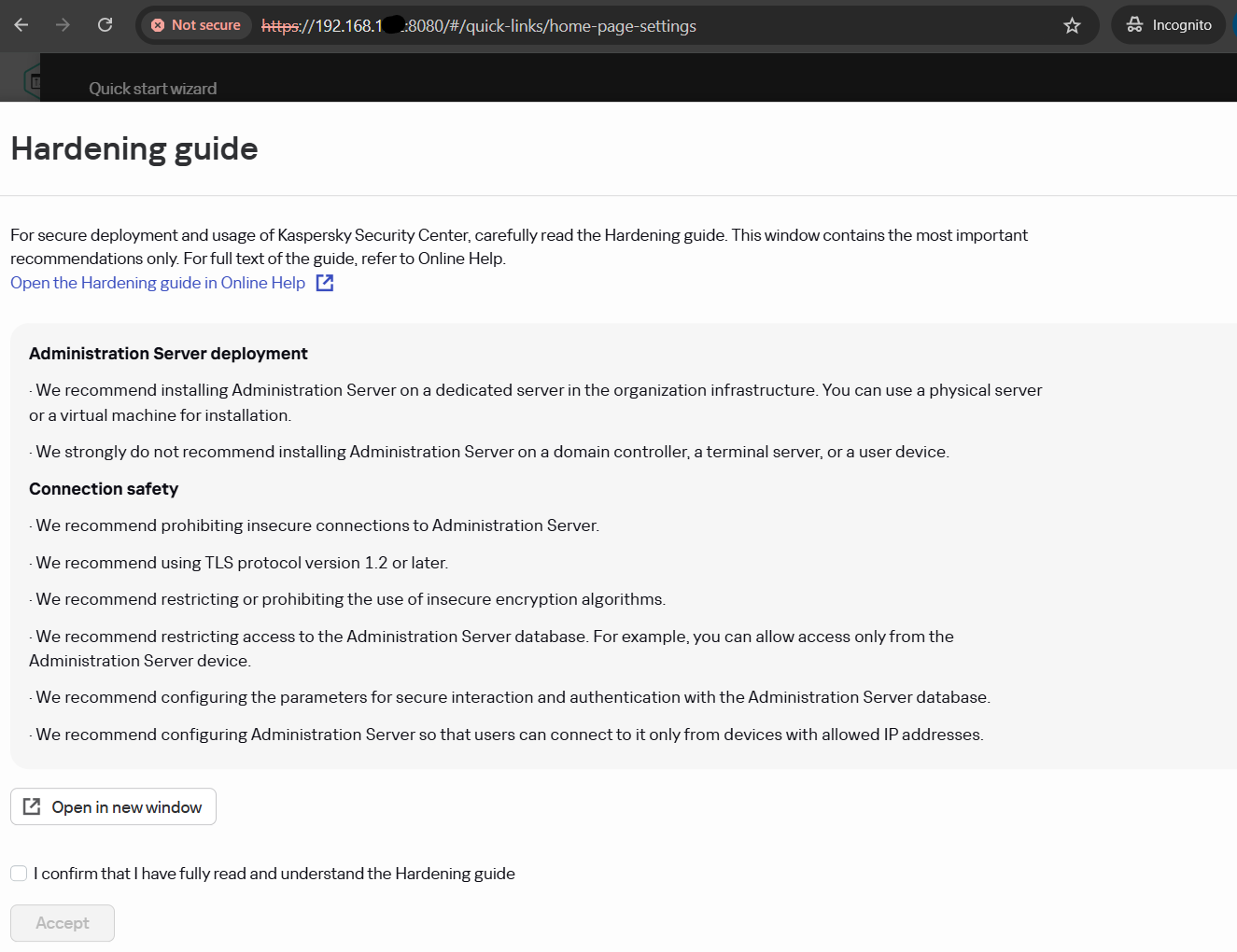
Confirm for fully read Hardenning guide
Welcome page
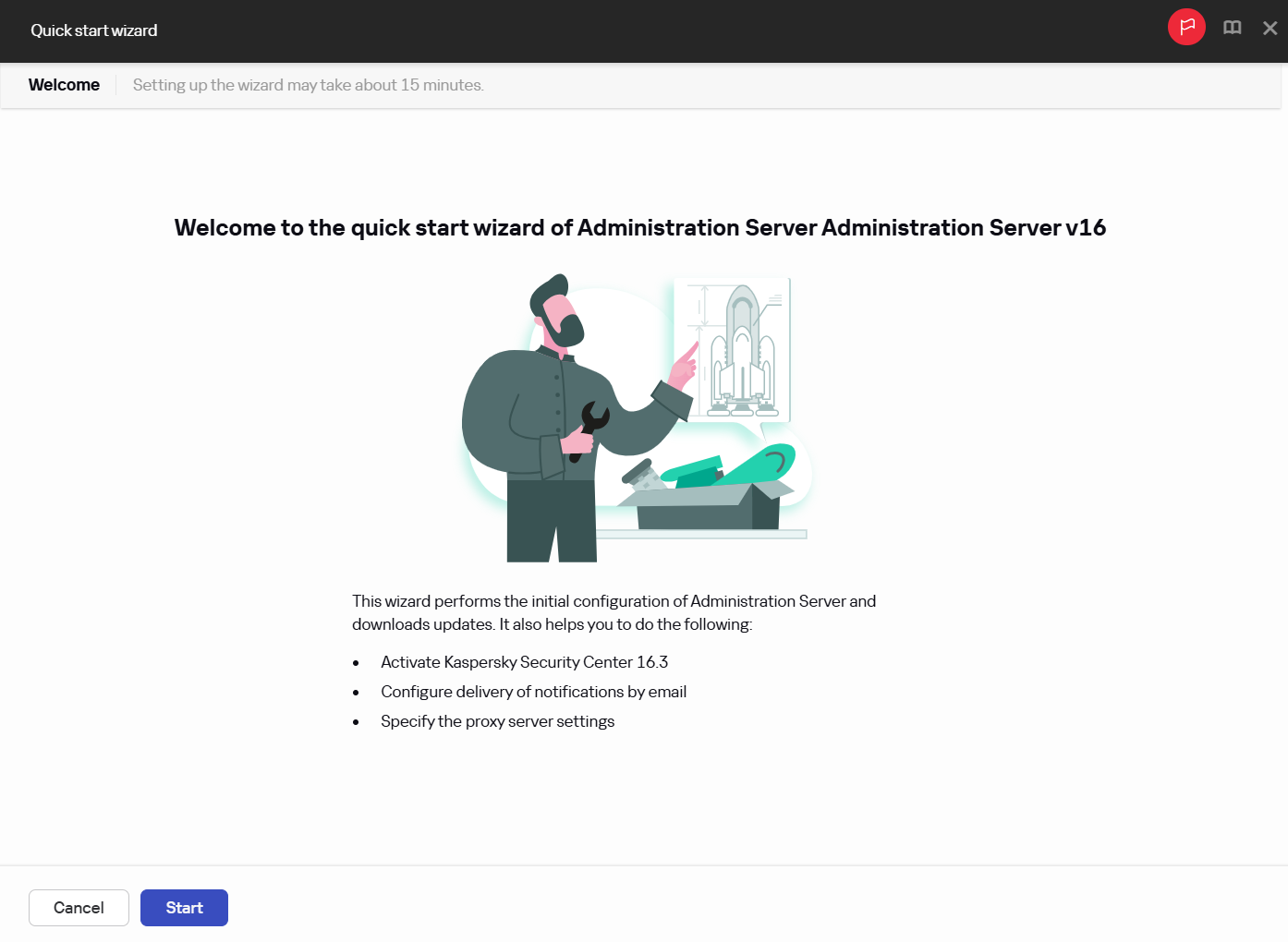
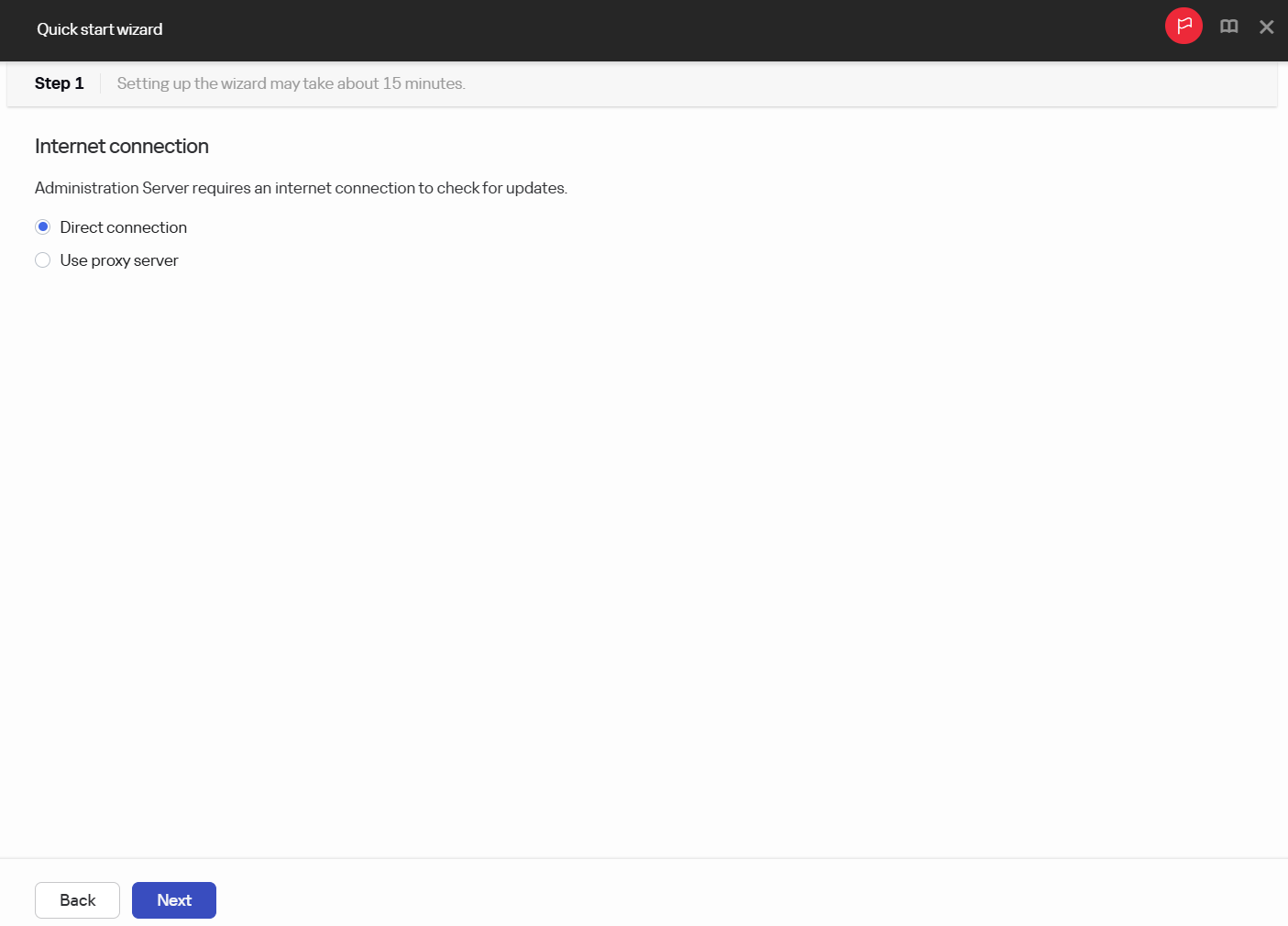
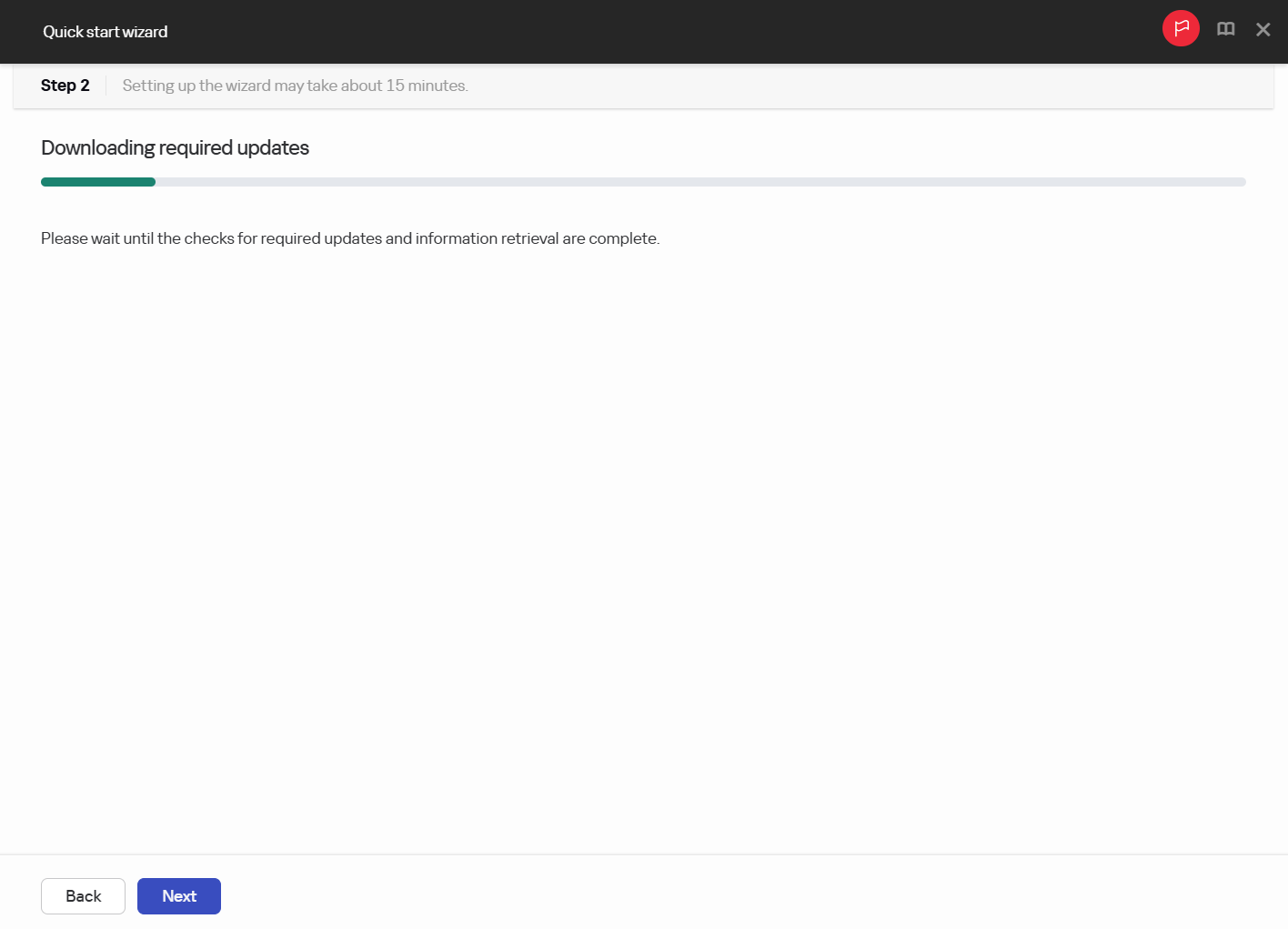
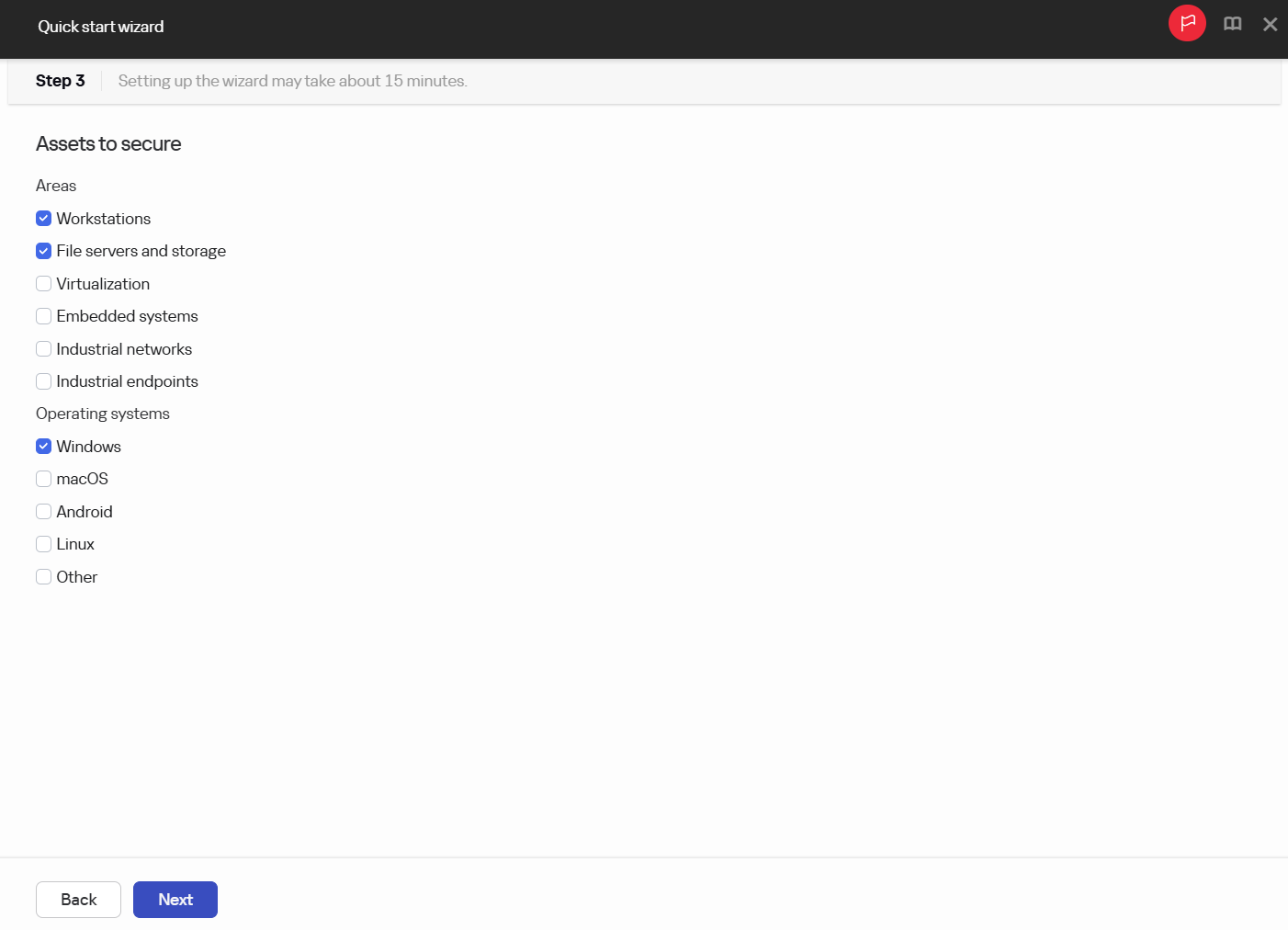
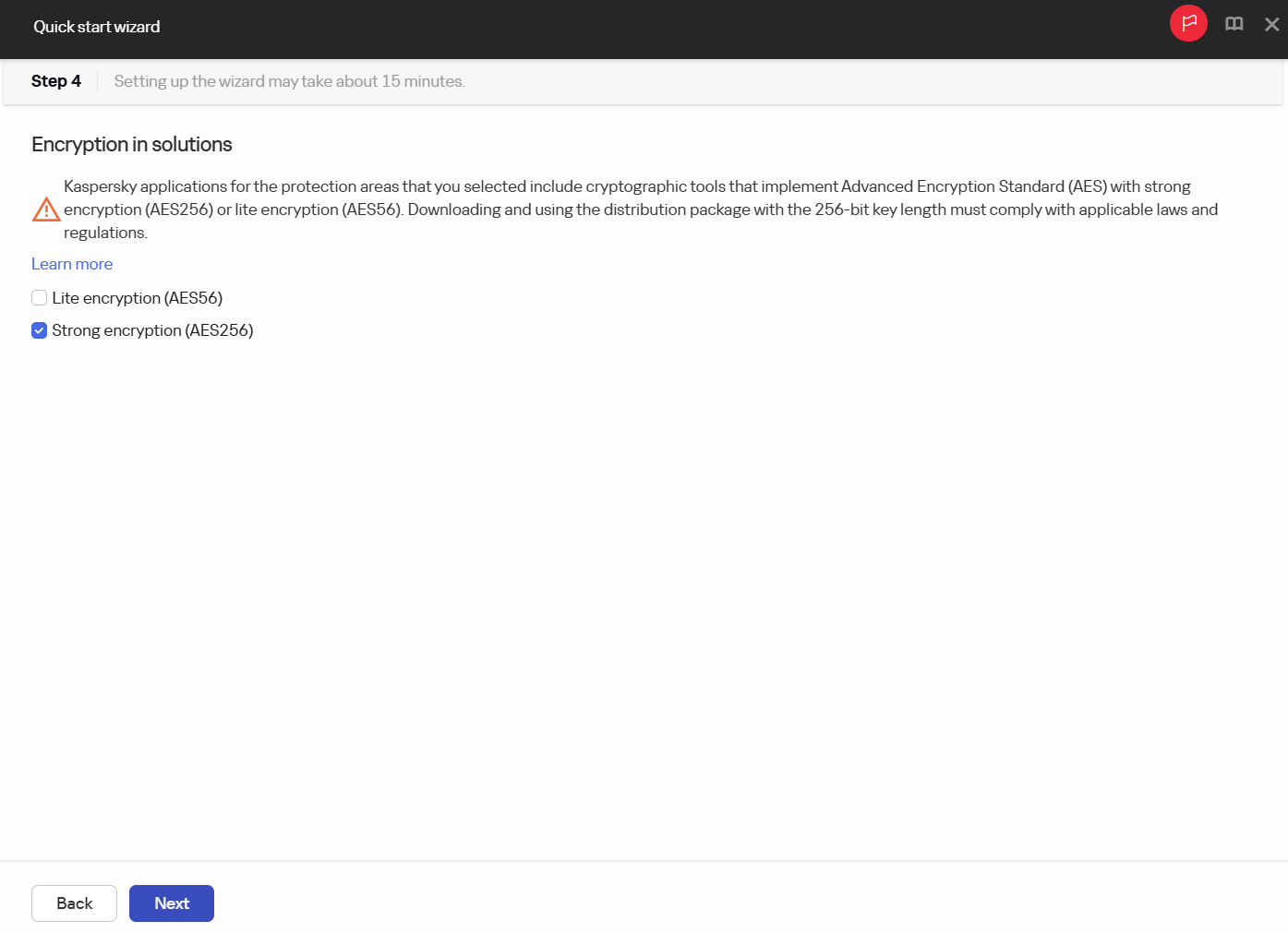
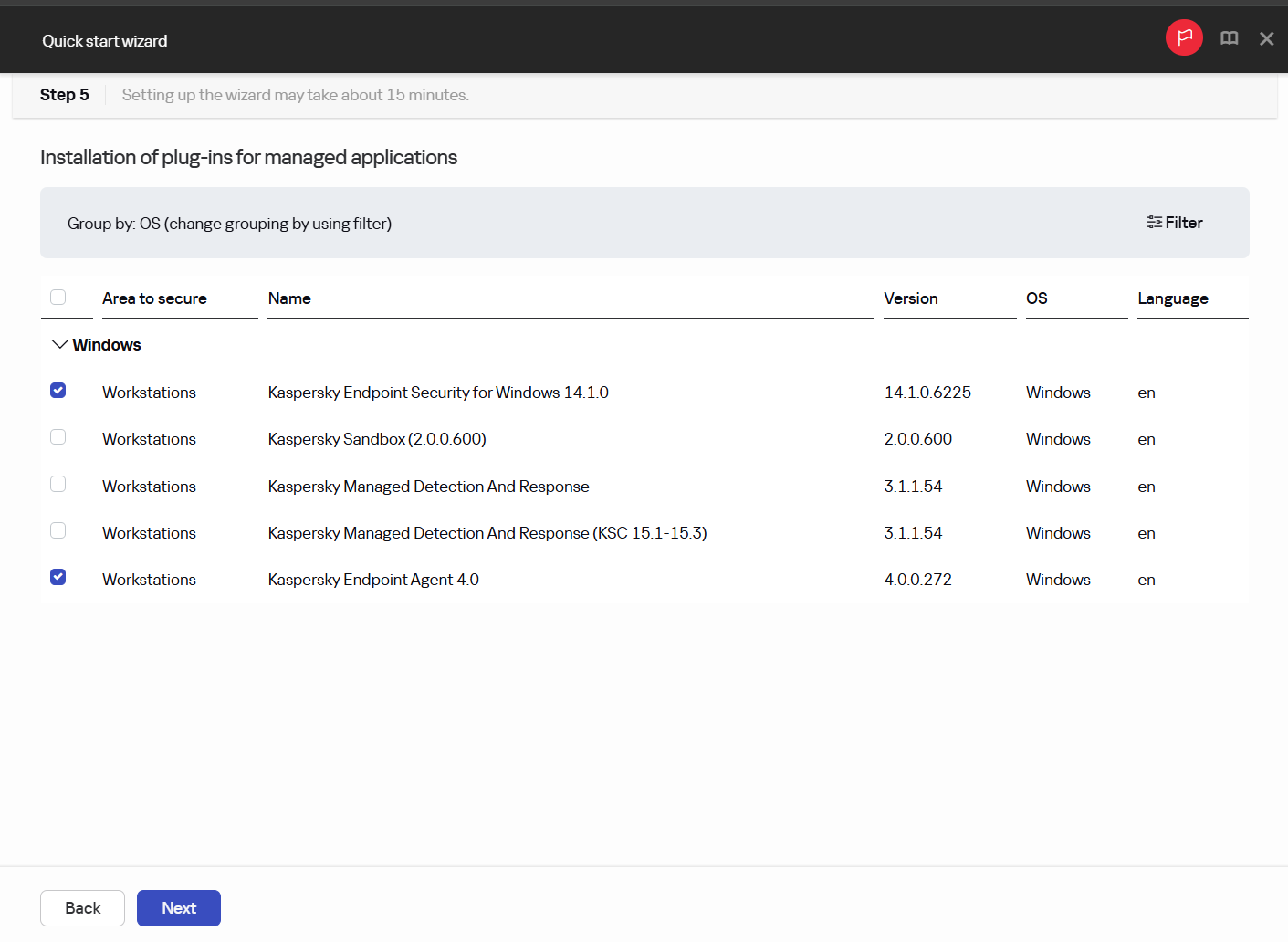
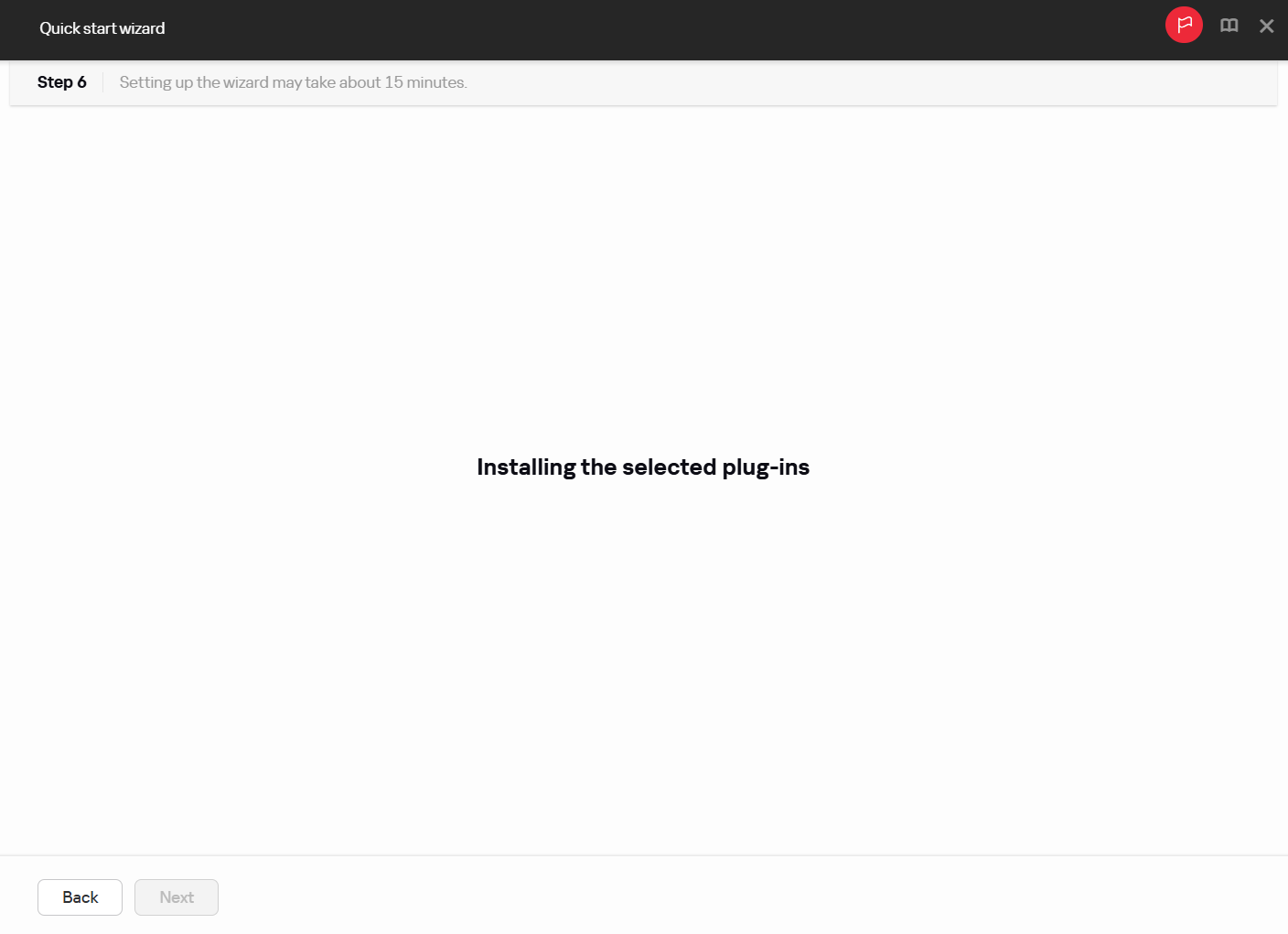
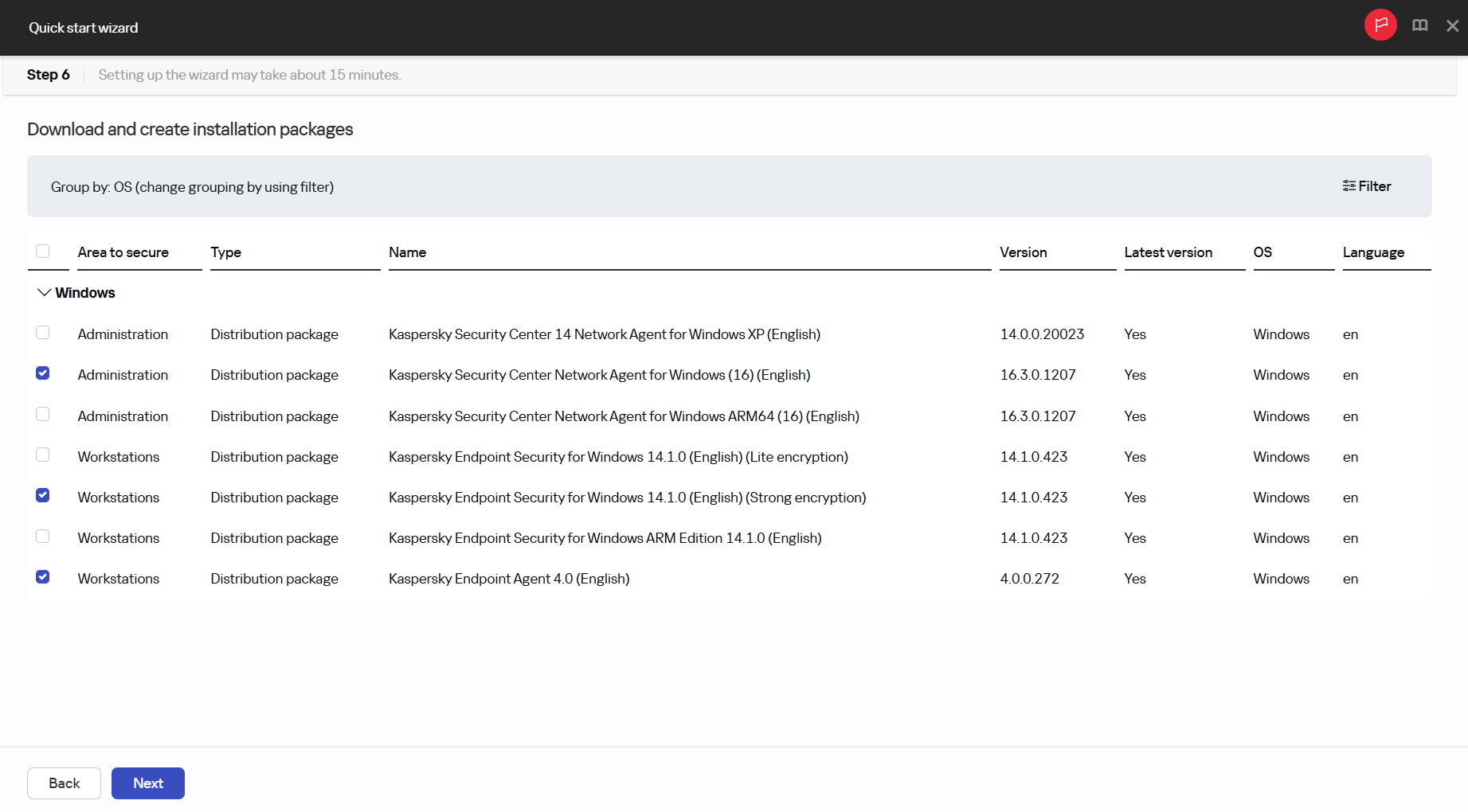
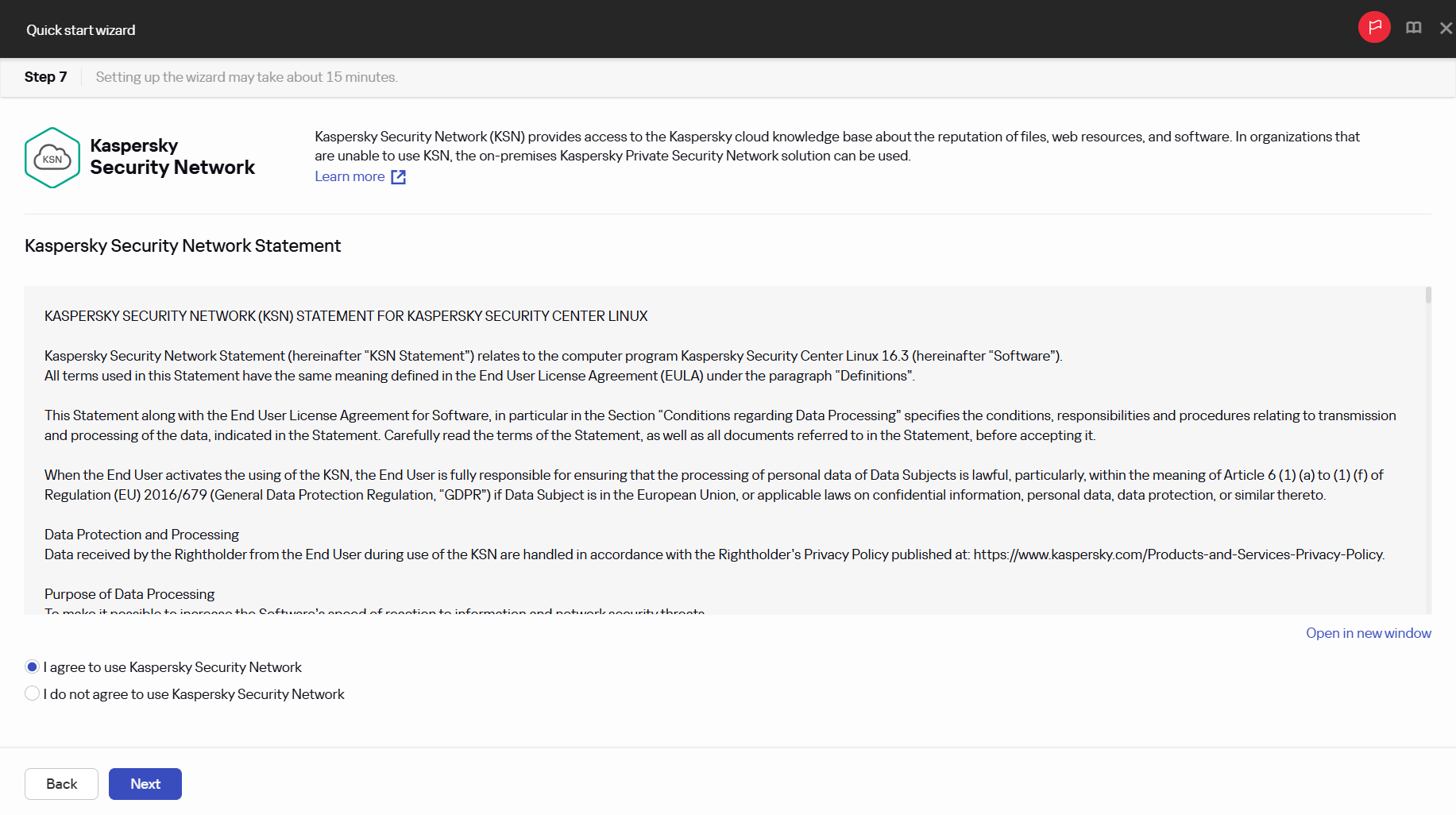
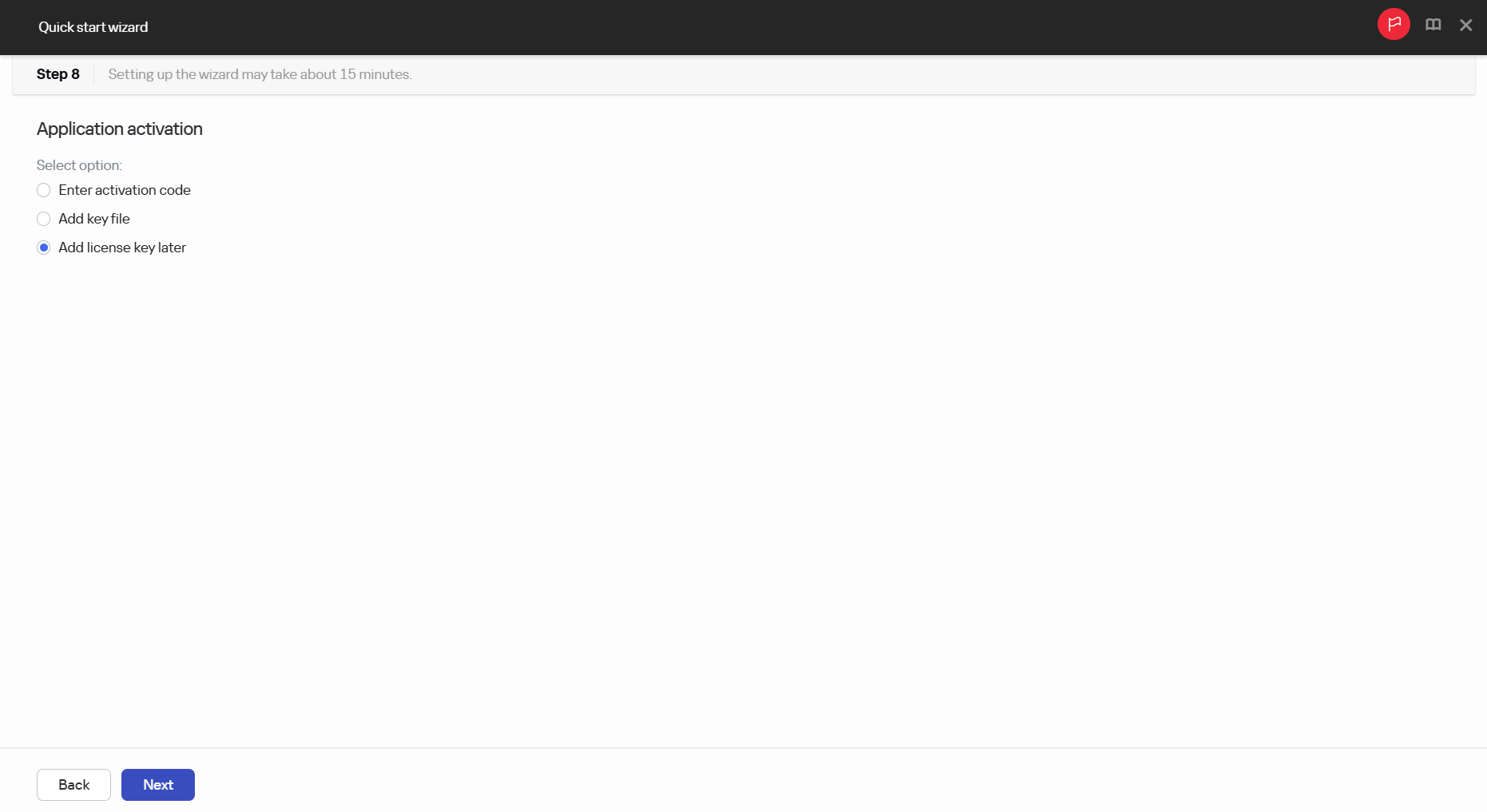
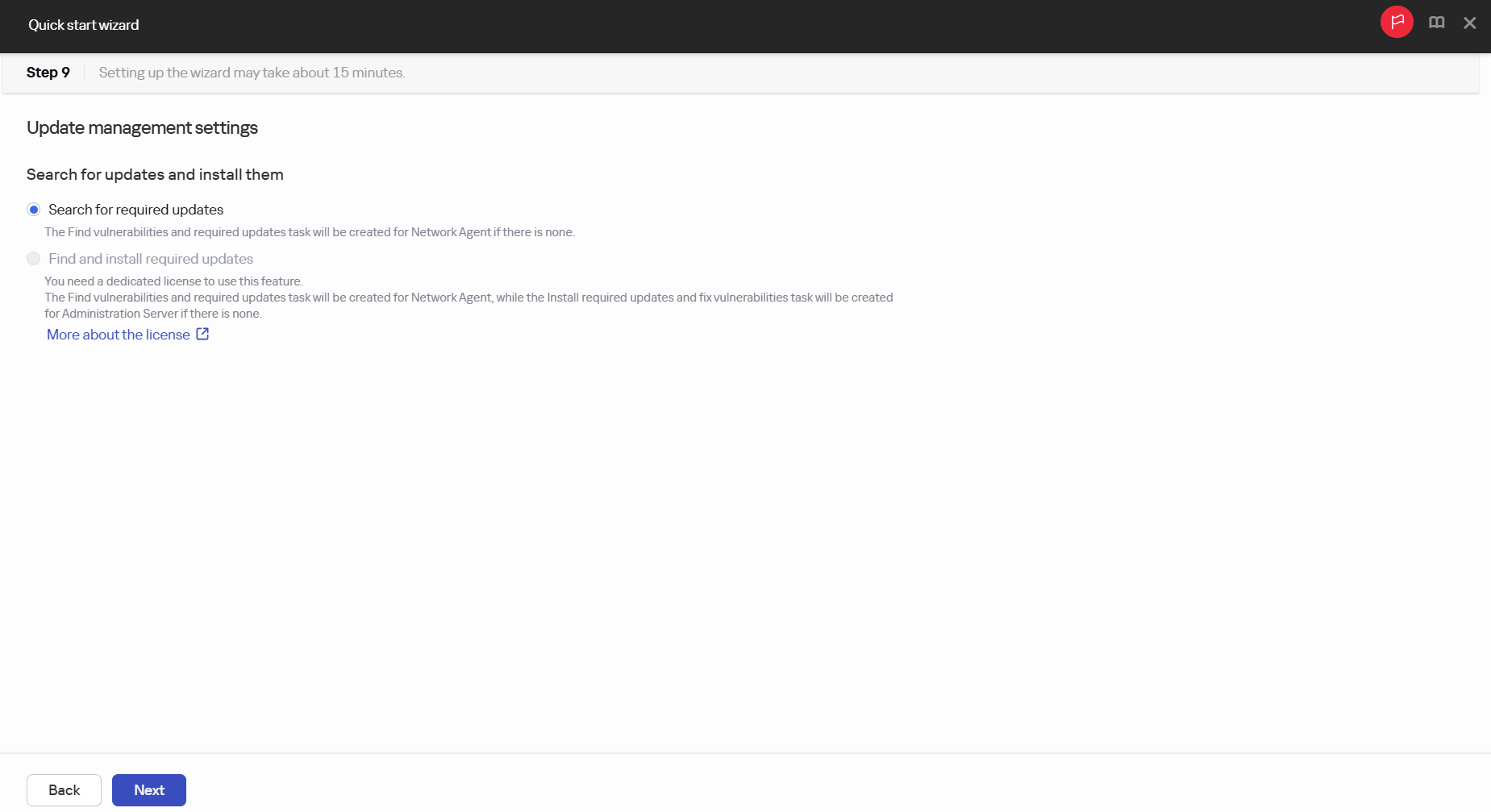
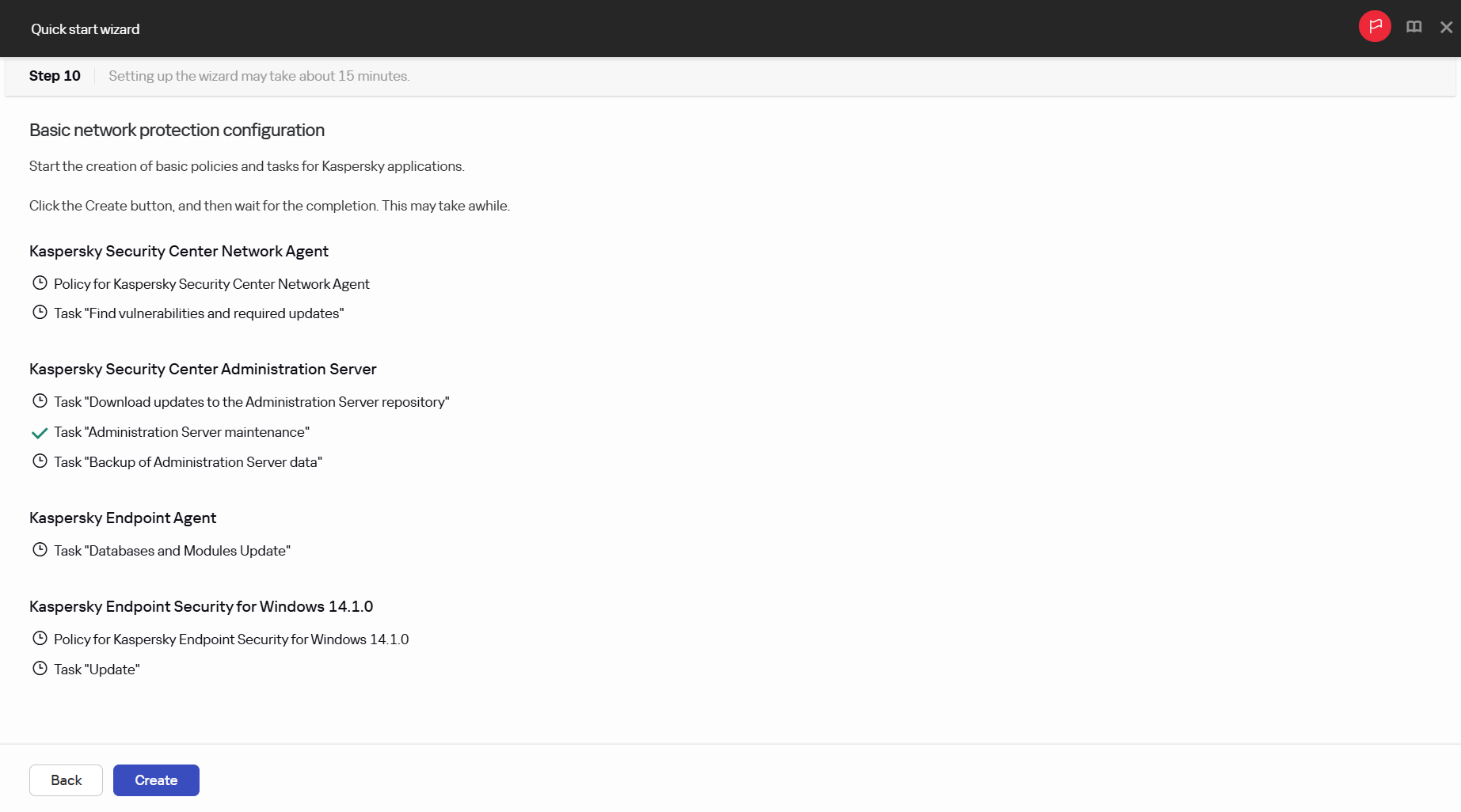
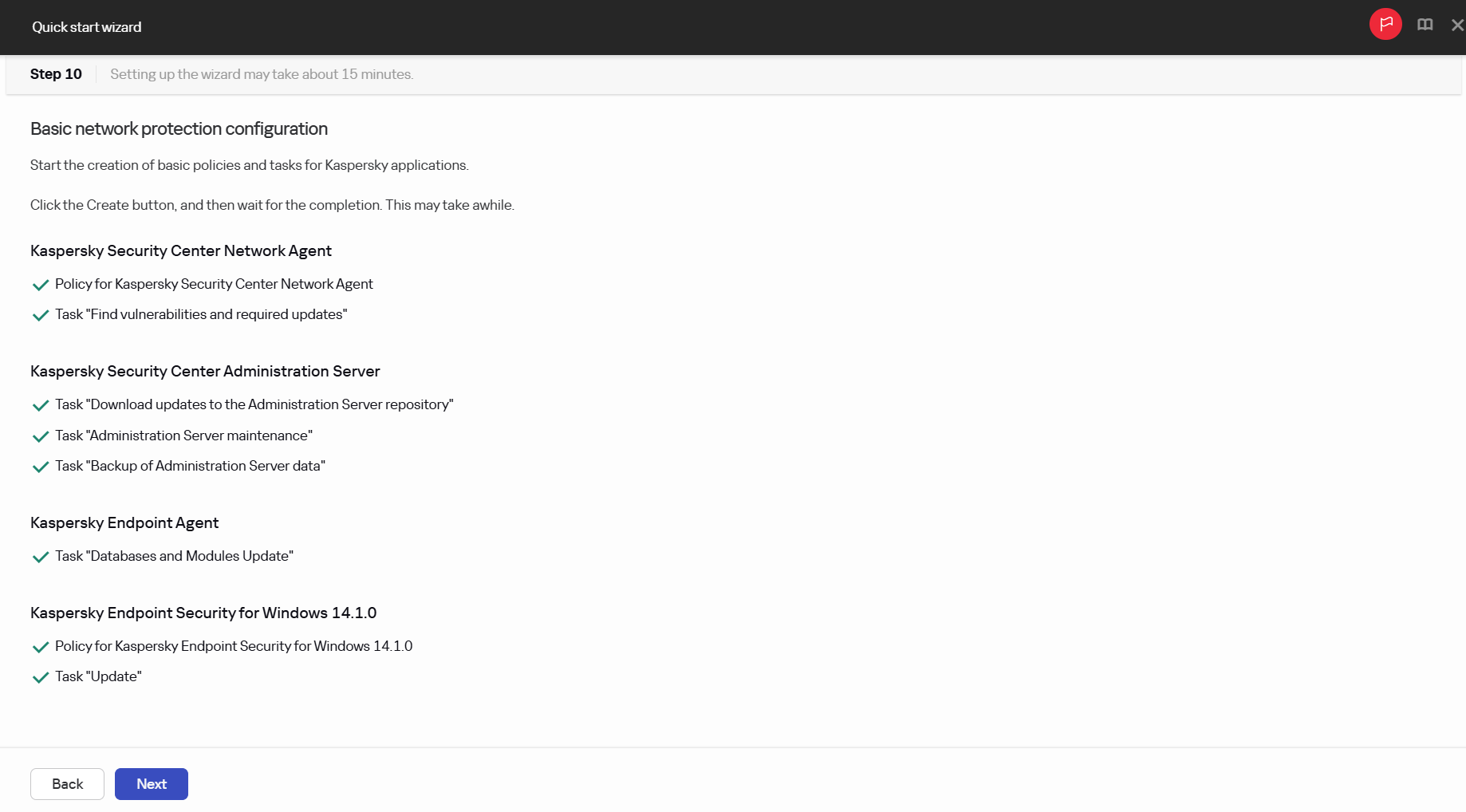
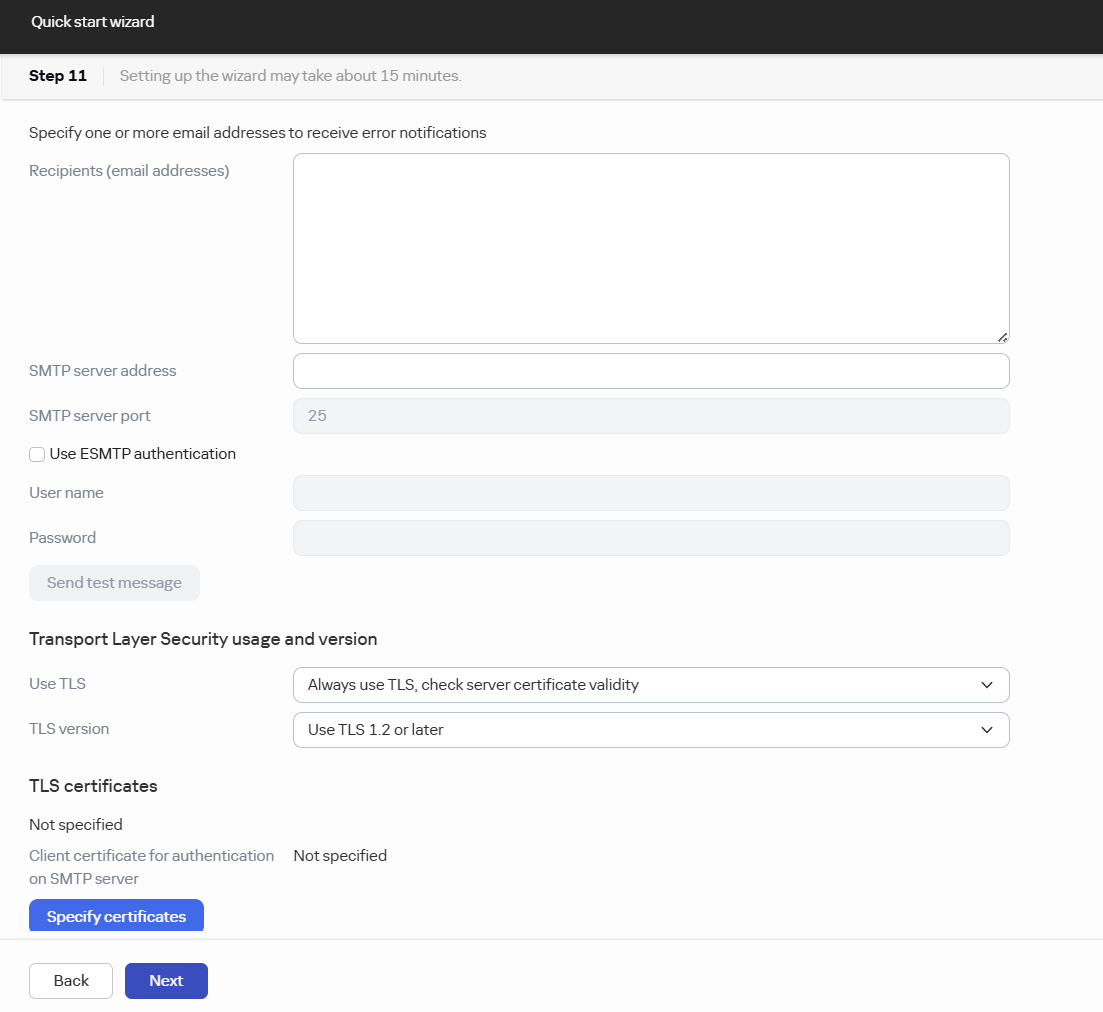
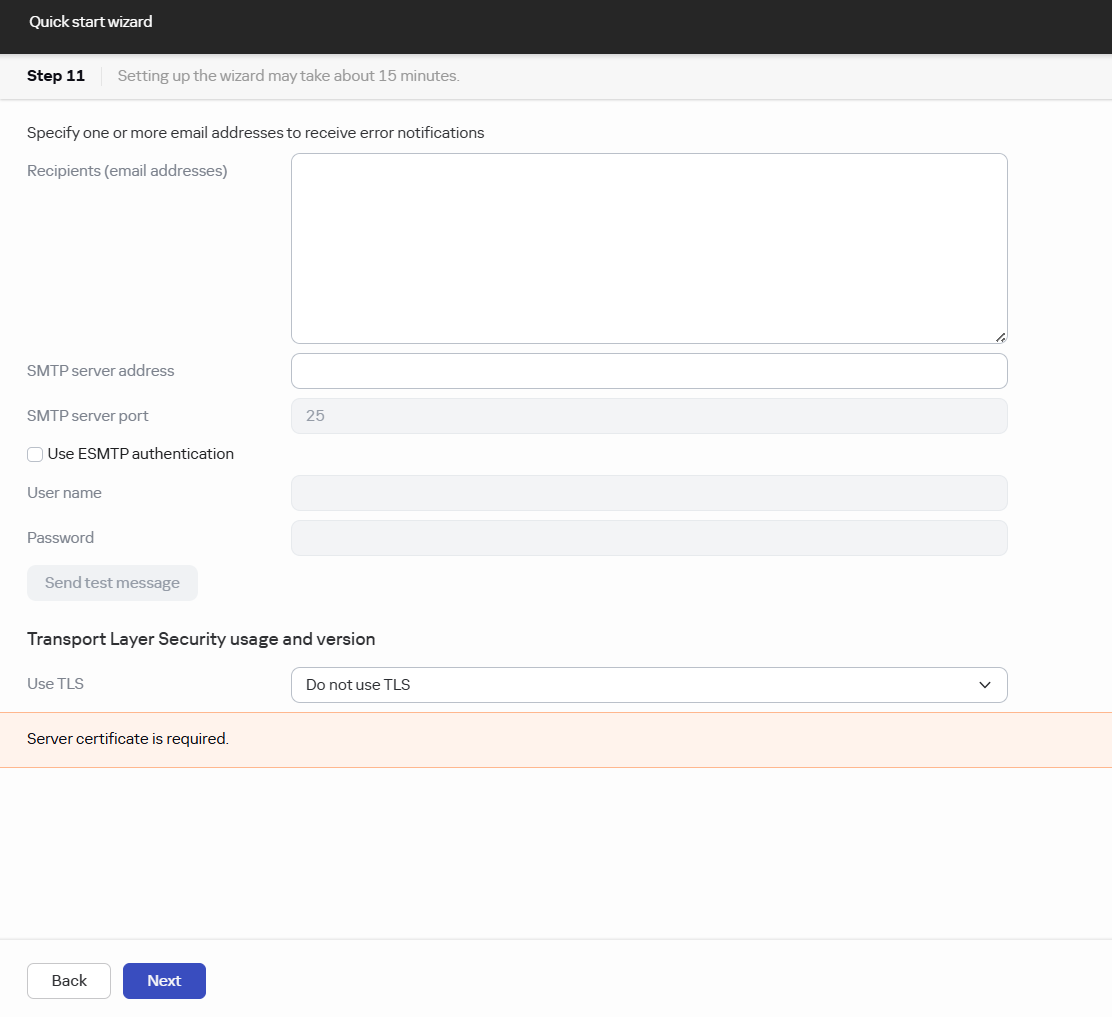
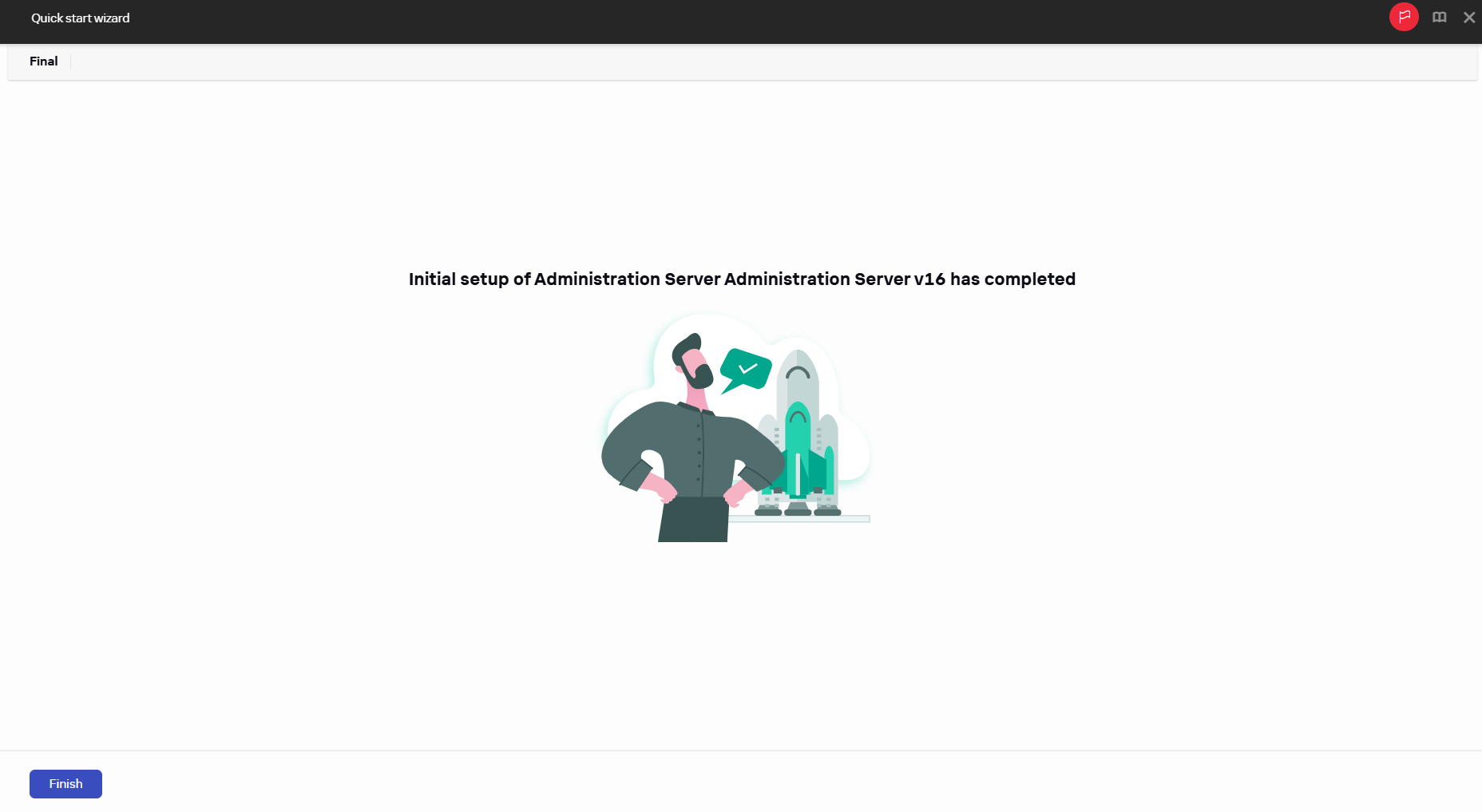
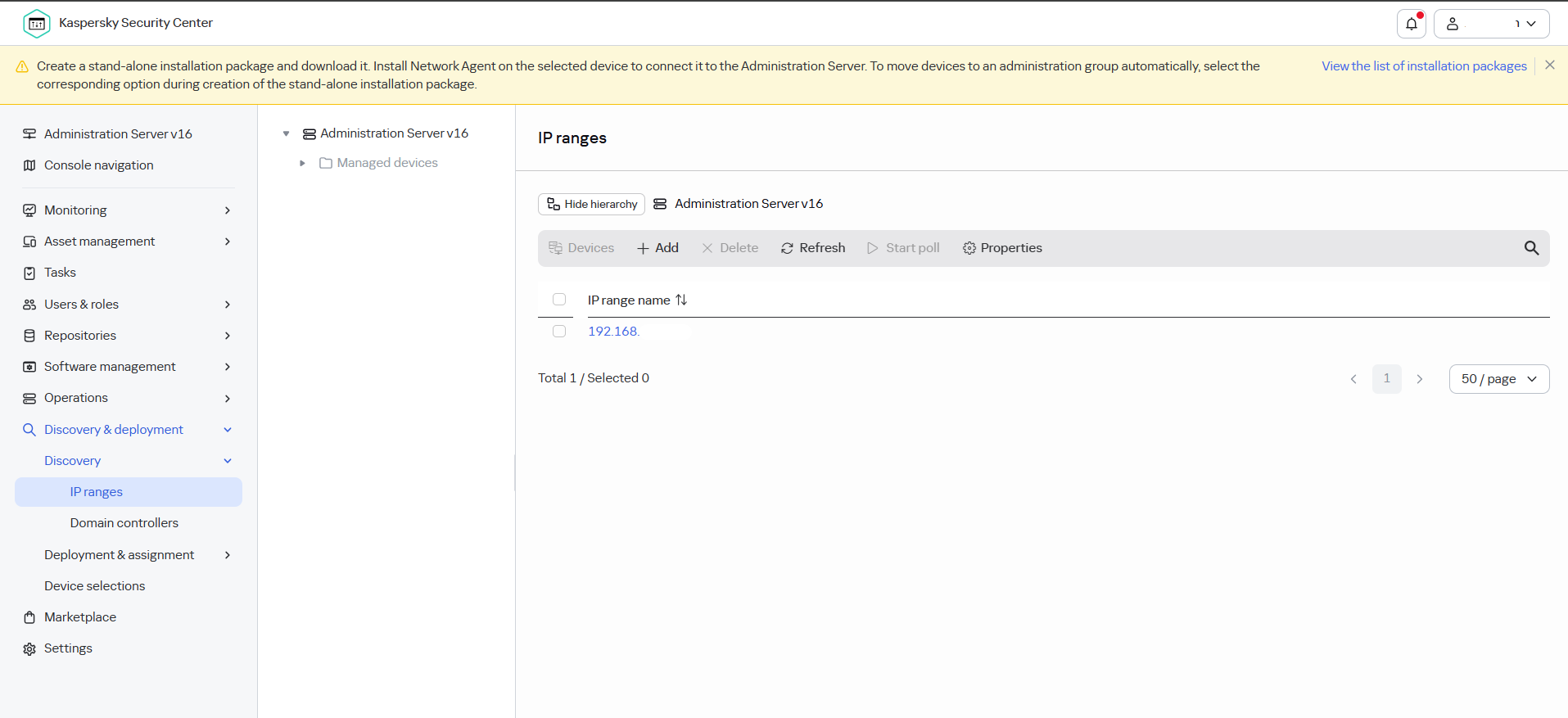
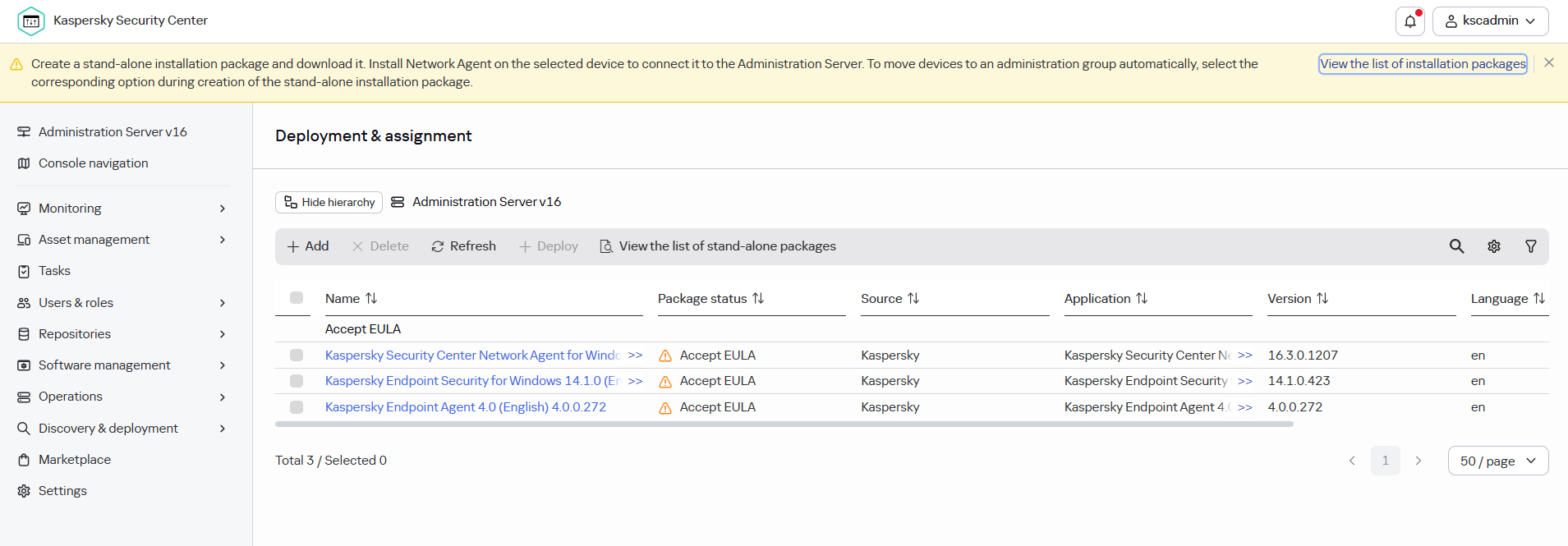
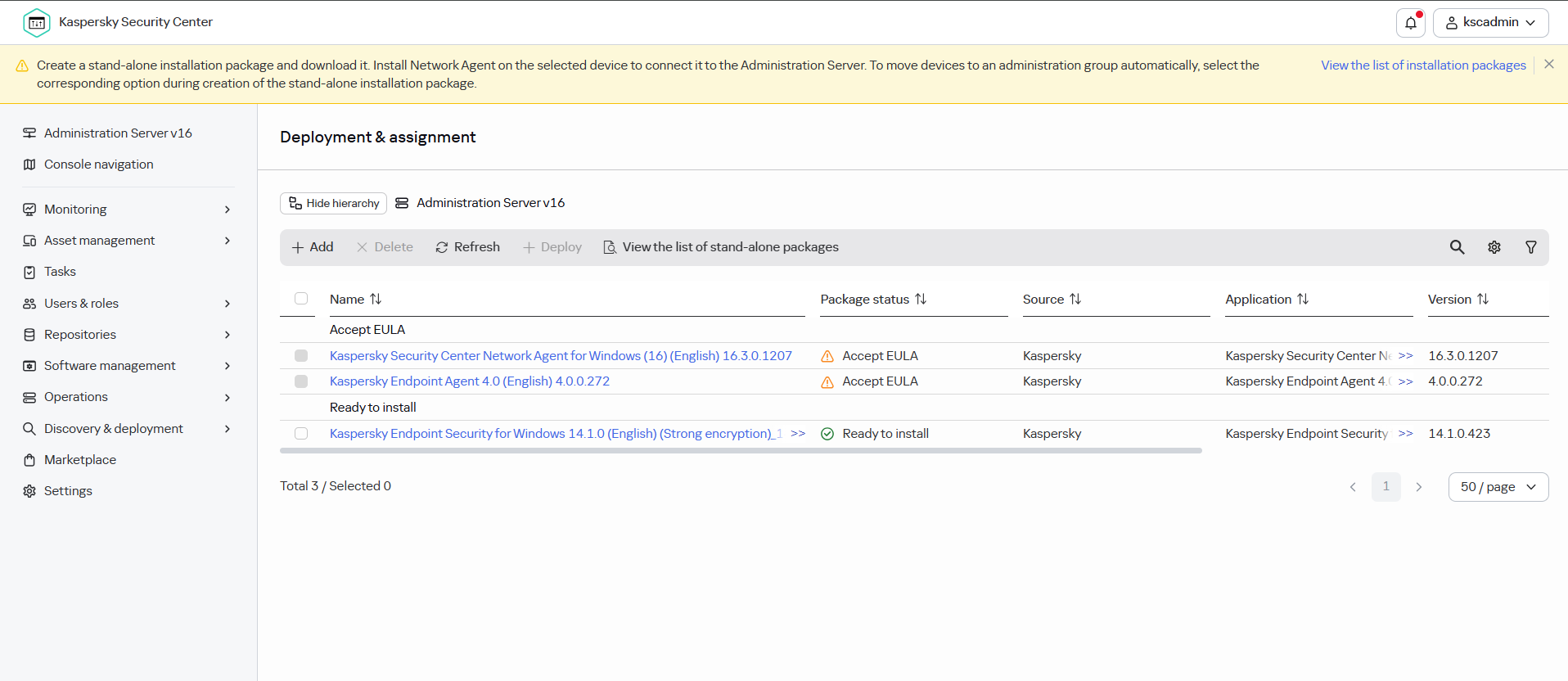
Accept EURA for installation packages.
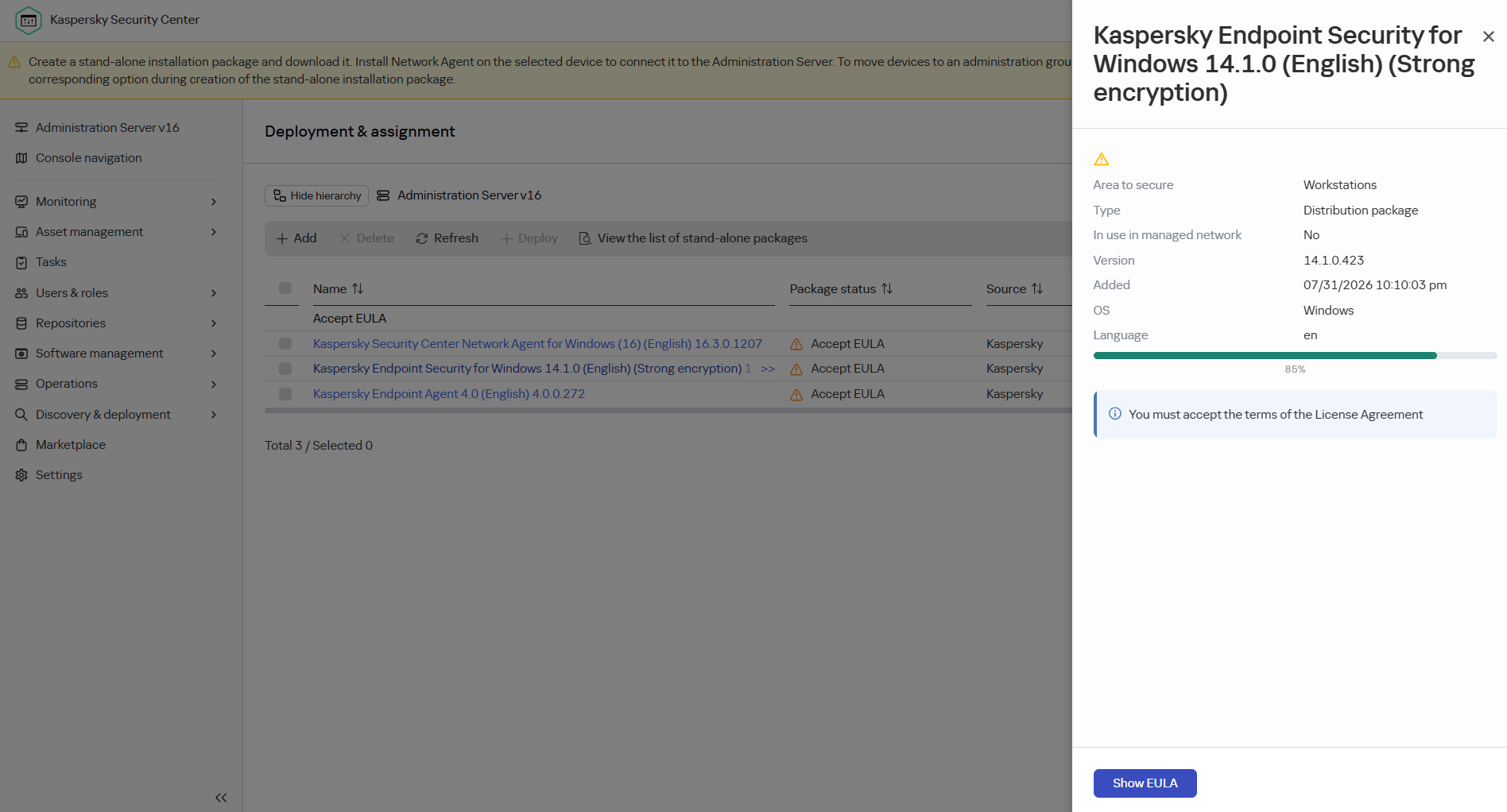
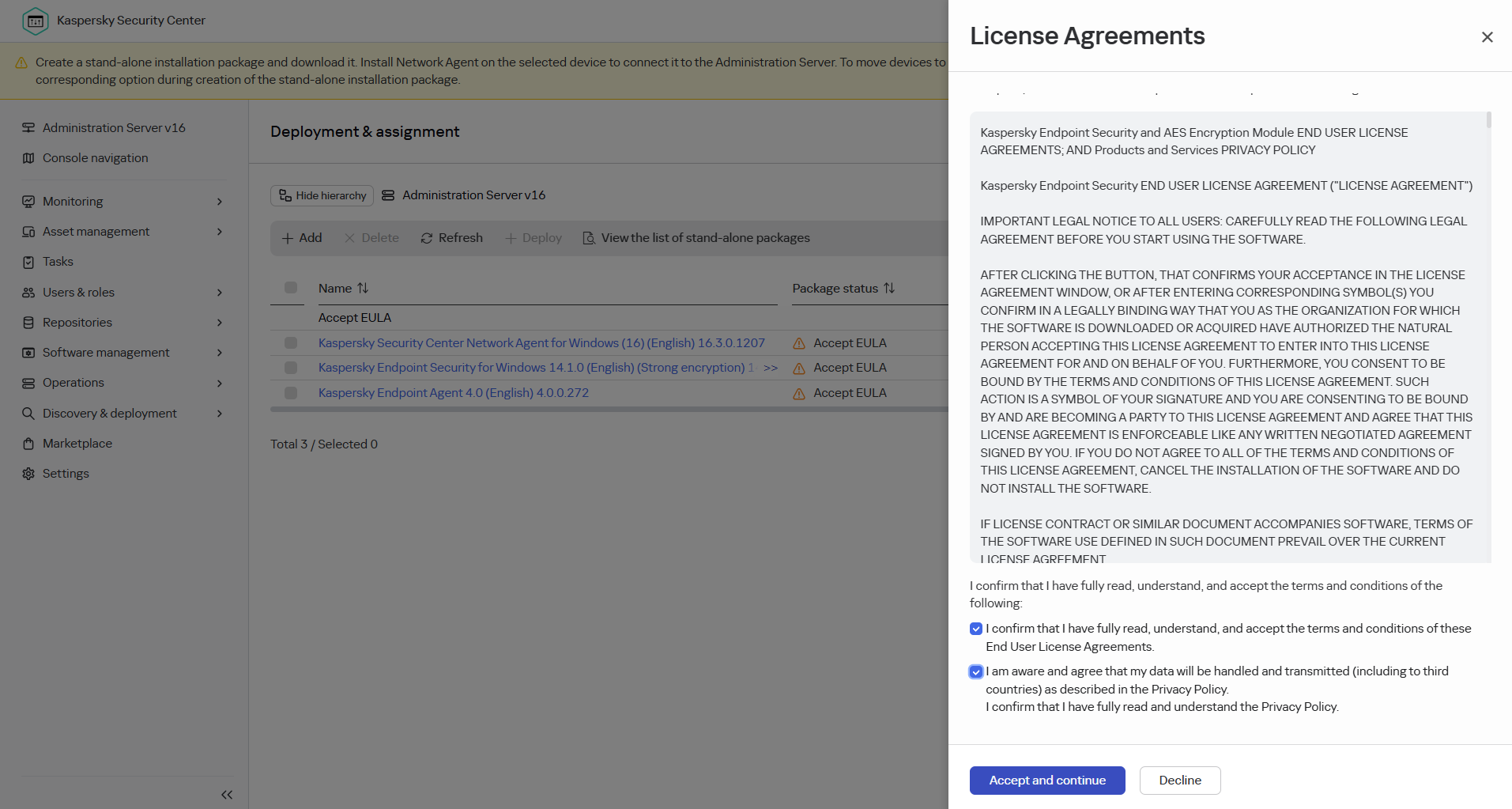
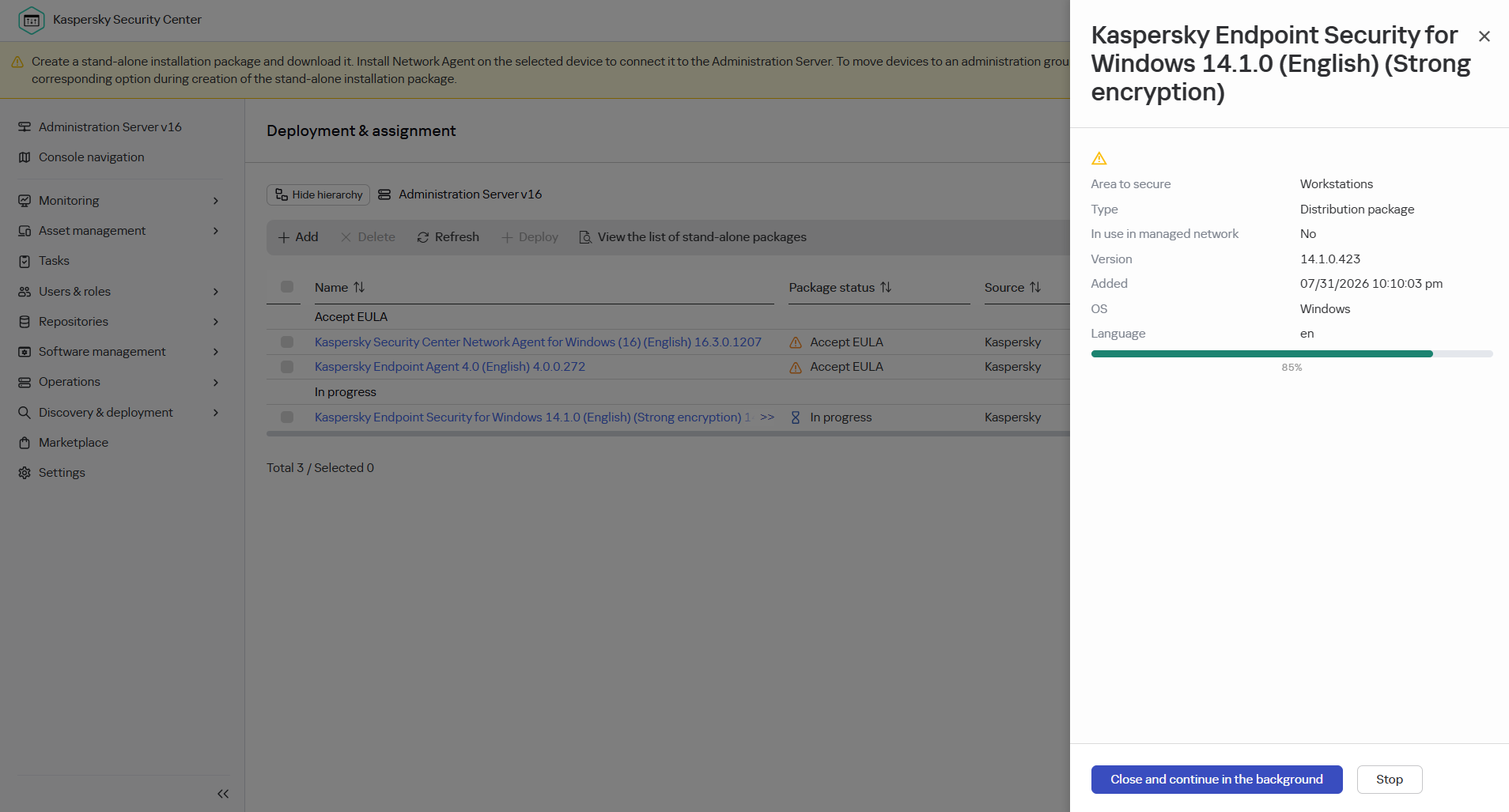
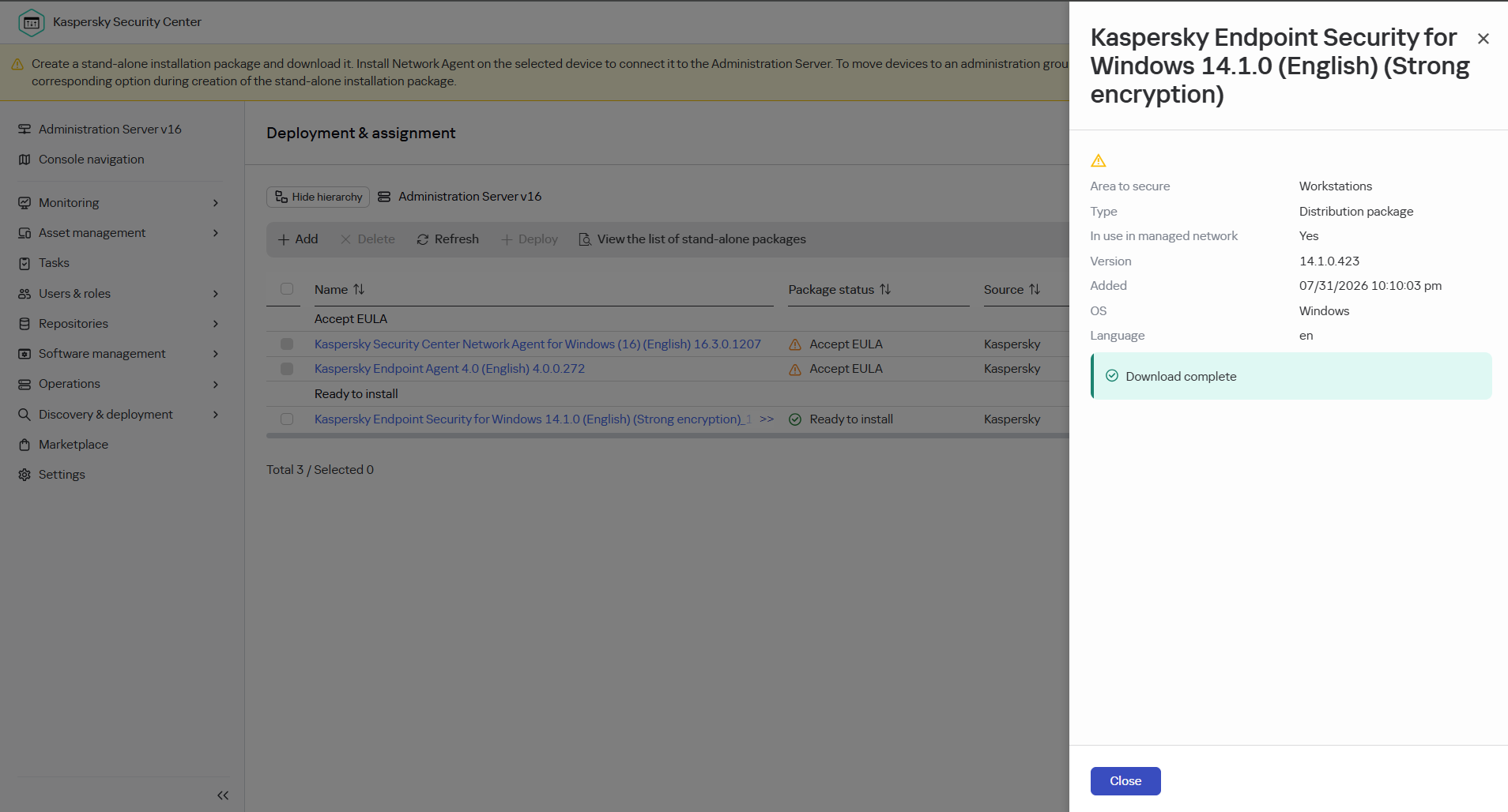
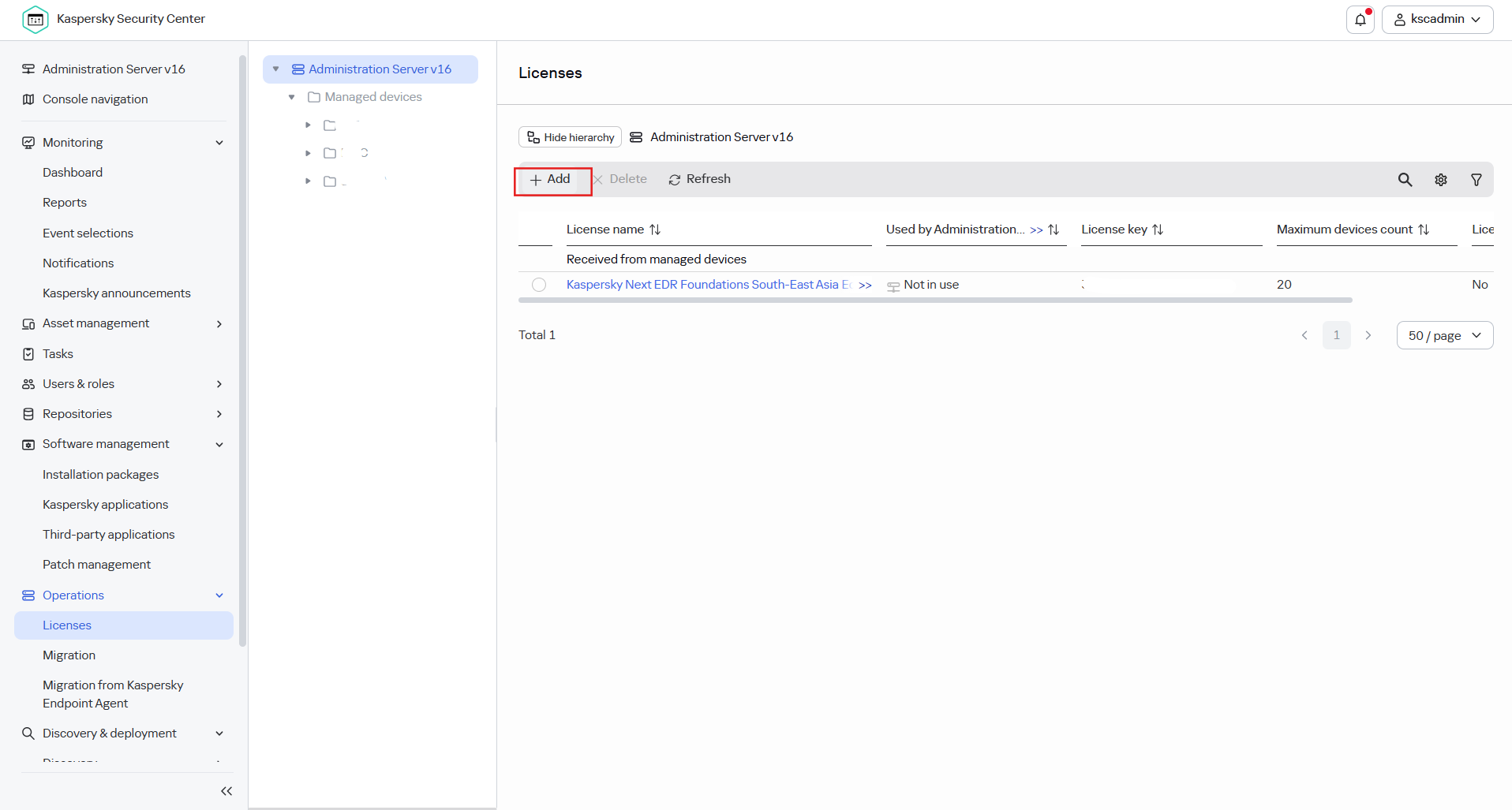
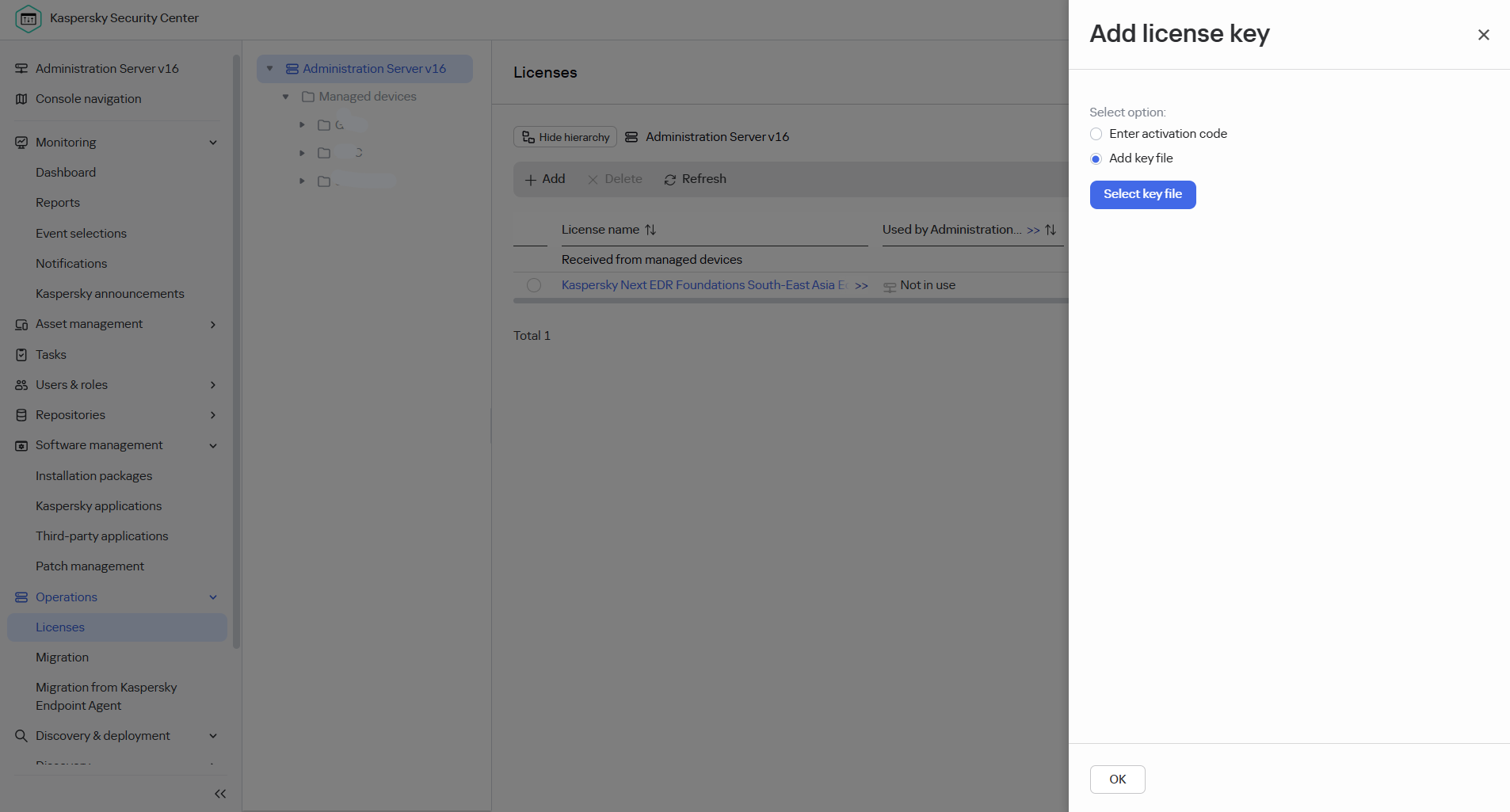
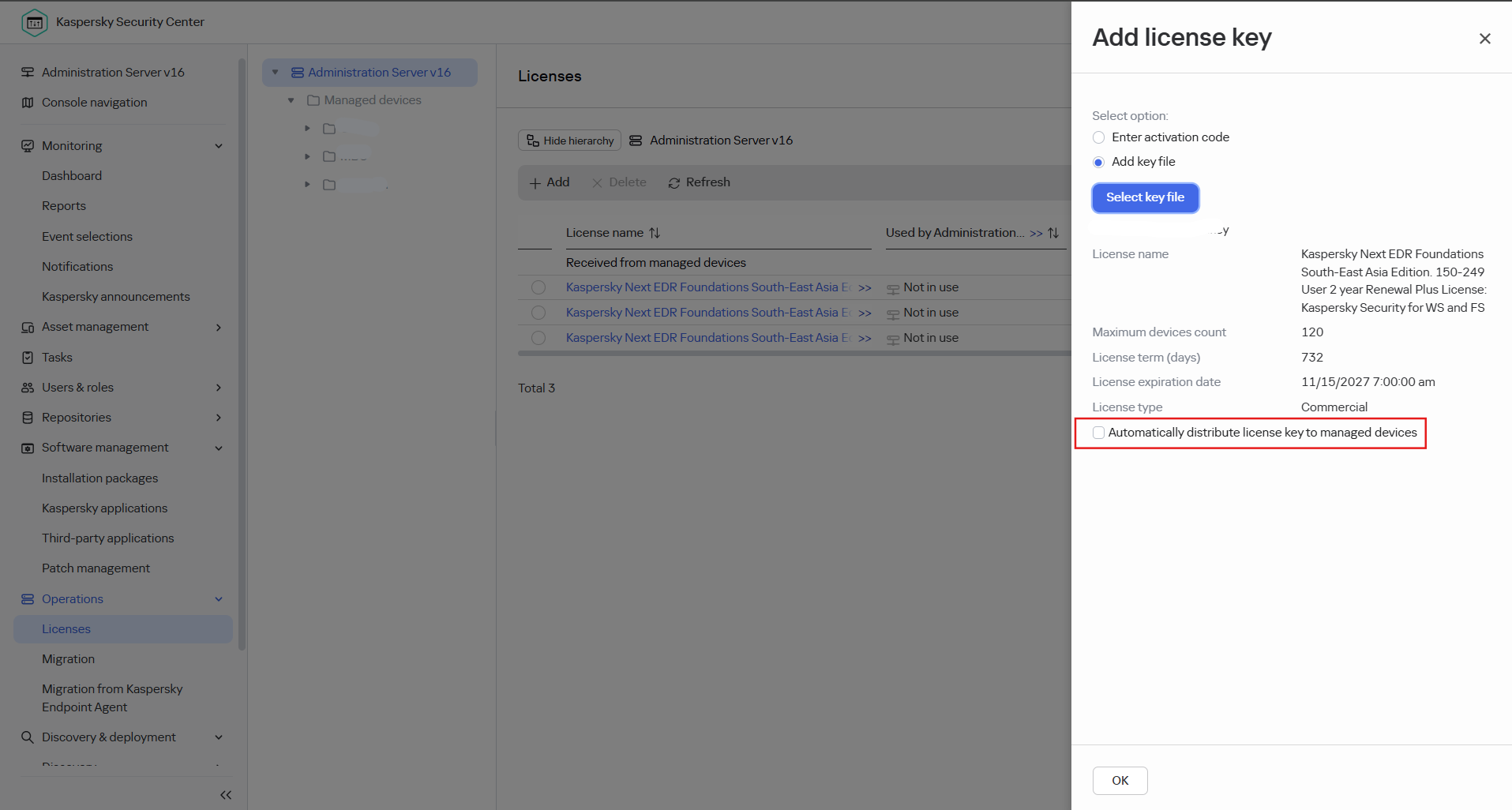
Add key files licenses here
Goto menu "Operation" > "Licenses" > "Add"
Create installation package for each SBUs/specifice.
1. Go to Software manaagement > Installation Package > 2. Select inatallation package. 3. Click "Deploy".
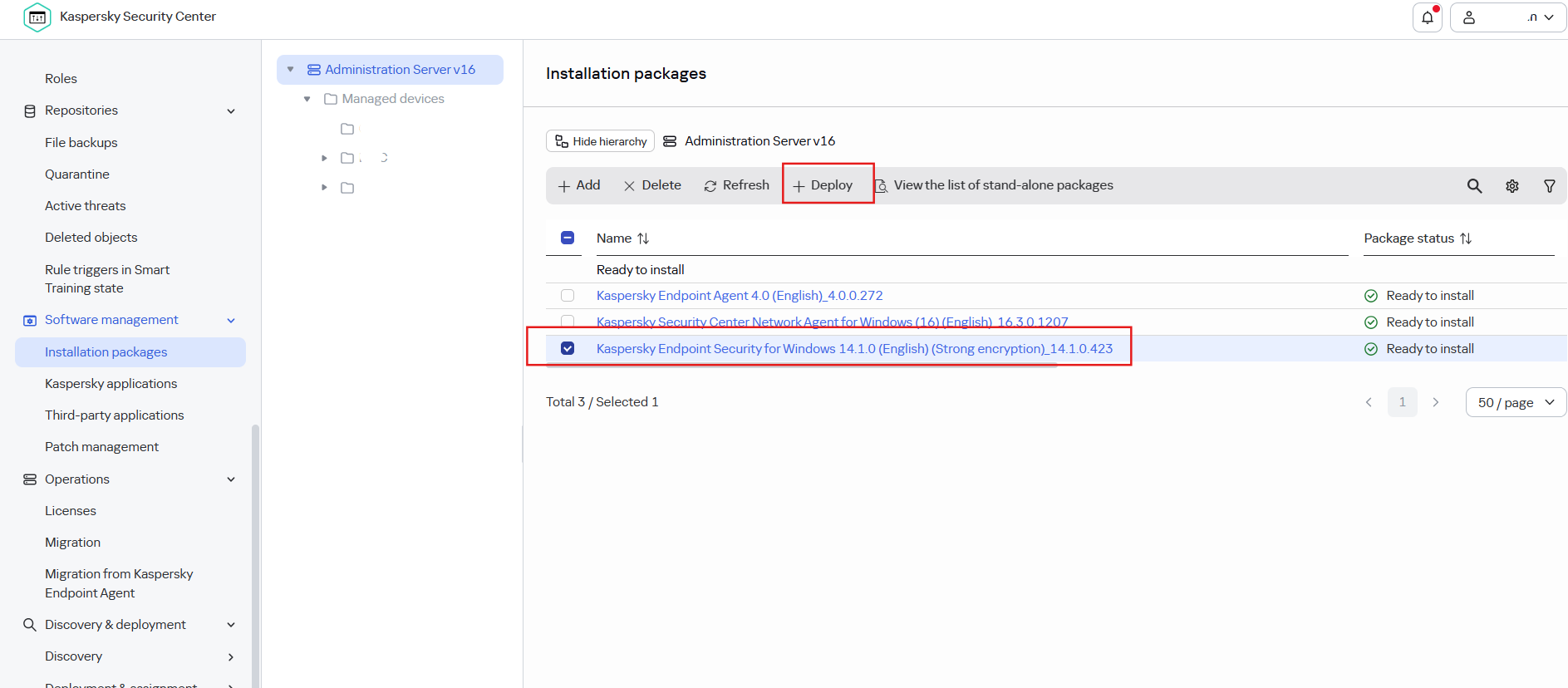
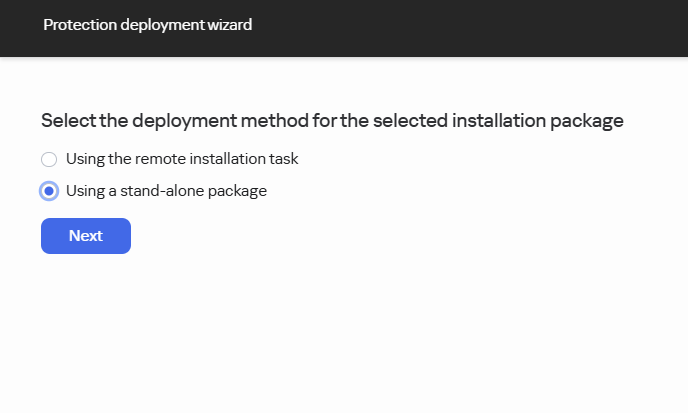
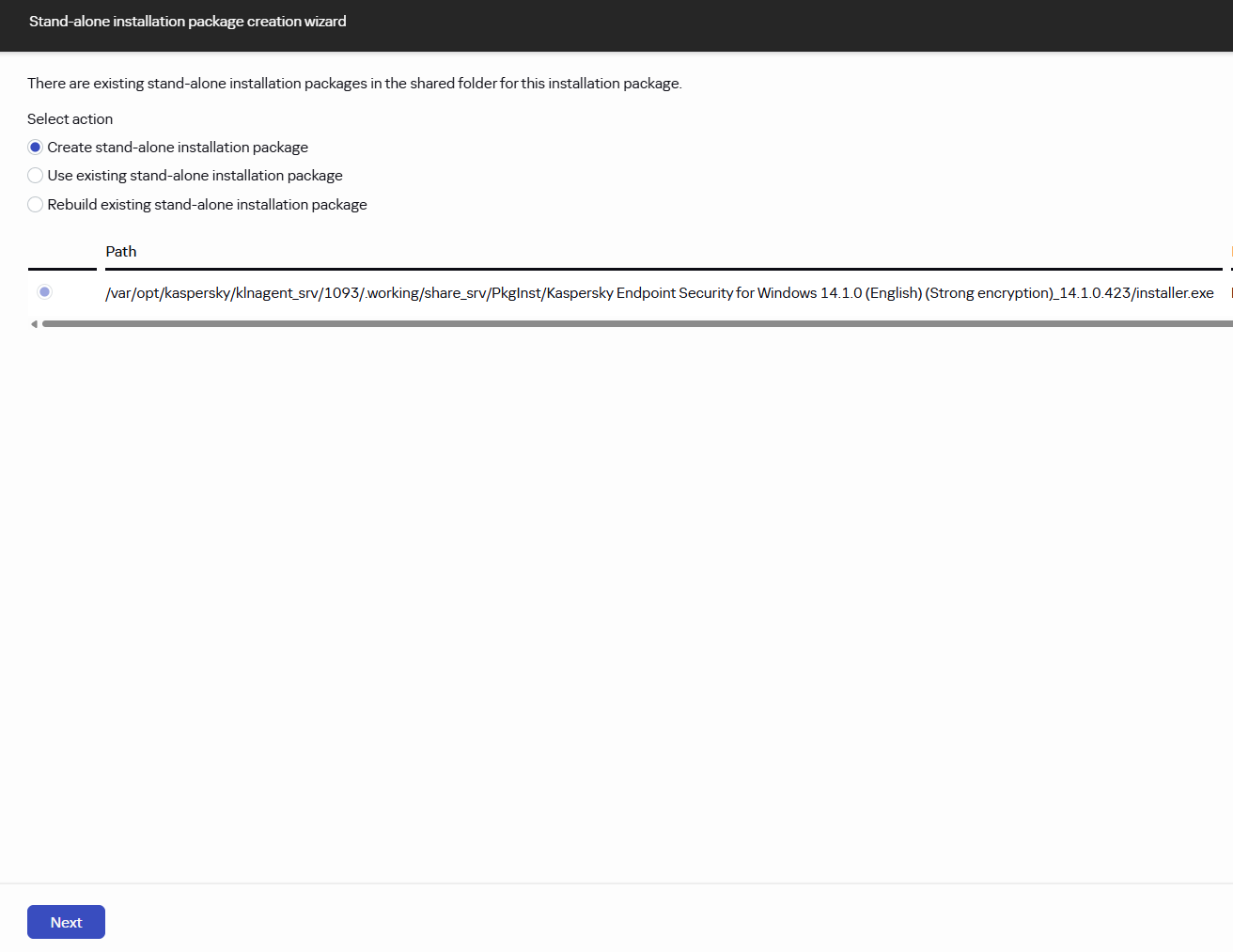
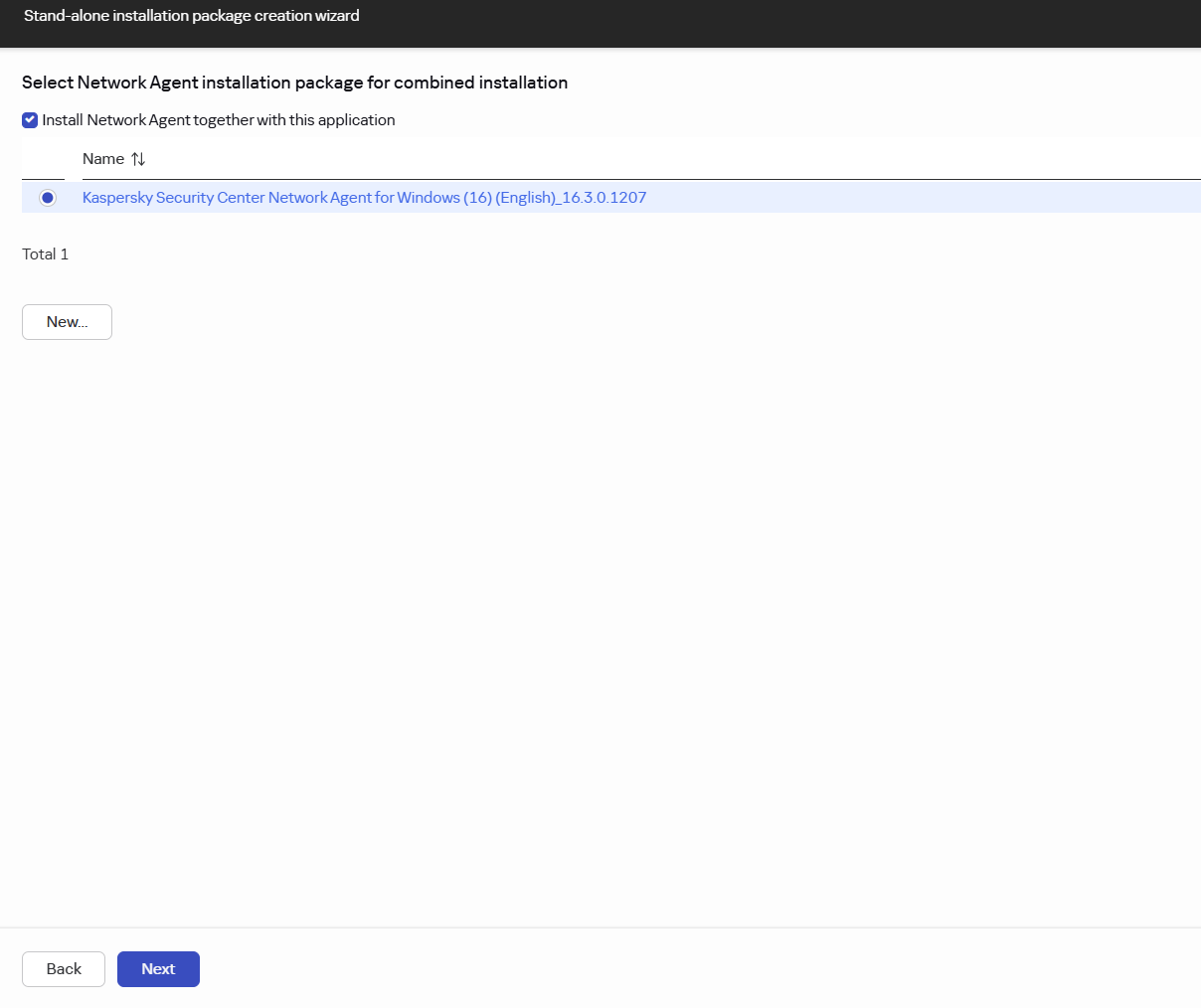
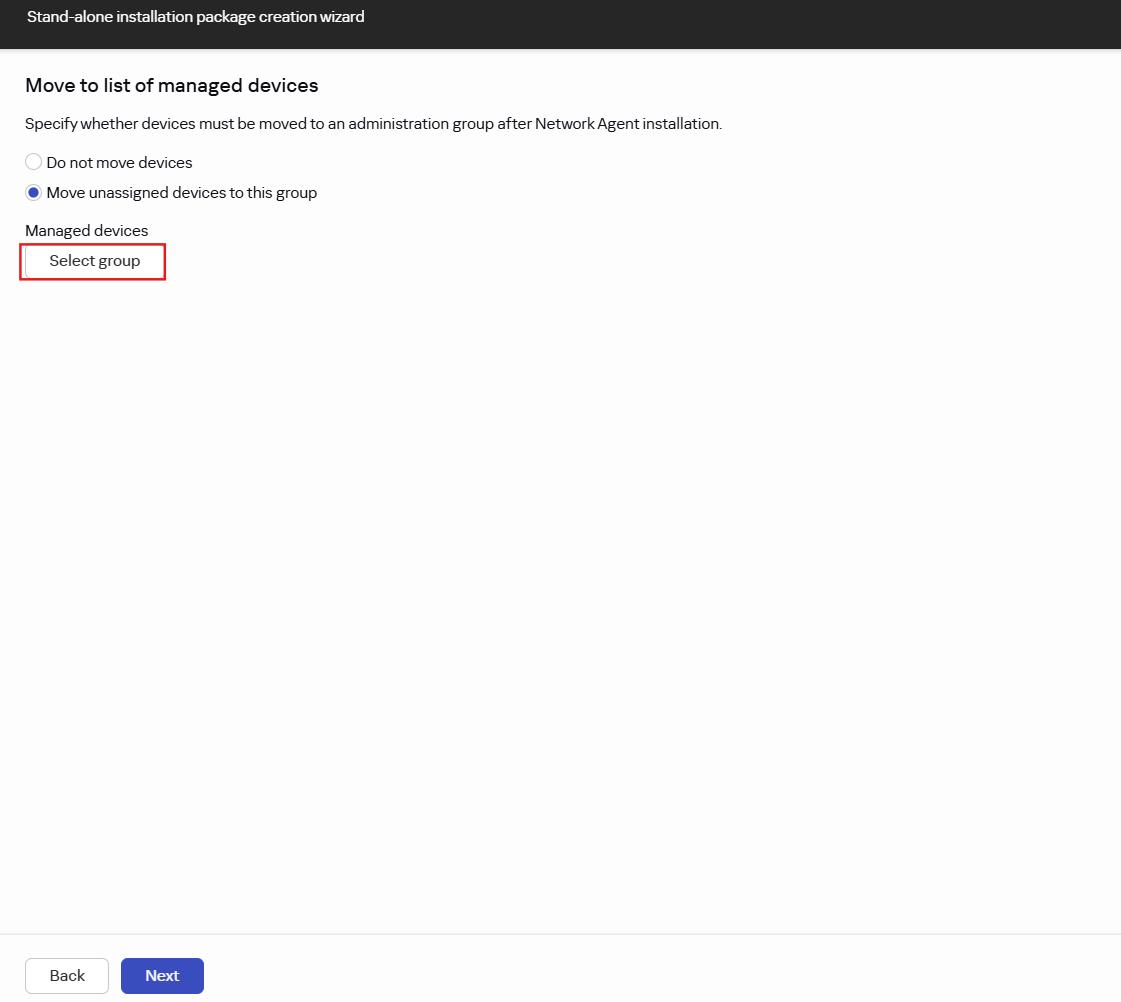
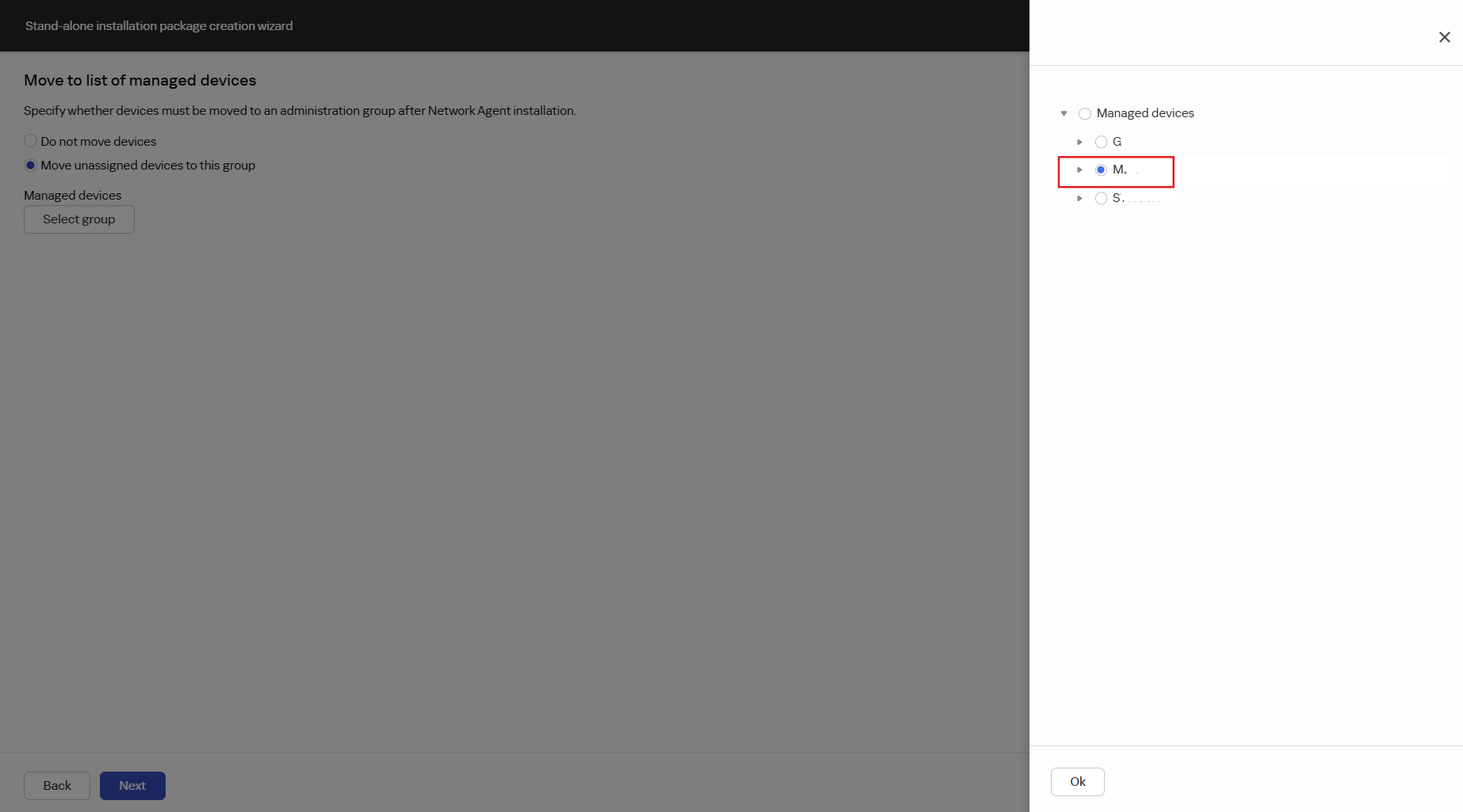
This step can modify for computer install from this package can move to specifi group. By Select group and next.
Package created, download to install on computer.
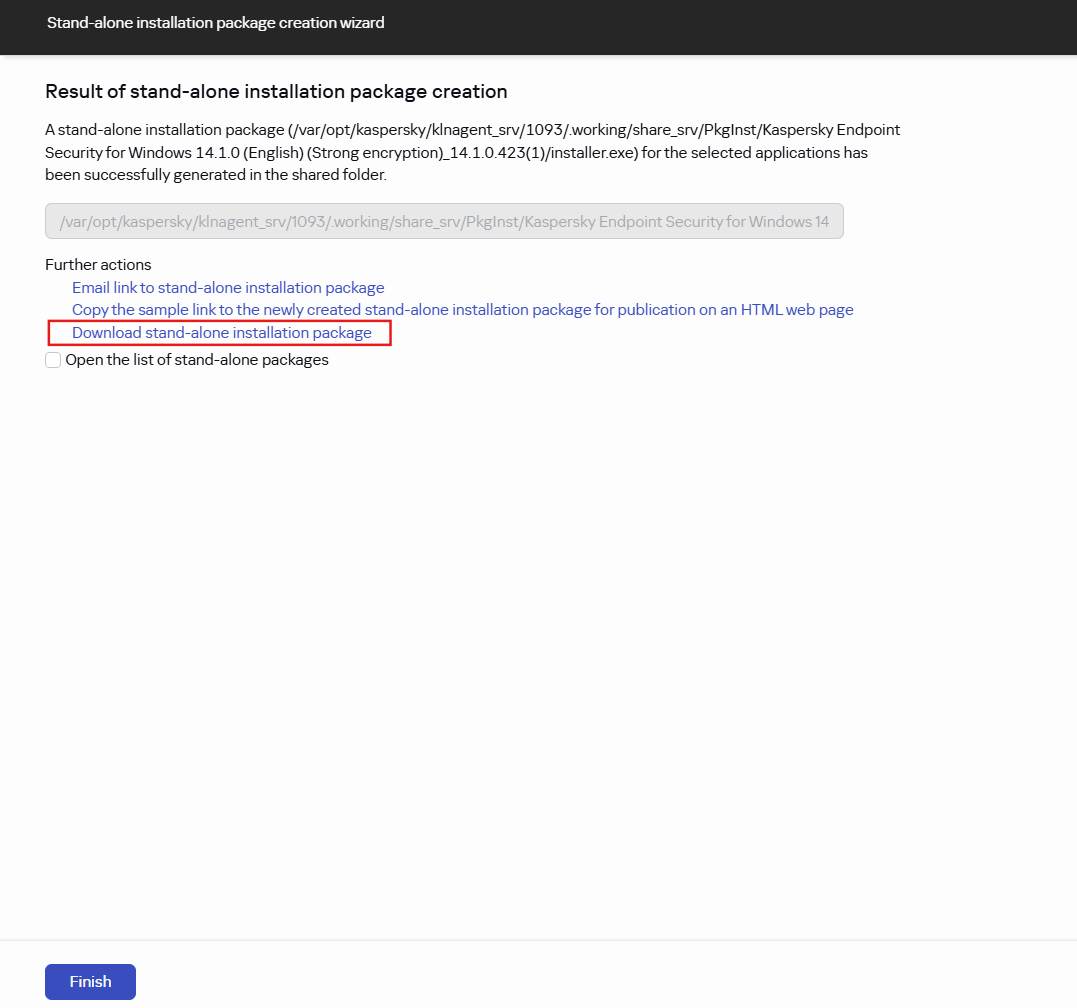

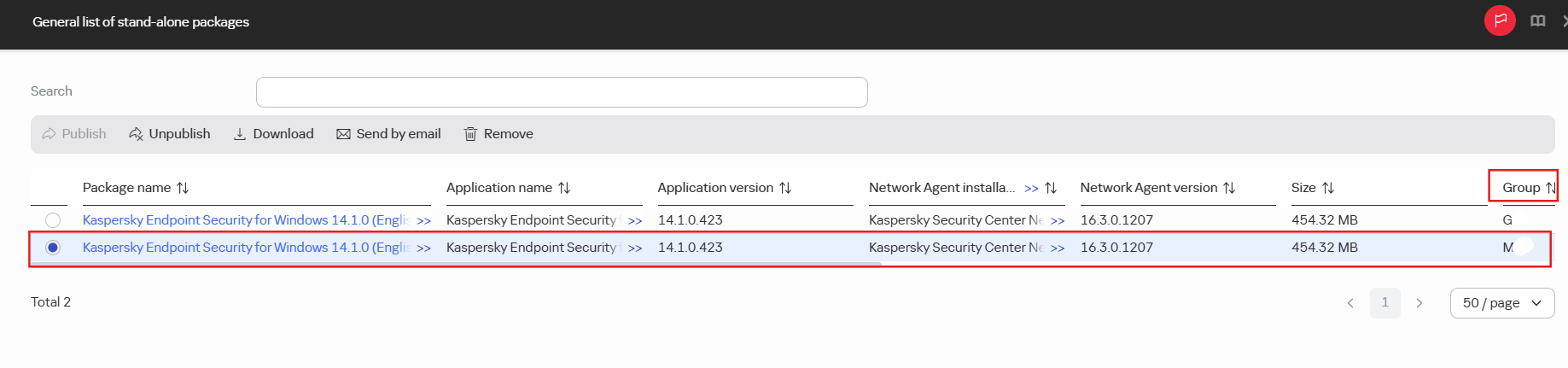
View list of installation package we have created.
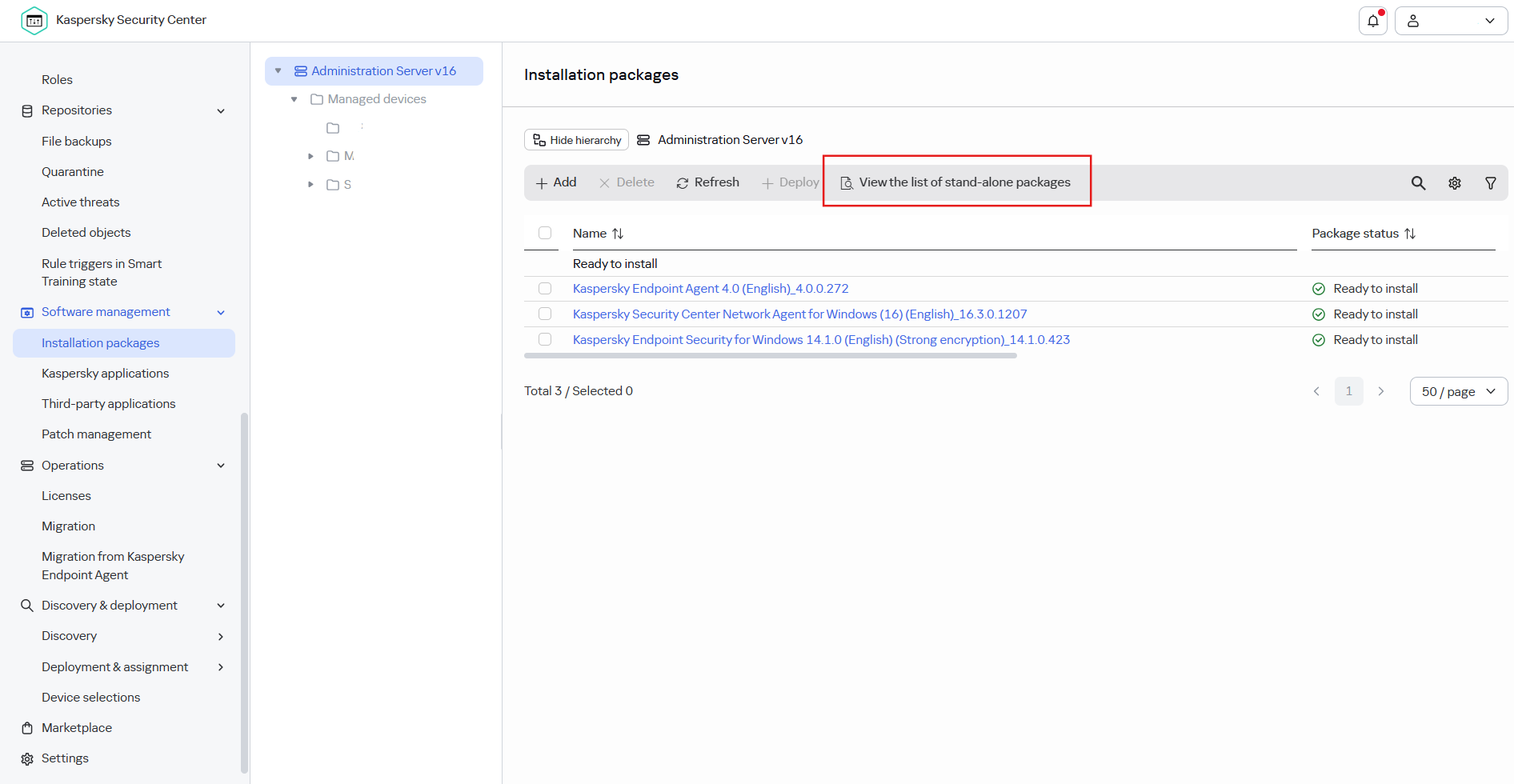
List will show as detail below.
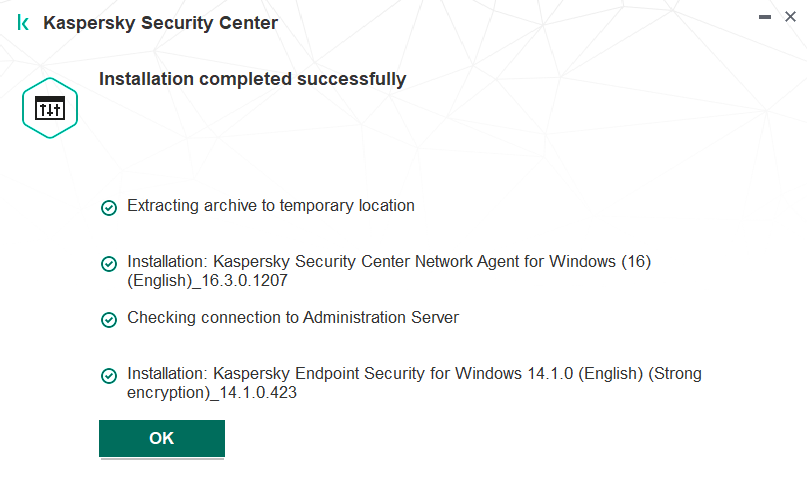
Install on computer
Use the inatallation package file donwloaded.

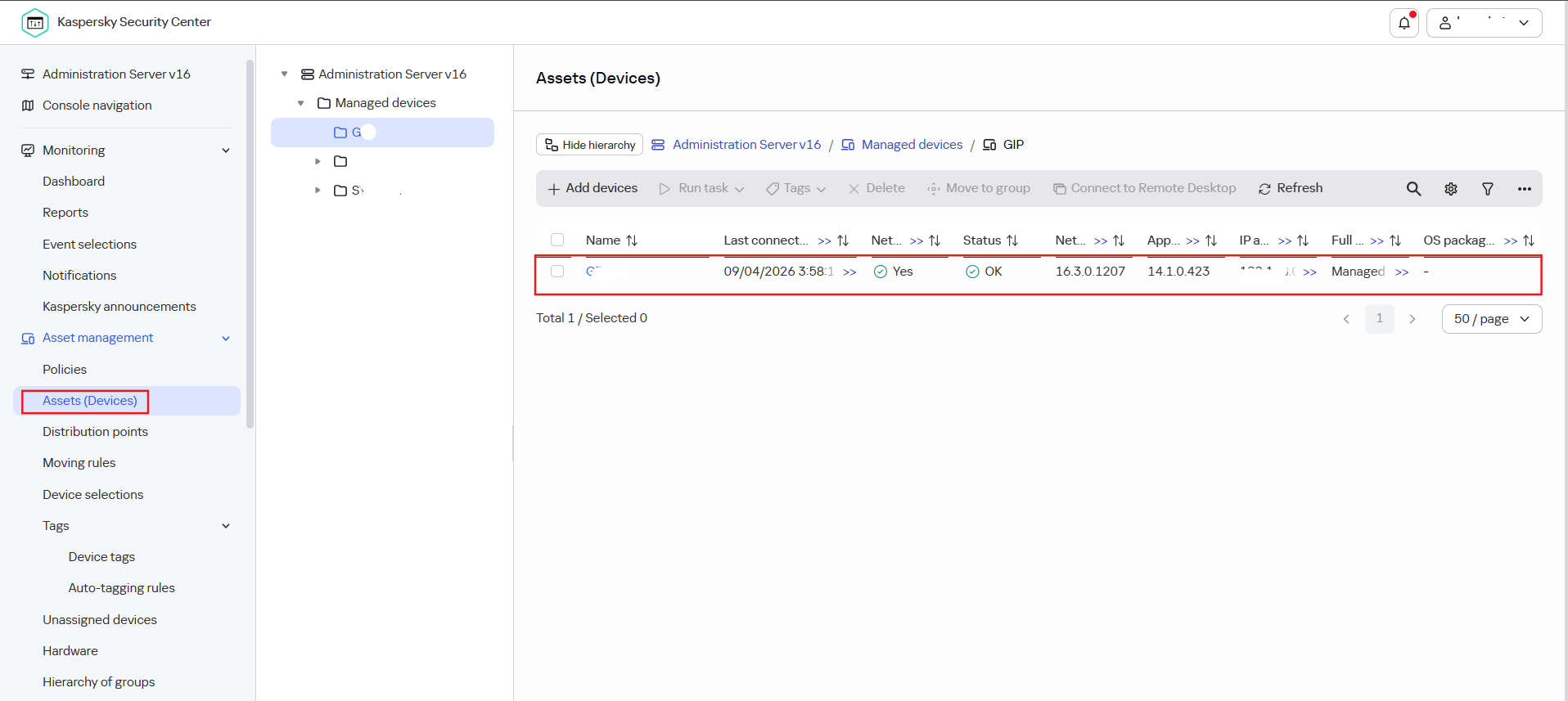
Comptuer will show on the group that we define when create installation package.
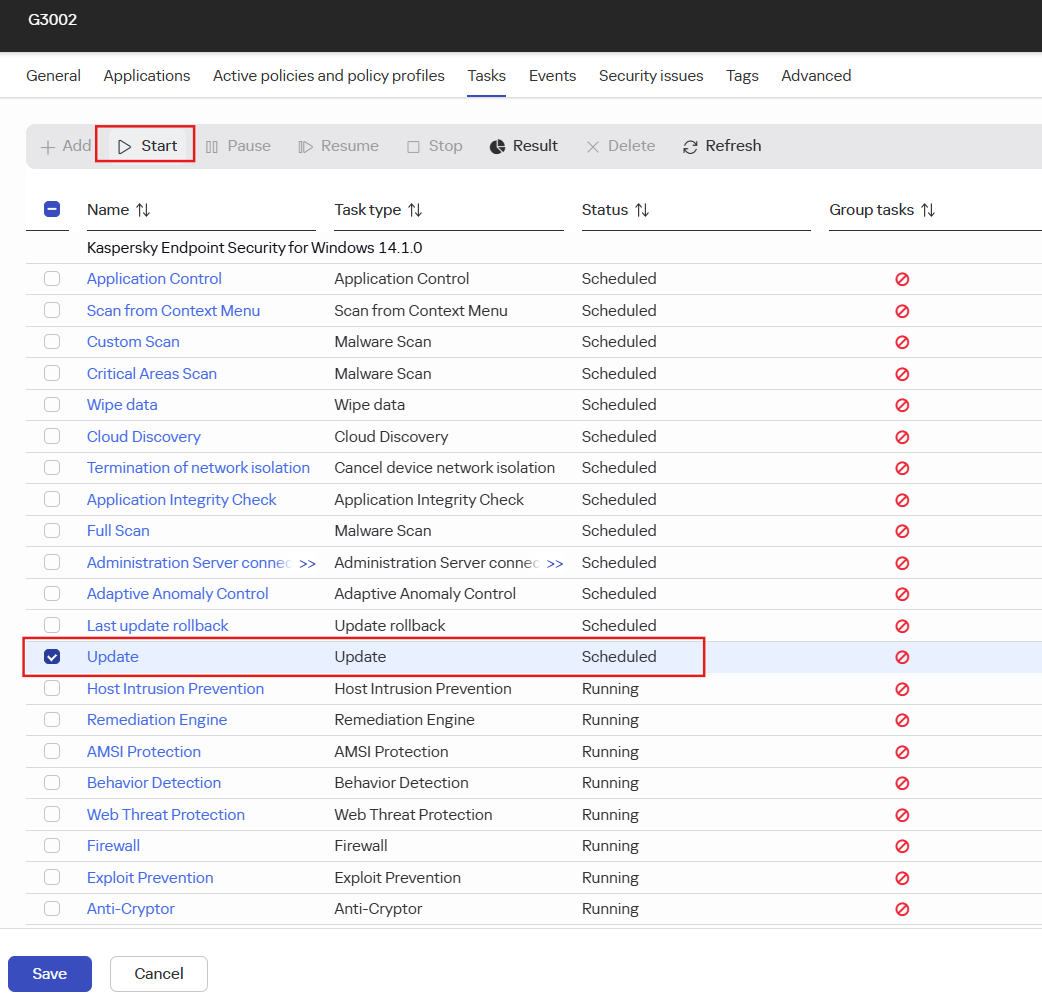
Test force update device from console. Click on the selected computer then select update and start.
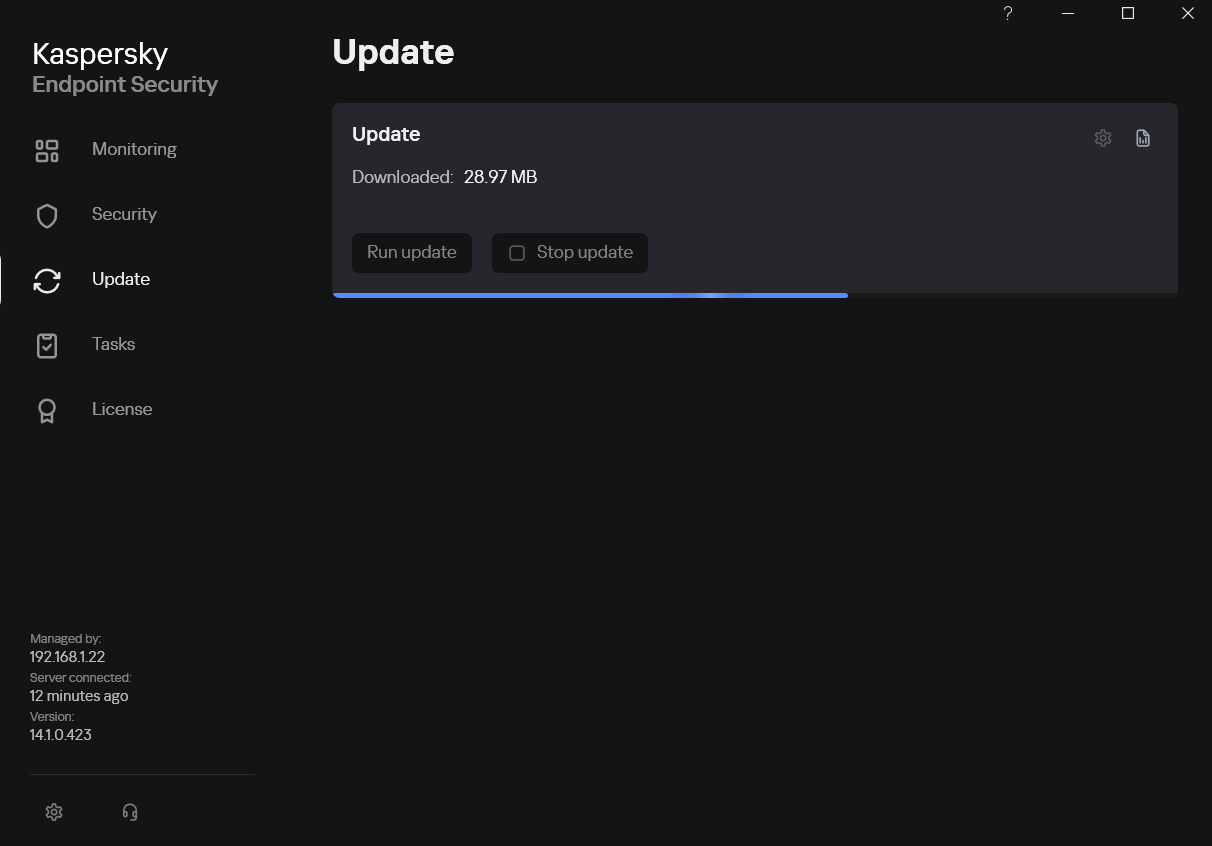
Computer is updating.
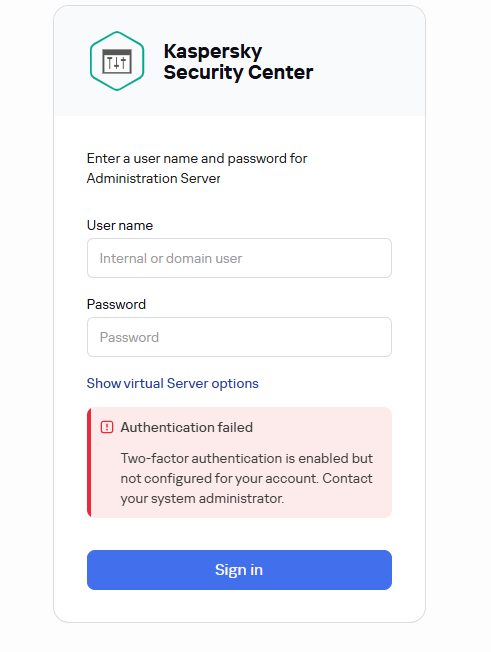
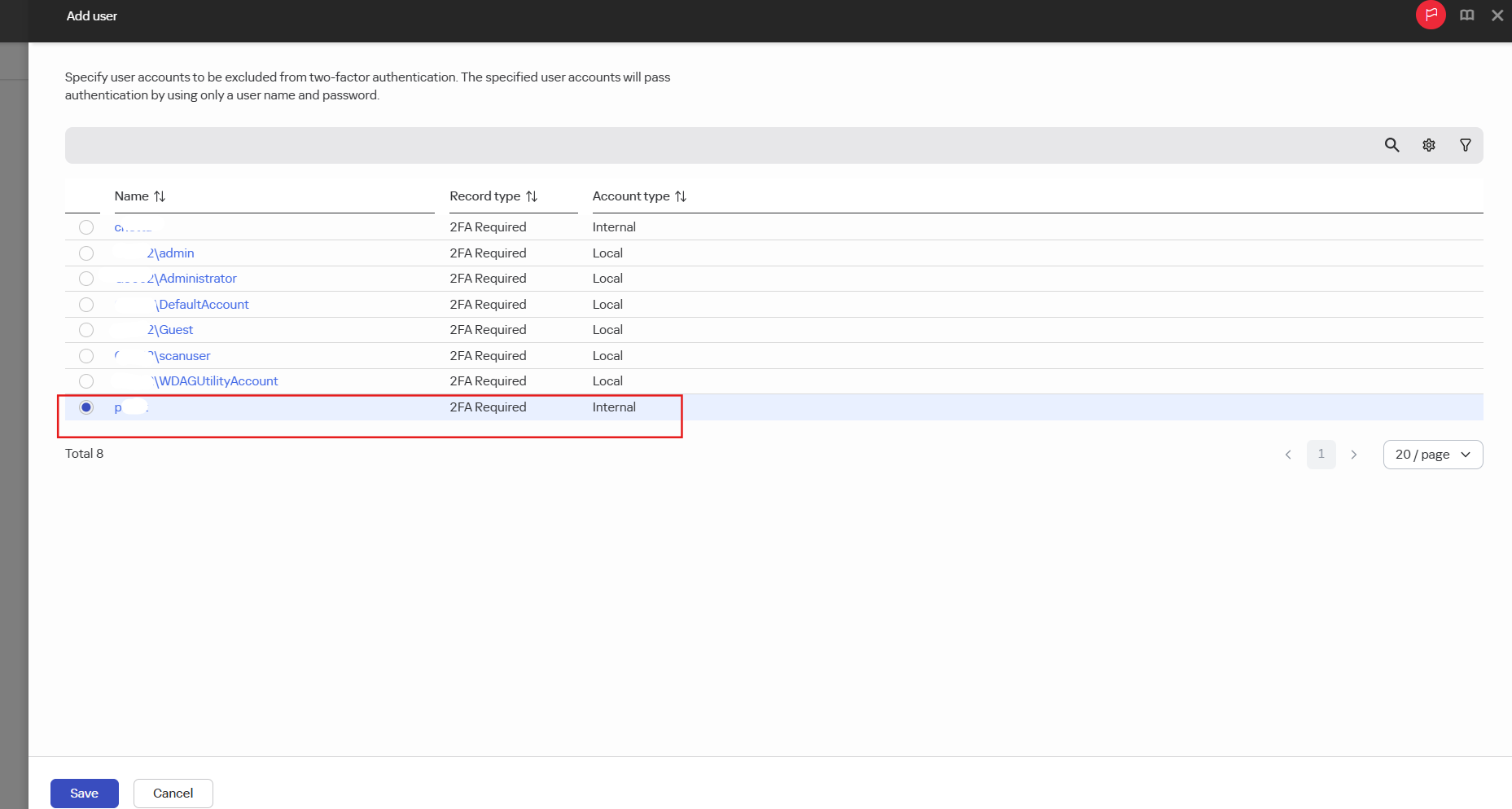
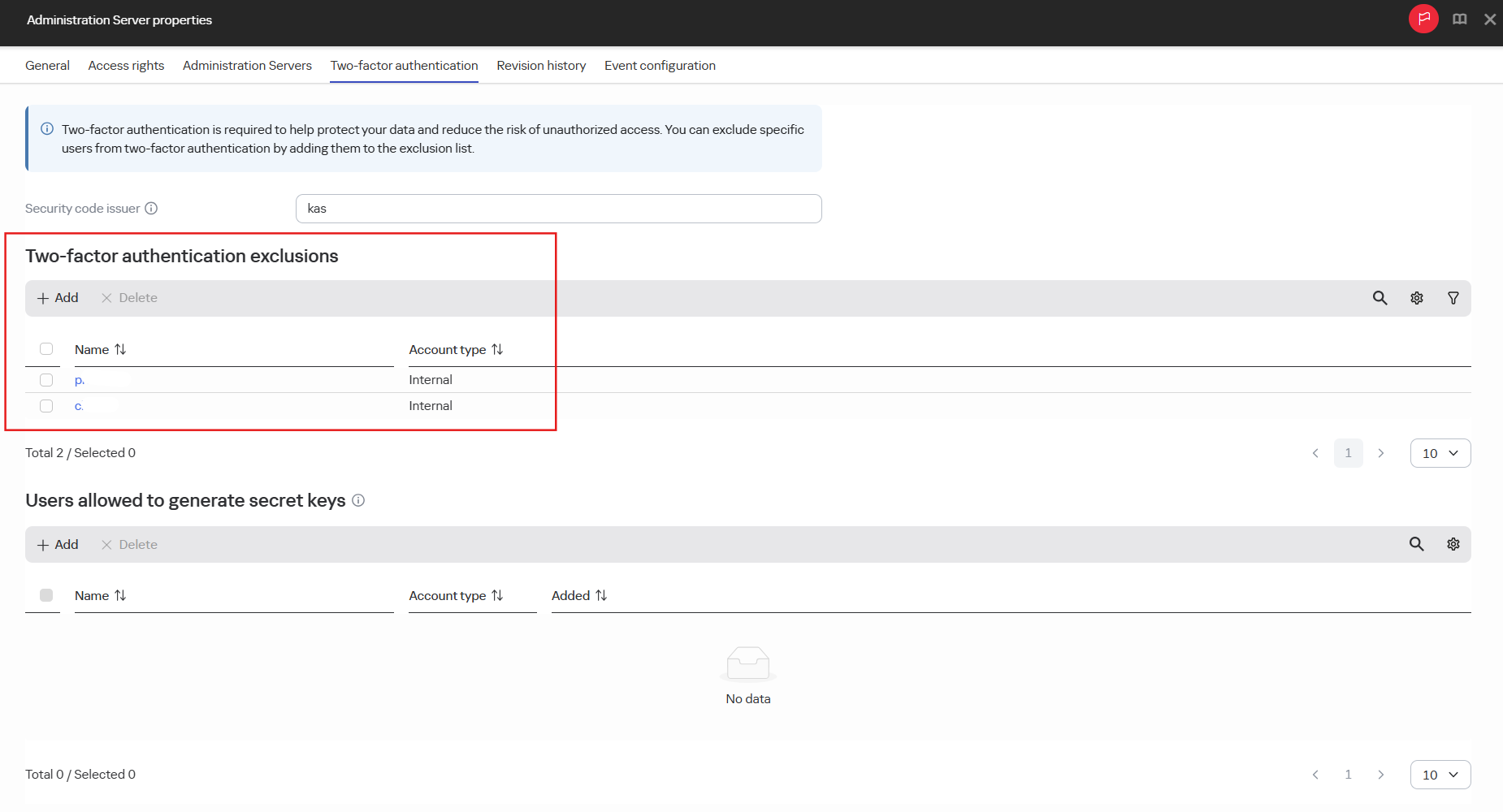
Create new user but still can not login try add excluse on 2FA
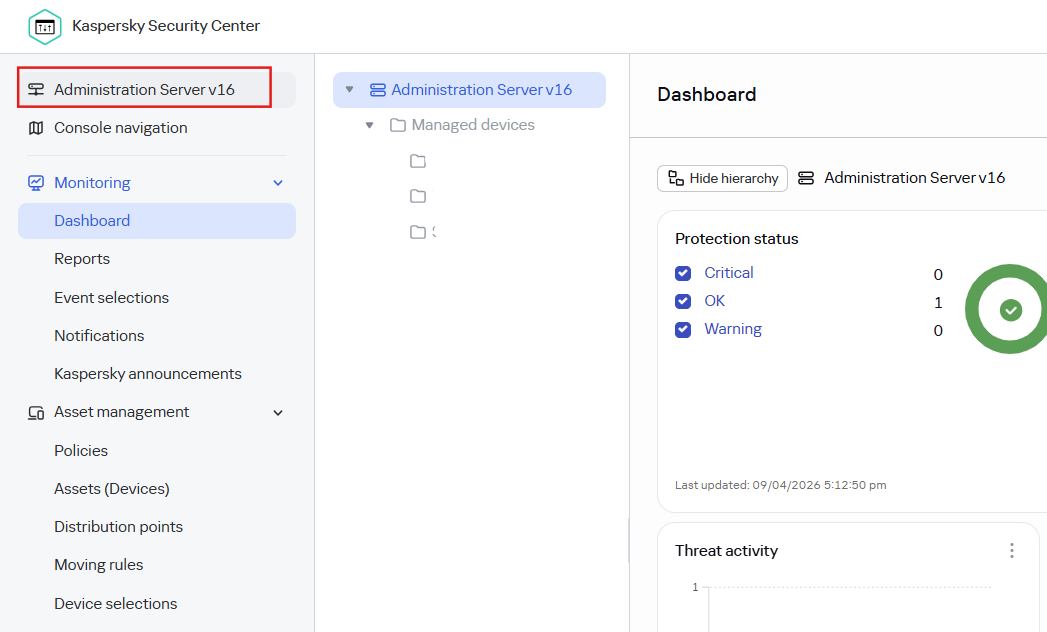
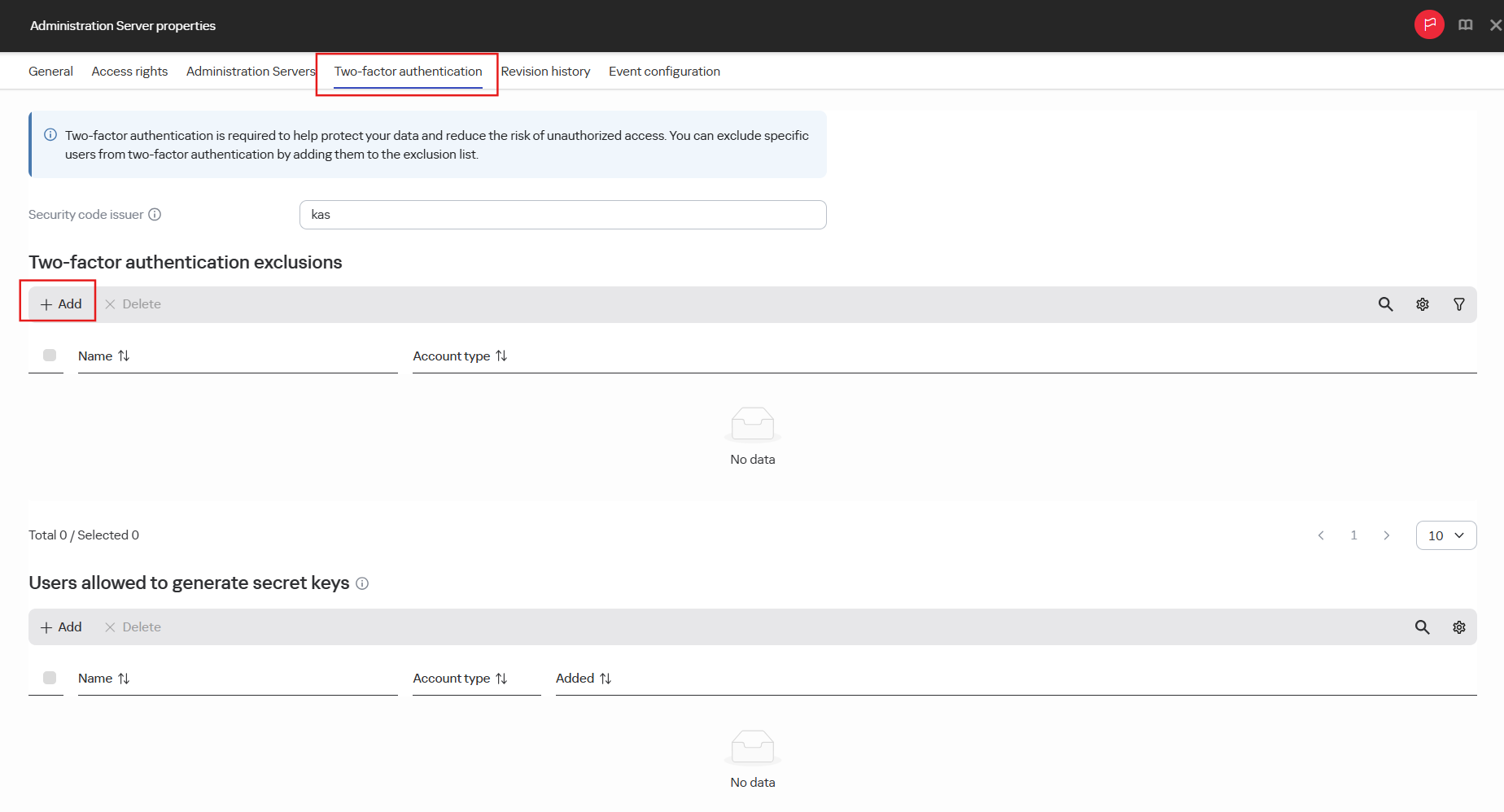
Event disable two-factor on the user. Go to "Administration Server v16" > "Two-factor authentication" > "Two-factor authentication exclusions"