
Mikrotik: Install Extra Package (Zerotier) on RouterOS


ZeroTier on RouterOS devices used to create secure networks, enabling remote access to NAS, desktops, NVR, and mobile devices even behind private IP addresses. The process involves installing the ZeroTier NPK package, authorizing nodes in the cloud console, and setting up routing for specific internal subnets.
This example will install on RB5009UG+S+.
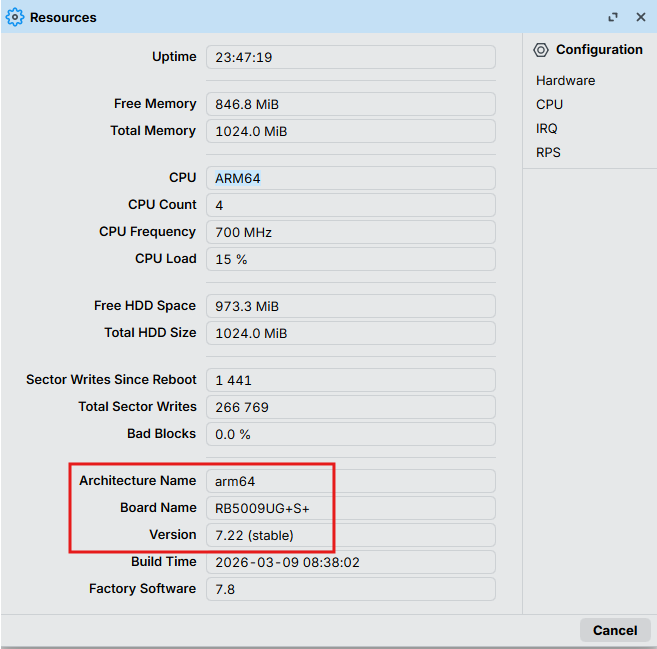
1. Download extra package at (https://mikrotik.com/download).
- Locate to "RouterOS" and select Architecture (our medel using "ARM)
- Select "Channels" (our using "Stable").
- Select version to match with your current version (our version is 7.22 not show in the list).
- If your version show on the list, can select and download following on step 5.
- If your version not show on the list. skip to following on step 6.
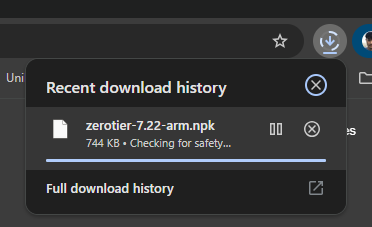
- Click down load "Extra Package" > "zerotier" (Skip to step 9).
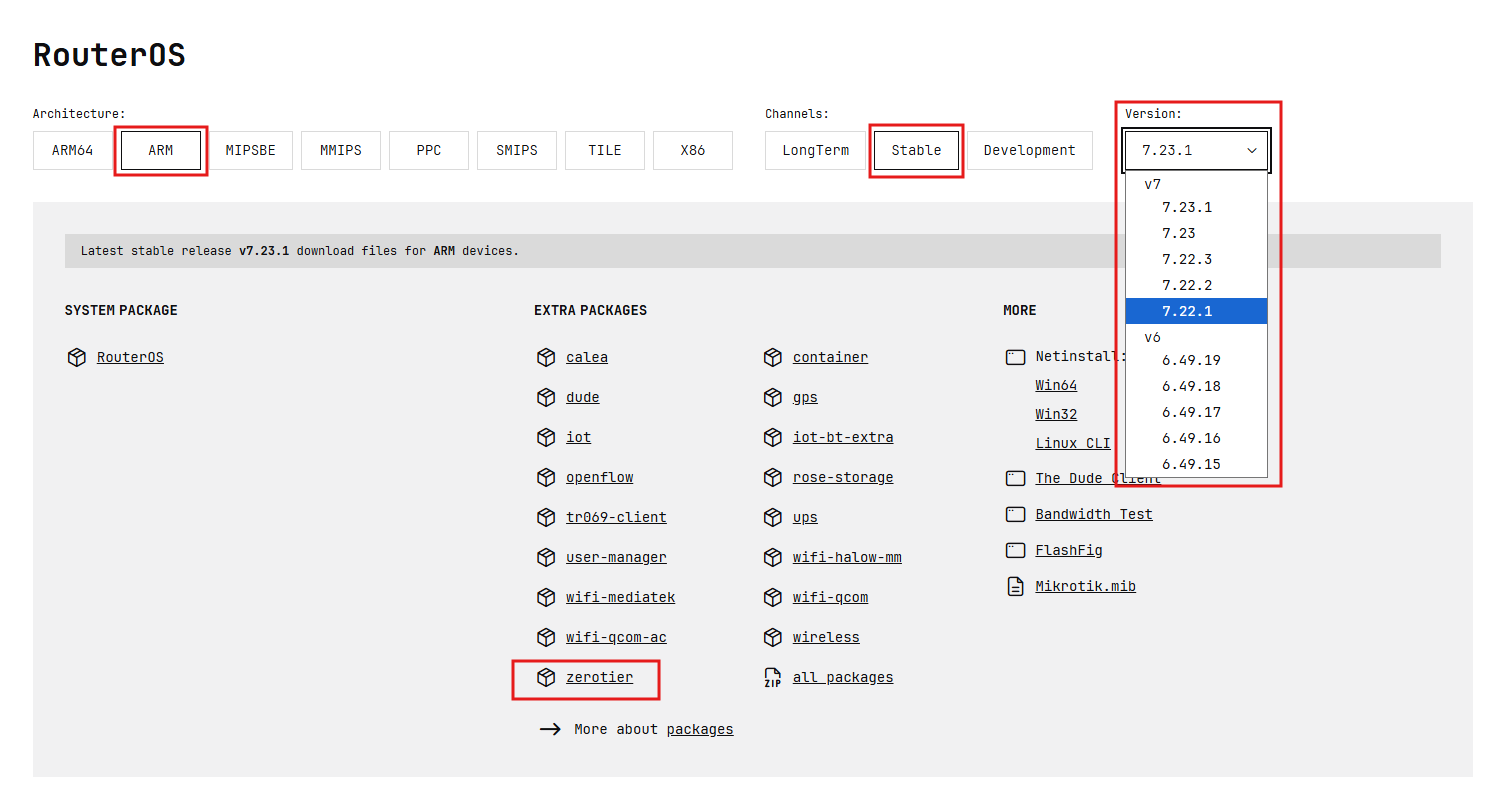
- In case you version not show on the list, Select the closed version and right click on "zerotier" > Copy link address.
- Past the URL and edit to your version.
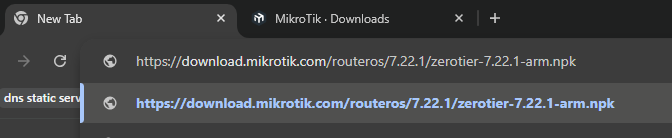
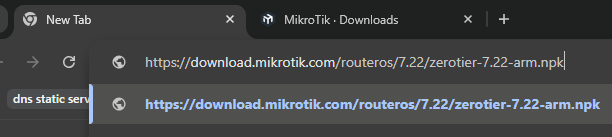
- Enter to download.
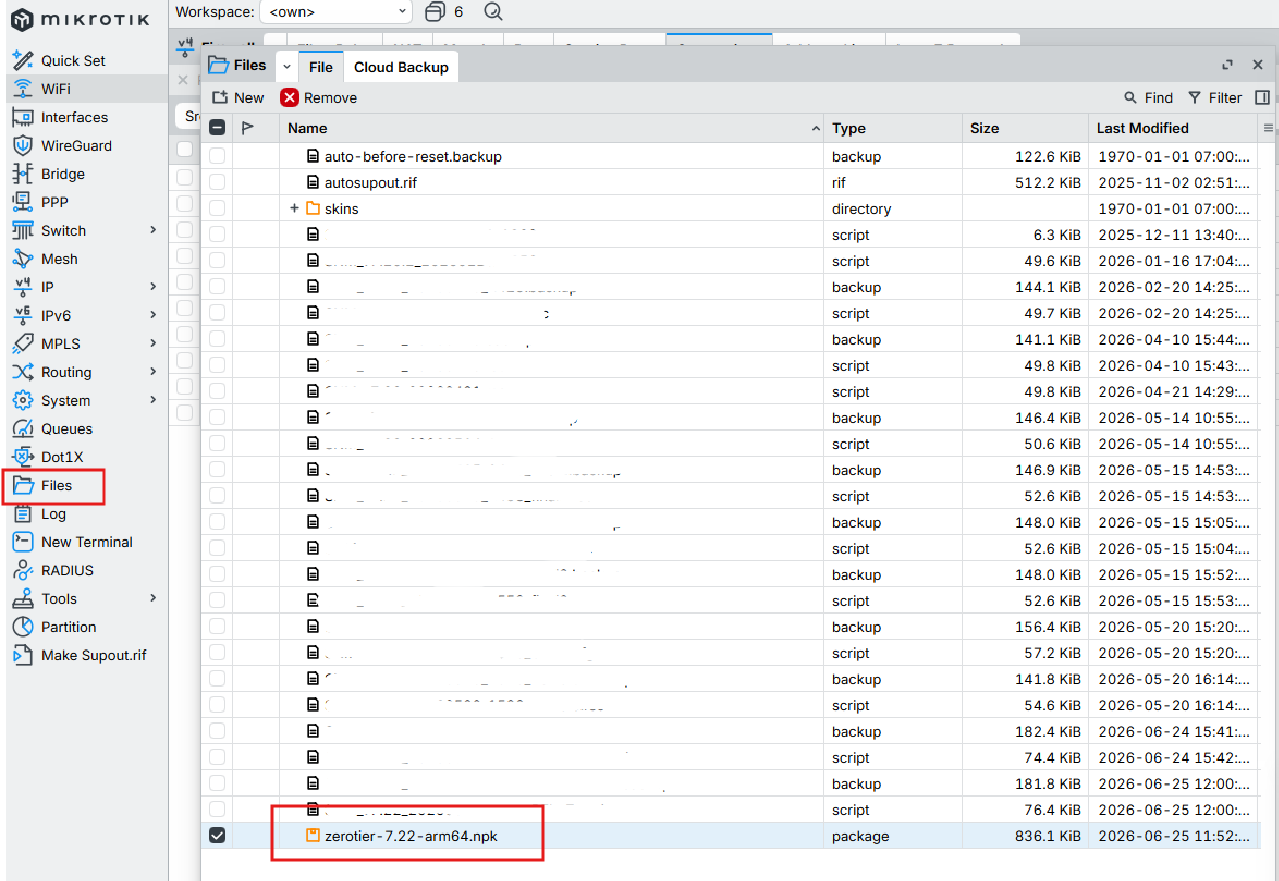
- Open "Winbox" > "File".
- Drag and drop the zerotier package past on the File.
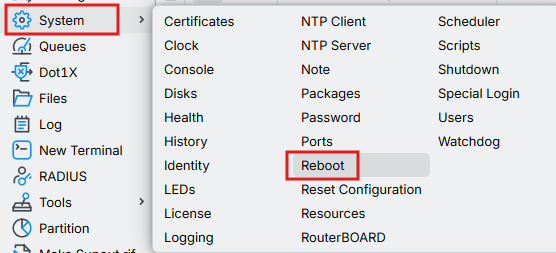
- After past zerotier package on the file then reboot the RouterOS.
- When the RouterOS reboot the menu "Zerotier" will show on the menu.
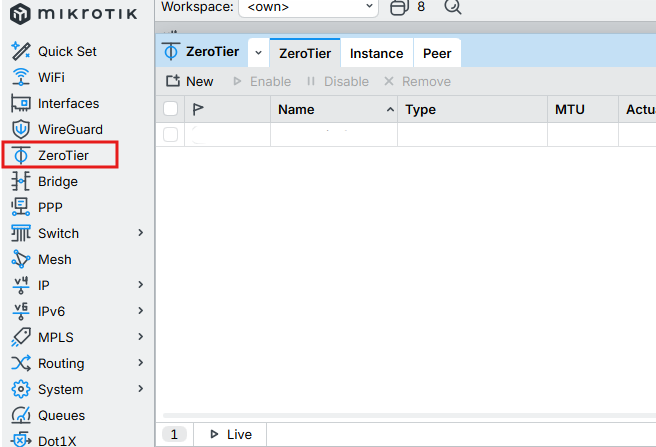
- Now we can add Network ID from zerotier account on this RouterOS.
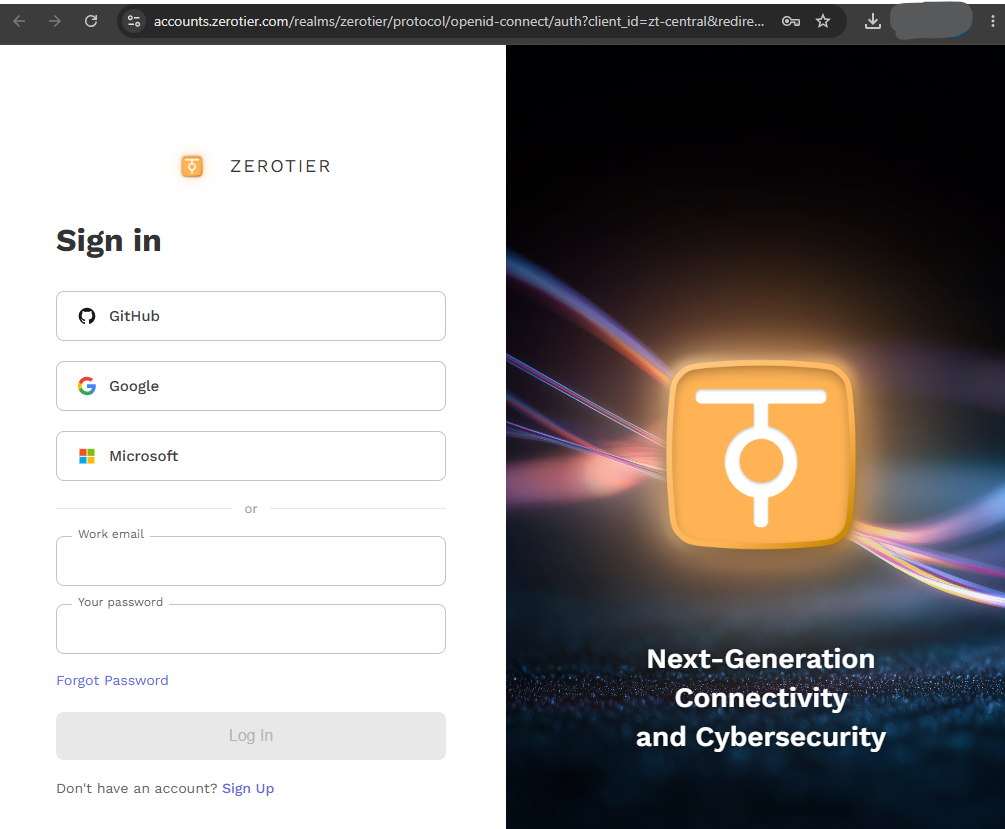
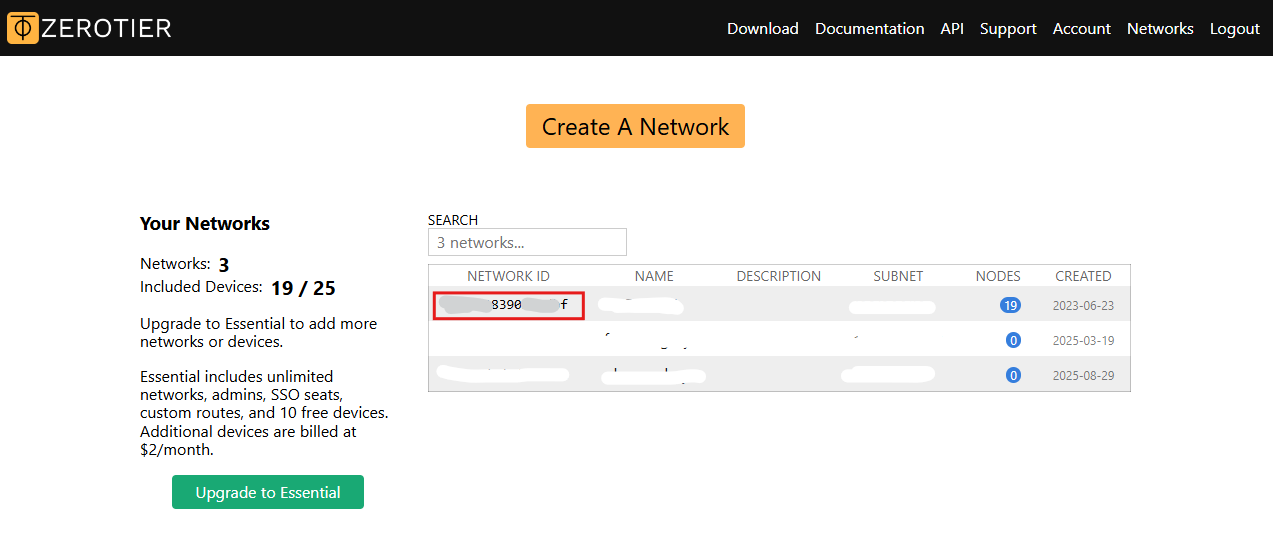
- Create and copy your Network ID.
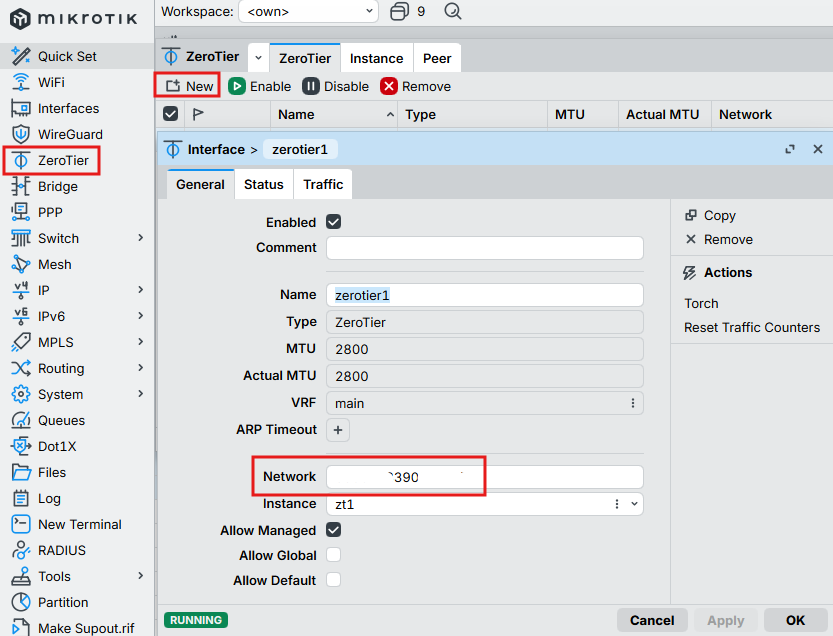
- Create Zerotier interface on mikrotik and set the network ID.
- Now you might need to allow connections from the ZeroTier interface to your router, and optionally, to your other LAN interfaces:
/ip/firewall/filter/add action=accept chain=forward in-interface=zerotier1 place-before=0
/ip/firewall/filter/add action=accept chain=input in-interface=zerotier1 place-before=0
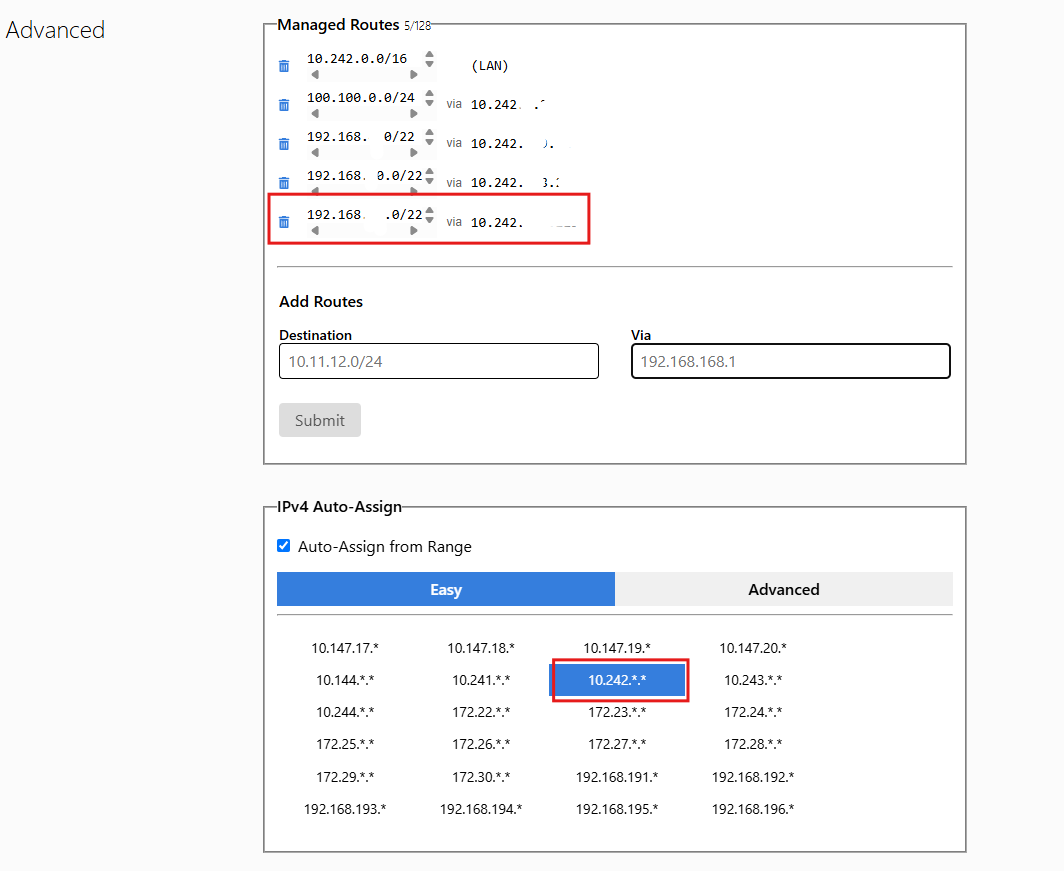
17. On the zerotier web control. Add manage route by add your private IP/Subnet on RouterOS to manage route.
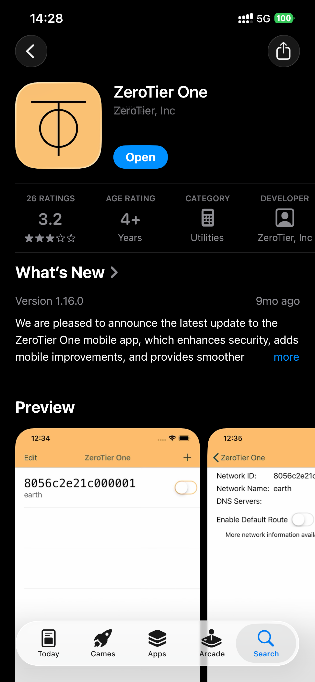
- Now we can install ZeroTier client on the smartphone or computer.
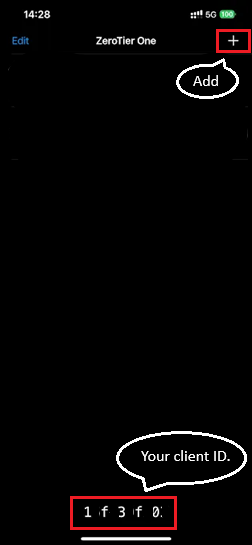
- Add network click "+"
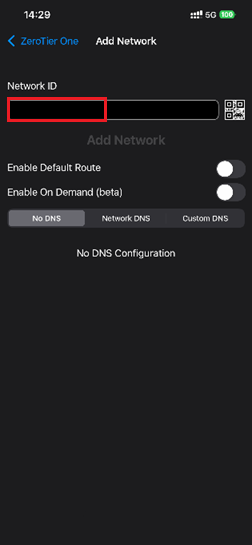
- Enter "Network ID" and clieck "Add Network".
- Enable the connection.
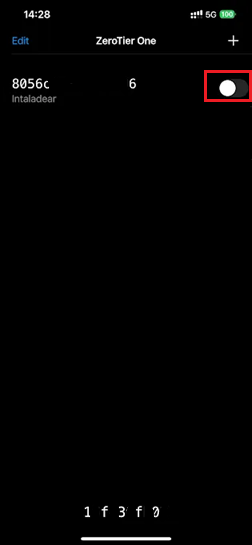
- Now is connected.
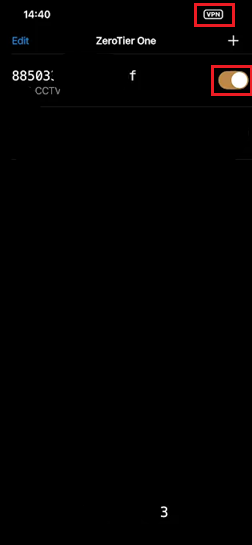
- Check the device is showed in network members.
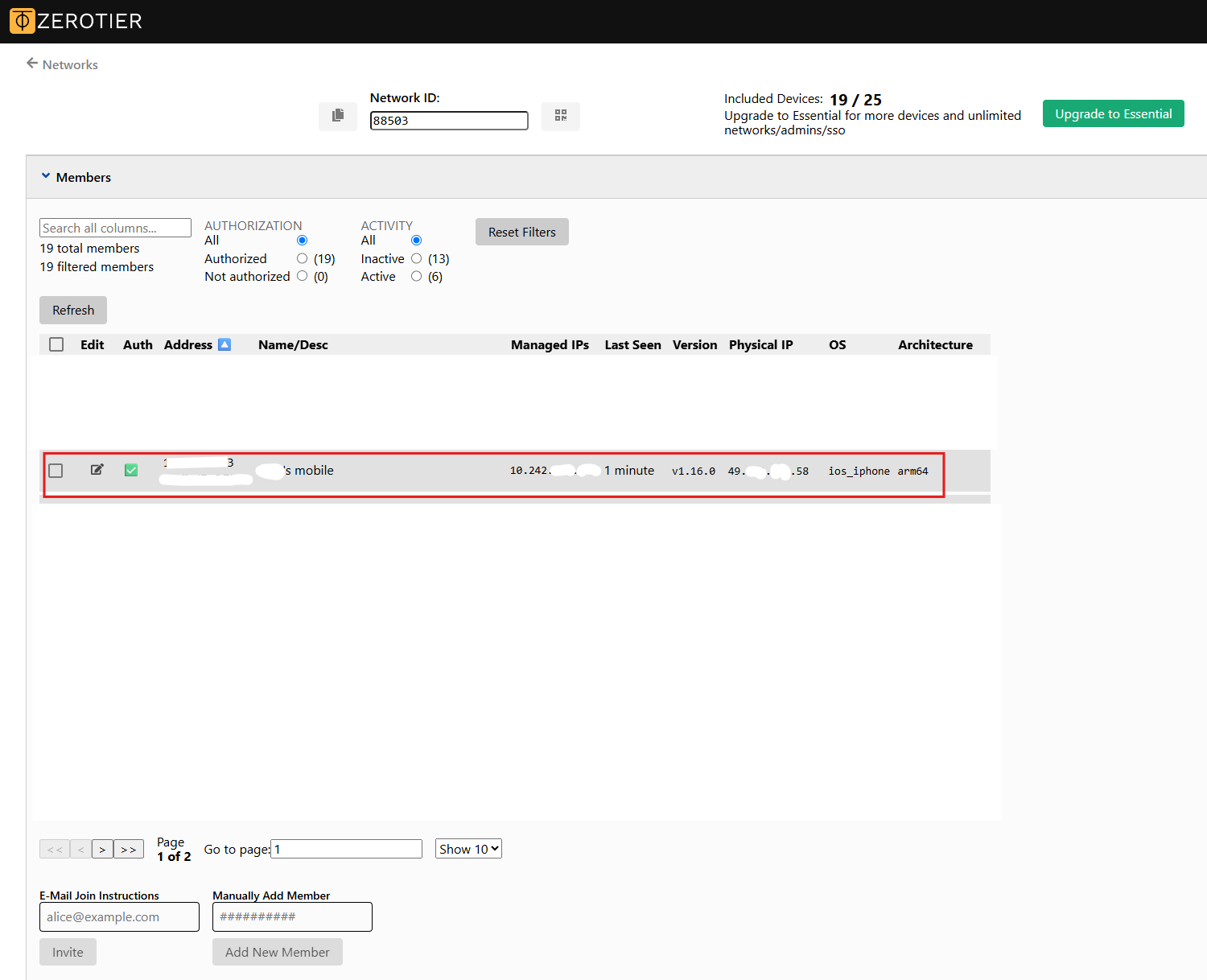
- Now we can connect to the RouterOS network via zerotier.
Ref: https://manual.mikrotik.com/docs/virtual-private-networks/zerotier
Ref: https://www.youtube.com/watch?v=60uIlyF8Z5s