Mikrotik Netinstall on RB2011UiAS-RM


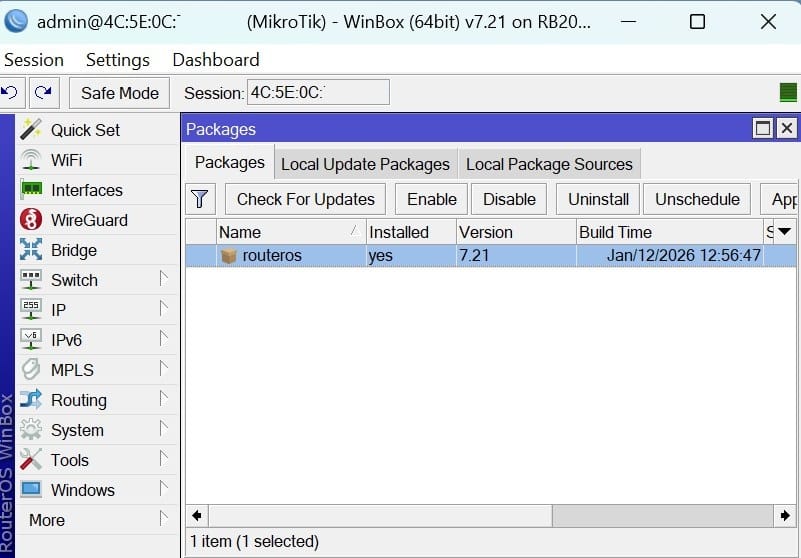
Example to netinstall Mikrotik RB2011UiAS-RM with routeros 7.21
Pre-request
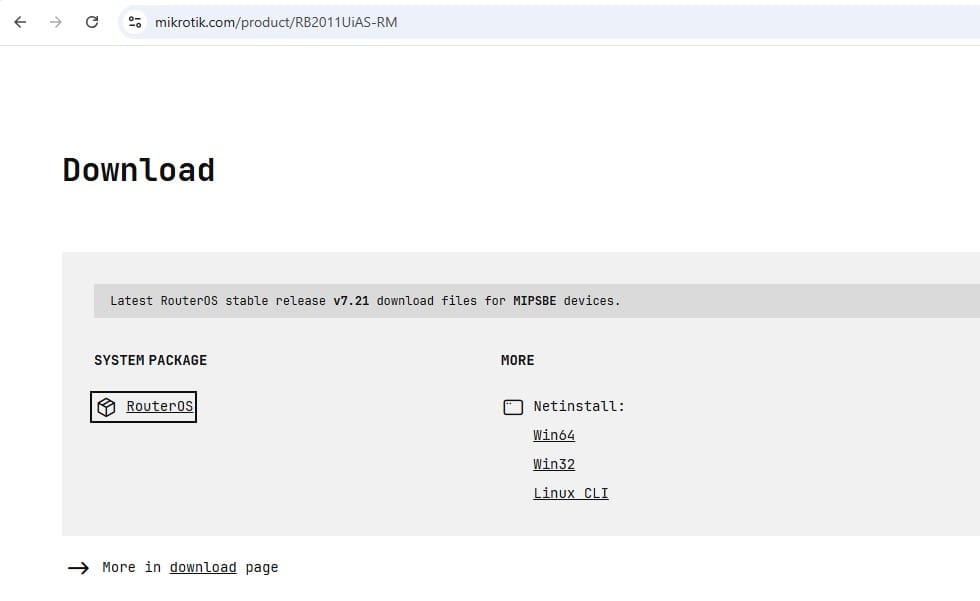
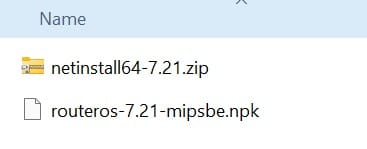
1. Download Router OS file (.npk) and program netinstall from mikrotik website (RB2011UiAS-RM = MIPSB)
2. Computer
3. Mikrotik
4. Network cable
Computer pre-setup
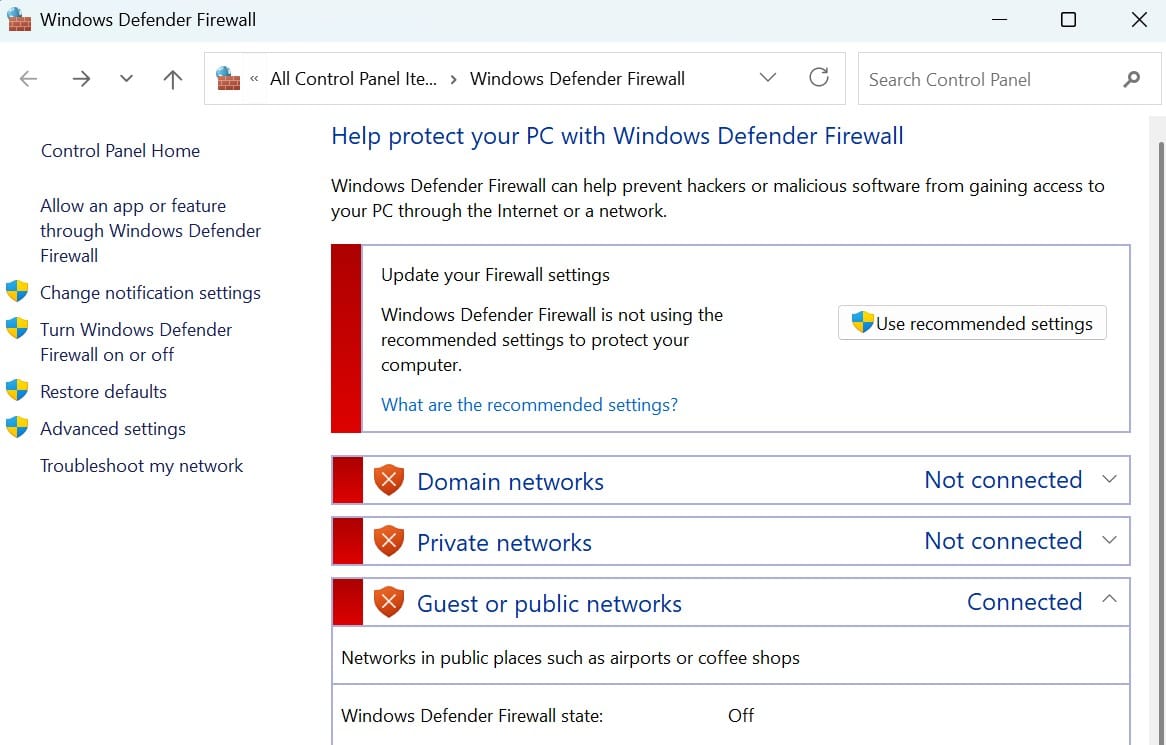
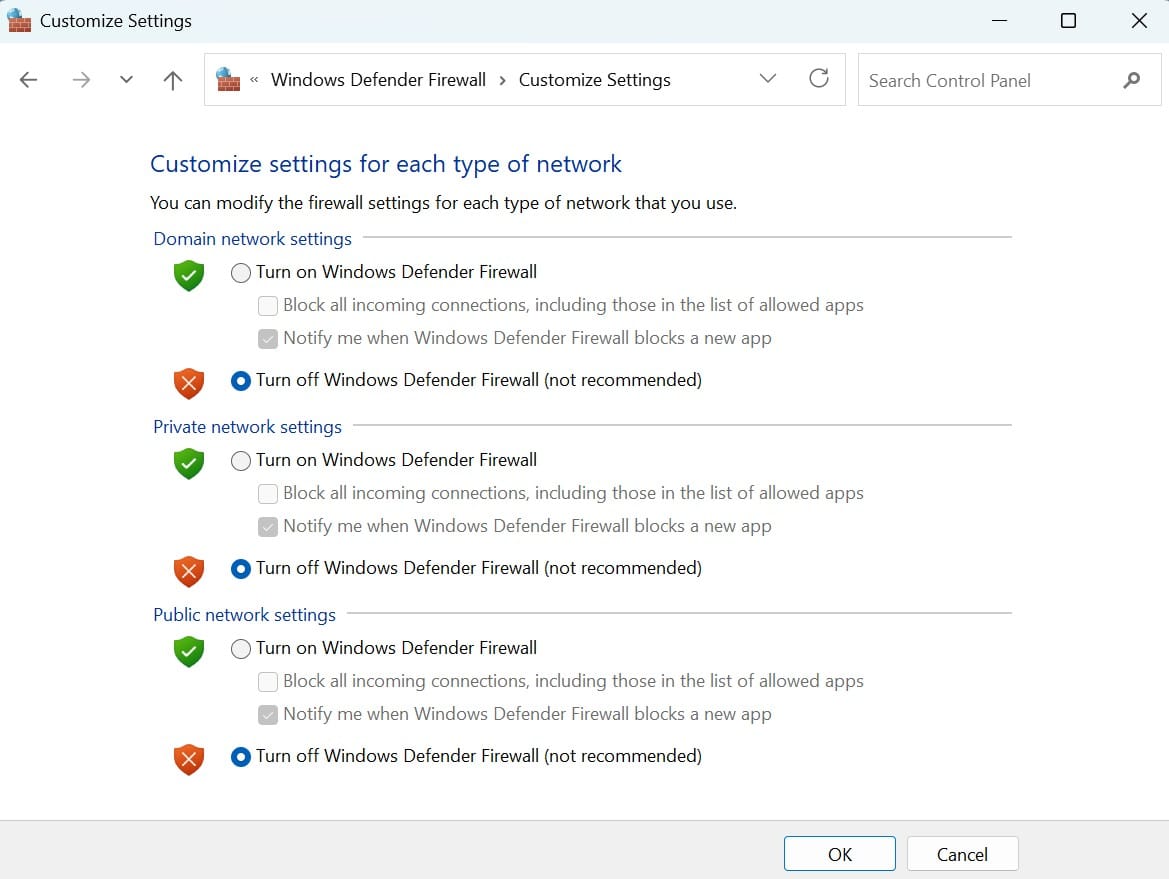
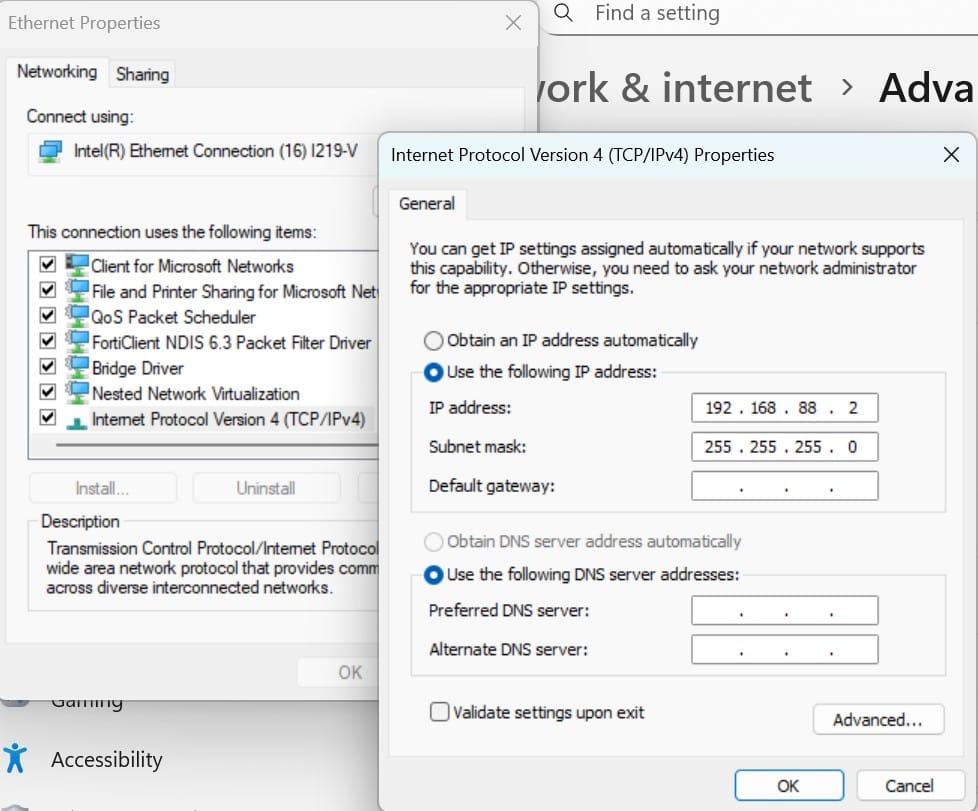
- On the computer, disable firewall and disable network interface, Keep only lan for connect to Mikrotik.
- Set static ip on IPV4 on your computer
- IP Address: 192.168.88.2
- Subnet Mask 255.255.255.0
Step-to-Netinstall
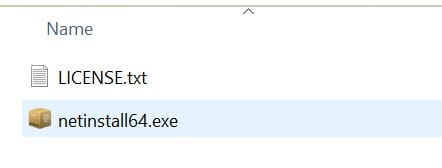
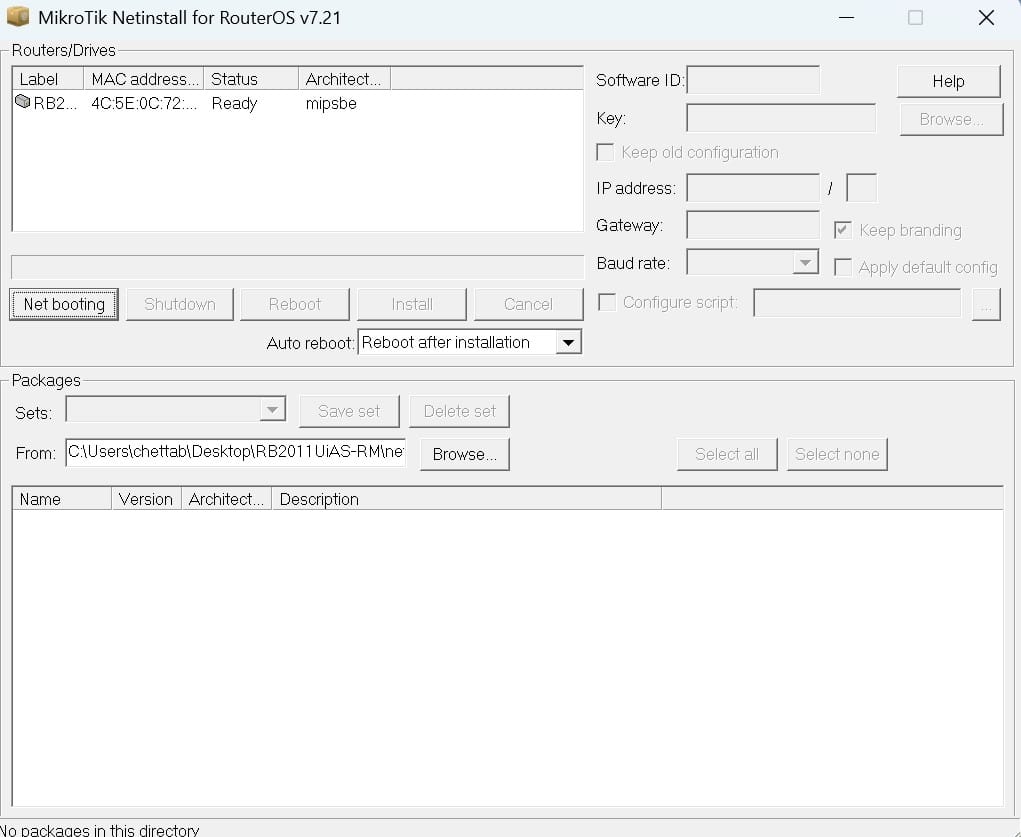
- Unzip file netinstall and run netinstall program.
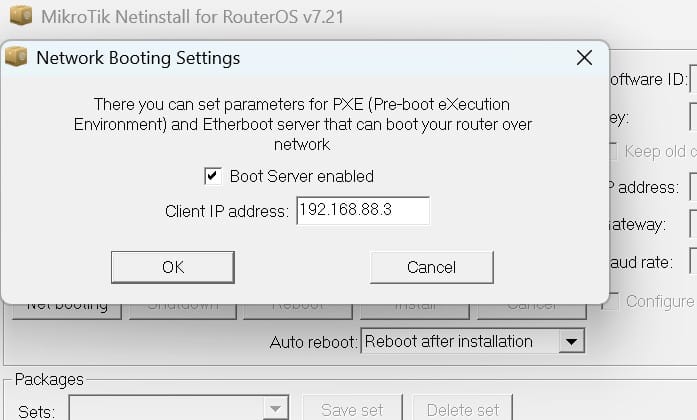
- Click "Net Booting"
- Check box "Boot Server Enable".
- Enter IP on "Client IP Address" = 192.168.88.3
- Click OK
- On Mikrotik RB2011UiAS-RM, Un-plug power source
- Hold the reset button and plug the power source.
- Keep hold reset button until in the netinstall program show the device (on "Router/Drives") then un-hold the reset button.
- Click on the router showed in the list.
- Click browse then select the .npk file download on the pre-step.
- Check the option and click install.
- Wait until done it will show message "Installation finish successfully"
- Device will reboot.
- Reset ip configuration on computer to DHCP.
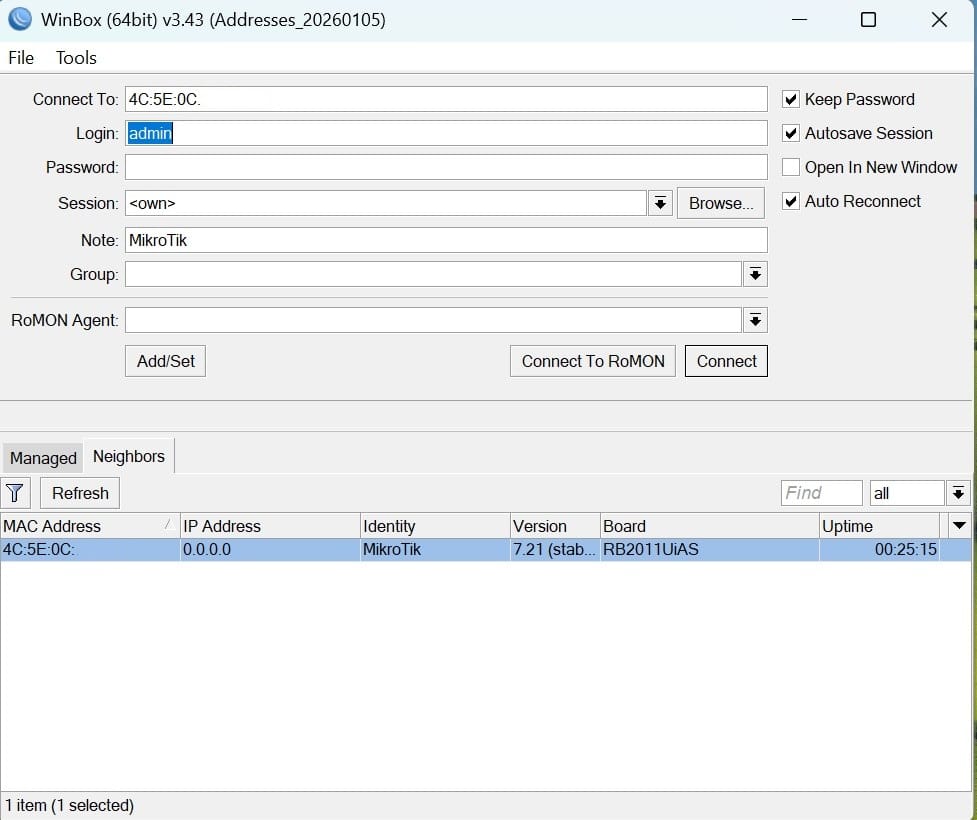
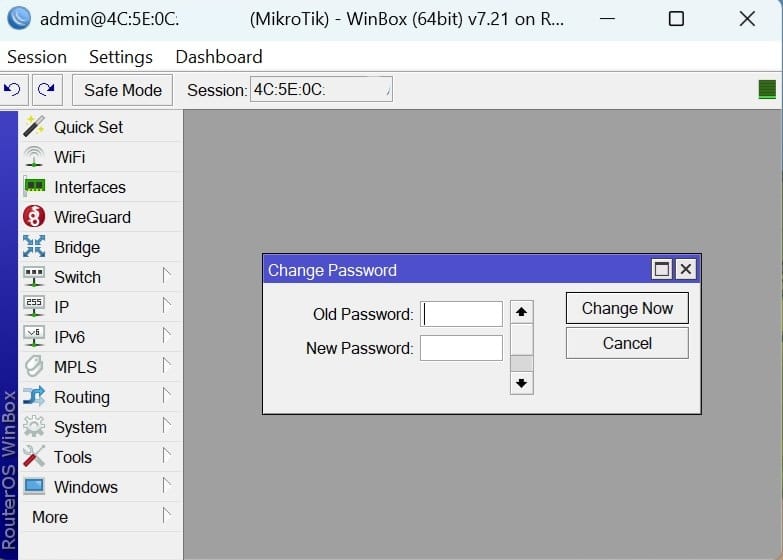
- Open Winbox to try connect to the Router OS.
(Select the router, Click net bootng)
(Enter IP address and check "Boot Server enabled")
(Brows the Router OS file .npk)
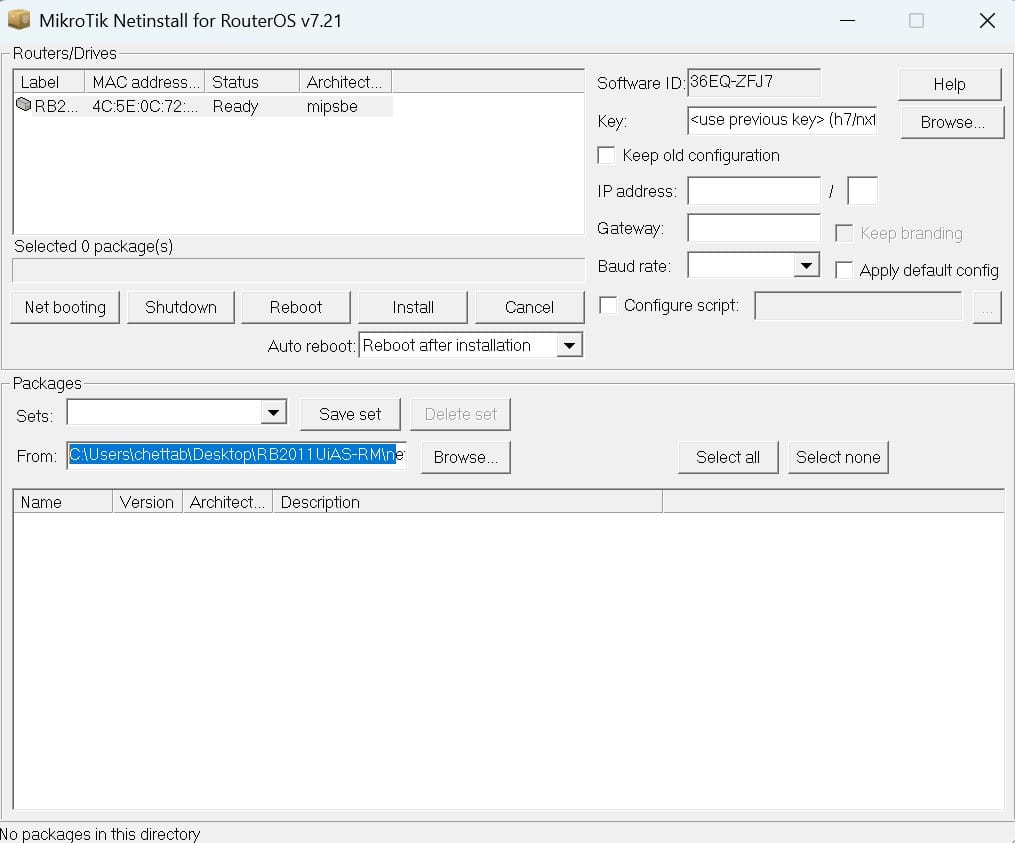
(Check the routeros on the list and check install)
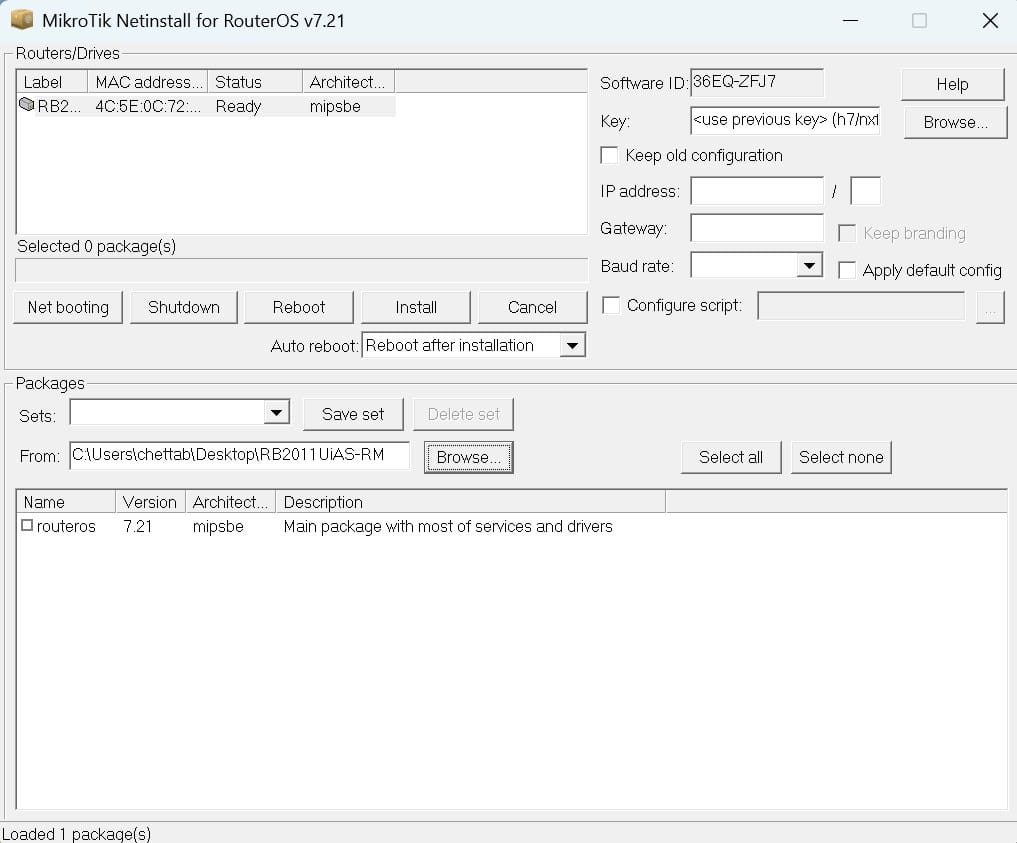
(Router OS transfering)
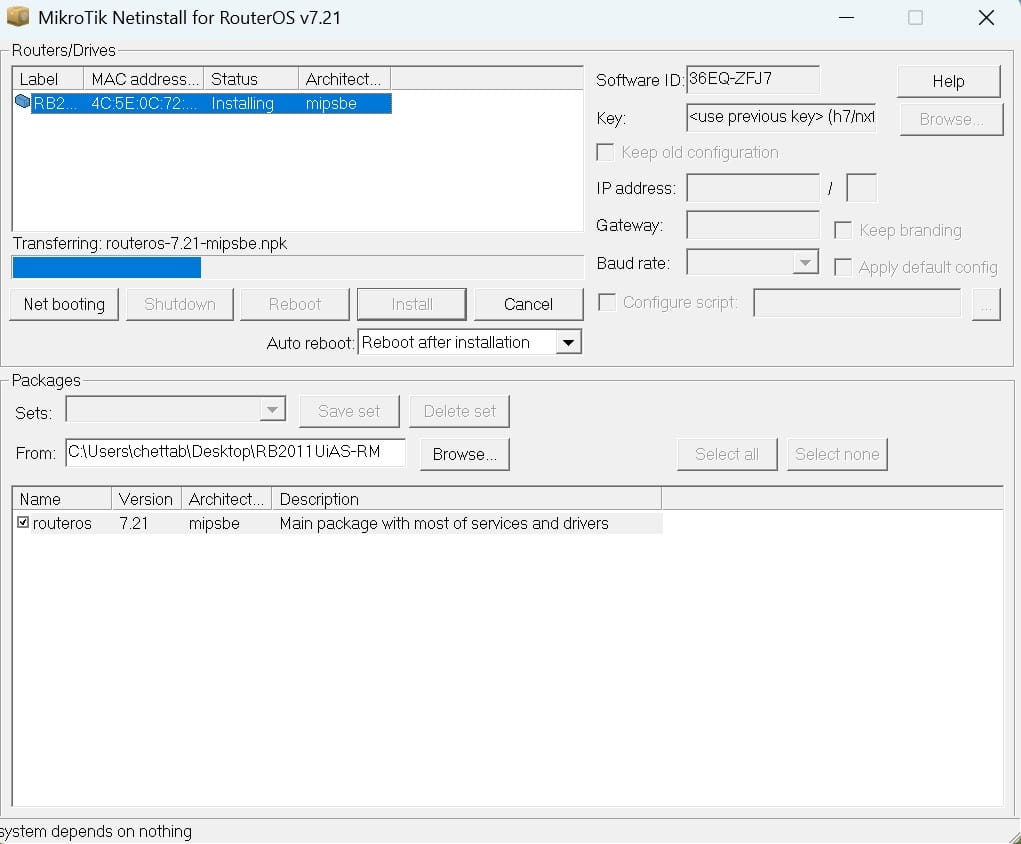
(Router OS will reboot and have beep sound)
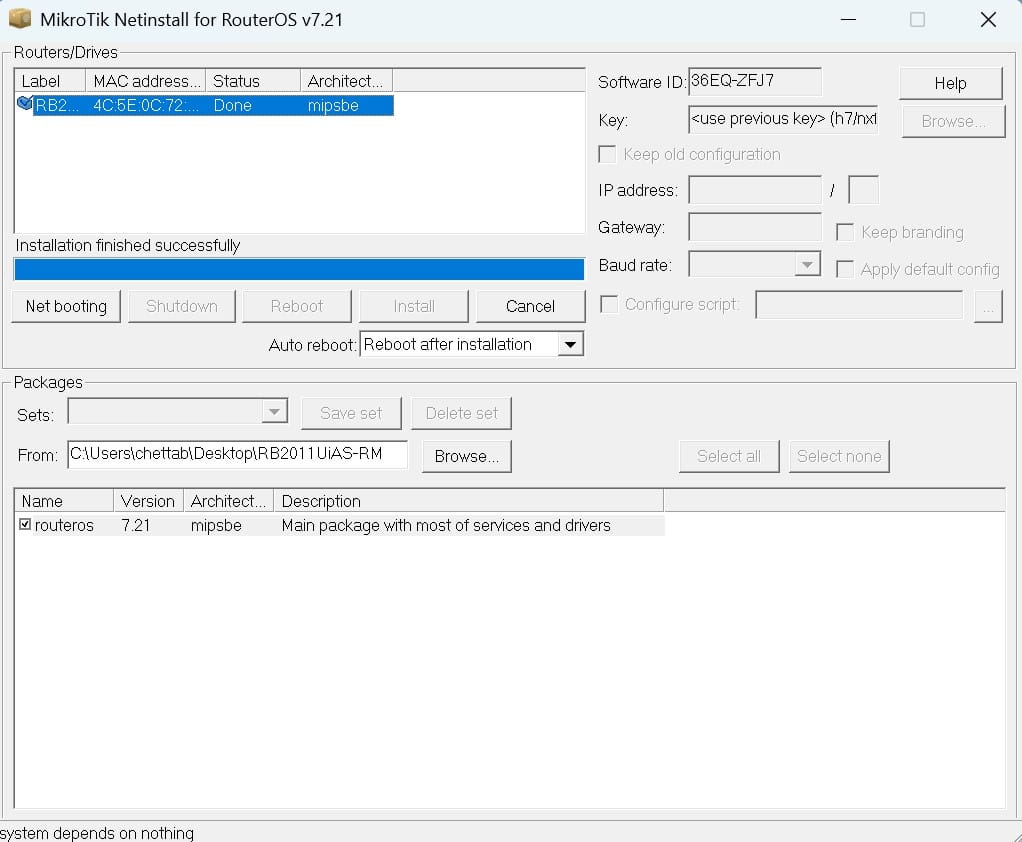
(Test connect by open winbox, on the Neighbors tab will show list on the rounter os)