
Open TCP/IP port 5985 on windows server 2008 R2 STD


To open port 5985 is to setup winrm for allow connection on port 5985. Here is how to open it.
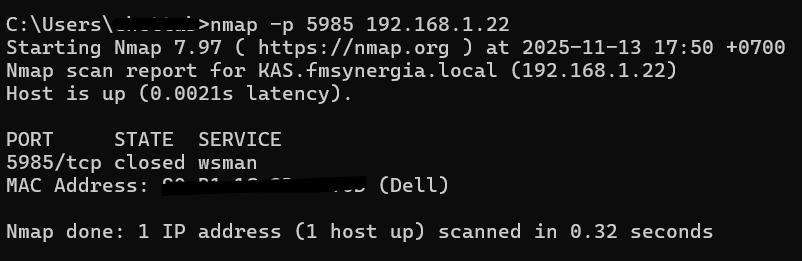
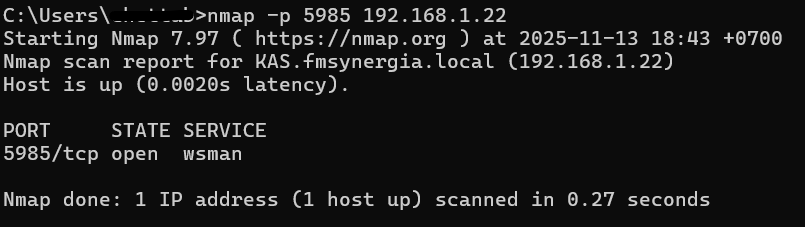
- Check port status by nmap command to the server.
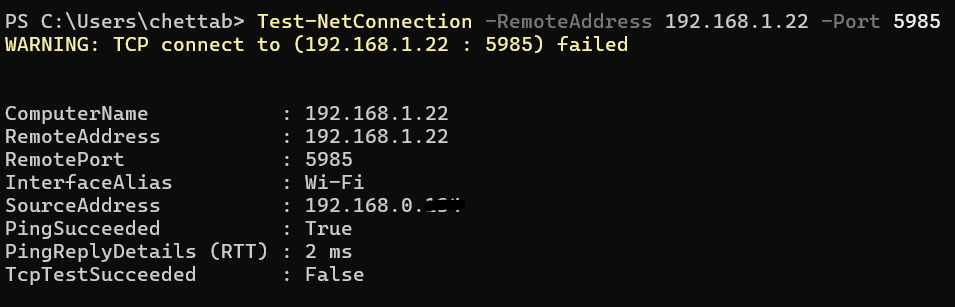
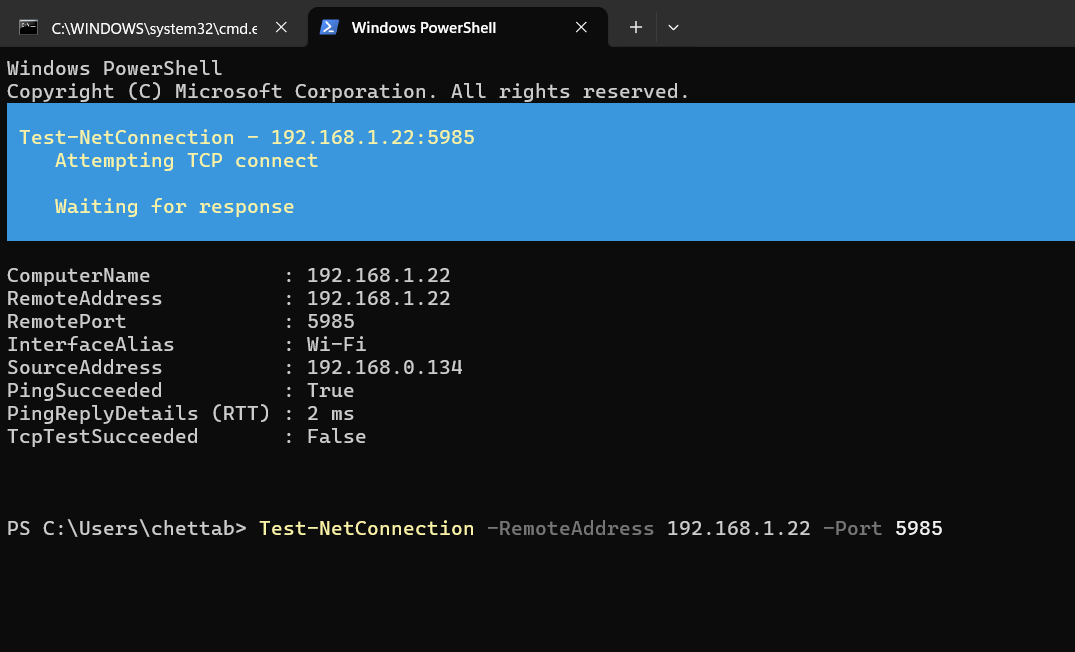
- Test connection with power shell command to the server.
3. Open command prompt as admin
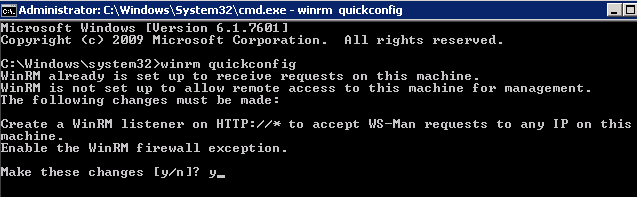
- Run this command on the server.

5 "y" to make these change.
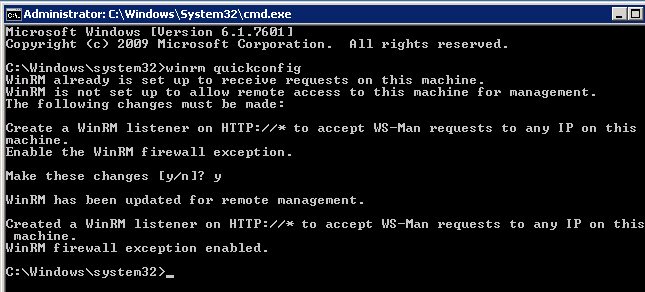
- Test the connection again from client to server.
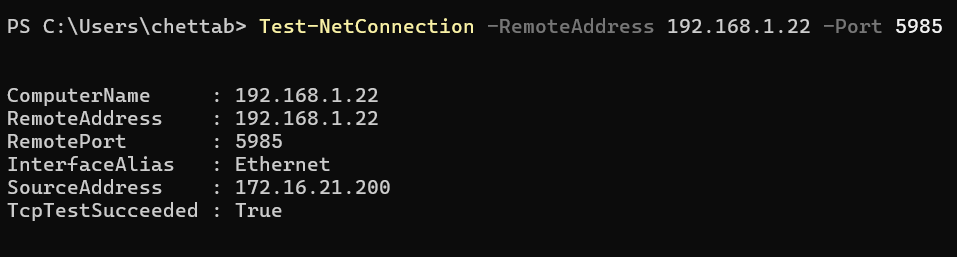
7. The port is open now.