
PDF: Sing a signature on PDF by Foxit Reader


In Foxit Reader they have Feature name "Foxit eSign". The Foxit eSign free trial lasts 14 days and allows you to e-sign up to 5 documents. Your username will be the registered email address.
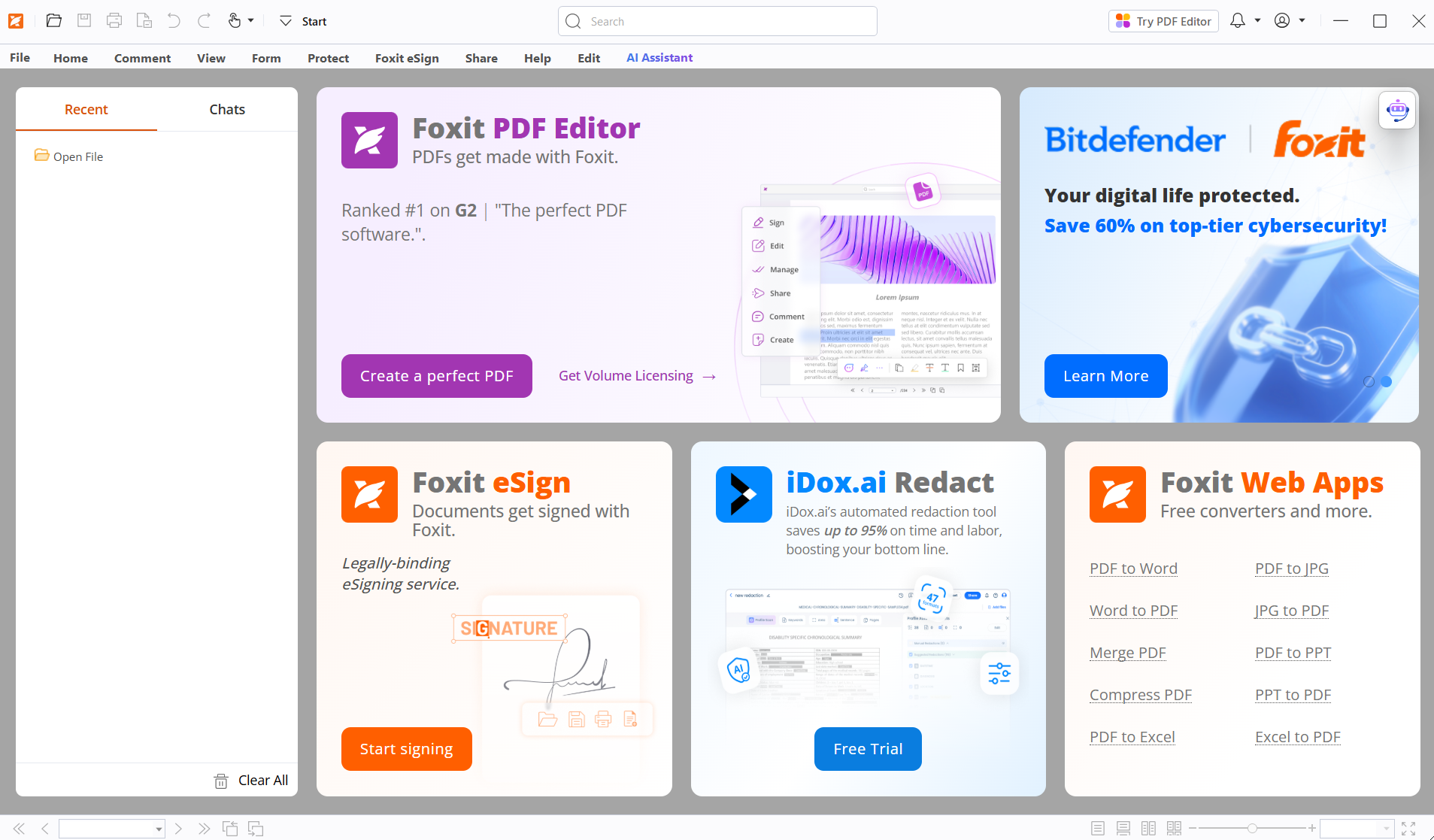
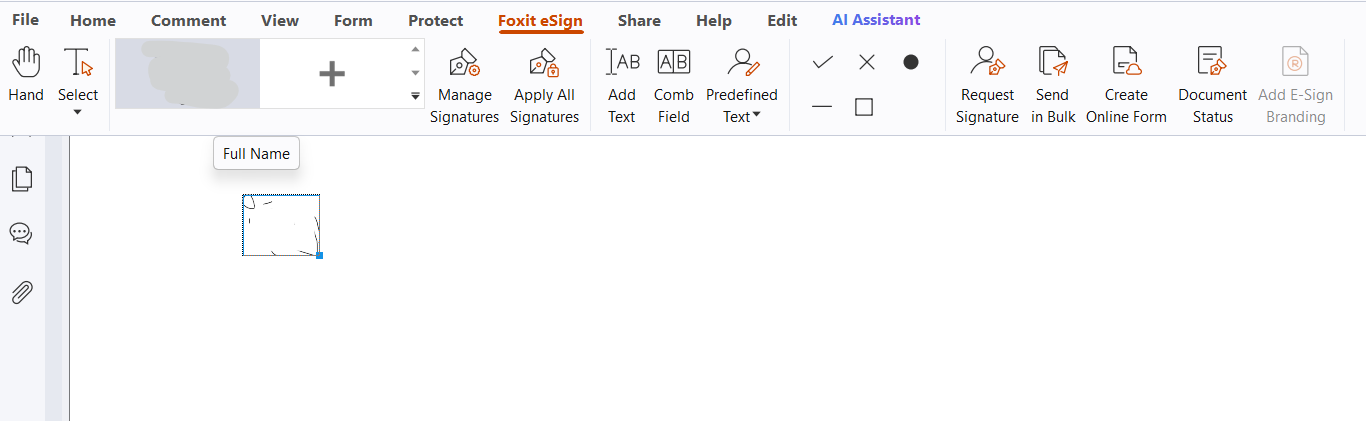
When trail perioud expired the PDF singed with eSign will can not save the file.

if you just uesed it for sign you signatur on the PDF document not share to other to sign or requte sign document. Here are the way to sign your signature on PDF with Foxit Reader.
Solution 1: Use eSign but use print to PDF instan of save file.
- Just user eSign to stamp your signature.
- Normally after finis signed to the document then will save the the file. But our trail perious for eSign is expired. We'll using print to PDF.
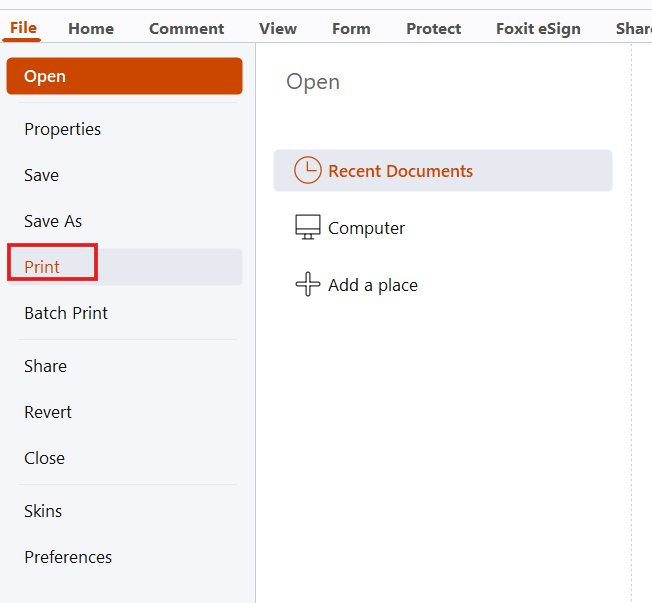
- Goto File > Print > Select printer: "Microsoft Print to PDF" > Print What: "Document and markups" > OK.
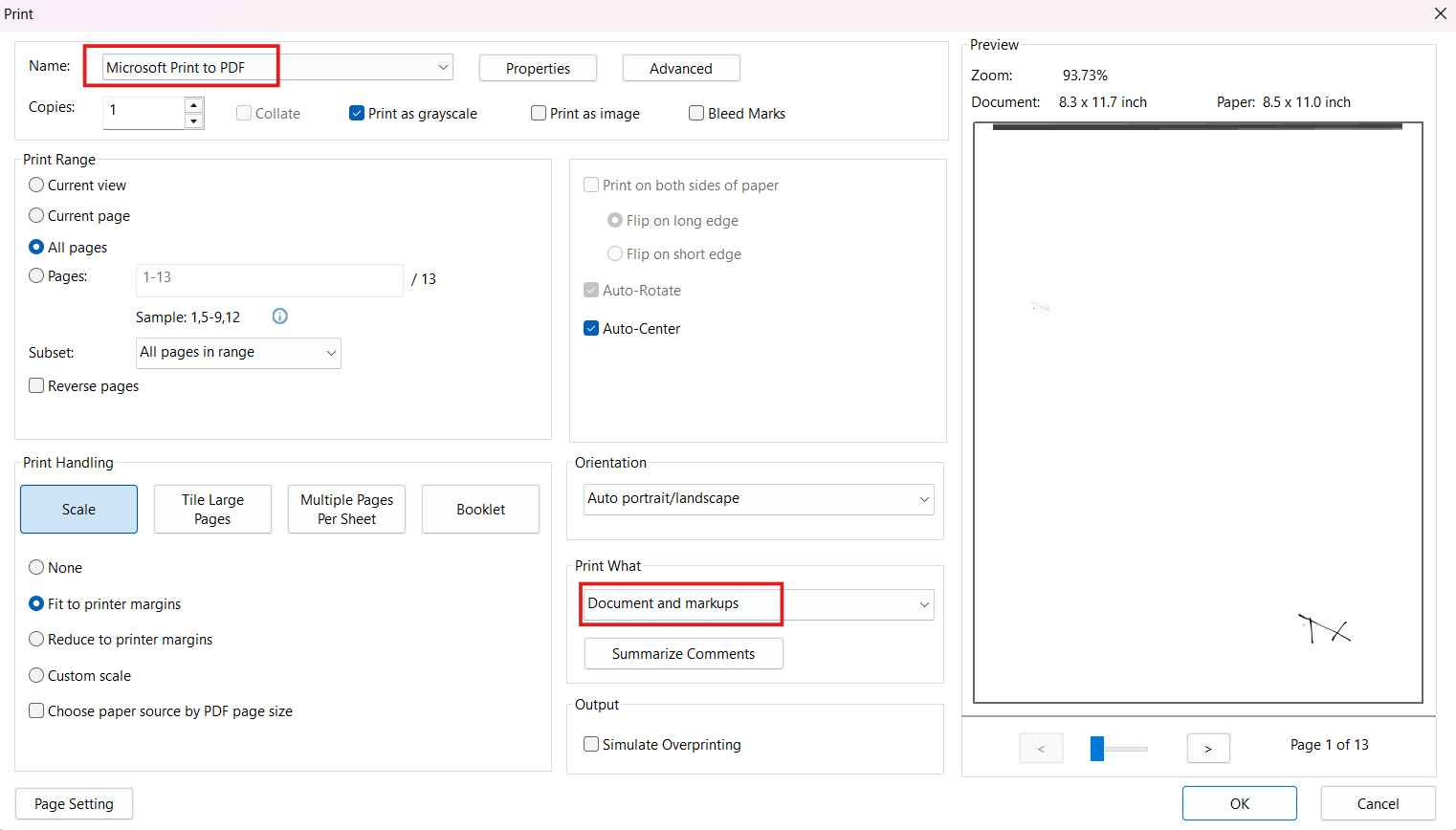
- Select the location to save file and "Save".
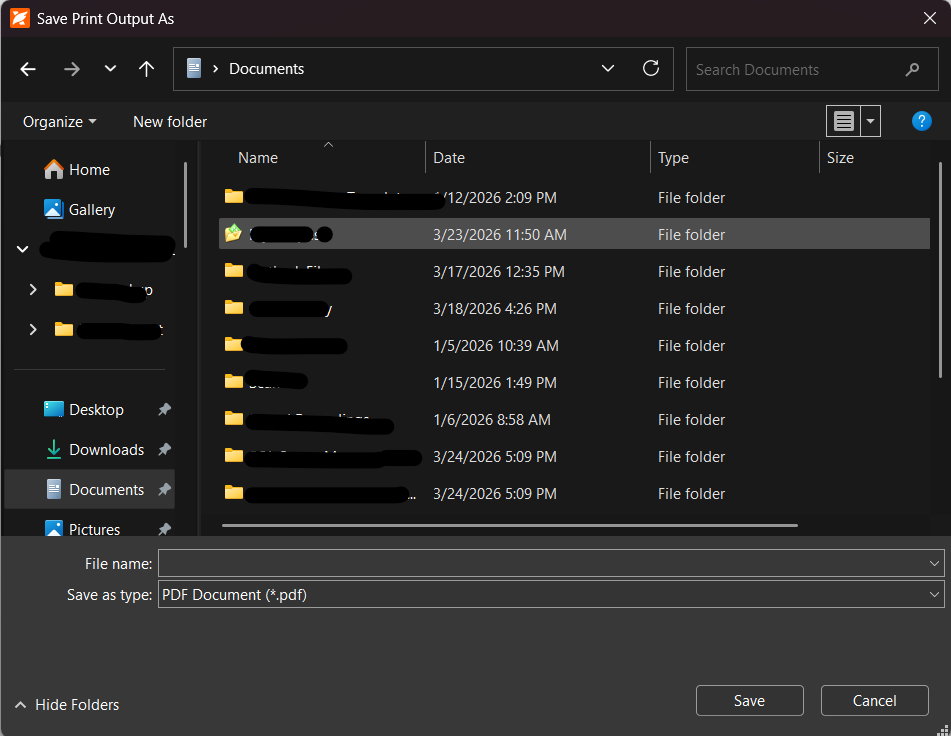
- Open and check on the save file have to sign.
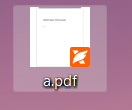
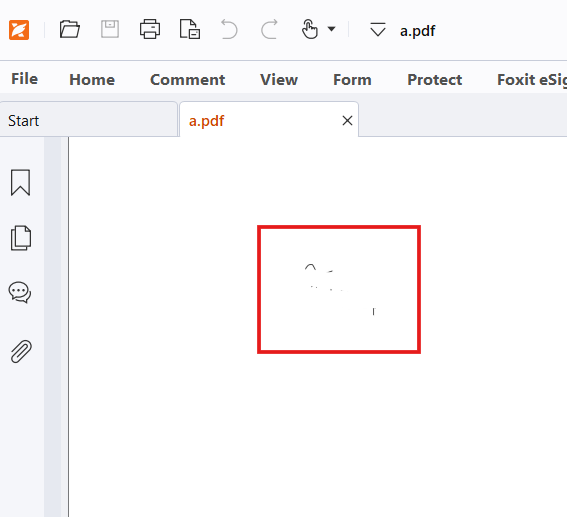
Solution 2: Use "Fill & Sign option
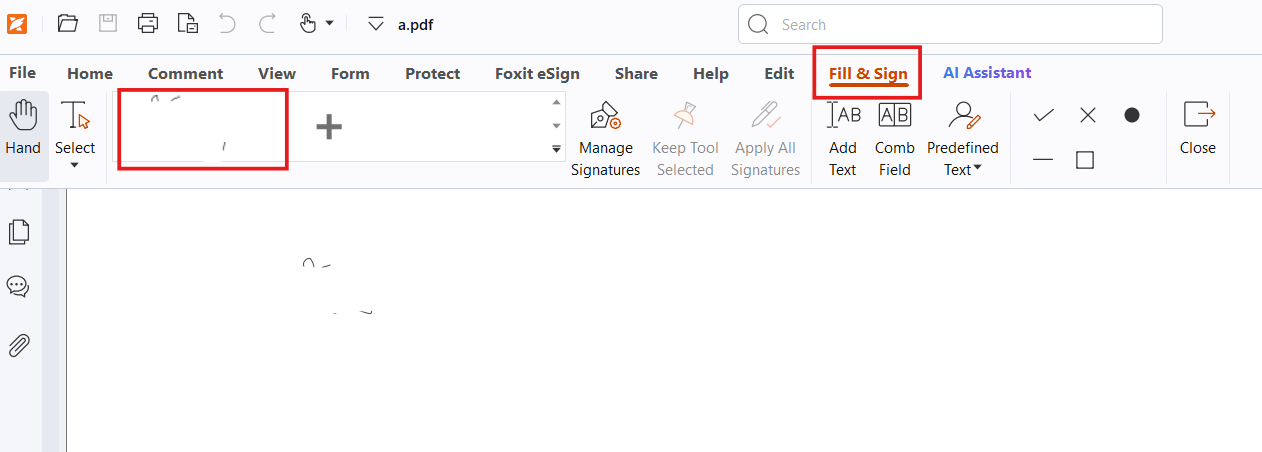
- Goto "Home" > "Fill & Sign".
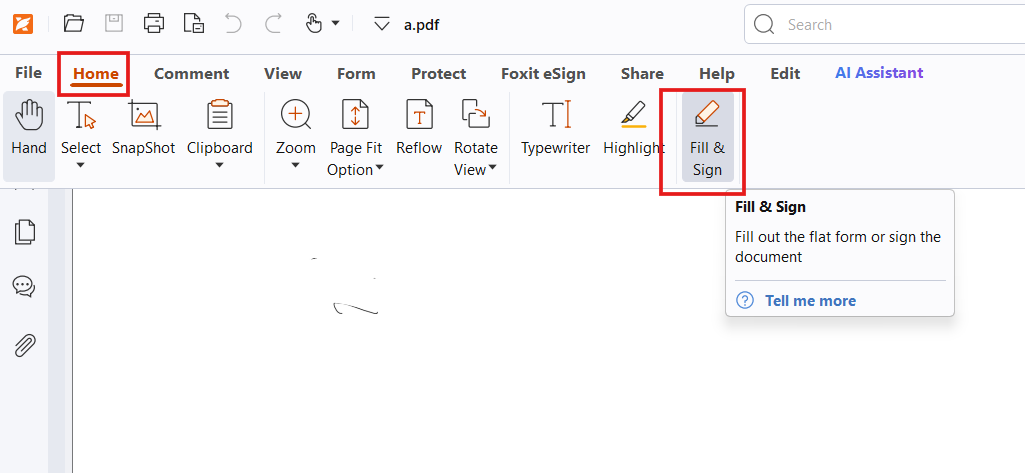
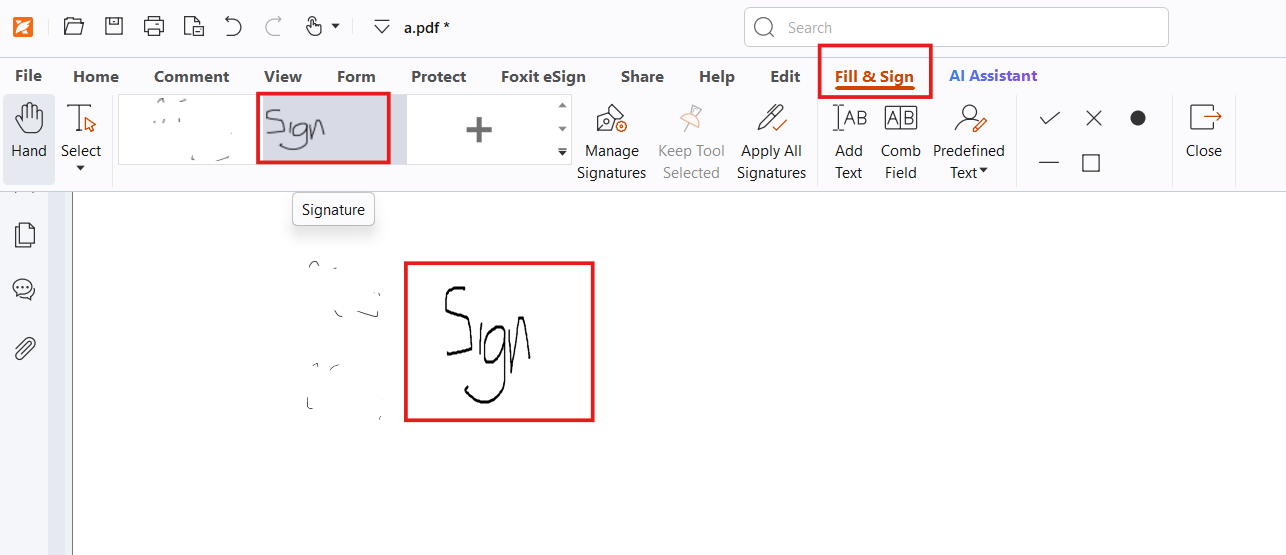
- Menu "Fill & Sign" > Select your signature (If first time please create).
- Past sign on the document.
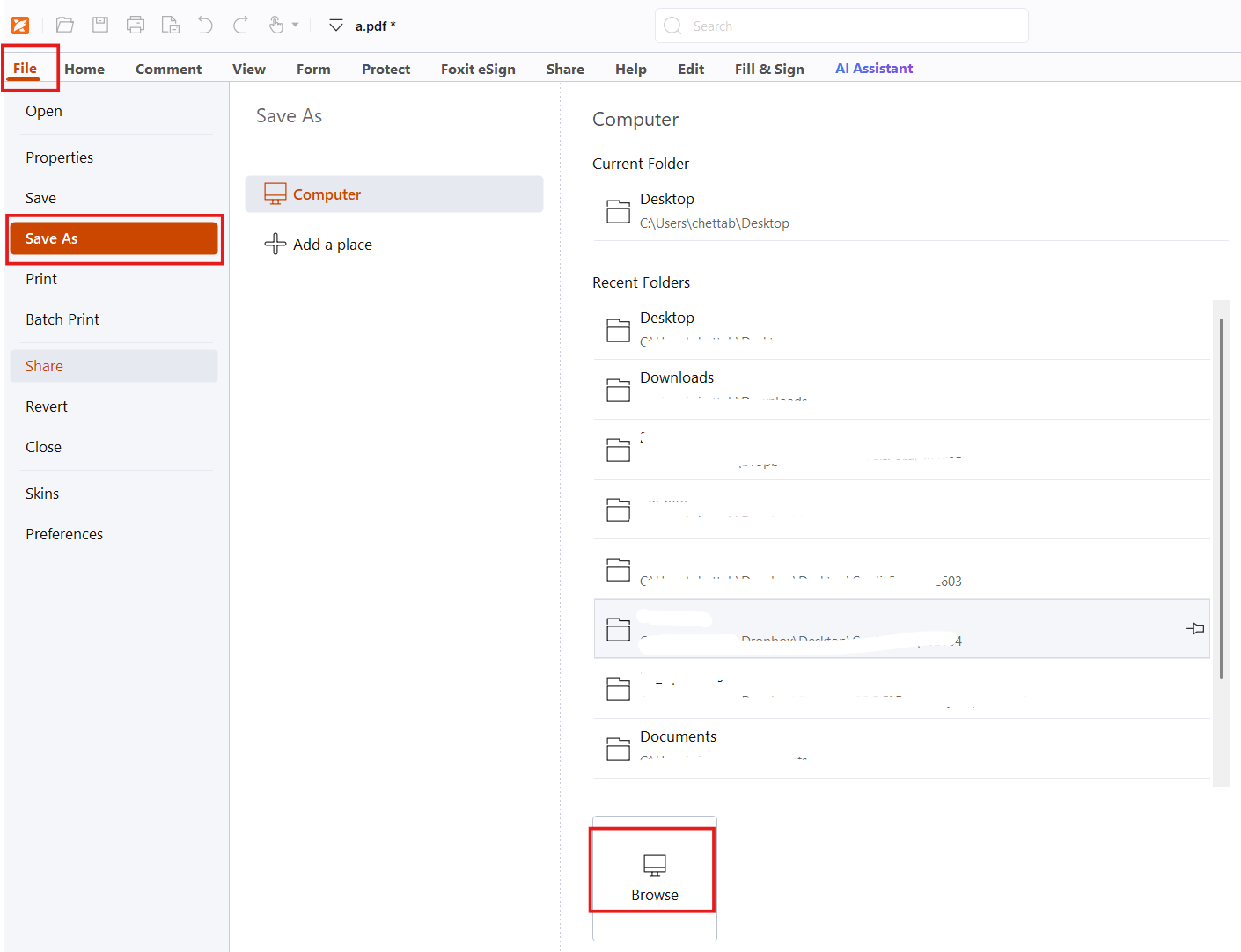
- "File" > "Save As" > "Browse" the location to save > "Save"
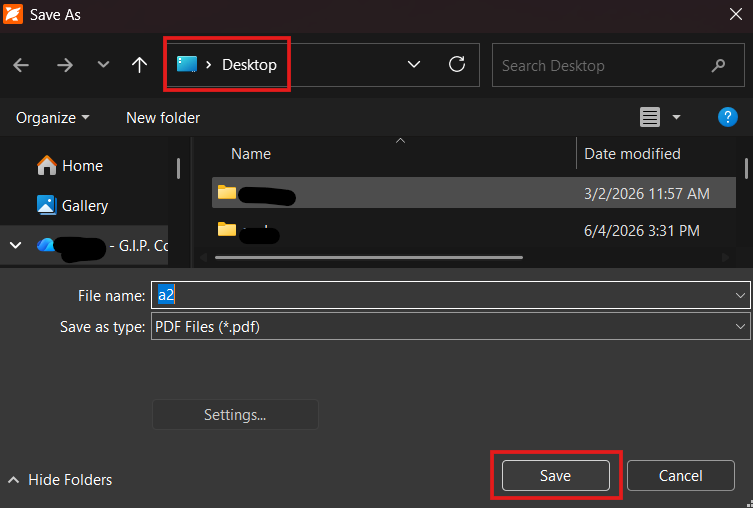
- "Apply All" and "Yes"
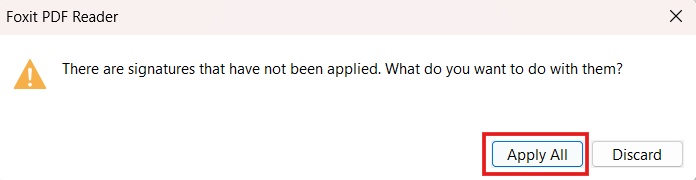
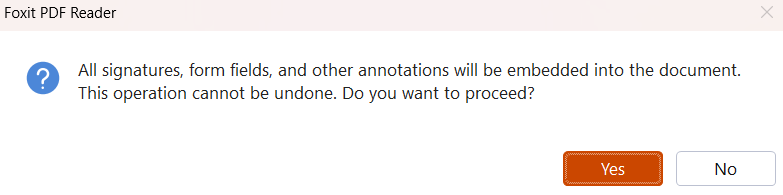
- Close the file and open the save file.
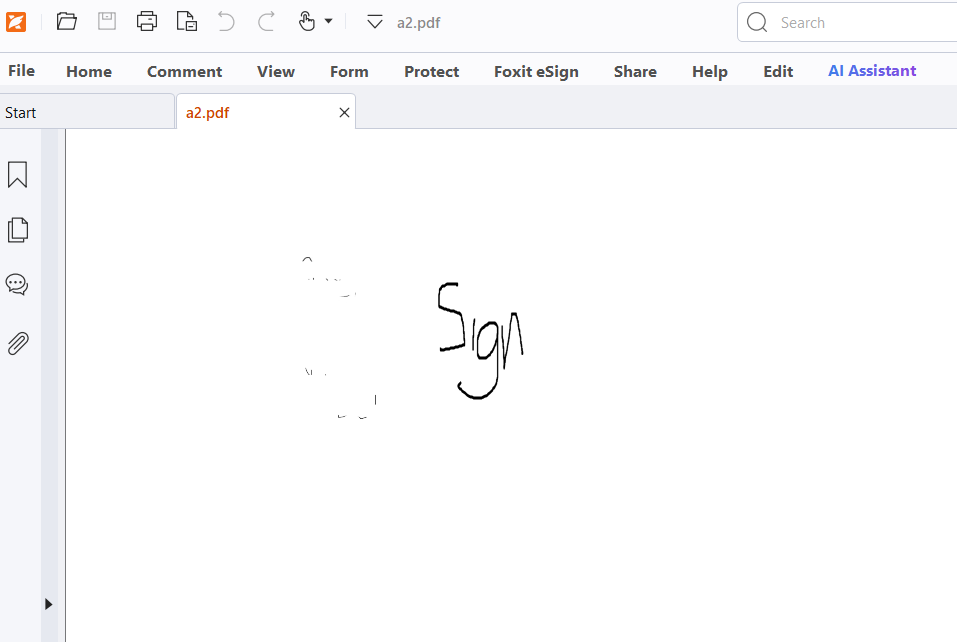
- Sign document ready to use.
Ref: https://kb.foxit.com/s/articles/4435014846996-Create-a-Foxit-eSign-Free-Trial-Account