PowerShell: Local client connect to M365 (With-out-Subscribtion)


M365 on web console not allow to using PowerSell (as you don't have subscription). This will help you to connect PowerShell from your local computer to M365 (with scope of permission "User.Read.All", "Group.Read.All", "Directory.Read.All").
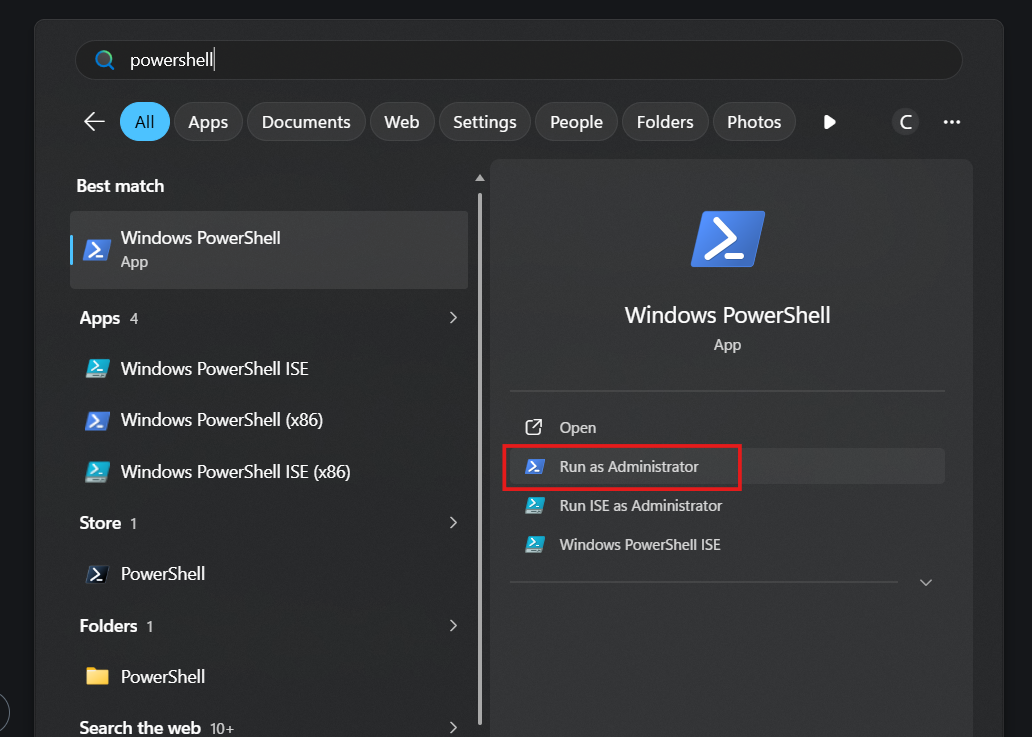
- Run PowerShell as administrator.
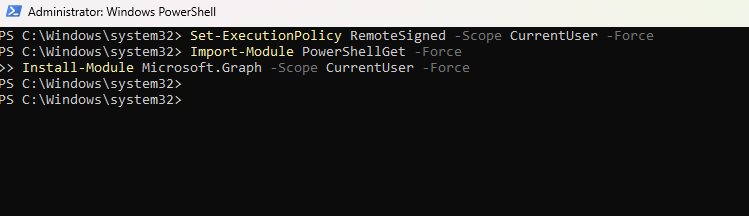
- Run command "Exclution Policy"
Set-ExecutionPolicy RemoteSigned -Scope CurrentUser -Force
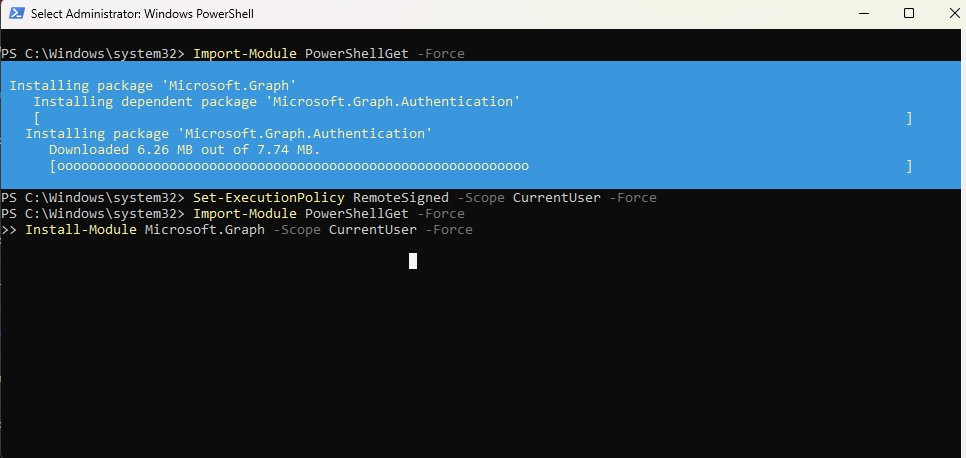
- Run command to install module "Microsoft Graph"
Import-Module PowerShellGet -Force
Install-Module Microsoft.Graph -Scope CurrentUser -Force
- Run command to connect to M365 with device verify
Connect-MgGraph -Scopes "User.Read.All", "Group.Read.All", "Directory.Read.All" -UseDeviceAuthentication
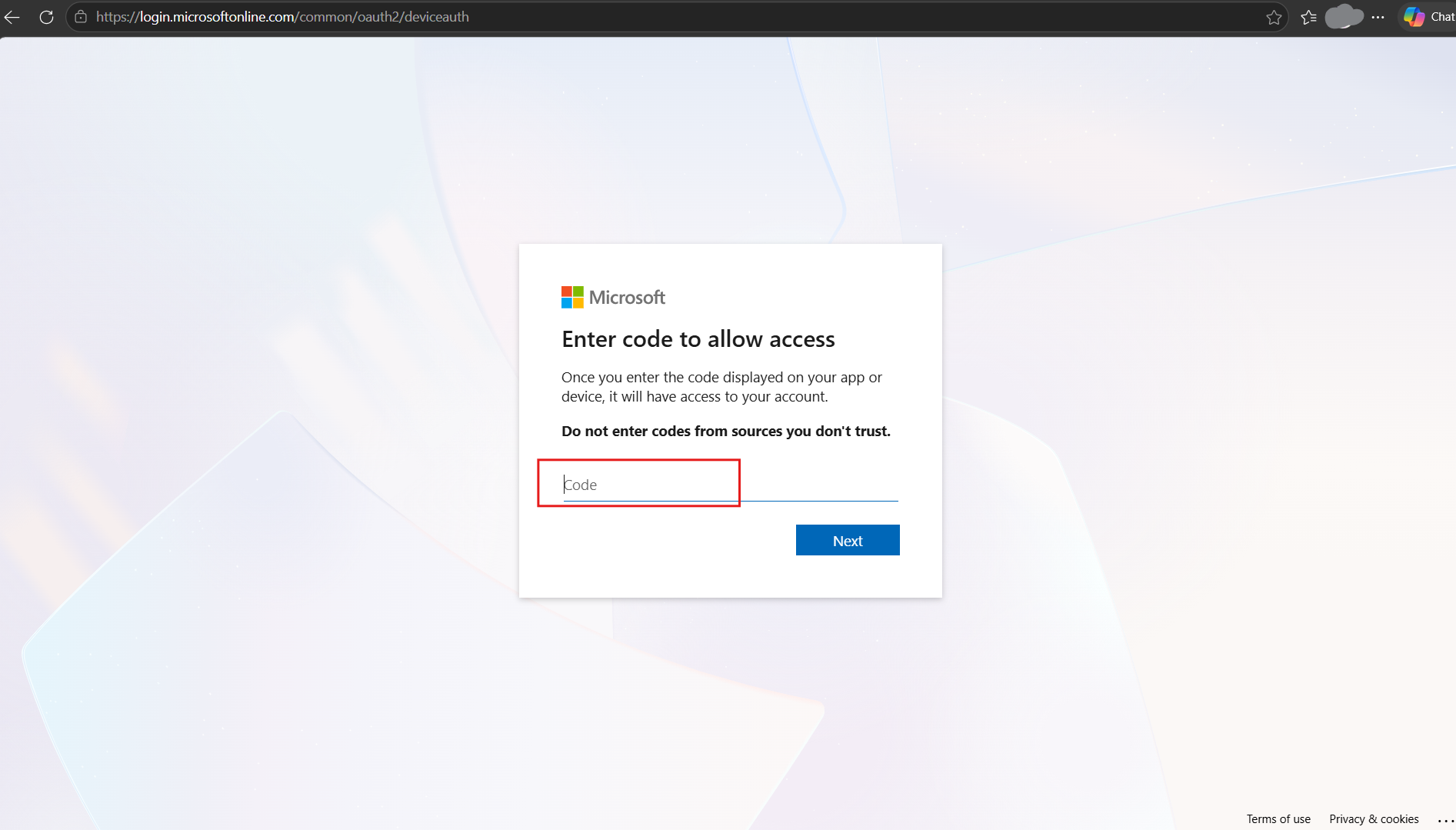
- After run this command it will she the code 9 digit, Goto https://login.microsoftonline.com/device and put this code to authenticate.

- Fill the code.
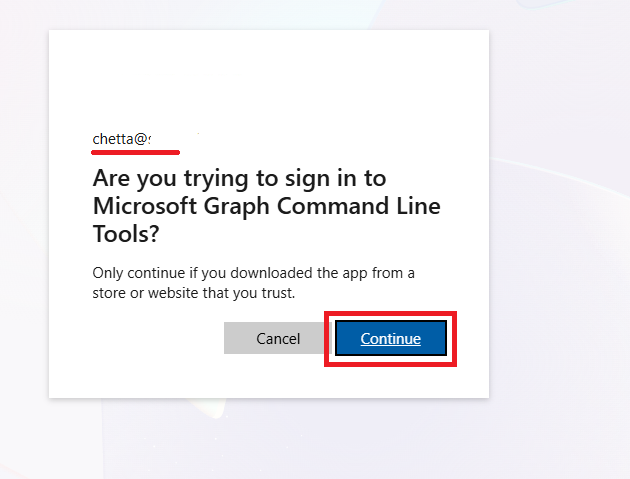
- It will show the page to select user to authen (or enter user password for user account of M365).
- Continue.
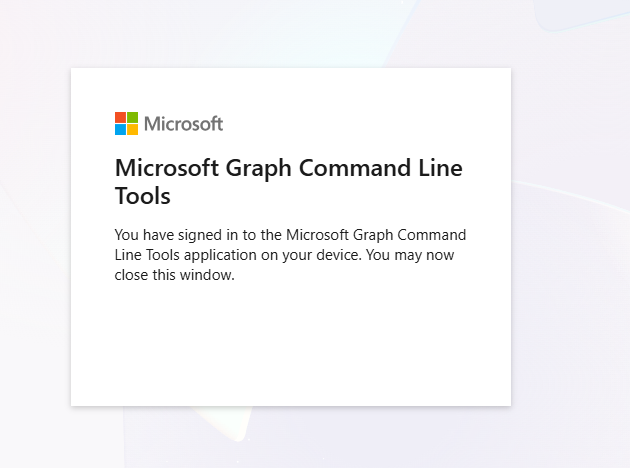
- Then whe this page showed. You can close this page of browser now.
- Back to PowerShell command. It should show welcome page. If show like this it mean you now connected.

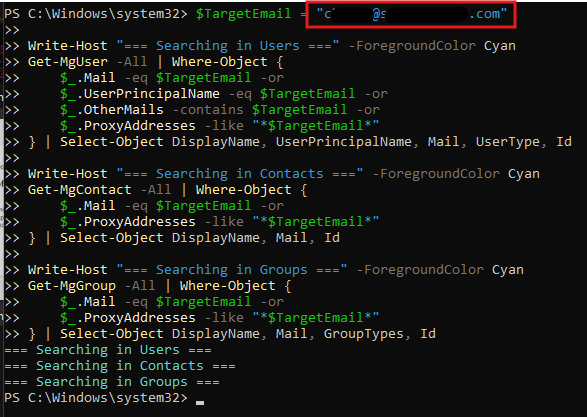
- Try use commed to find specific email address on user, group and directory on M365.
$TargetEmail = "[email protected]"

Write-Host "=== Searching in Users ===" -ForegroundColor Cyan
Get-MgUser -All | Where-Object {
    $_.Mail -eq $TargetEmail -or
    $_.UserPrincipalName -eq $TargetEmail -or
    $_.OtherMails -contains $TargetEmail -or
    $_.ProxyAddresses -like "*$TargetEmail*"
} | Select-Object DisplayName, UserPrincipalName, Mail, UserType, Id

Write-Host "=== Searching in Contacts ===" -ForegroundColor Cyan
Get-MgContact -All | Where-Object {
    $_.Mail -eq $TargetEmail -or
    $_.ProxyAddresses -like "*$TargetEmail*"
} | Select-Object DisplayName, Mail, Id

Write-Host "=== Searching in Groups ===" -ForegroundColor Cyan
Get-MgGroup -All | Where-Object {
    $_.Mail -eq $TargetEmail -or
    $_.ProxyAddresses -like "*$TargetEmail*"
} | Select-Object DisplayName, Mail, GroupTypes, Id
- The resual will show if it founded. This sample founded the address in searching in users (Other is not found).
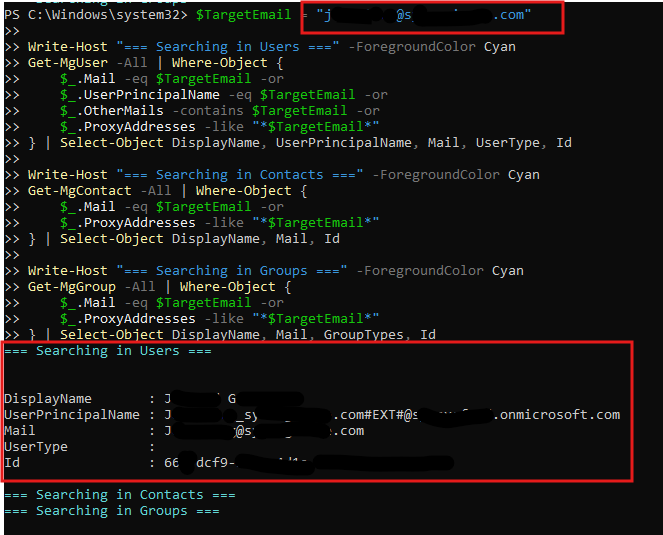
- Try another target email address. The rusual is not found.