PowerShell Quickie: Export AD Security Group Members to CSV


PowerShell command for export security group member to .csv file
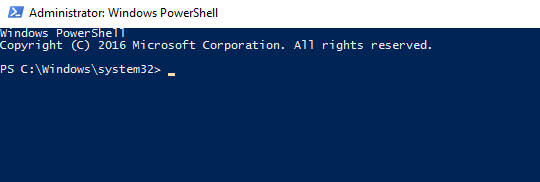
1. Open PowerShell run as administrator
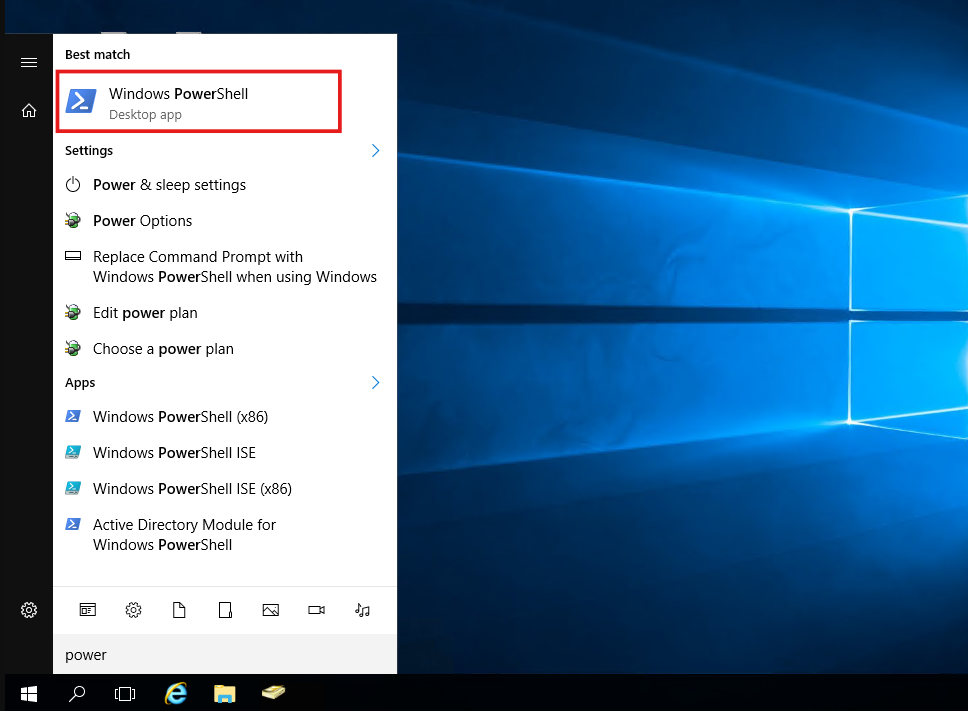
- Open Active directory users and computer for check security group name to export members.
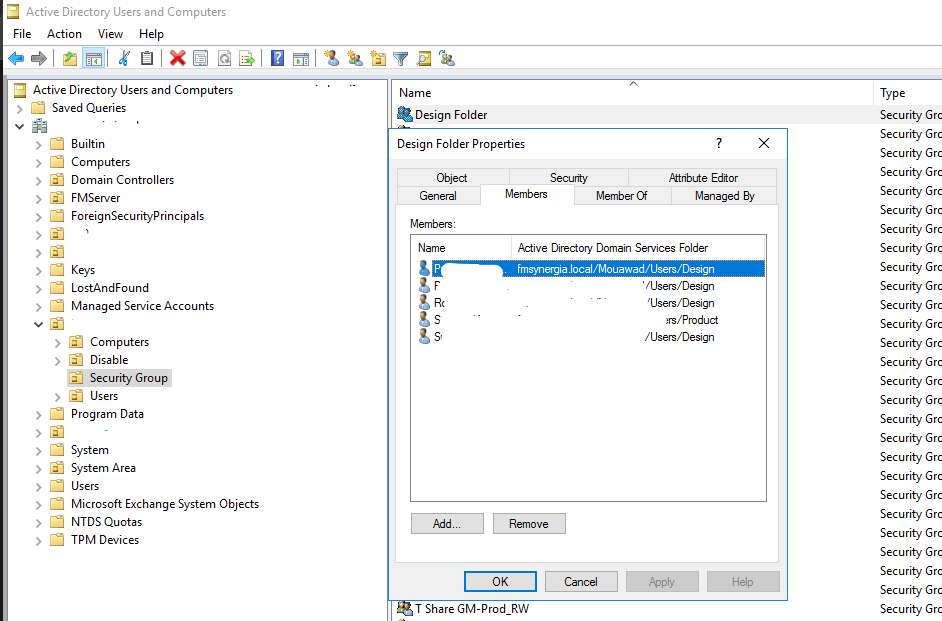
- Security group name "Degsign Folder".
- Use the below PowerShell command for retrive the members and export to file name Design.txt on D drive.
Get-ADGroupMember -Identity "Security Group Name" | Select-Object Name, SamAccountName | Export-Csv -Path "D:\DestinationFileName.csv" -NoTypeInformation -Encoding UTF8
Get-ADGroupMember -Identity "Design Folder" | Select-Object Name, SamAccountName | Export-Csv -Path "D:\Design Folder.csv" -NoTypeInformation -Encoding UTF8
- Export file will show.
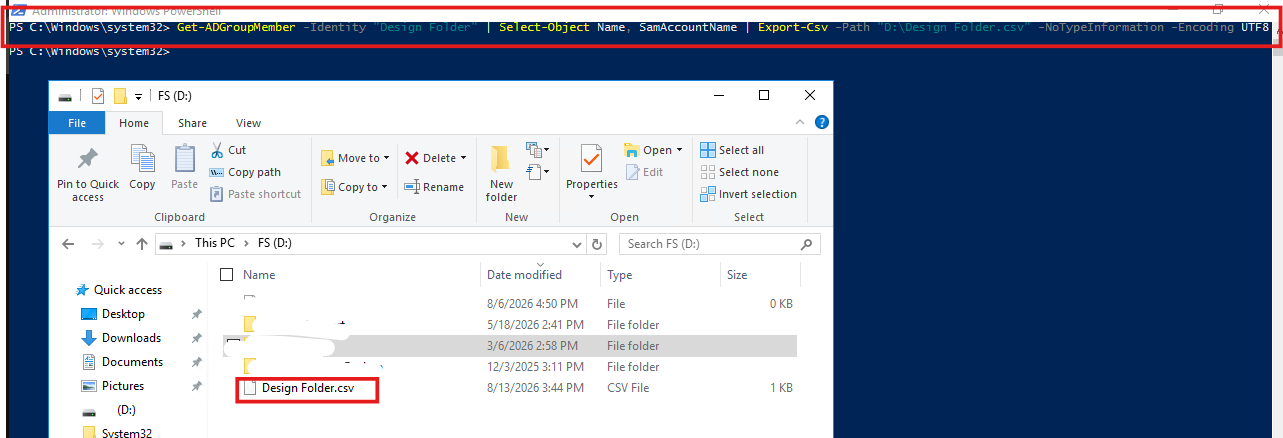
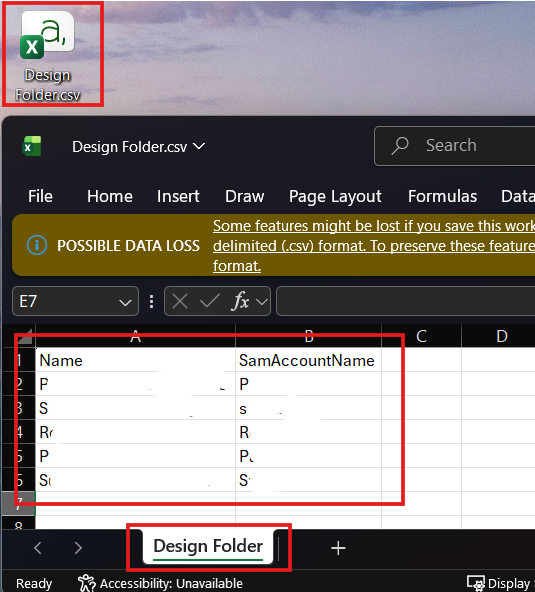
- Open the .csv file view members.
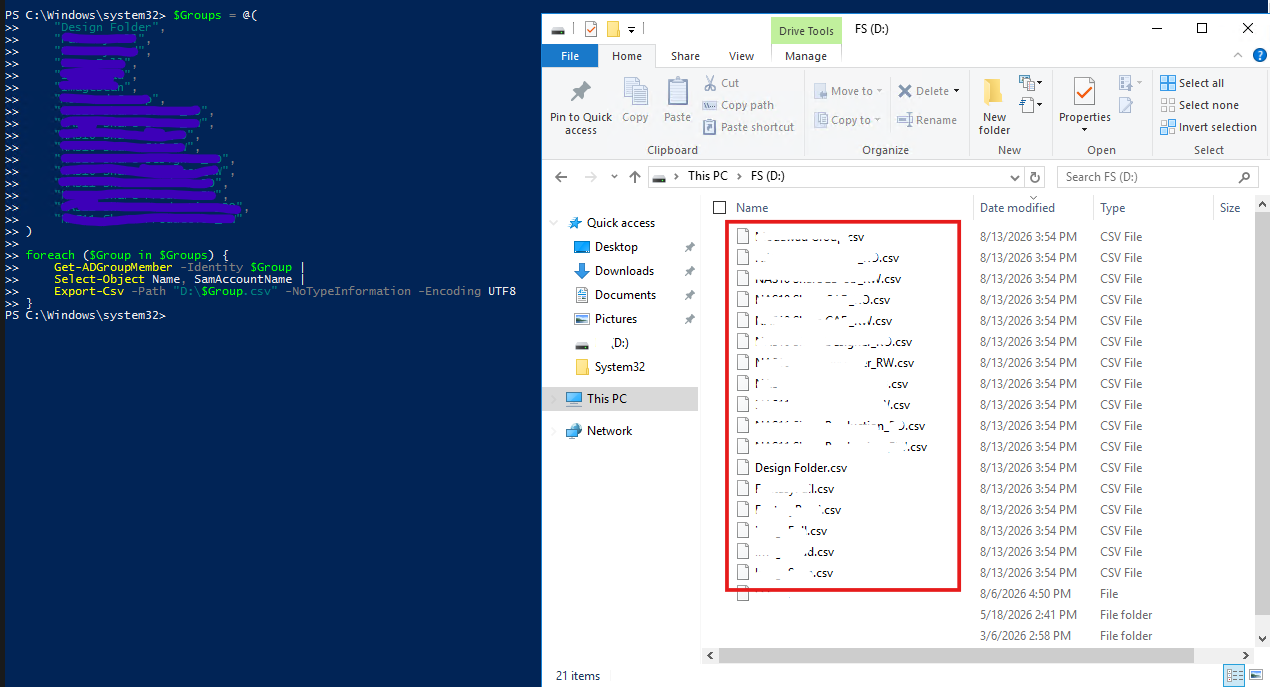
- Can apply with multigroup each group for 1 csv file.
$Groups = @(
    "Design Folder",
    "Group2",
    "Group3",
    "Group4",
    "Group5",
    "Group6",
    "Group7",
    "Group8",
    "Group9",
    "Group10"
)

foreach ($Group in $Groups) {
    Get-ADGroupMember -Identity $Group |
    Select-Object Name, SamAccountName |
    Export-Csv -Path "D:\$Group.csv" -NoTypeInformation -Encoding UTF8
}