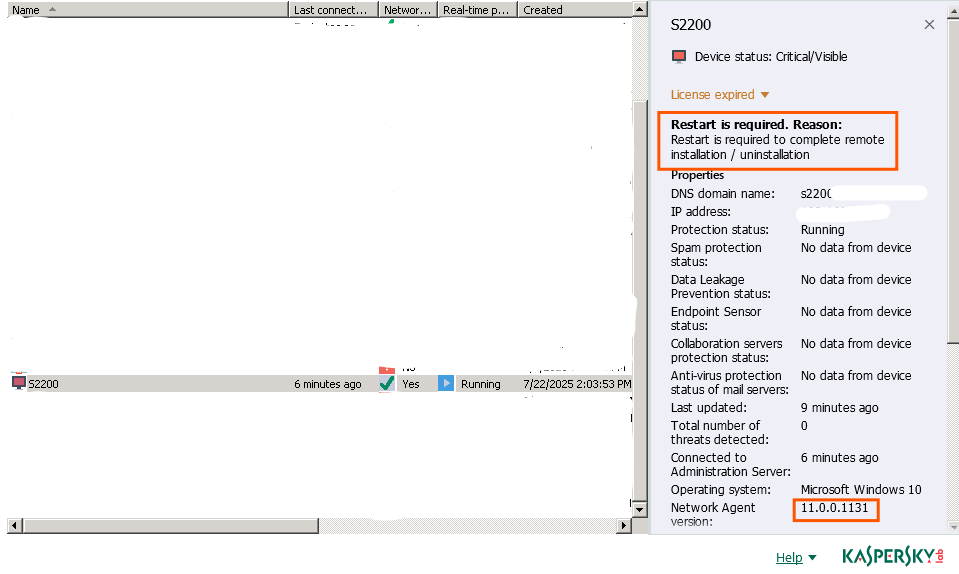
Remote install Kaspersky network agent and Kaspersky Endpoint Security from Kaspersky Security Center 11


Remote install Kaspersky network agent and Kaspersky Endpoint Security from Kaspersky Security Center 11 by specific IP Address on the same domain network.
- "New task" to create task for remote install Kaspersky.
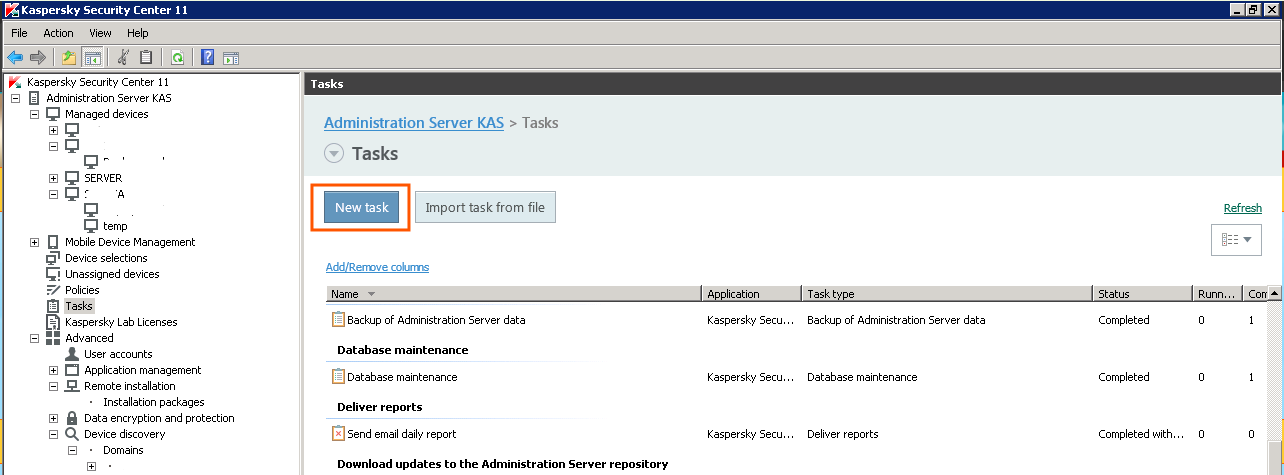
- Select task type "Install application remotely". and "Next".

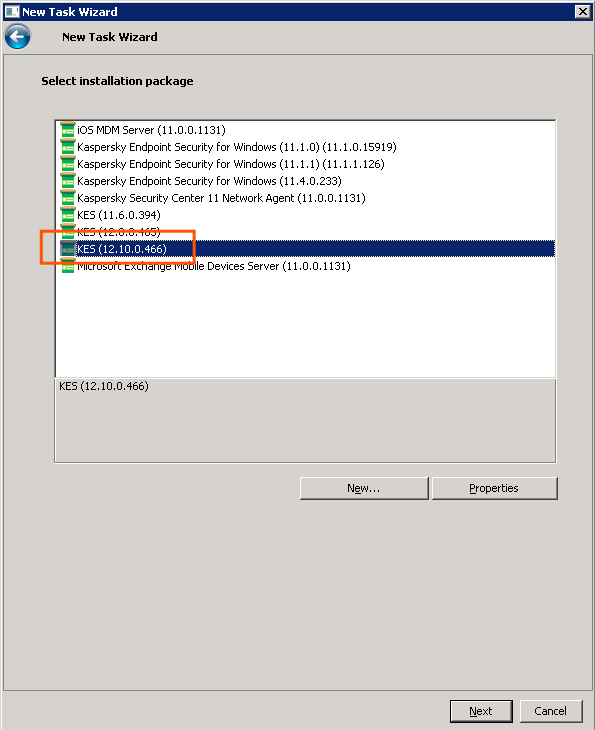
- Select installation package. and "Next".
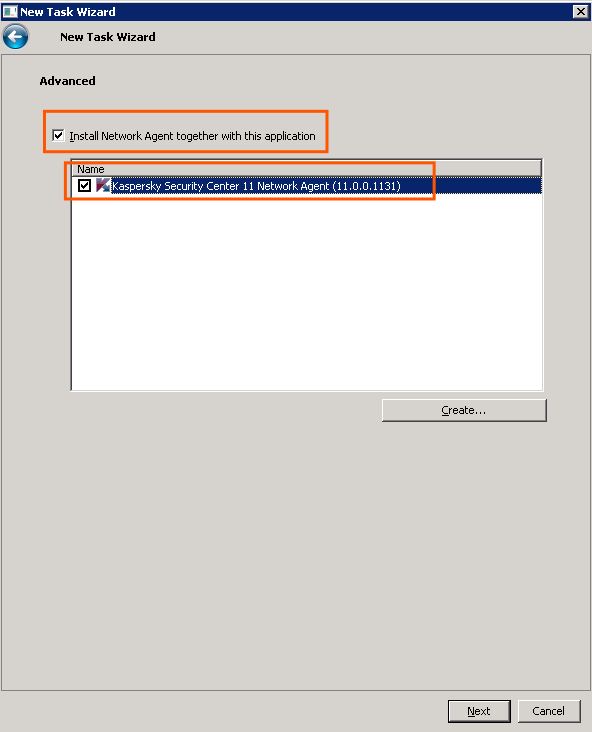
- Check to install network agent with the application. and "Next".
- Next.
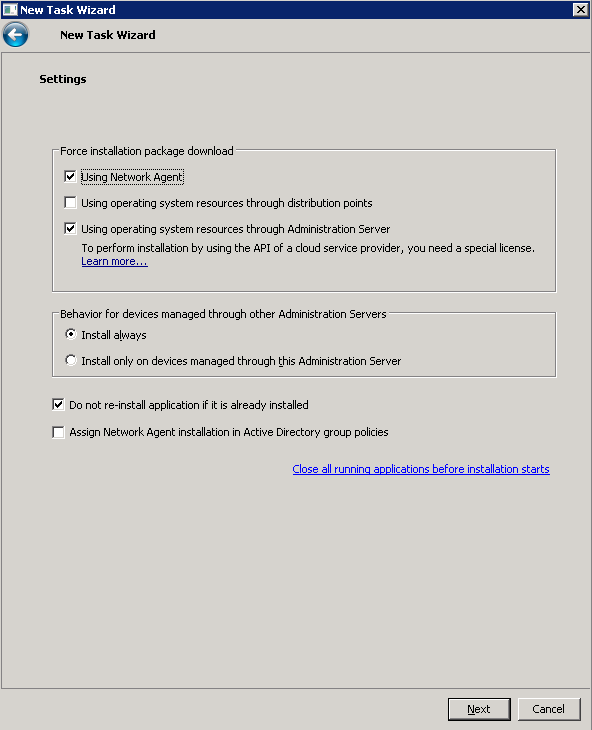
- Select an operating system restart option for the client.

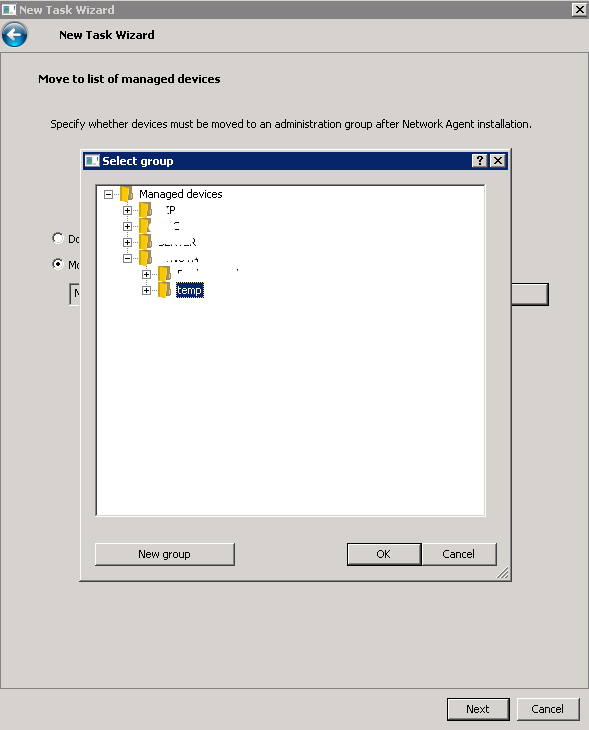
- Set move the computer to list of manage after finish task.

- Select the destination folder.
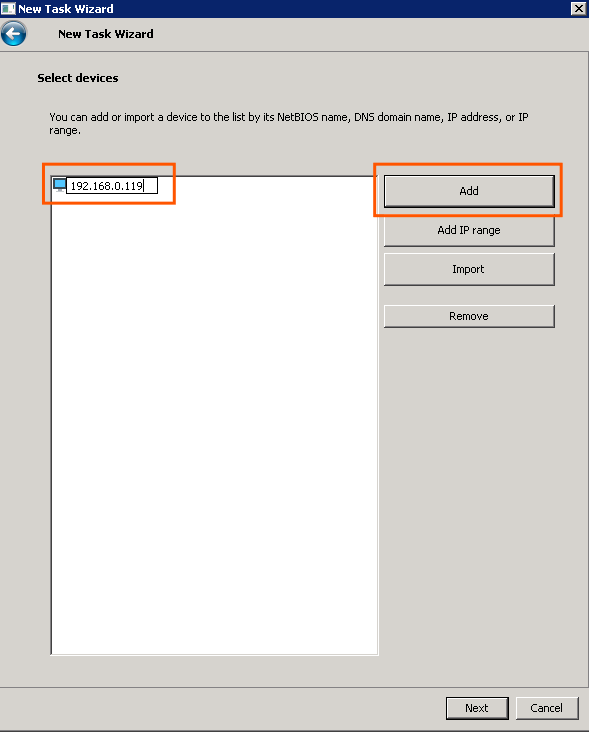
- Select devices to with task will be assigned. This time will select specific device address manually.

- Click "Add" and enter the IP Address for the client to install this task. and "Next".
- Select an account it run the task. Select "Account required (installation without Network Agent)". and "Add".
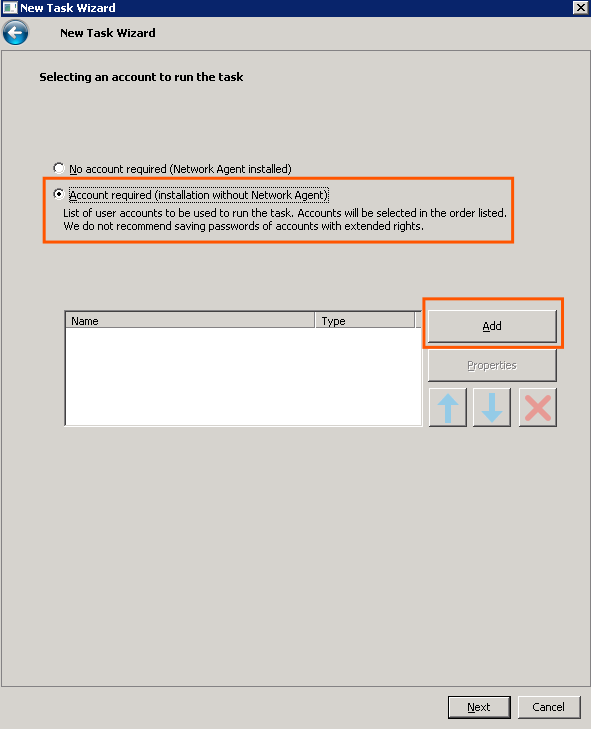
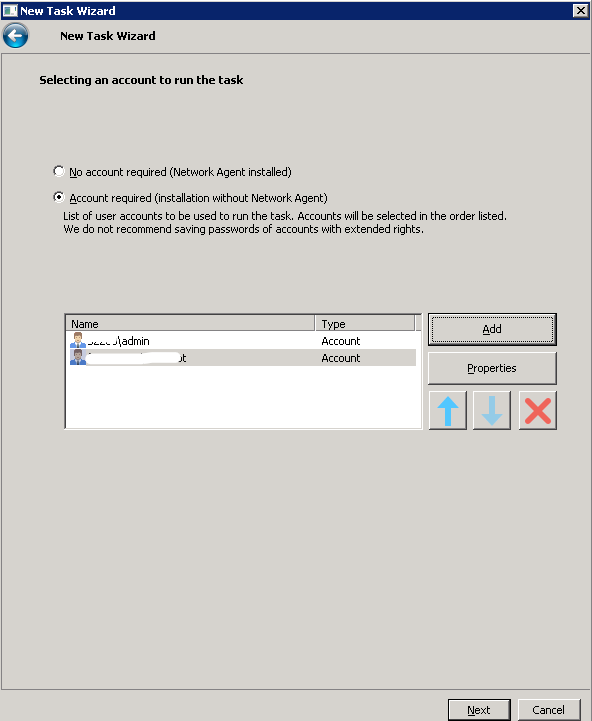
- Enter the account user for this computer.
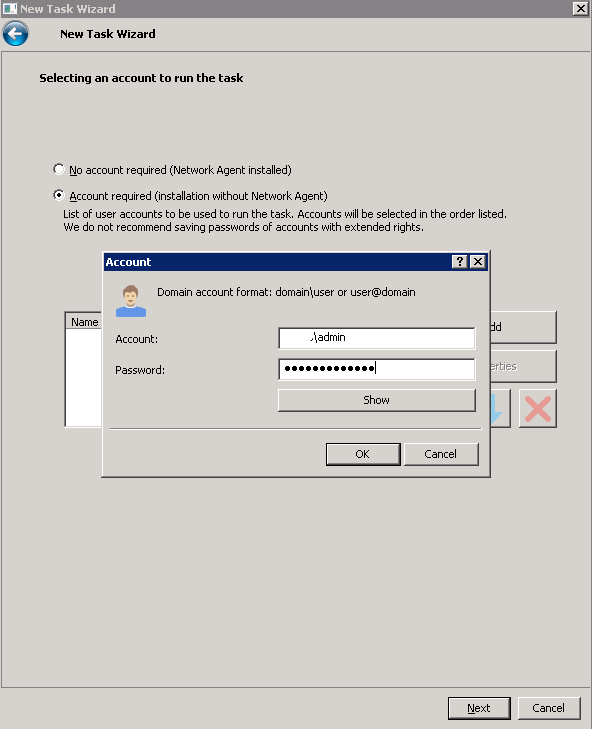
13. Next when fill user finish.
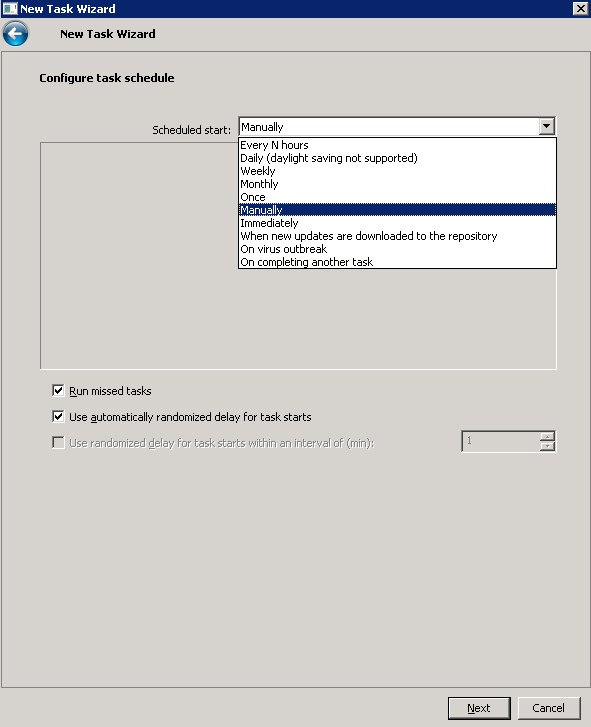
- Config task schedule (This will select "Manually").
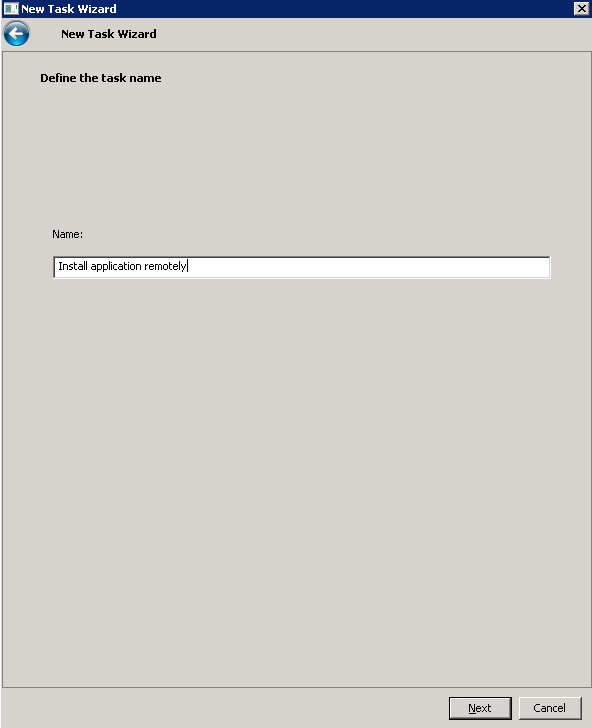
- Name the task.
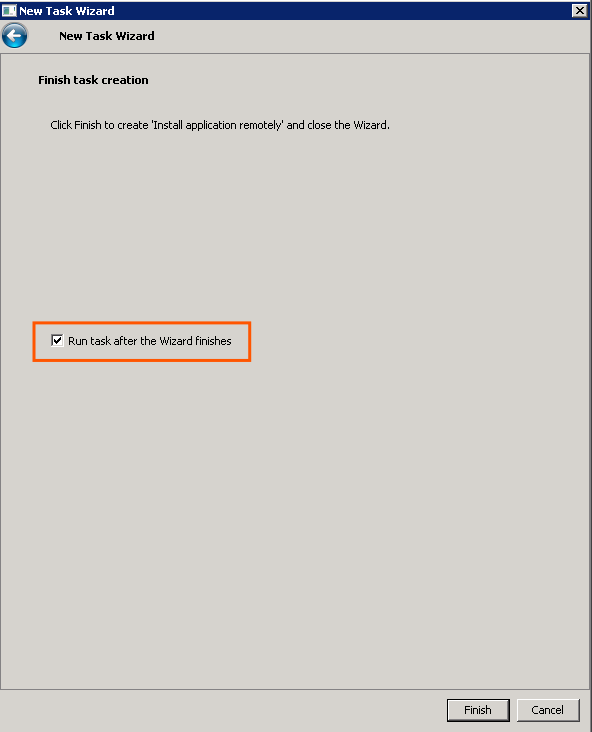
- Check "Run task after the Wizard finish" to run a task. and "Finish".
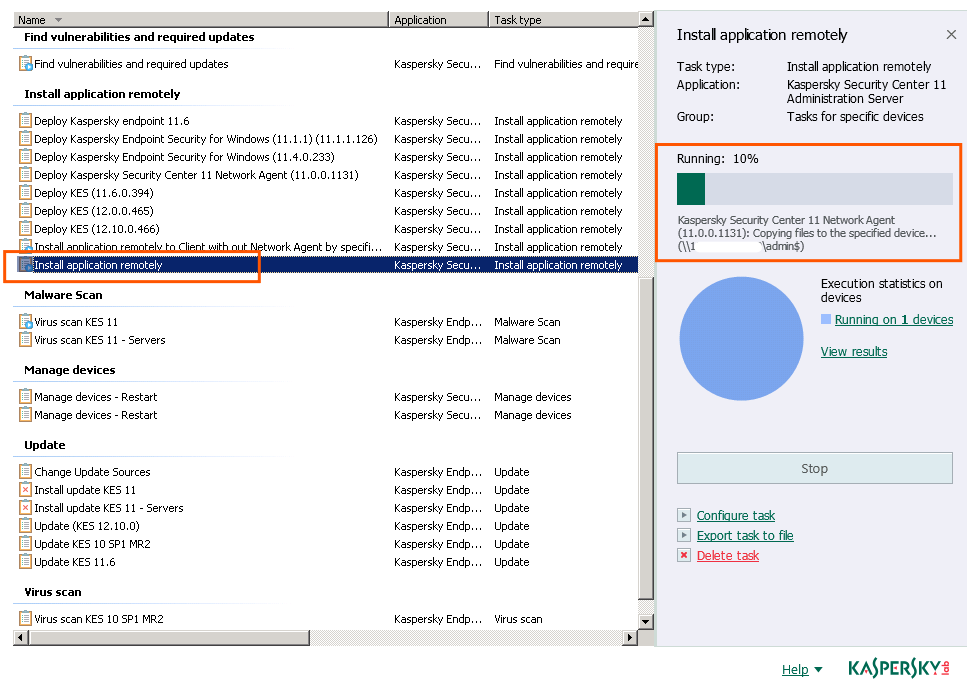
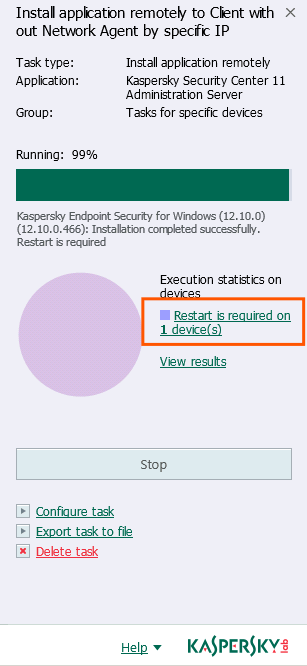
- Task is running.
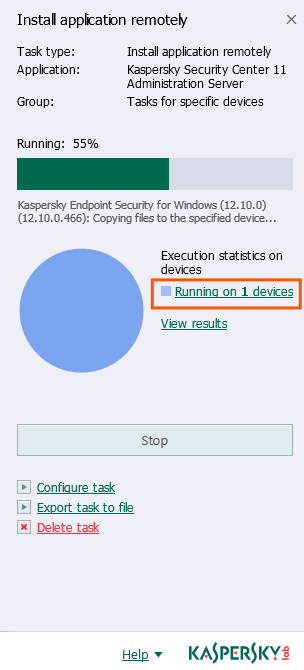
- View task progress.
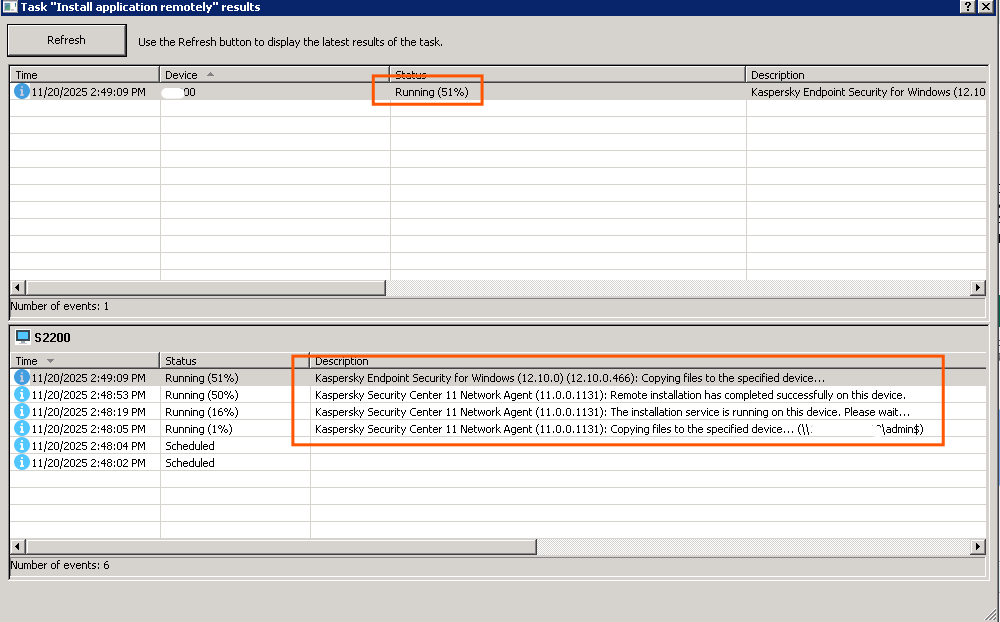
- When finish it show as restart request.
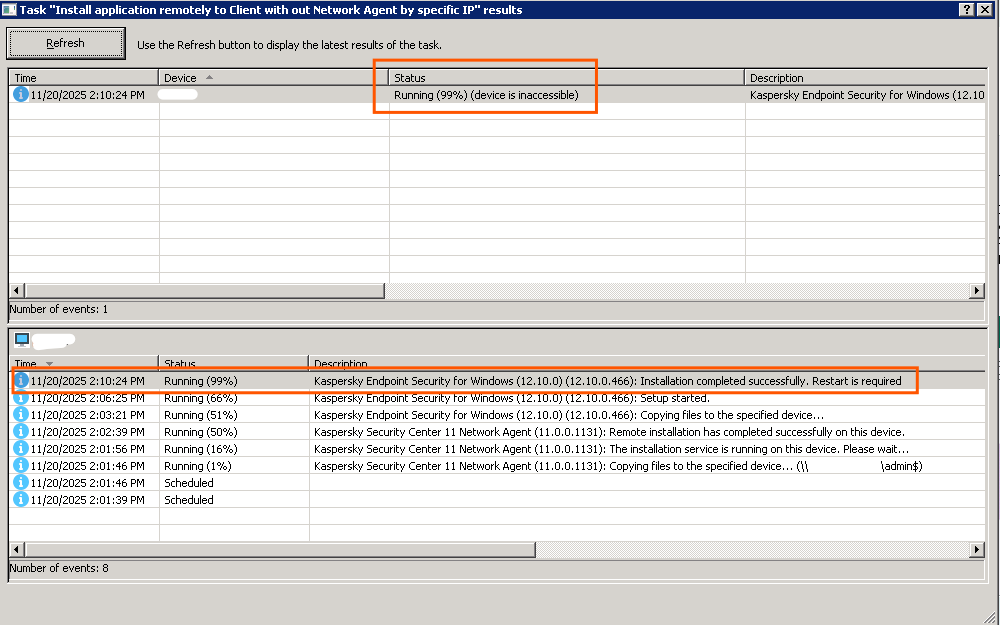
- Task is complete.
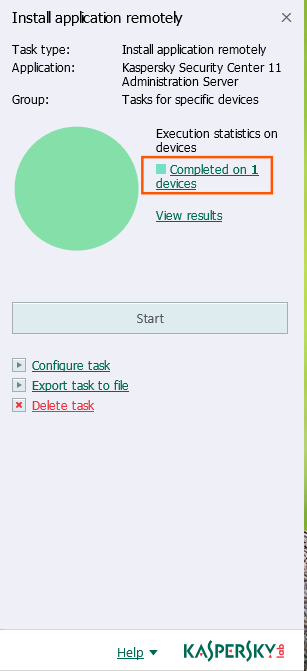
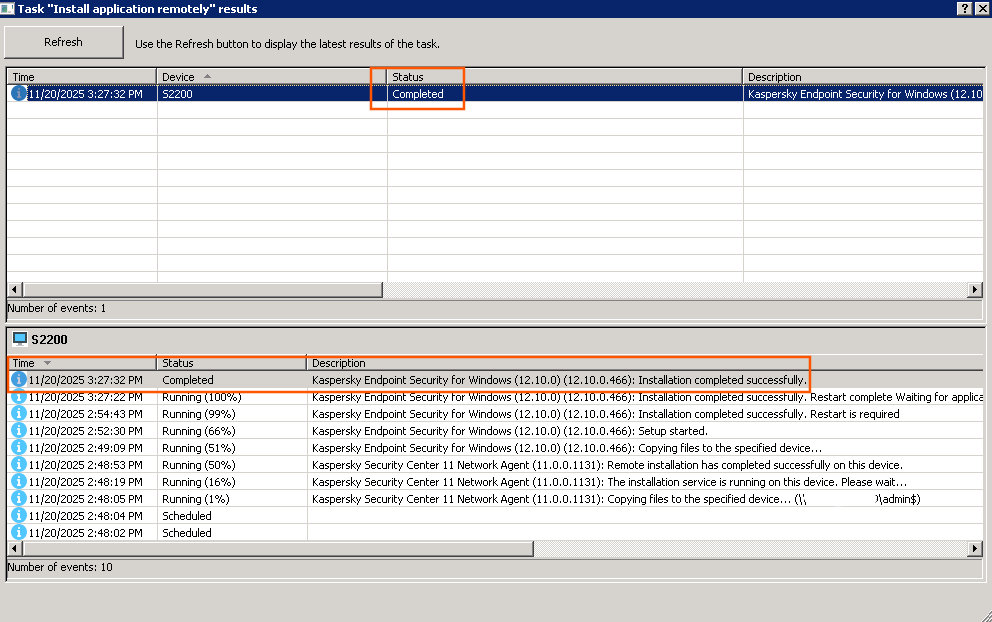
- Now computer show on the list (Status pending computer restart to complete).