How to Use Gmail Schedule Send on Desktop (2025 Update)


Set schedule send the email message in gmail on web. This can manual specific date and time.
- Login to gmail on the web browser.
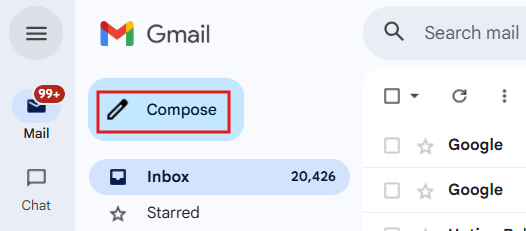
- Compose email.
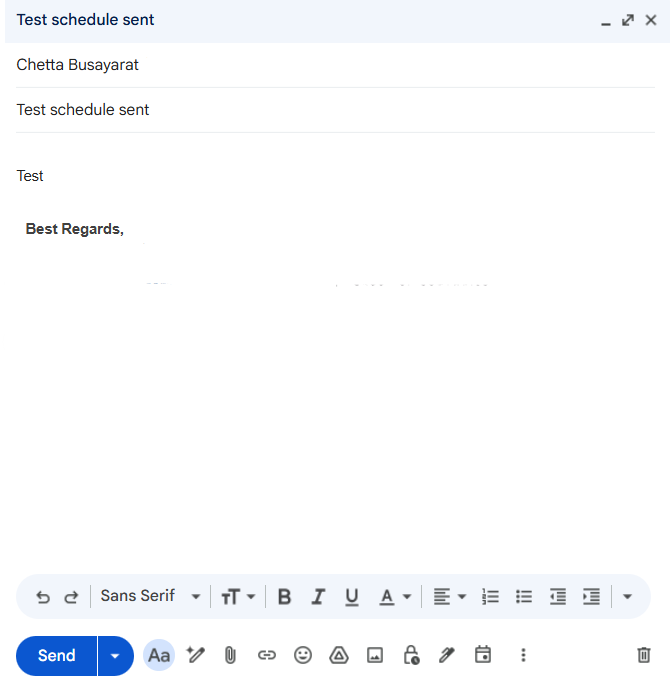
- Email message.
- On send button > Arrow down > select
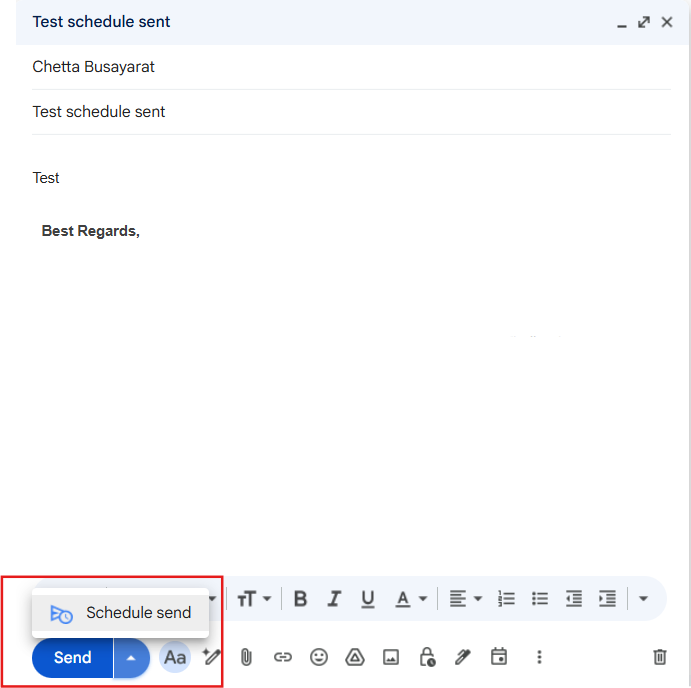
5. Select date time to schedule send.
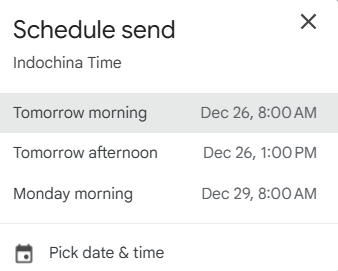
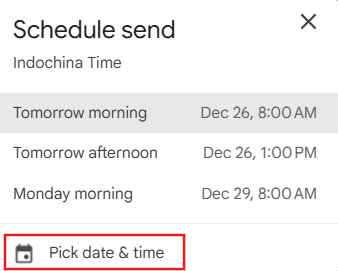
- Also can "Pick date & time" manual.
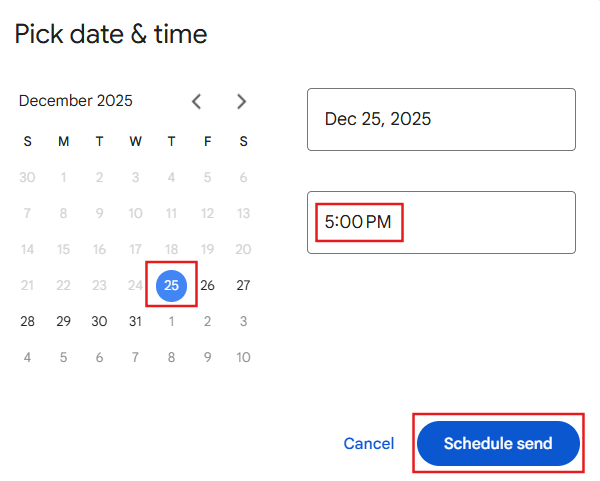
- After select date and time click "Schedul send".
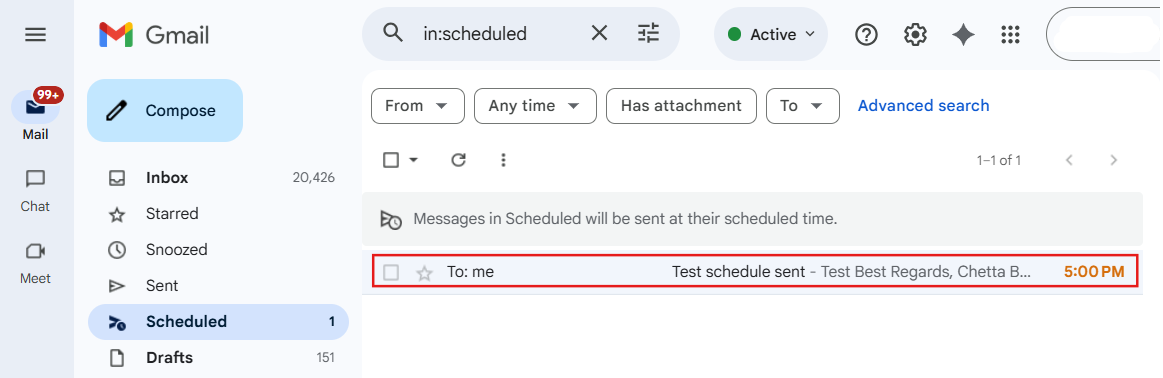
- The message will scheduled to send and show on the "Scheduled".
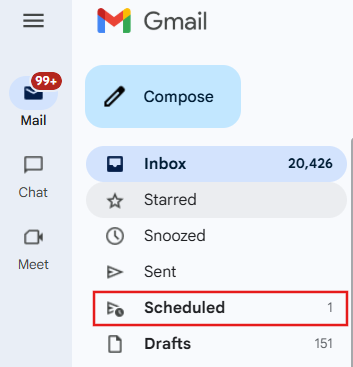
- Email message in scheduled will be sent at their scheduled time.