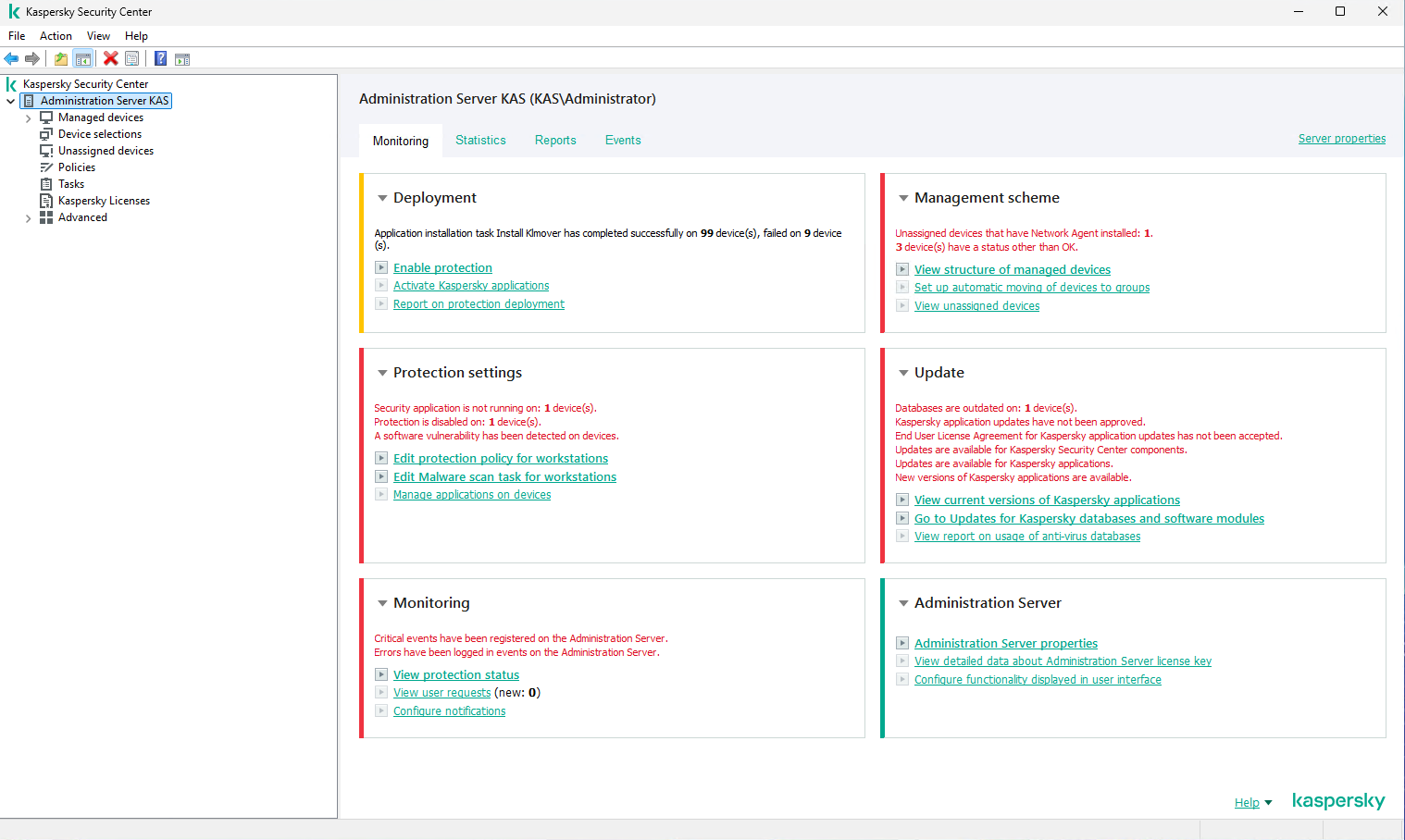
Setup Kaspersky Security Center 15.1 on Windows Server 2025 STD.


Resources:
- Windows Server 2025 STD.
- SQL Express2022.
- Kaspersky Security Center 15.1.
Minimum hardware requirements:
CPU: 4 cores, operating frequency of 2.5 GHz
RAM: 8 GB
Available disk space: 40 GB
Installation steps:
- SQL Server Express
- Kaspersky Security Center
SQL Server Express
Download:
SQL Server 2022 Express
https://www.microsoft.com/en-us/download/details.aspx?id=104781
SQL Server 2025 Express
https://www.microsoft.com/en-us/sql-server/sql-server-downloads?msockid=318adafb596a6c8322f5cd2a58eb6dbc
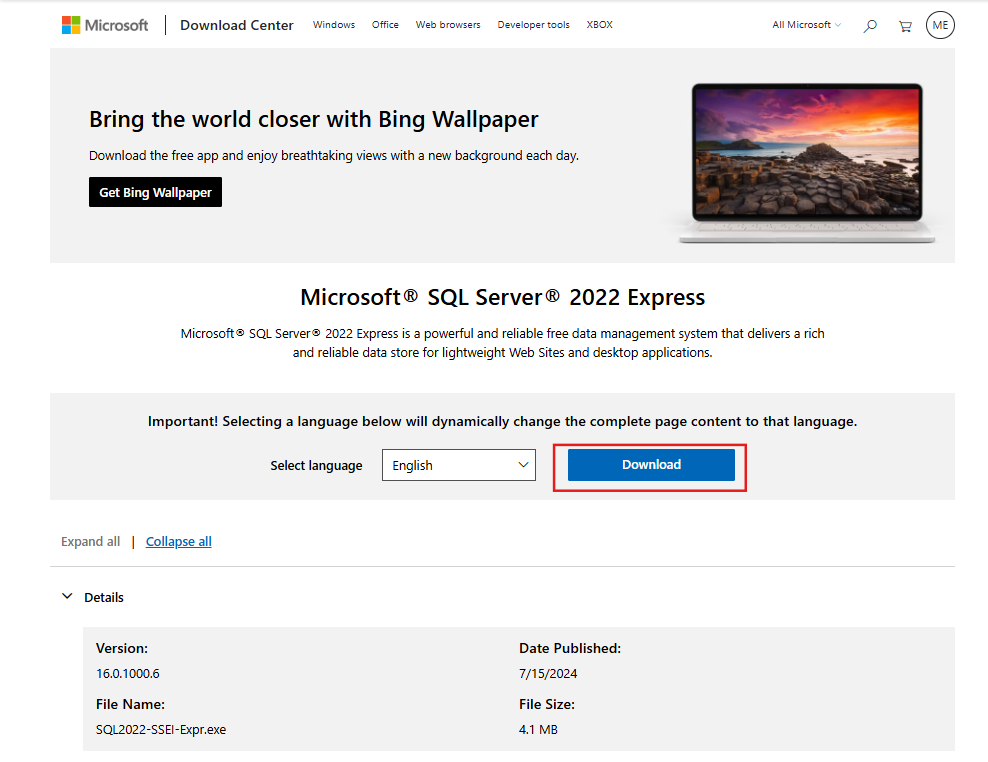
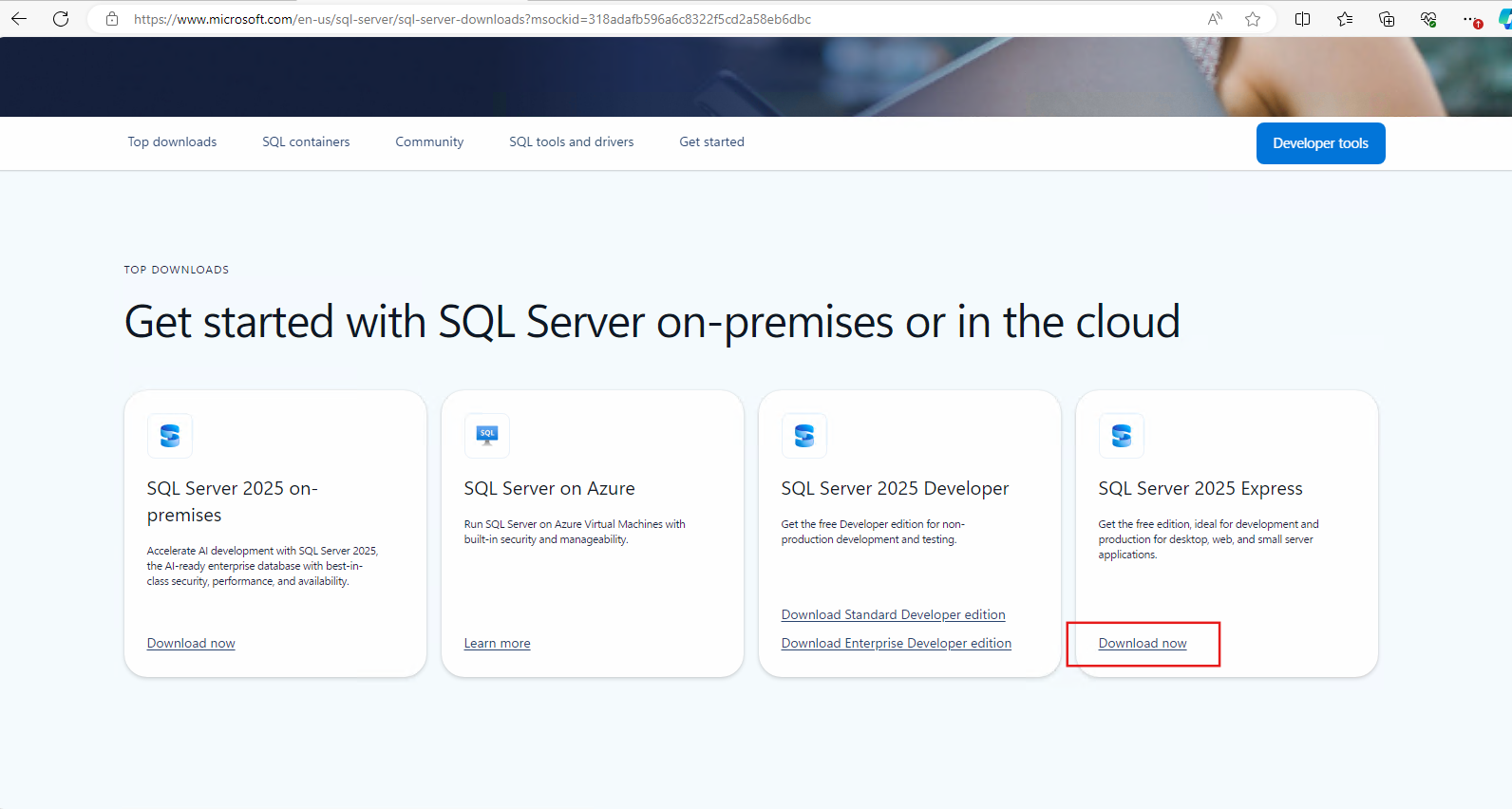
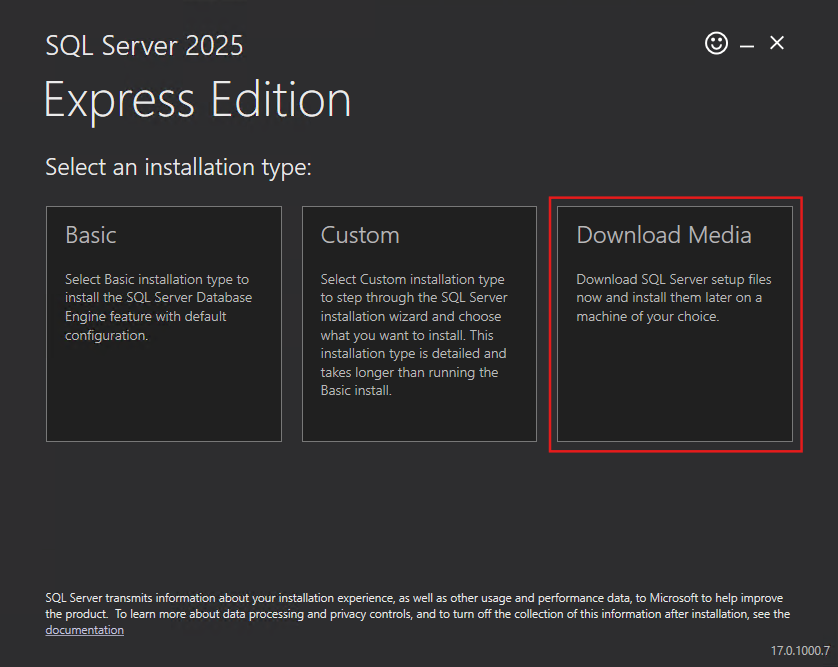
Run downloaded file.
Download media.
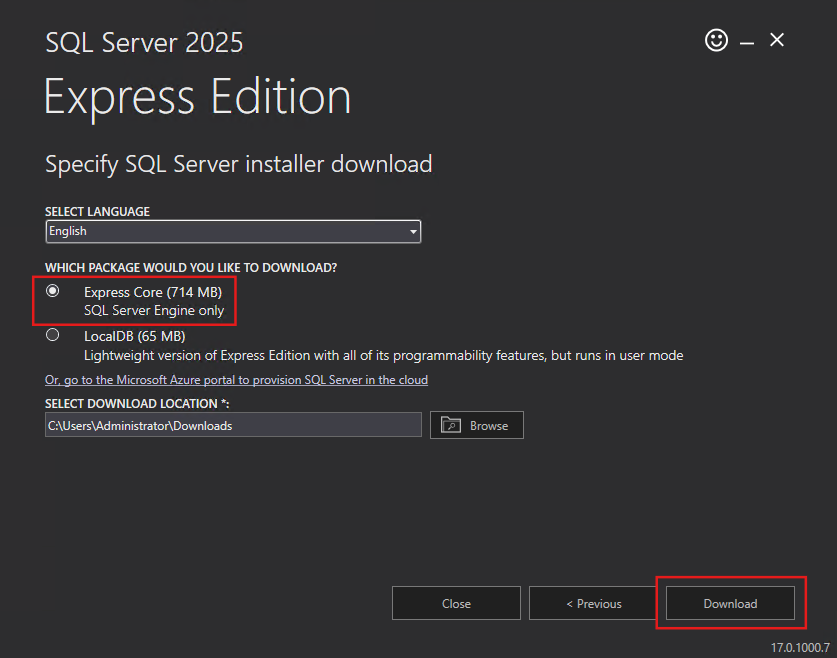
Select "Express Core" and Download.
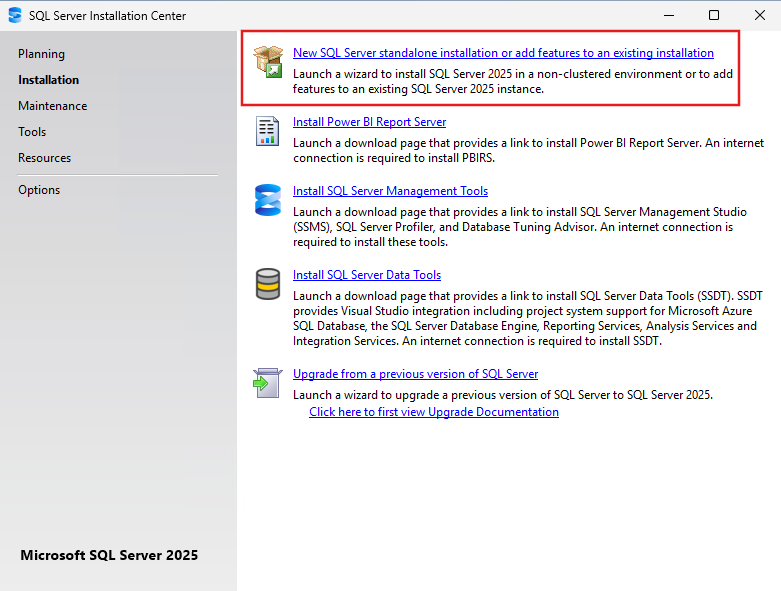
Run installation file.
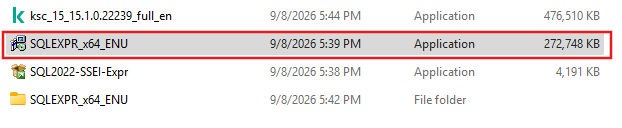
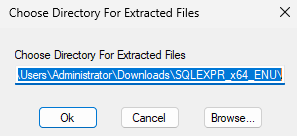
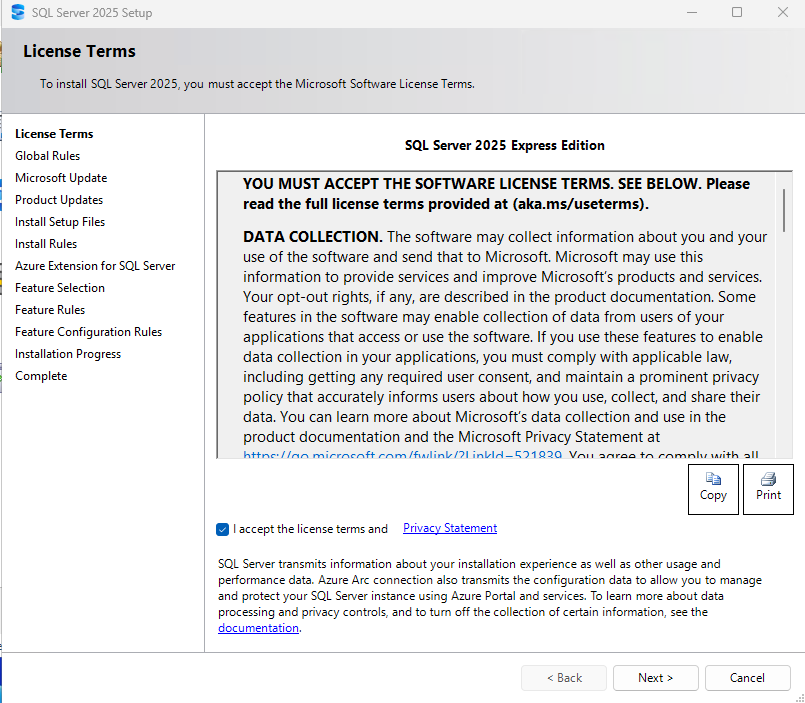
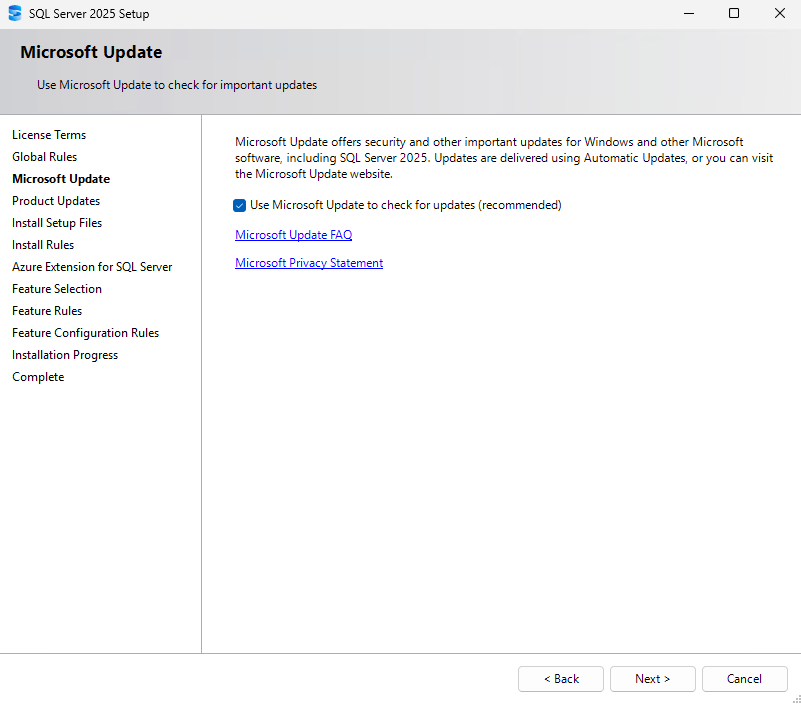
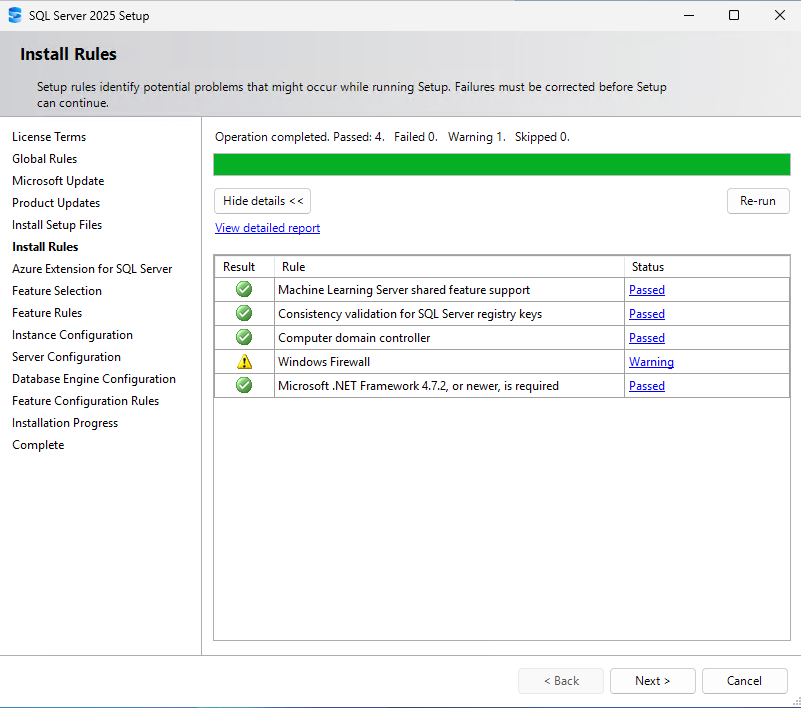
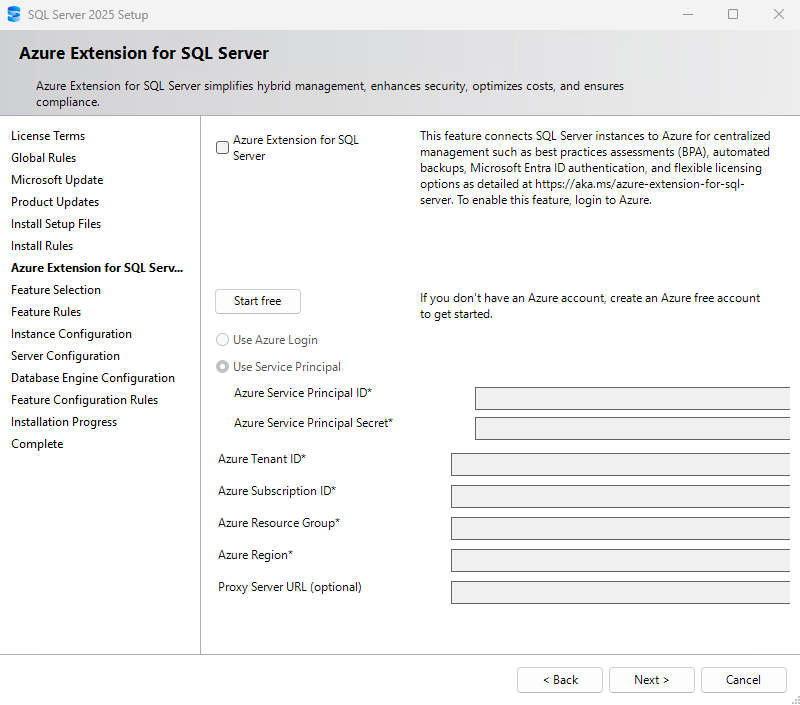
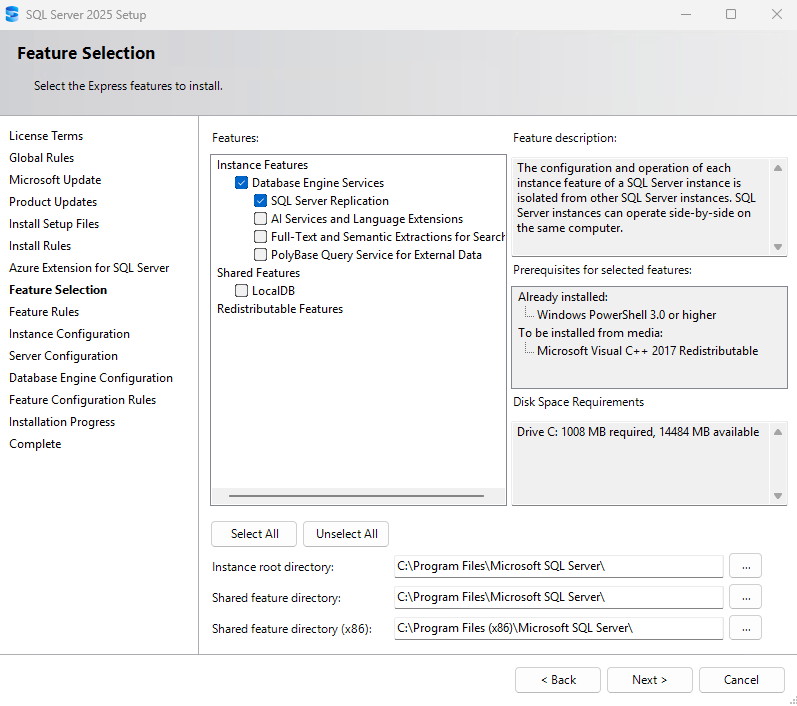
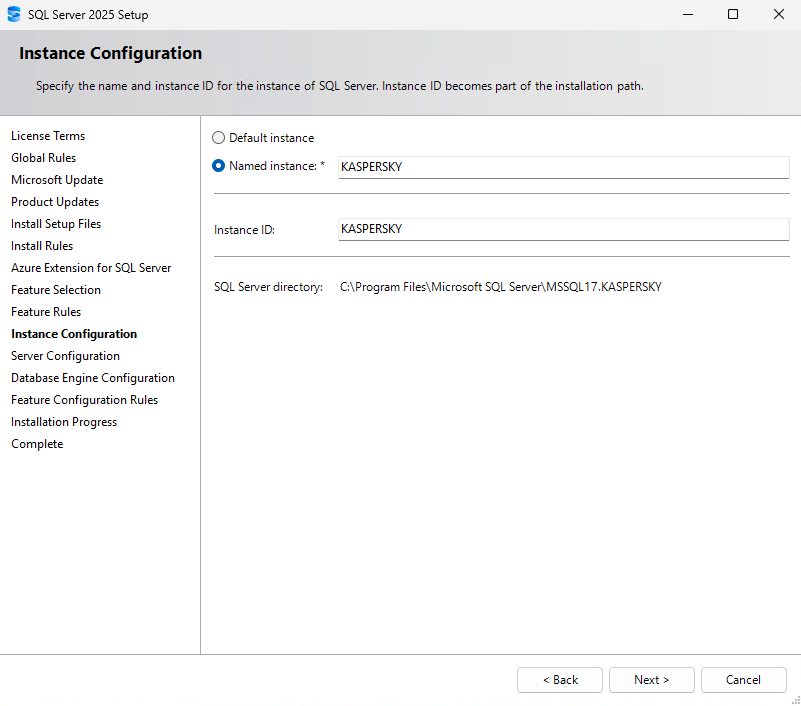
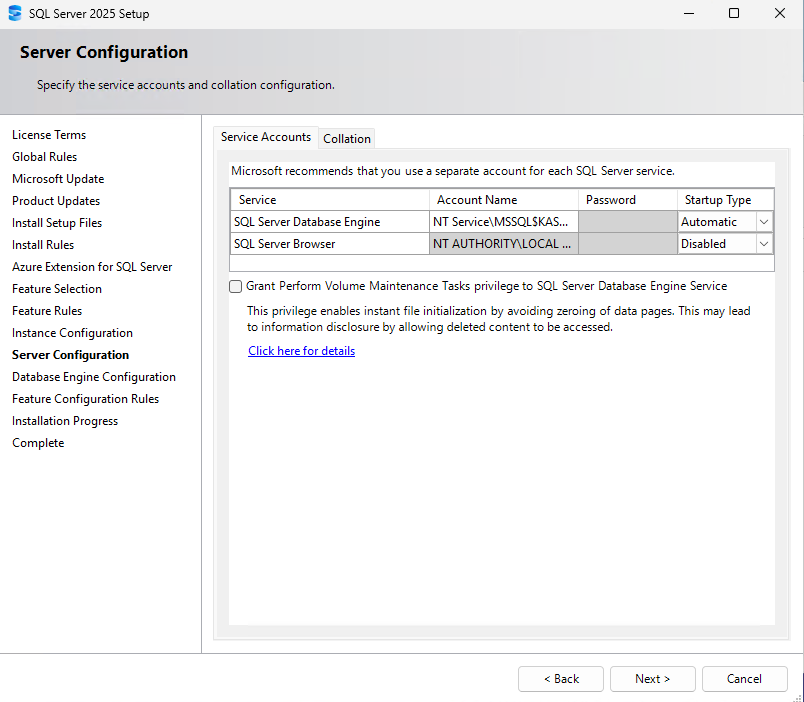
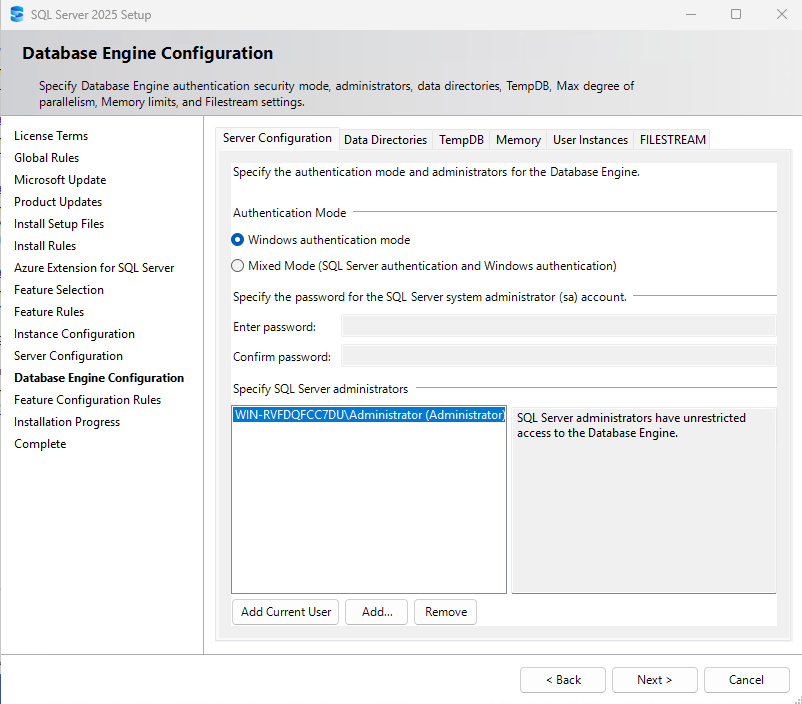
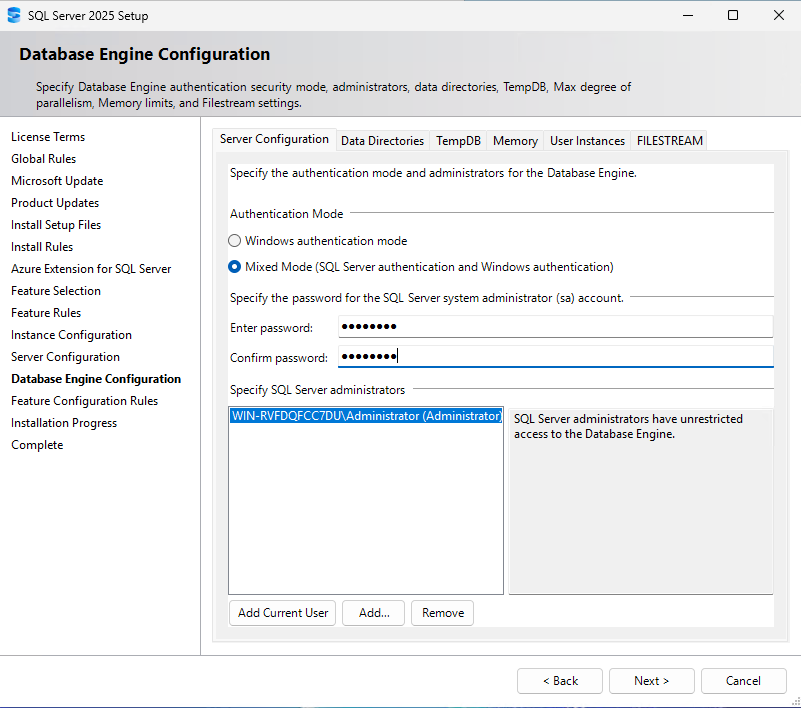
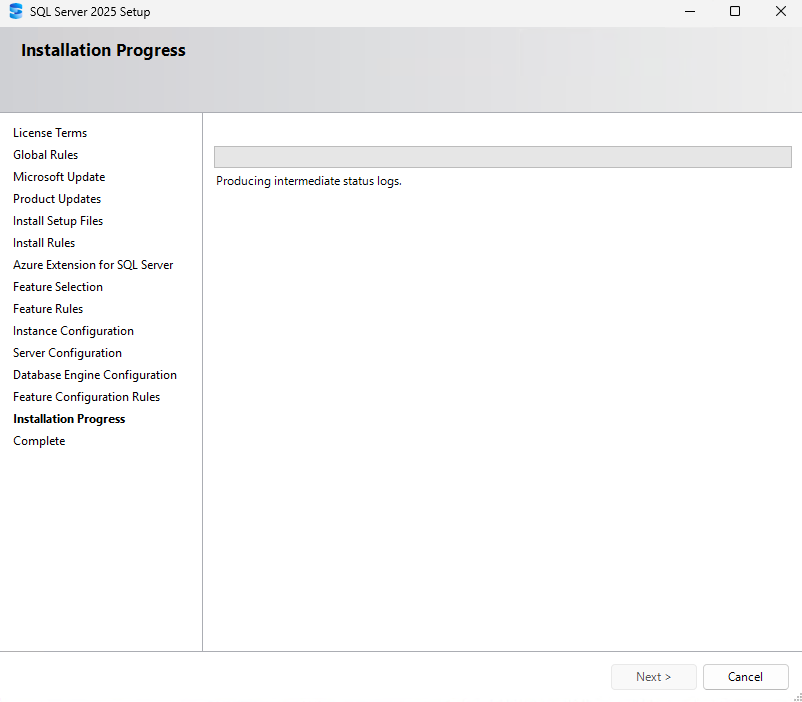
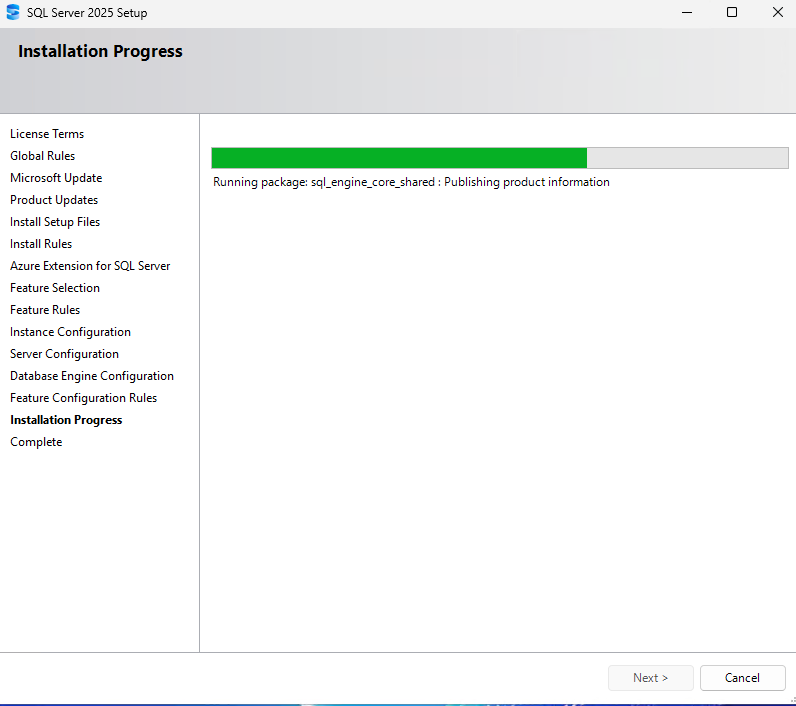
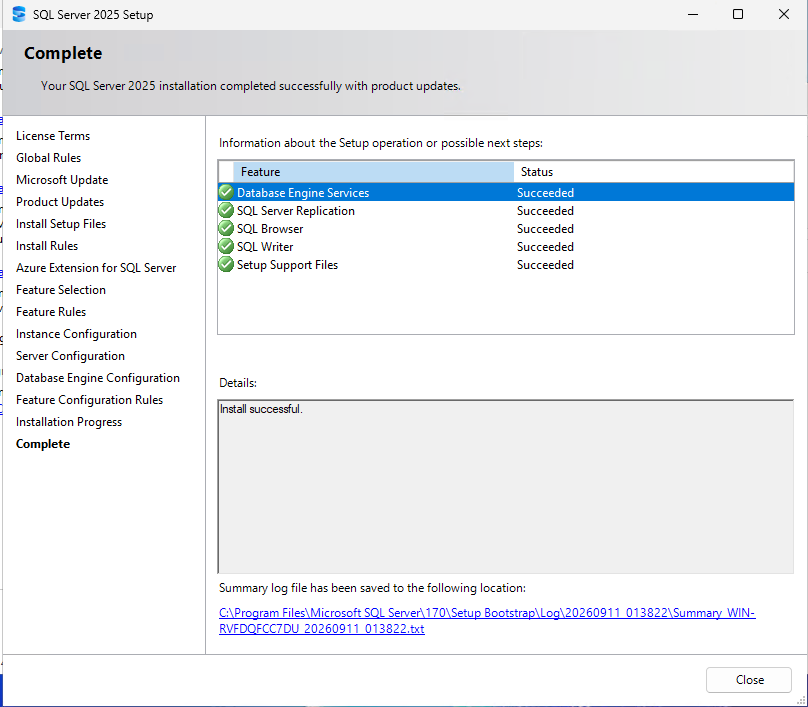
Install SQL Server Express.
Kaspersky Security Center
Download:
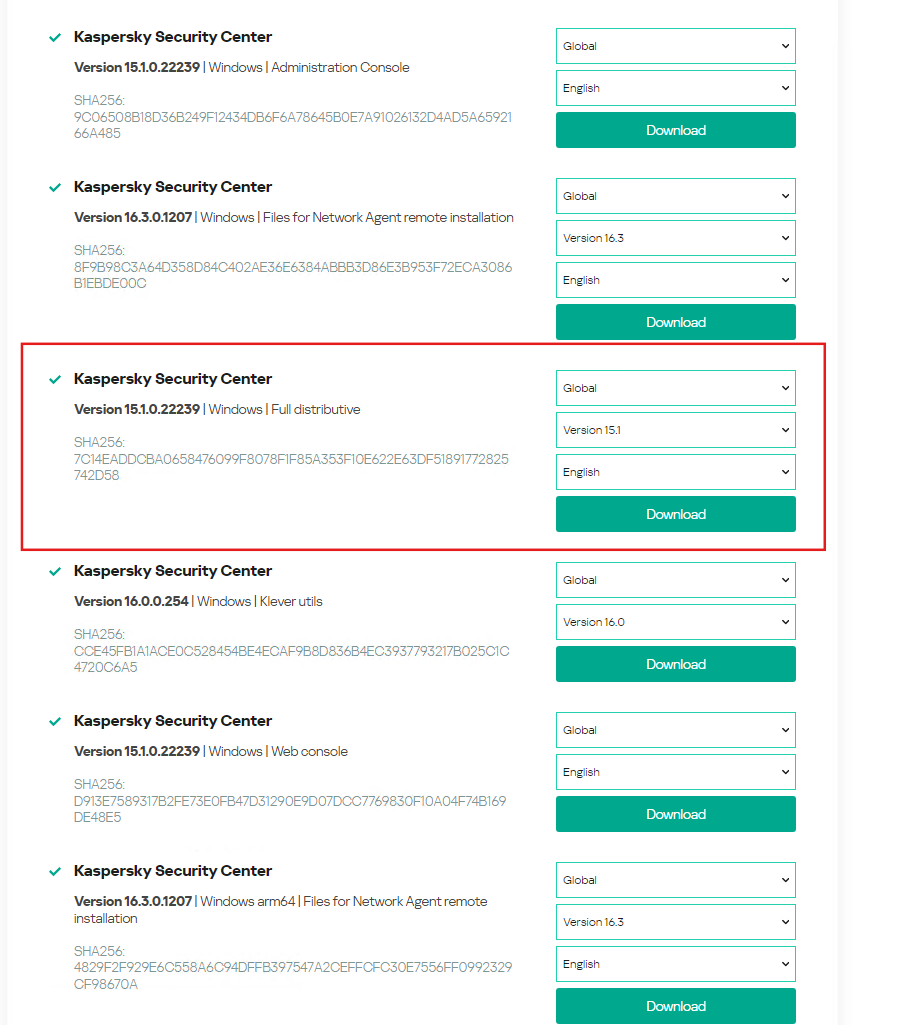
Download Kaspersky Security Center 15 (Full)
https://www.kaspersky.com/small-to-medium-business-security/downloads/endpoint
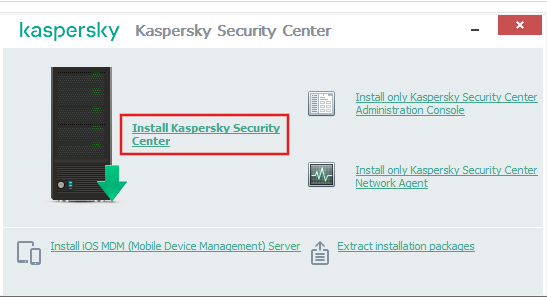
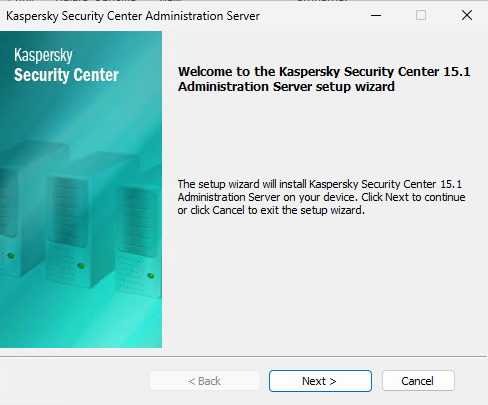
Run setup file.

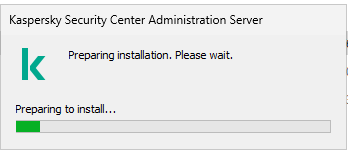
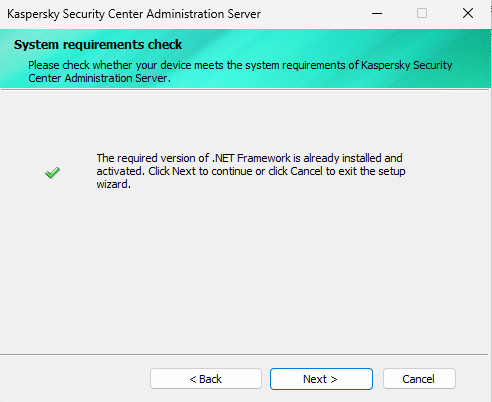
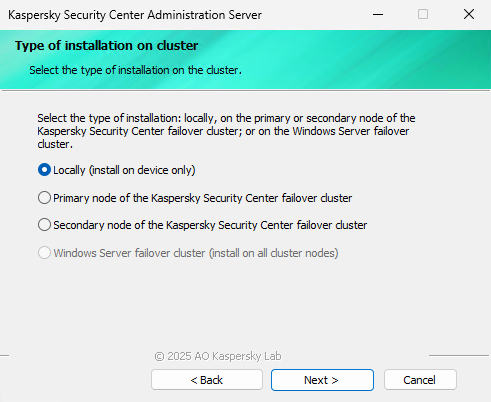
Install Kaspersky Security Center setup.
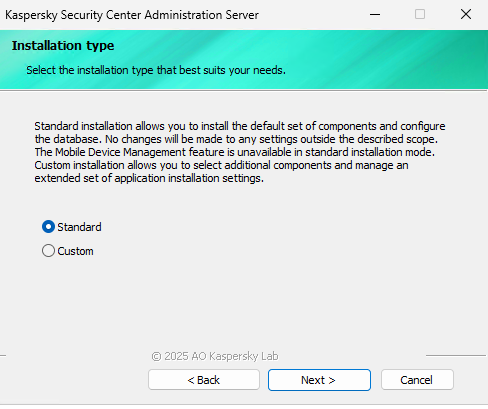
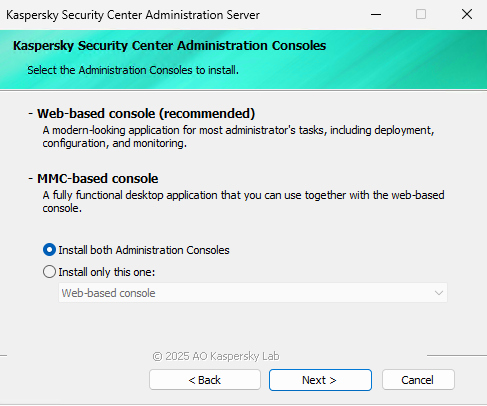
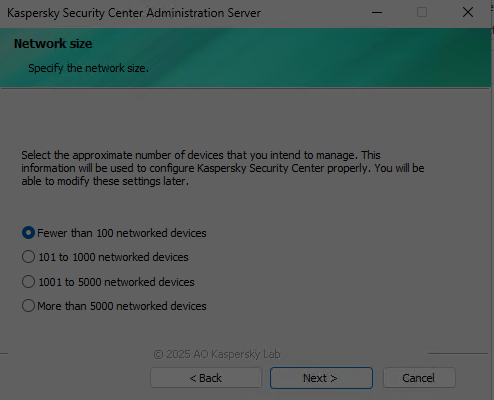
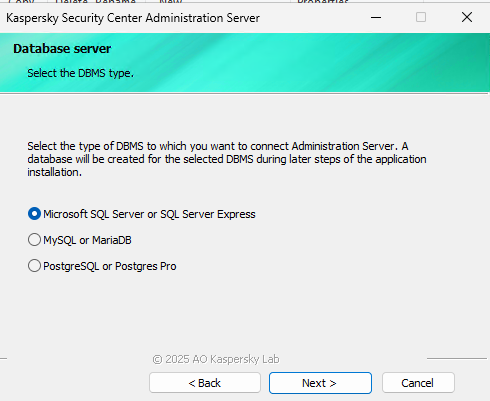
Browse
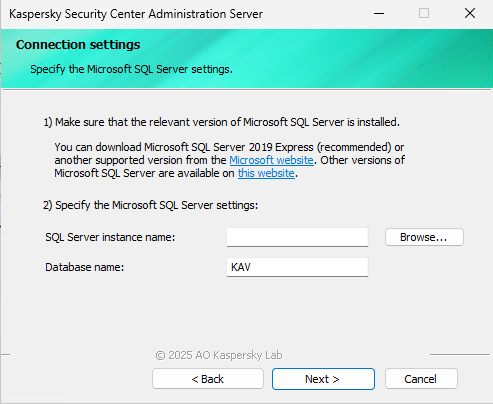
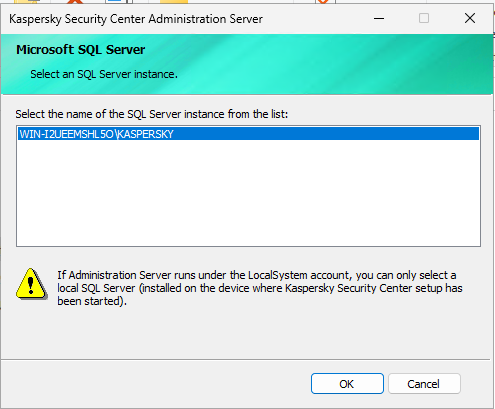
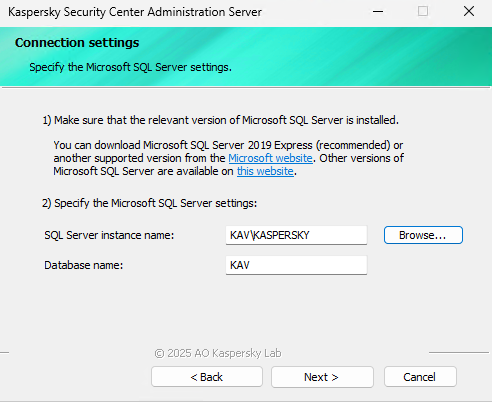
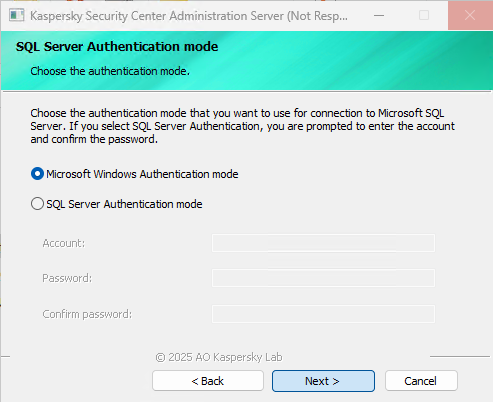
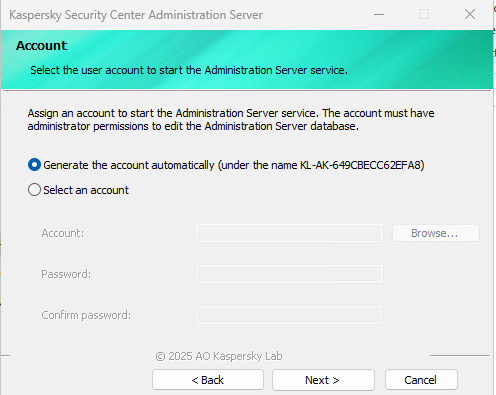
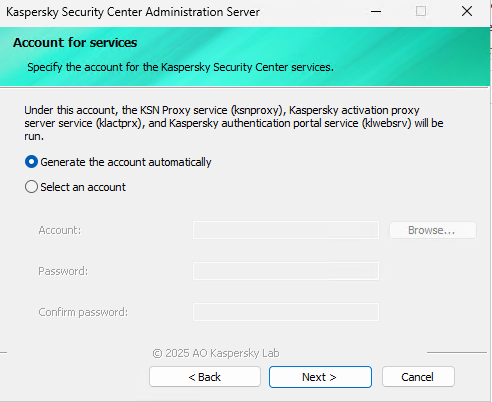
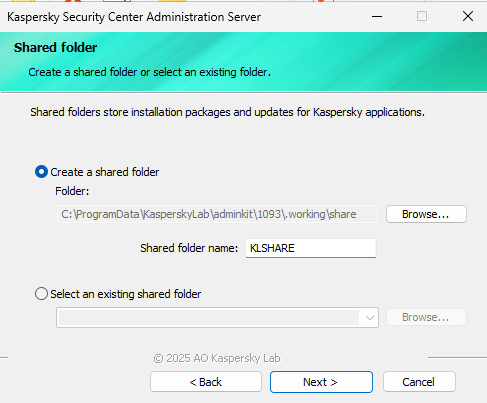
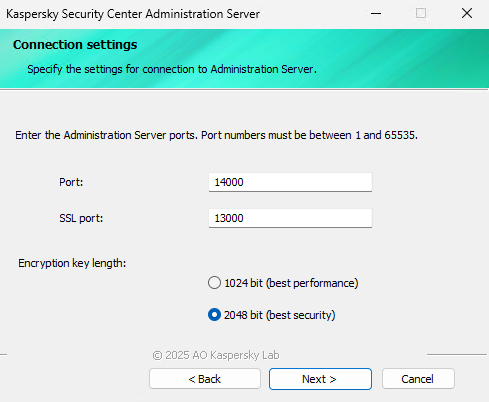
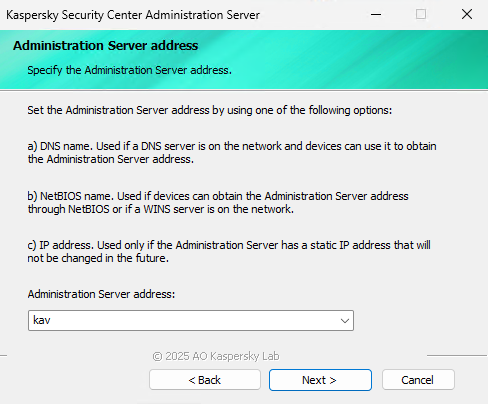
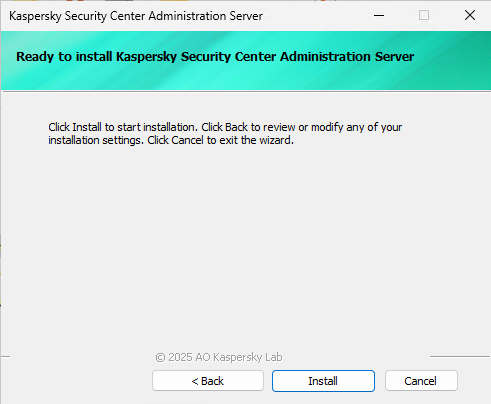
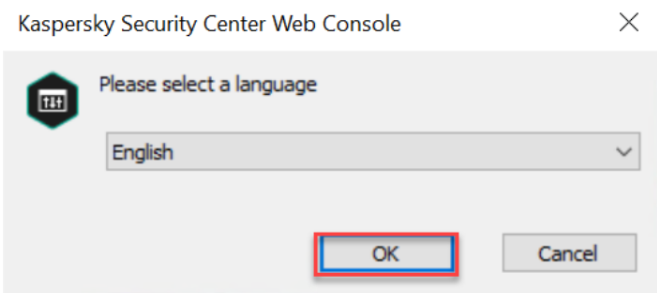
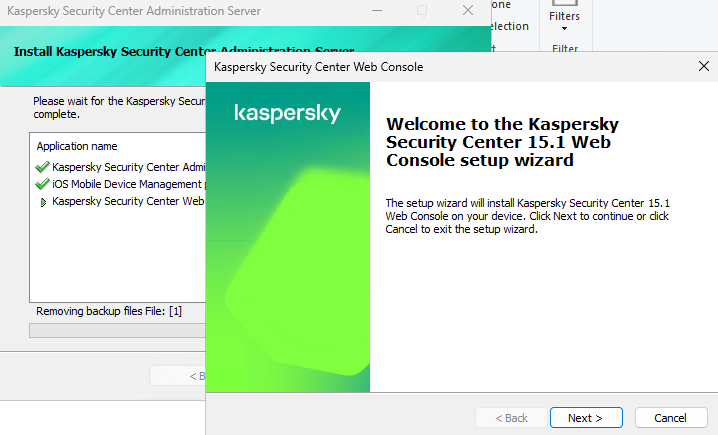
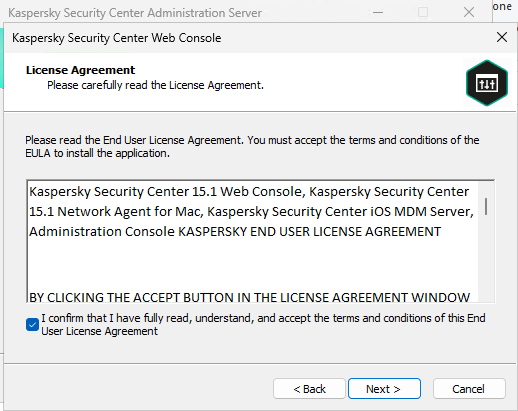
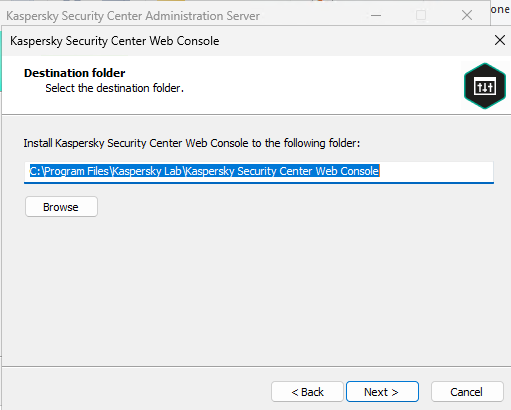
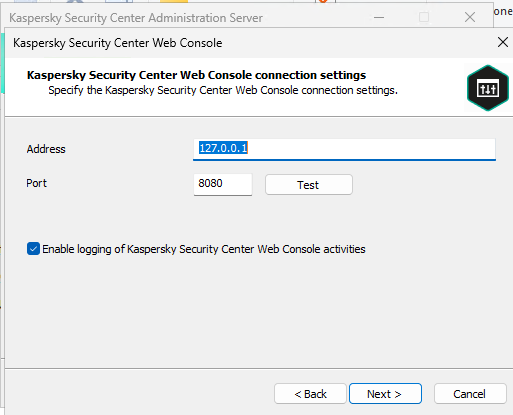
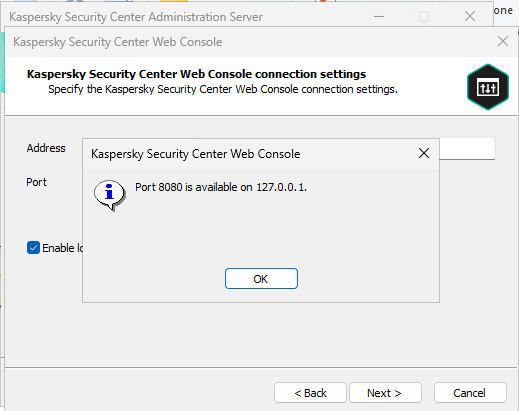
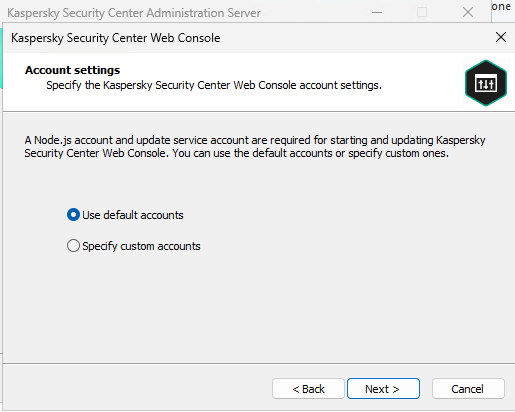
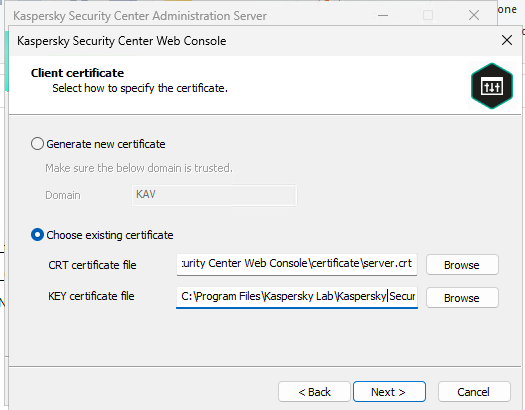
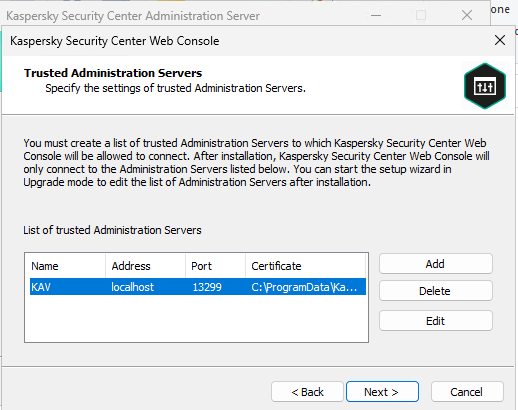
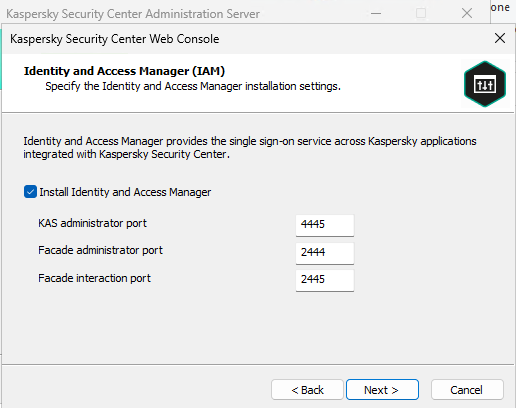
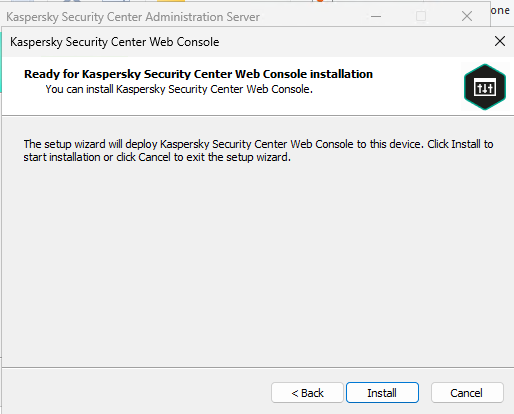
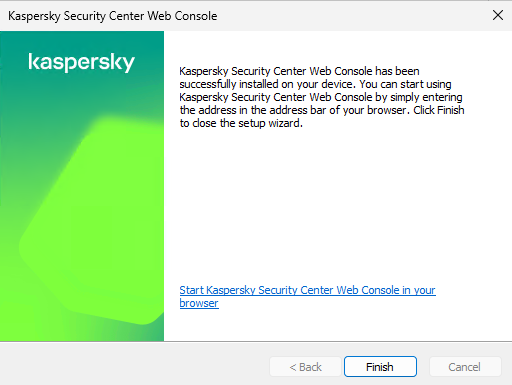
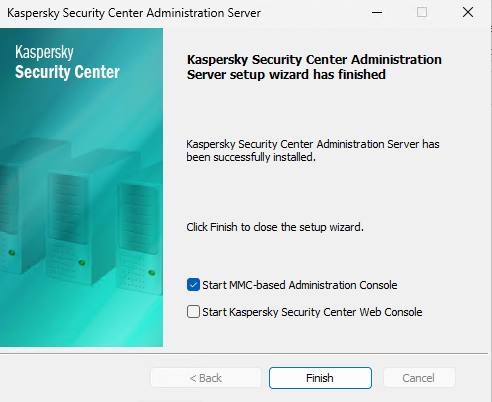
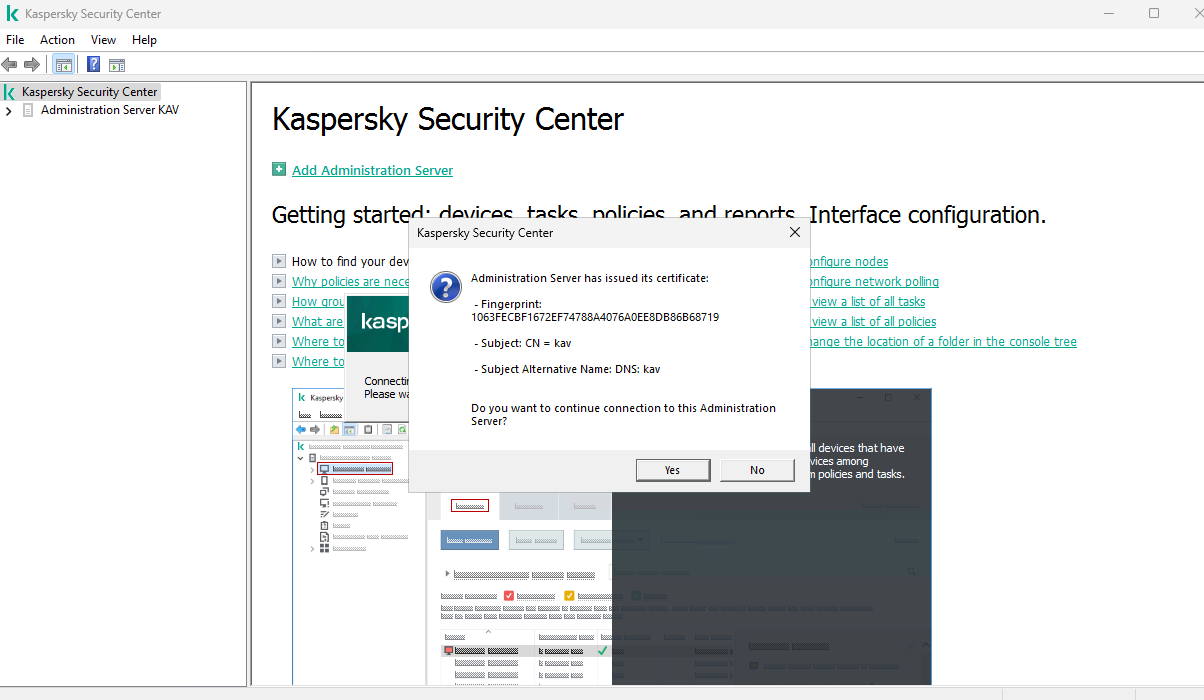
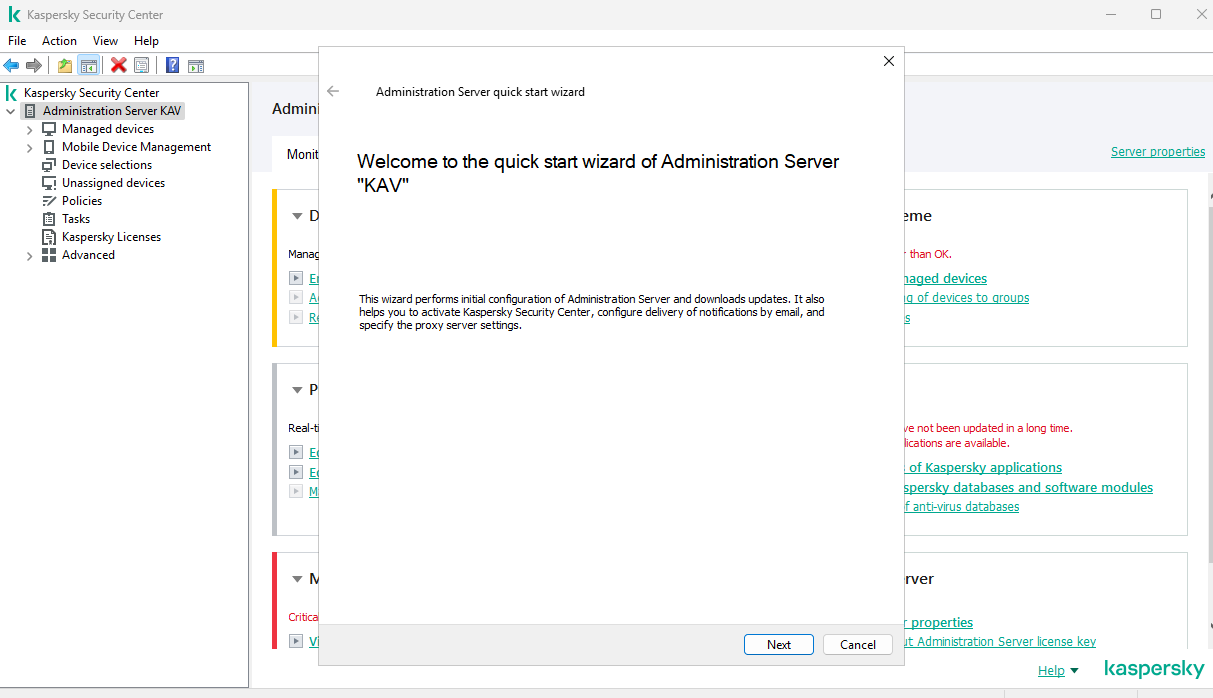
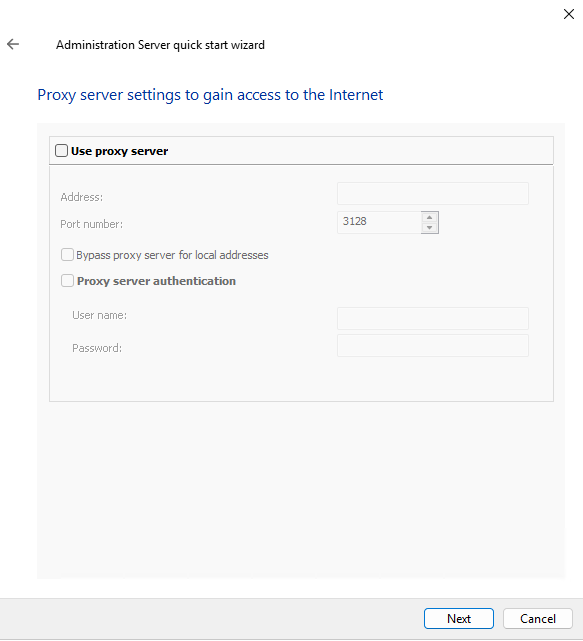
Next to skip this step.
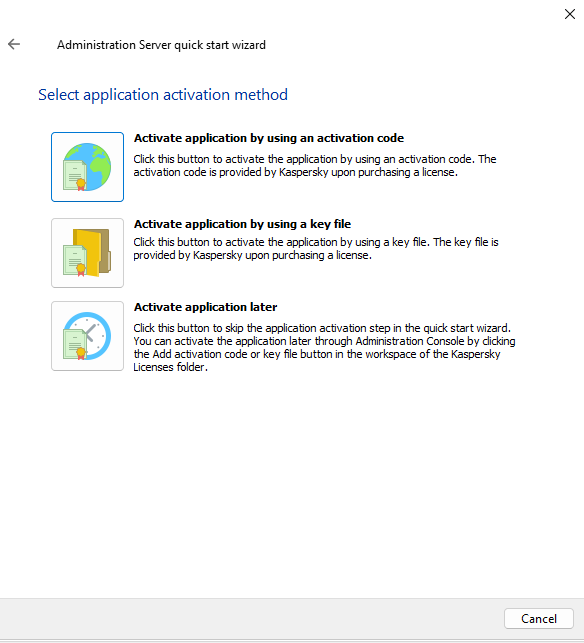
Active later.
Select protection area and OS (Workstation, Windows).
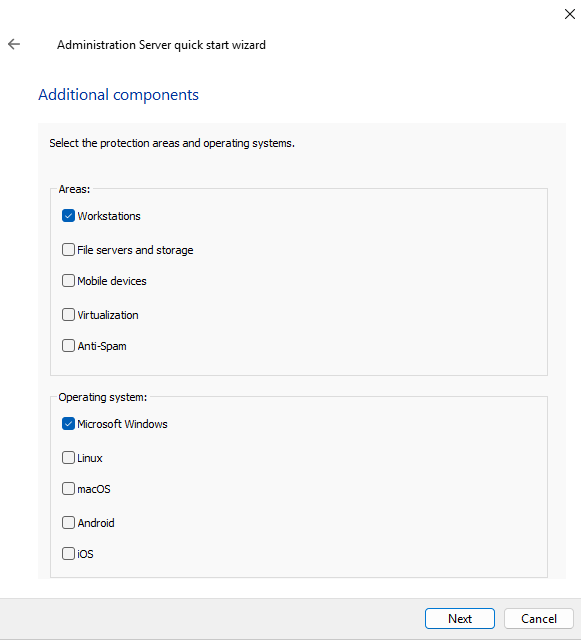
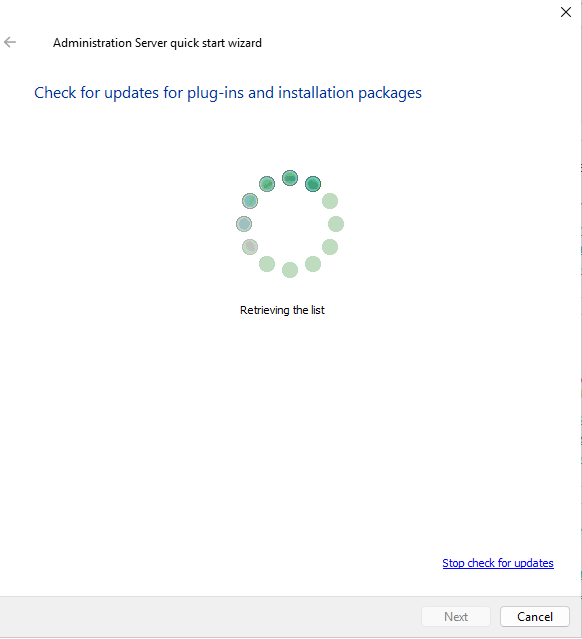
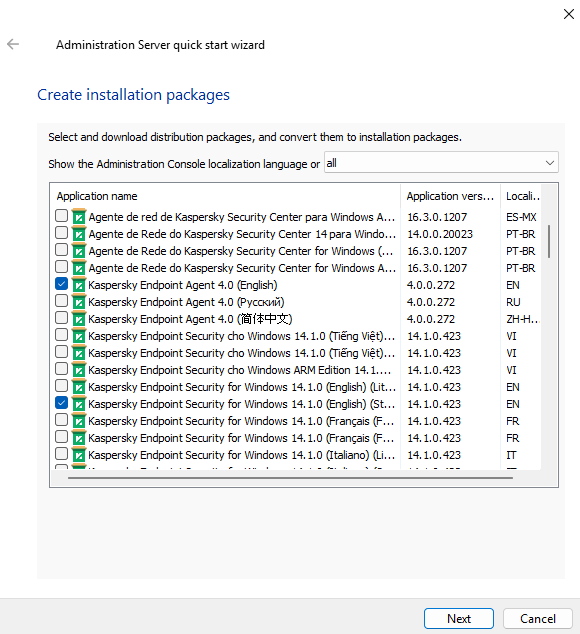
Installation package will select following your areas and OS.
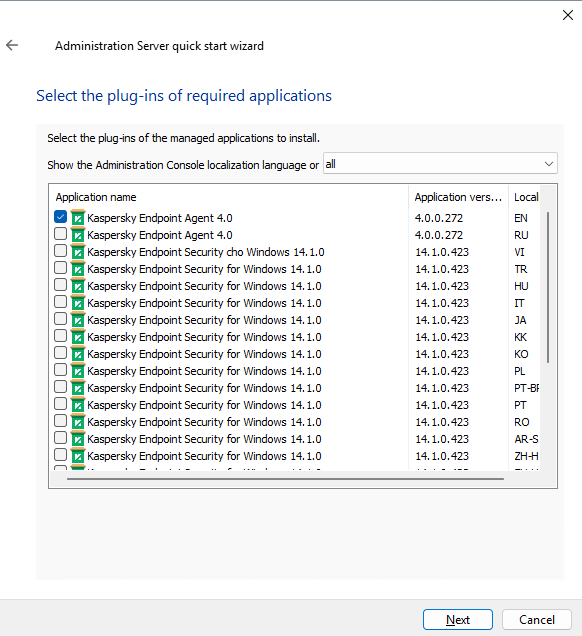
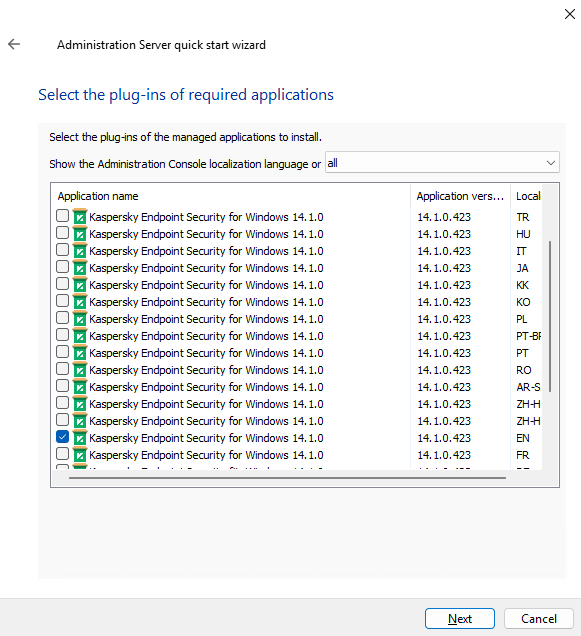
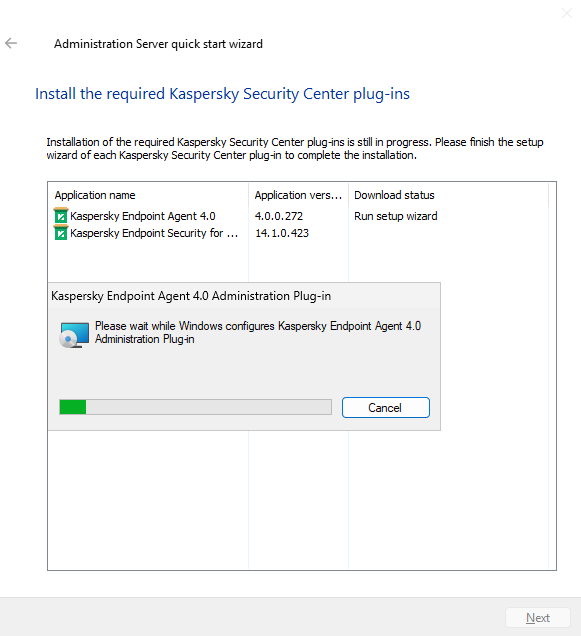
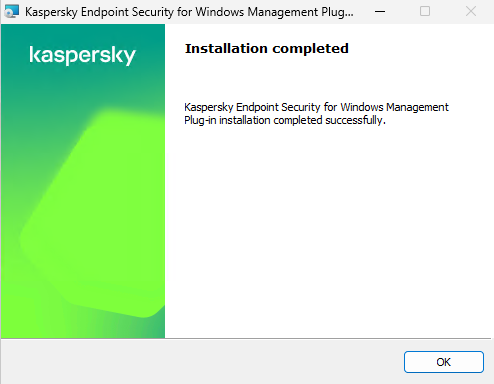
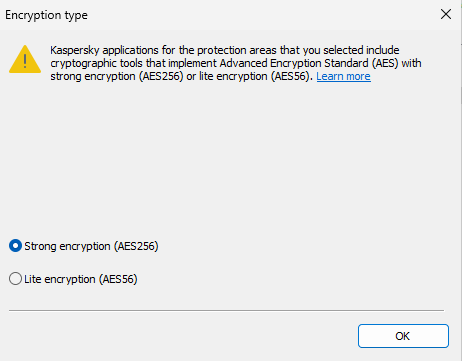
User stonge encryption.
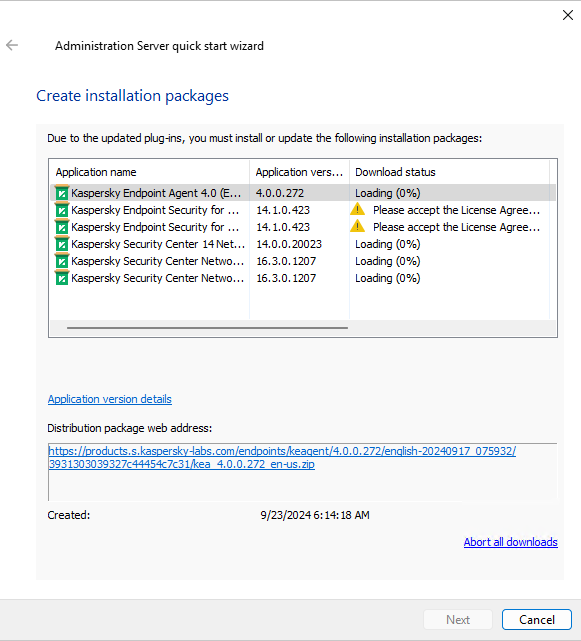
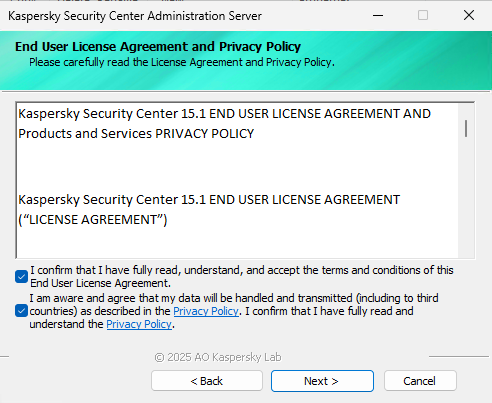
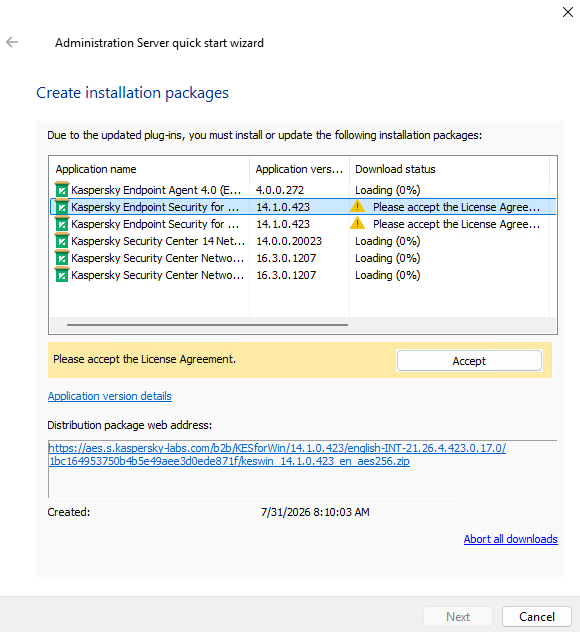
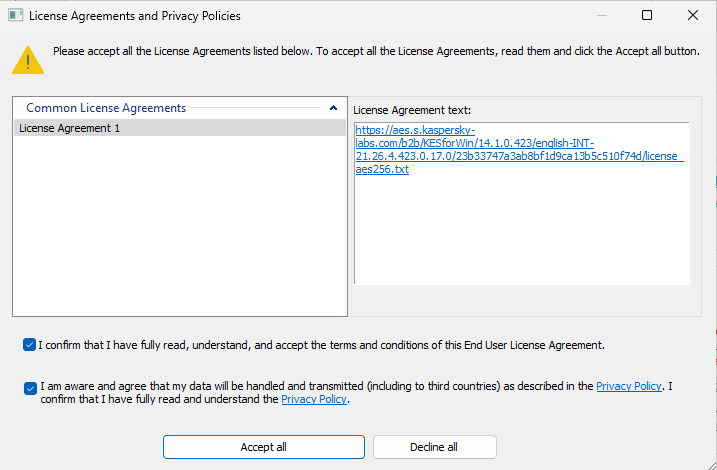
Click accept and check confirm.
Wait until all installation package is created (May take long time, just waith).
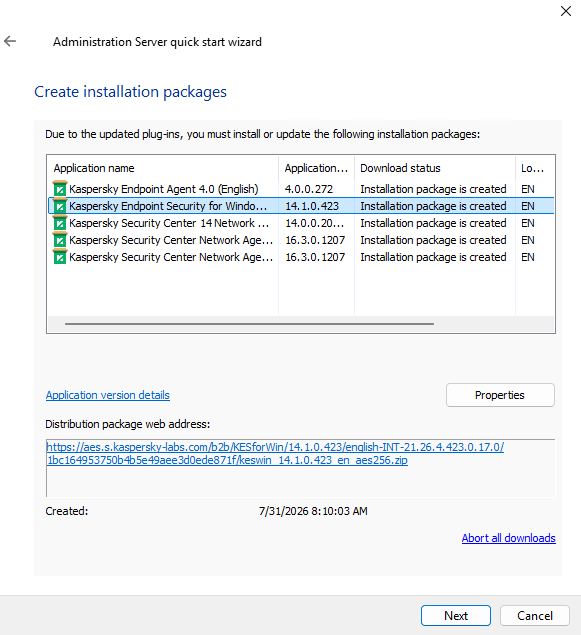
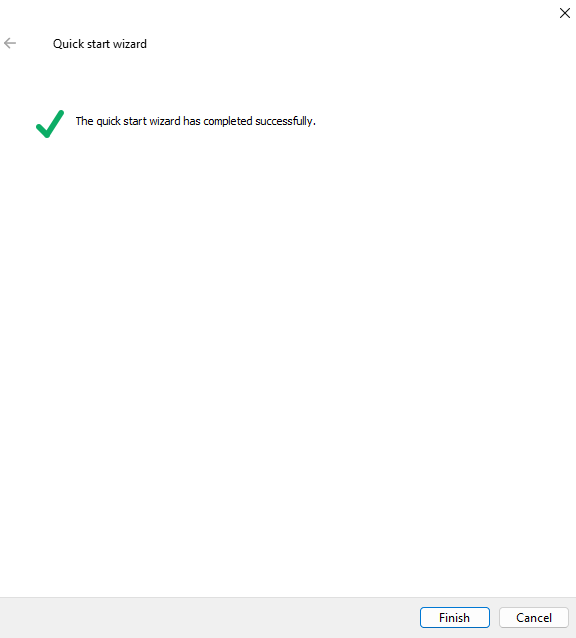
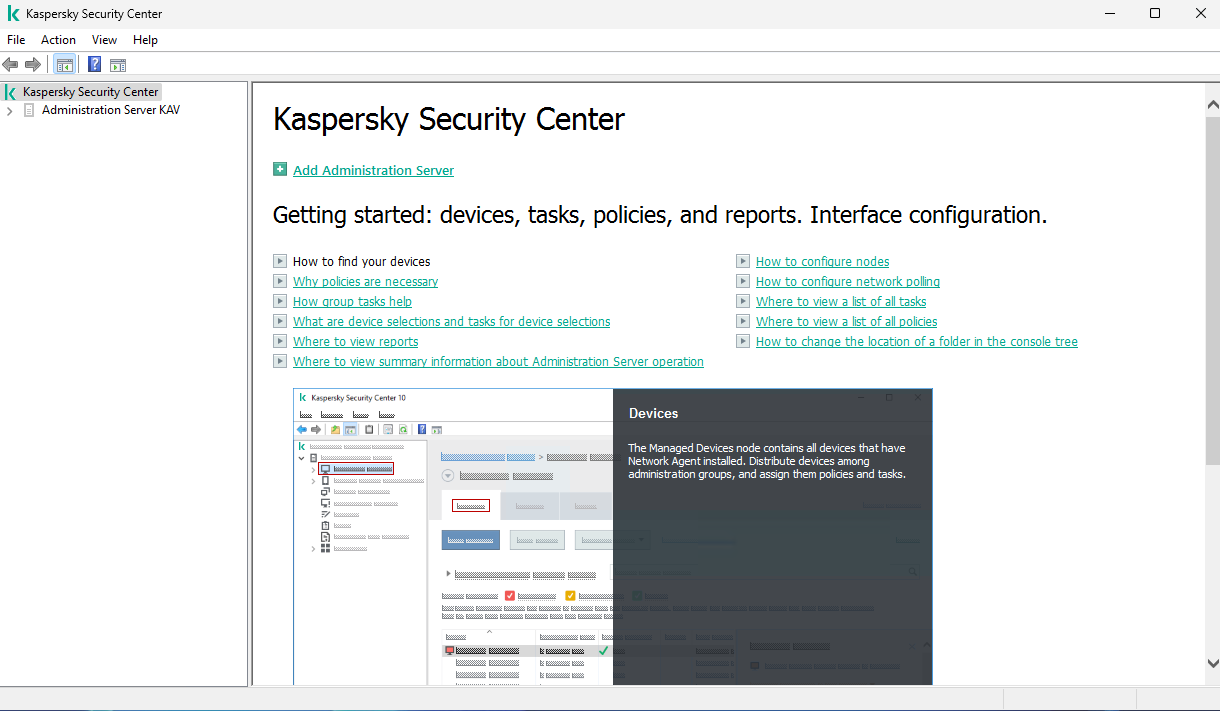
Kaspersky Security Center ready to setup.