
Share iCloud storage with your family.


To share iCloud storage with your family, you must first have a shared iCloud+ plan and be the family organizer. Then, go to Settings on an iPhone or iPad, tap your name, and select Family > Subscriptions > iCloud+ > Share with Family.

On an iPhone or iPad
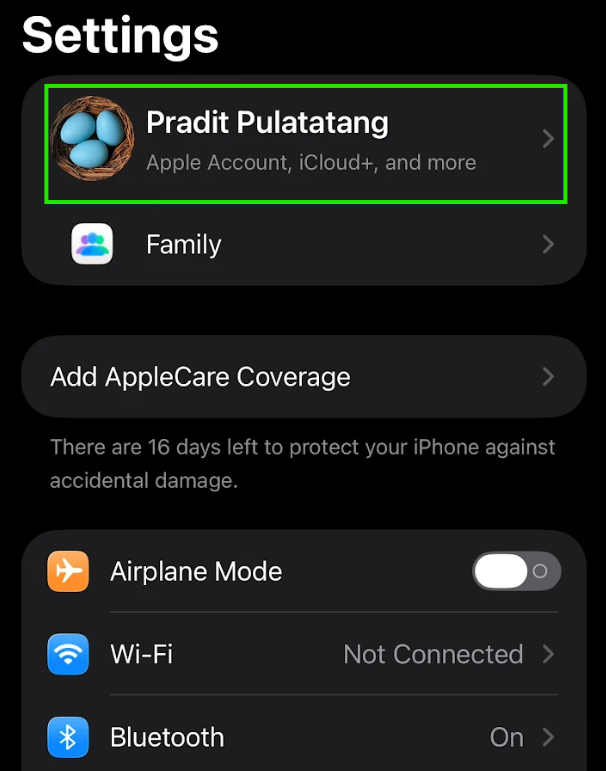
1. Go to Settings.
2. Tap your name at the top.
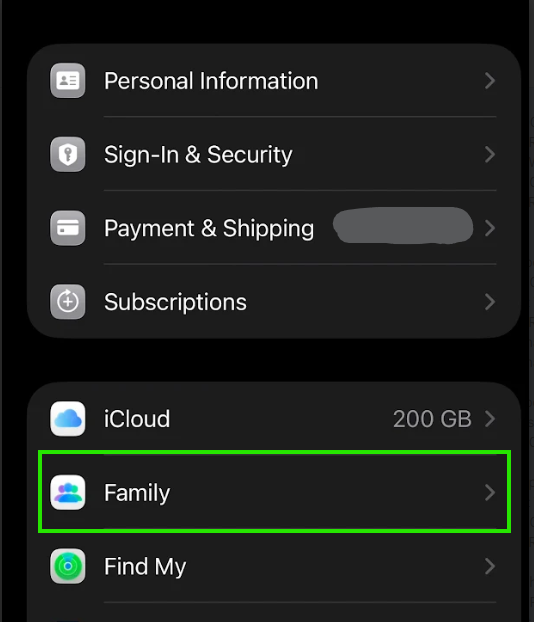
3. Tap Family.
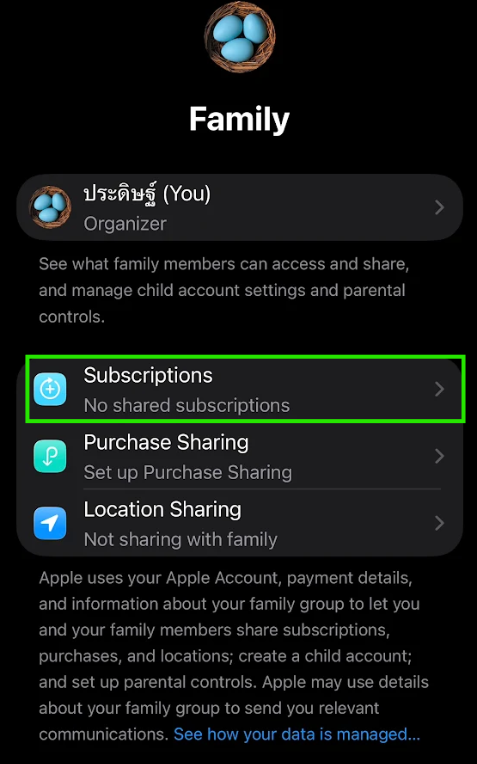
4. Tap Subscriptions.
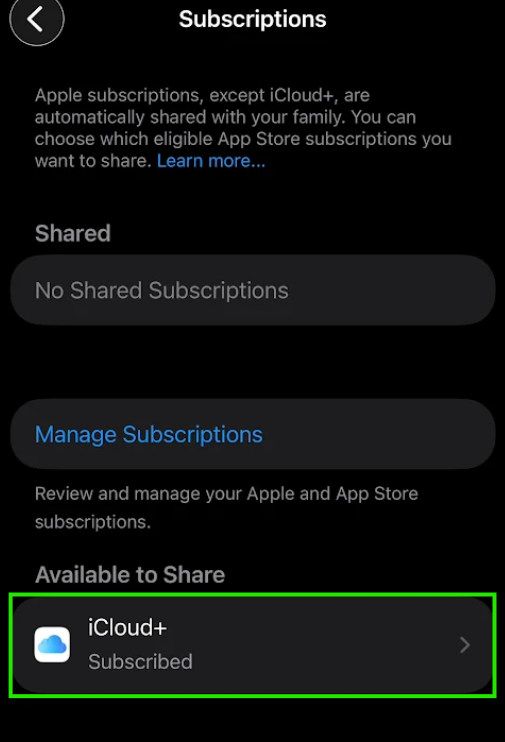
5. Tap iCloud+.
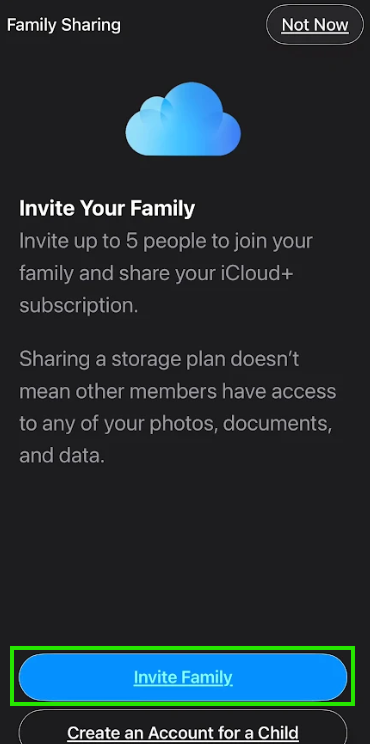
6. Tap Invite Family.
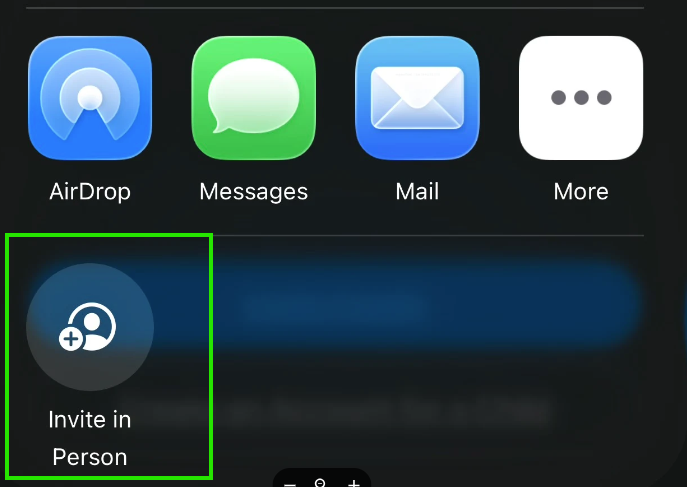
- Tap Invite in Person.
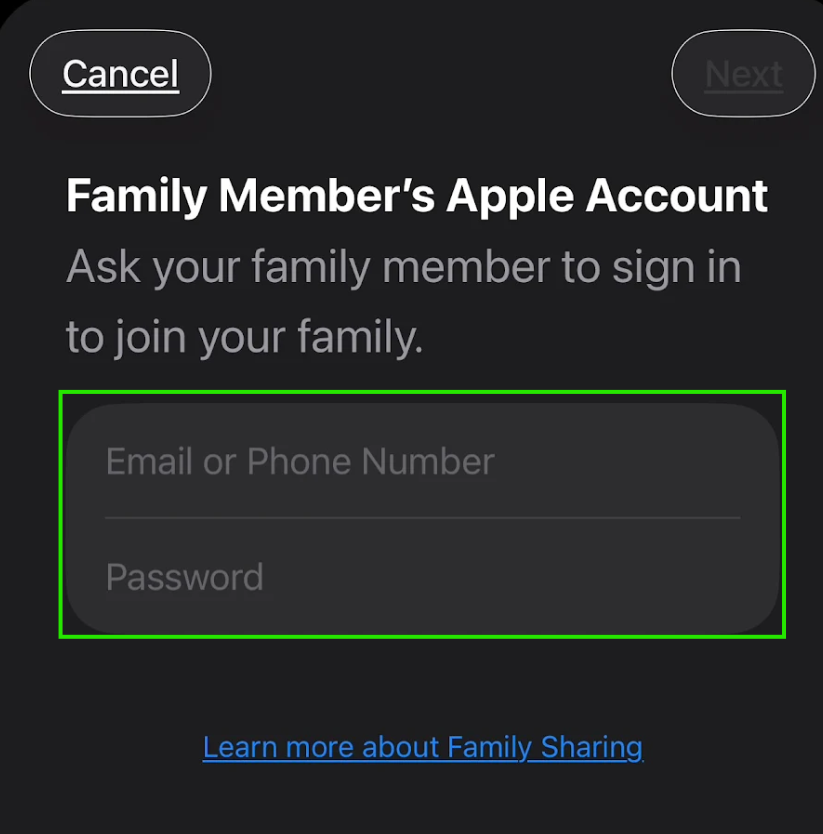
- Input Apple Account your family.
finished.