SSH to Unifi Switch check statistics on specific port


SSH to US 48 POE 500W to check statistics on specific port and command to explore information on the switch.
Here are the steps for example
- Open command prompt.
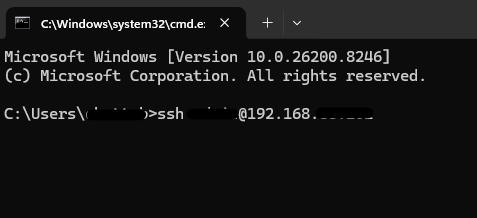
- SSH to switch (ssh user@ipaddress)
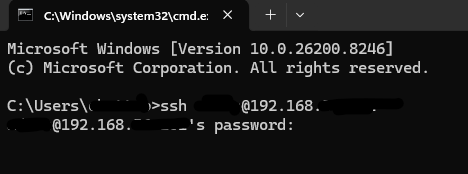
- Enter the password
4. Now enter to switch
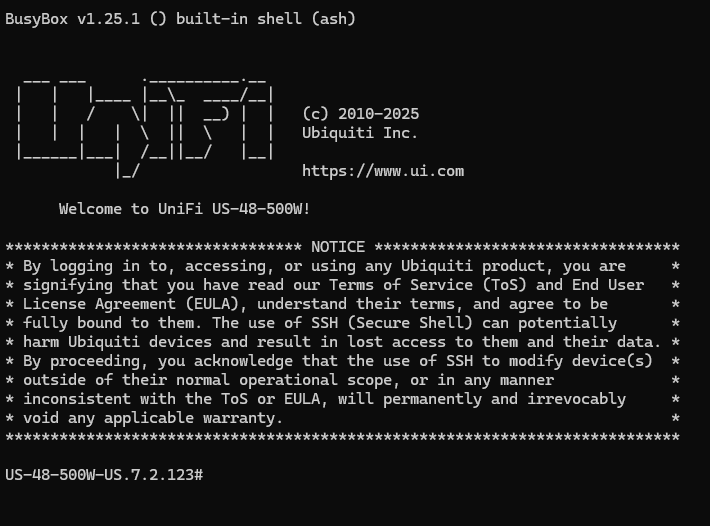
5. Check command by type "help"
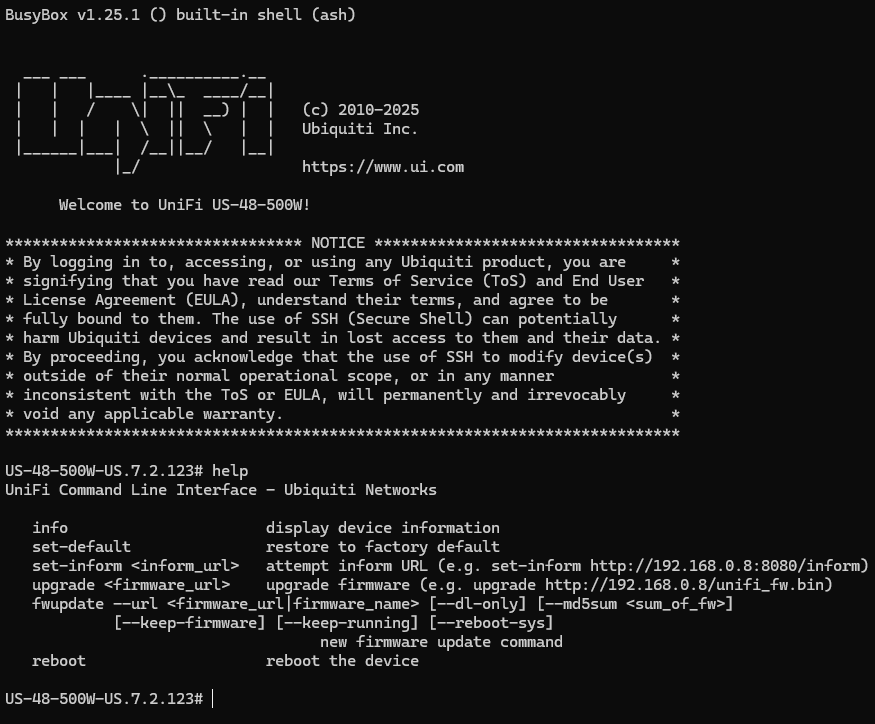
6. Enter to management mode by command "telnet localhost"
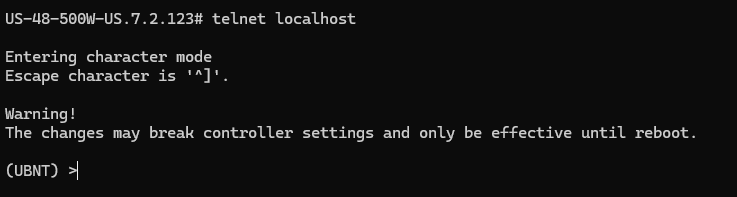
- Type command "enable"
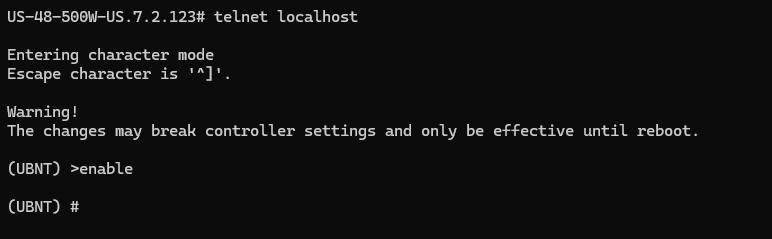
8. Check basic command by typ "?"
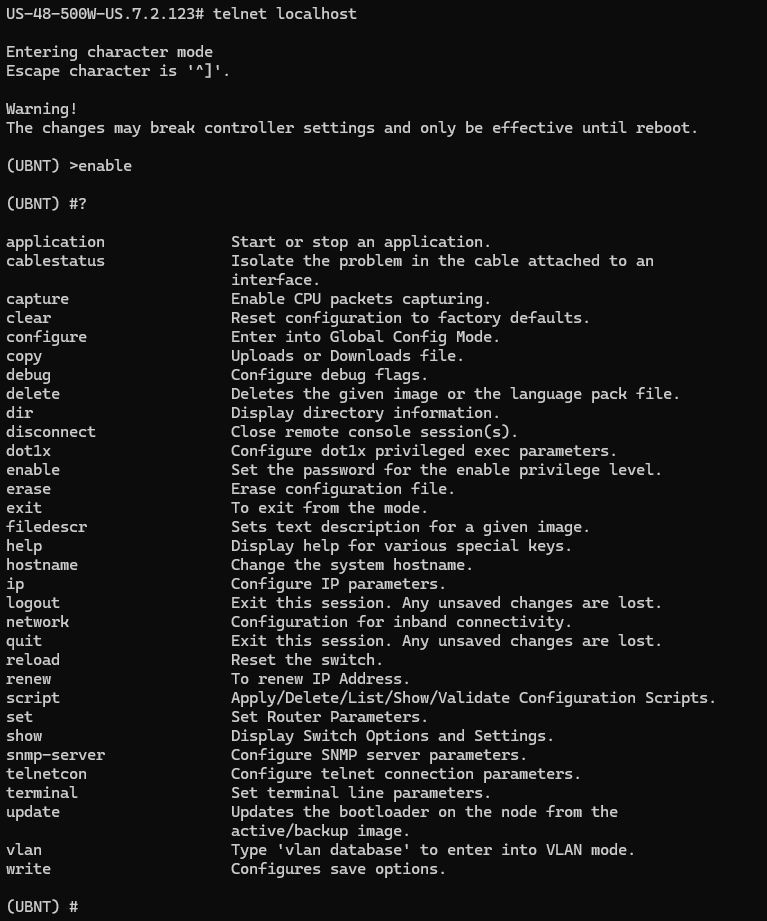
9. Used "?" to help list the command and description.
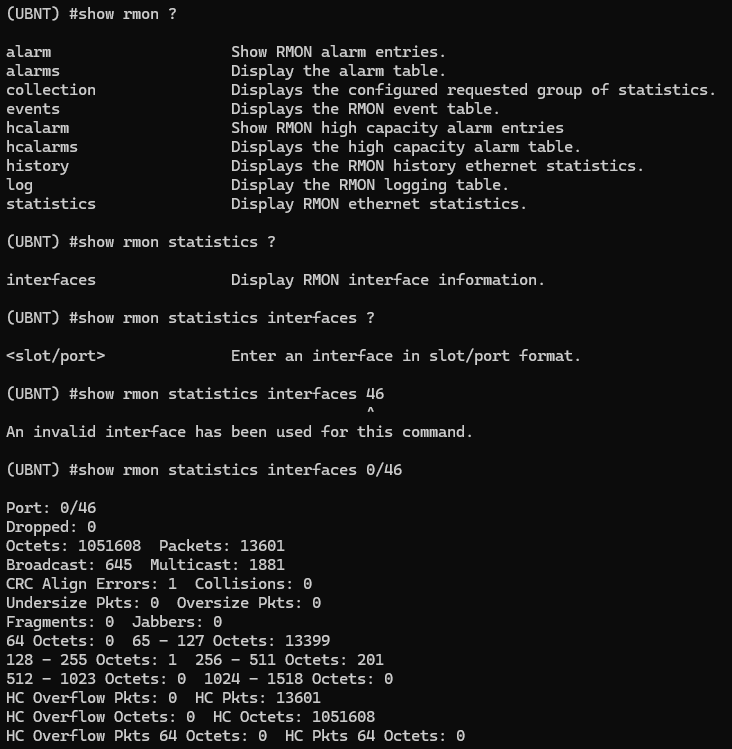
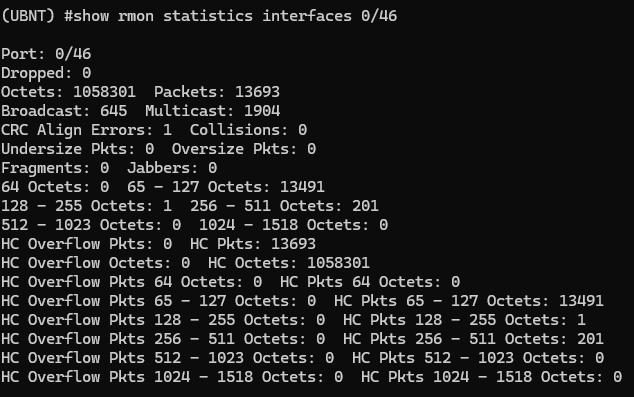
10. Check statistics on the port by command "show rmon statistics interfaces 0/46" (This exampel show statistics for port 46 on our switch).
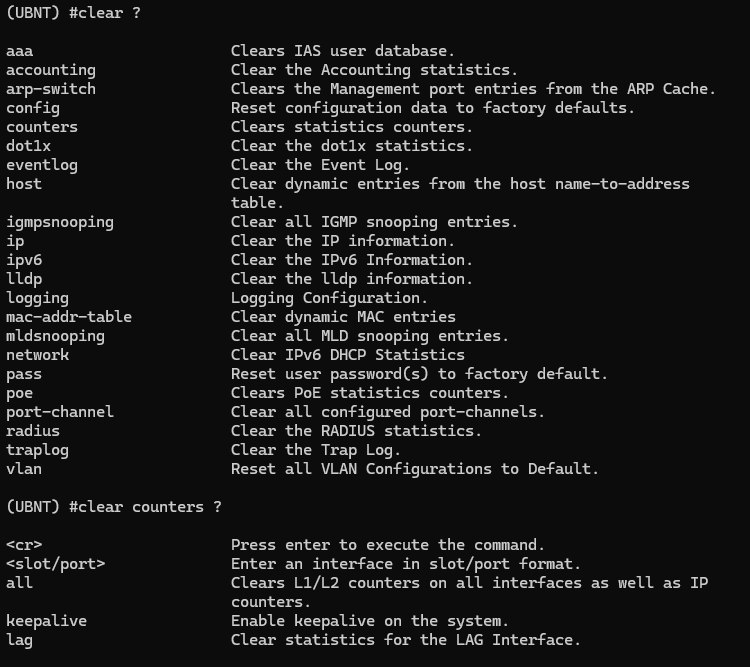
11. Find command to clear counter
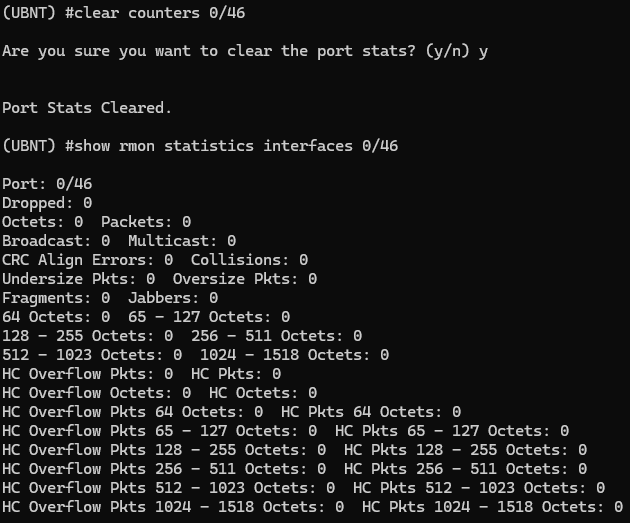
12. To clear counter for port by command "clear counters 0/46"
13. Show interface status by "show interfaces status 0/46"

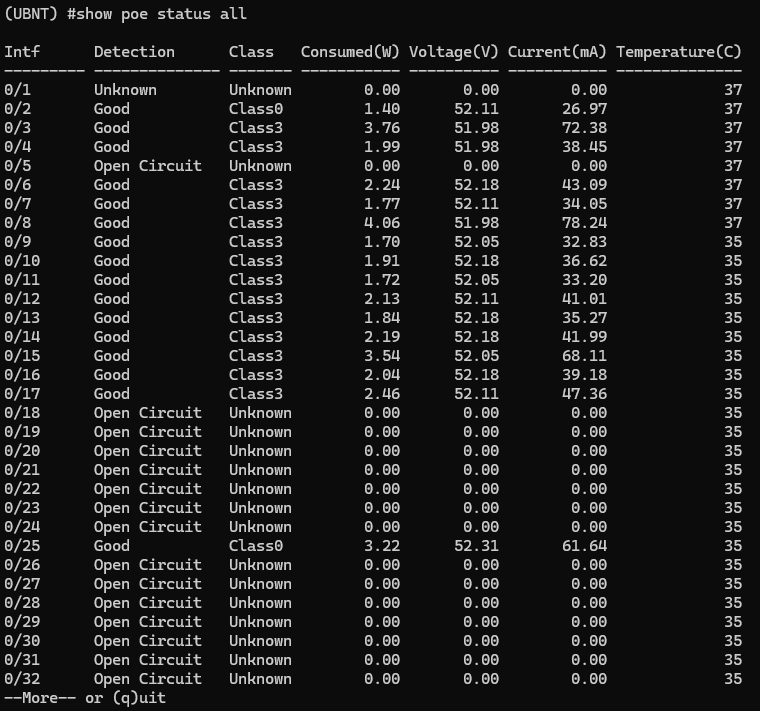
14. Show poe statu "show poe status all"
- Show mac address "show mac-addr-table interface 0/46"
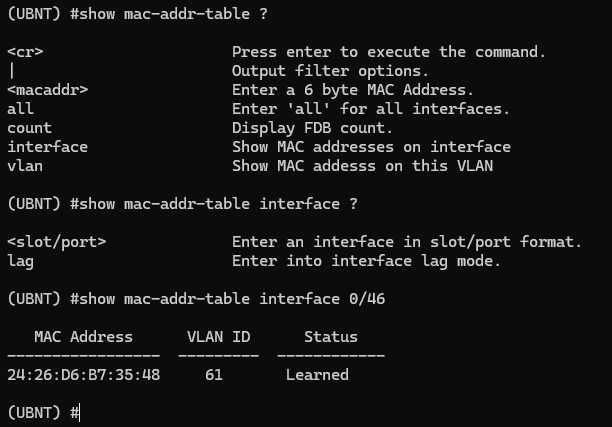
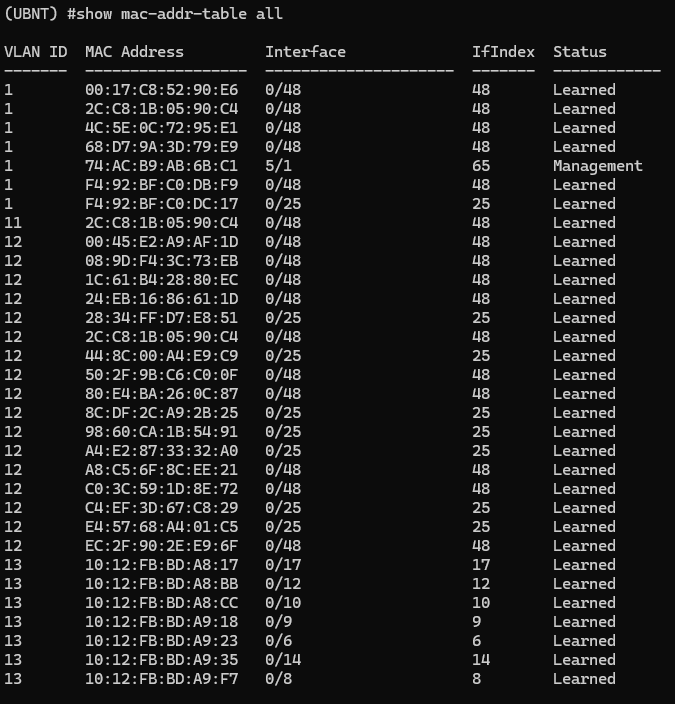
16. Show mac address all "show mac-addr-table all"