Synology: Check Duplicate Files with Storage Analyzer


Storage Aanlyzer is add-on package allows you to have a quick glance at the overall usage trends of your Synology NAS, create and manage tasks to analyze storage spaces, and generate detailed reports on volume usage.
This sample will use Storage Analyzer to defind the duplicates file on the volume is case disk close to full or need to untilize spaces.
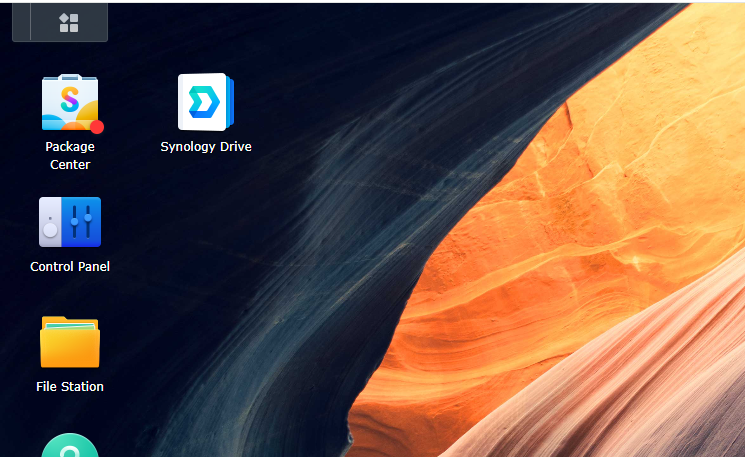
1. Open "Package Center".
2. In "Package Center" search "Storage Analyzer".
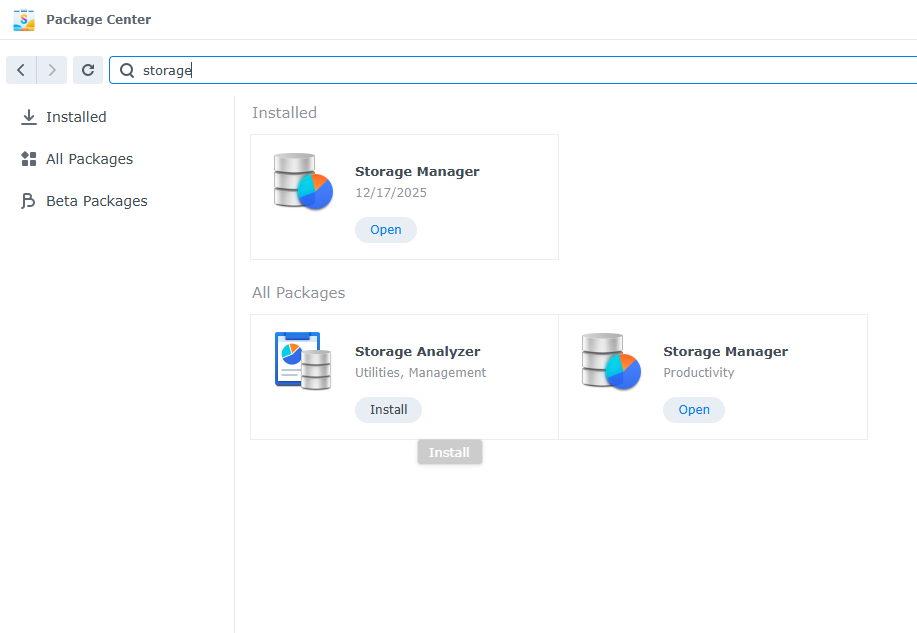
3. Install the "Storage Analyzer".
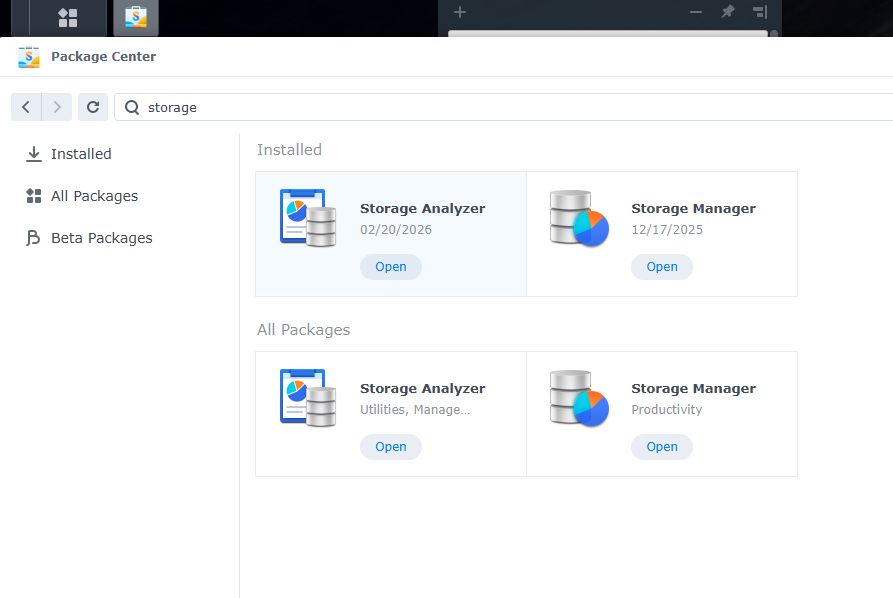
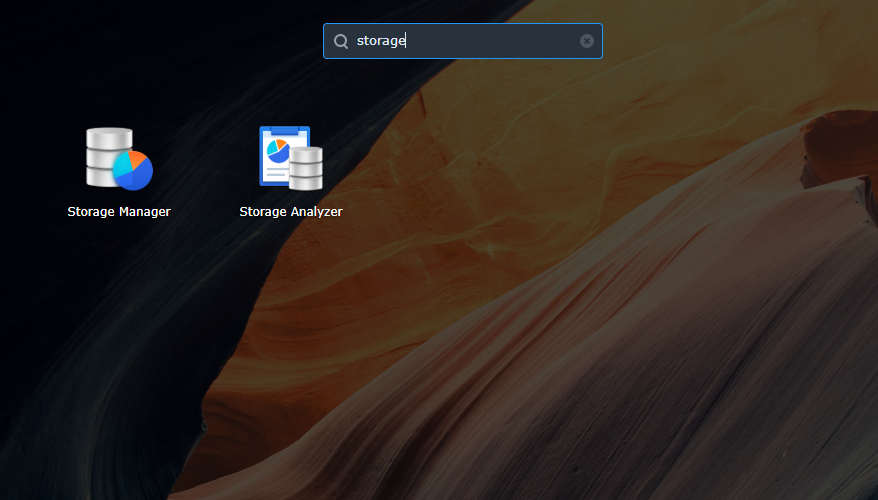
- Open "Storage Analyzer"
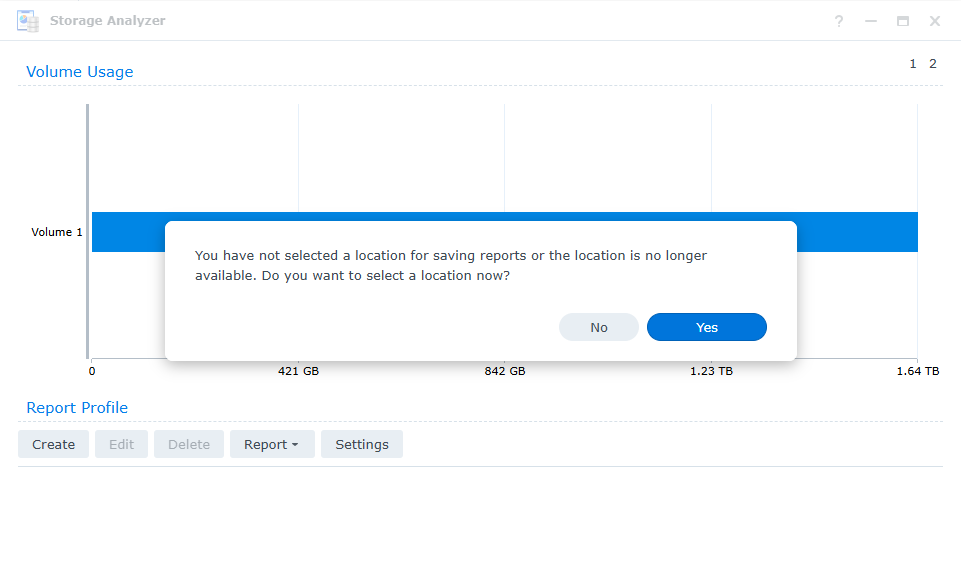
5. Select a location to save report file.
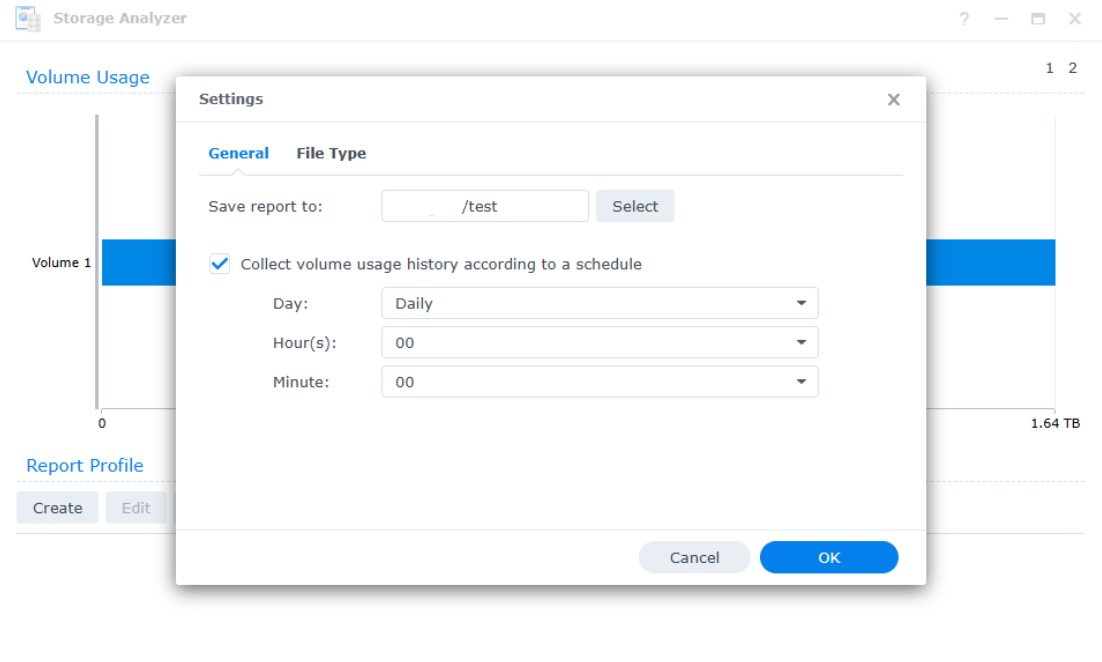
- Select Save report to location.
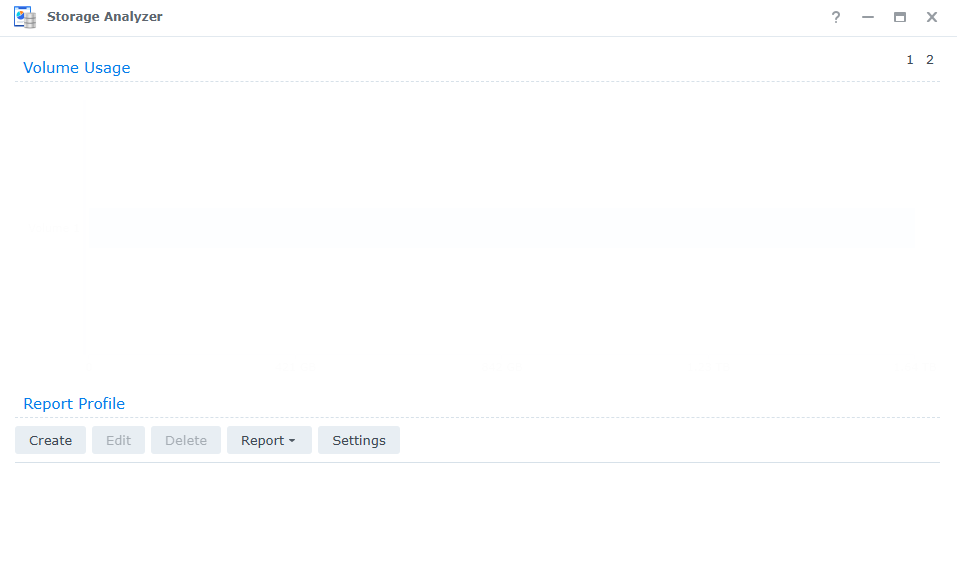
7. Report Profile > Create.
- Enter "Task name".
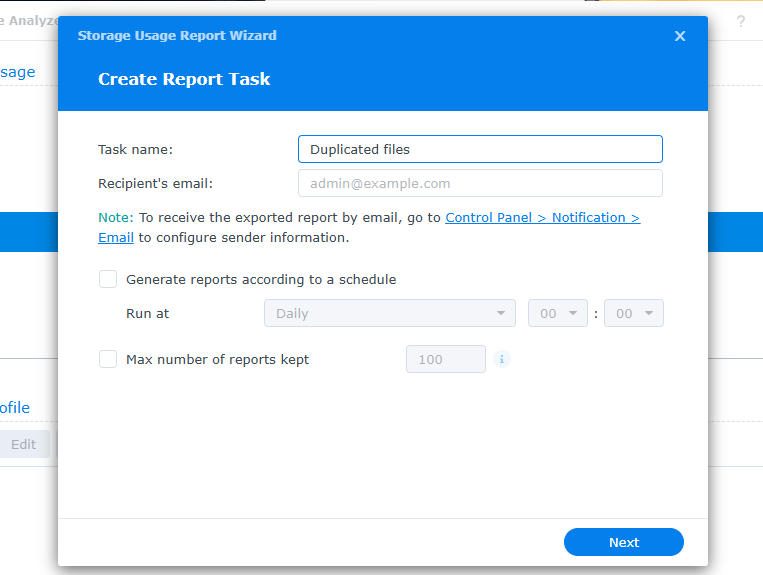
9. Select report items > "Potiential Duplicated Files".
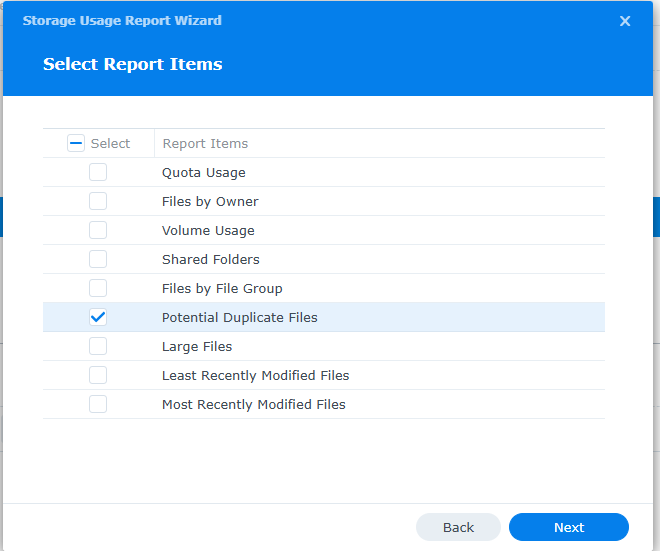
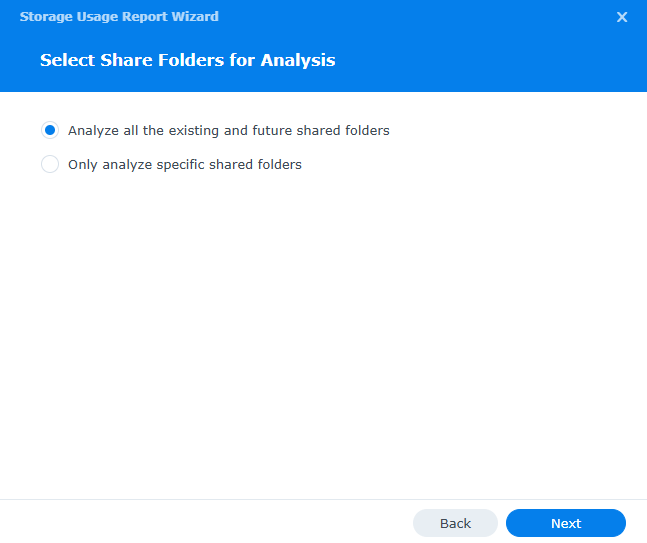
10. Select Share Folders for Analysis.
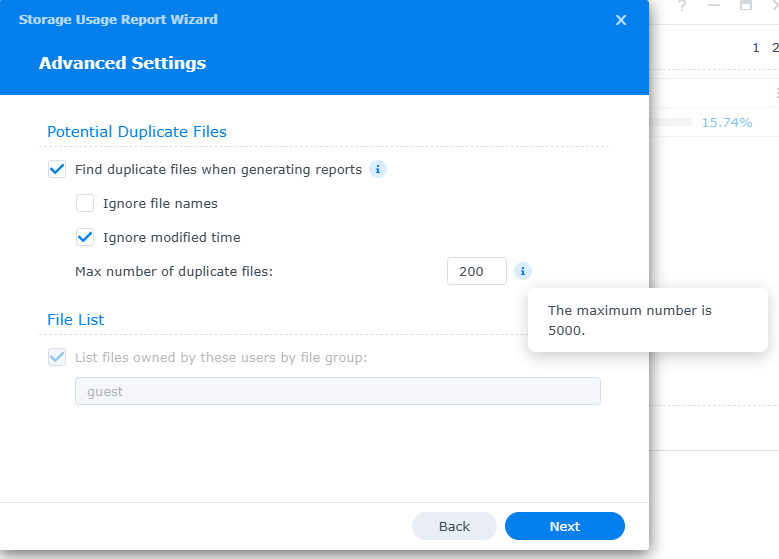
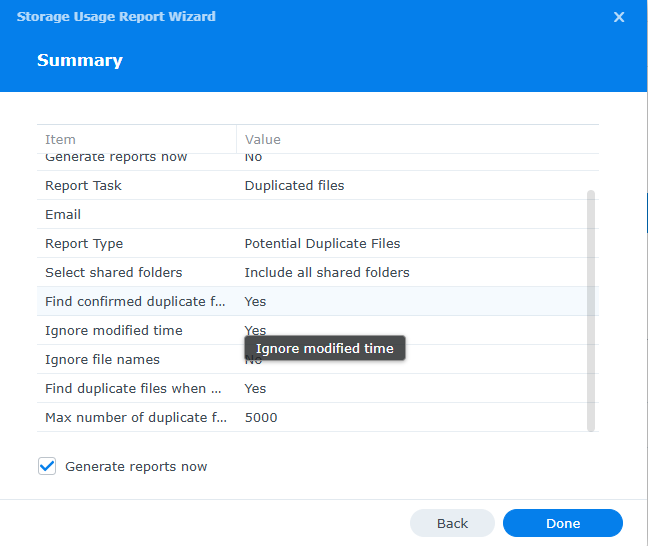
- Advanced Settings (Note: The maximum number of duplicate files is 5000).
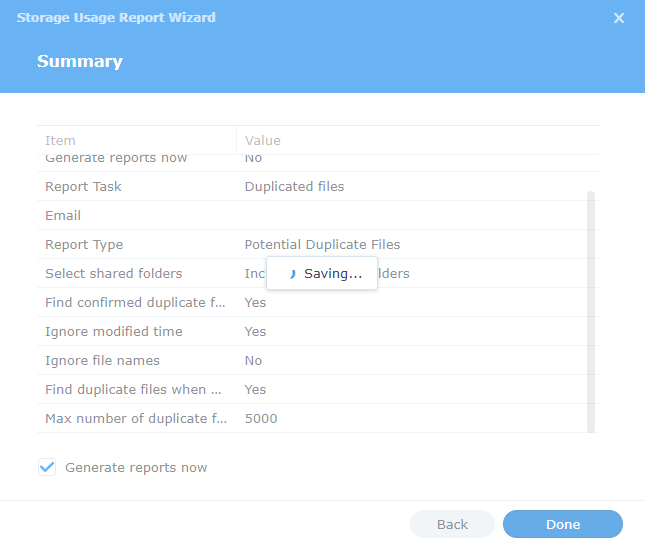
12. Summary.
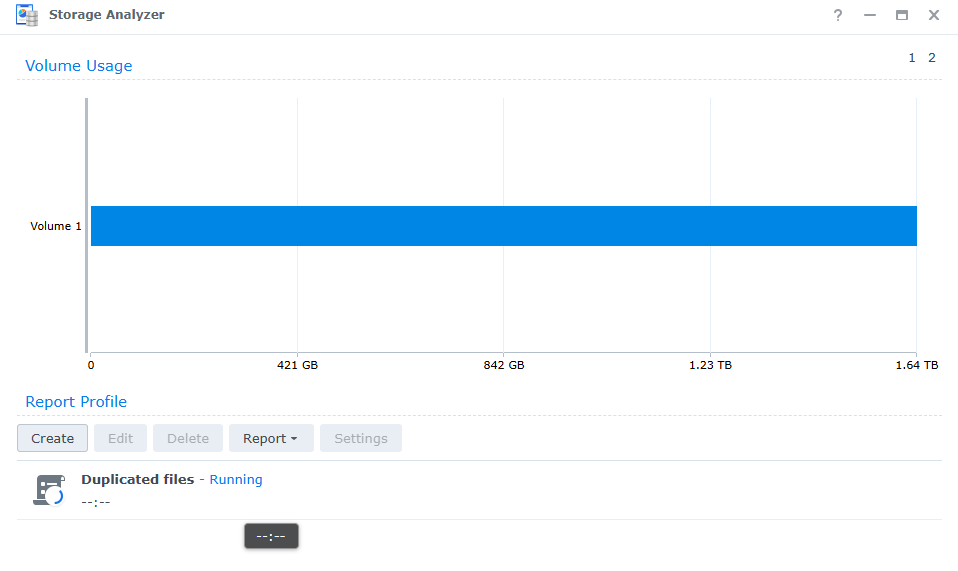
13. Open the report task.
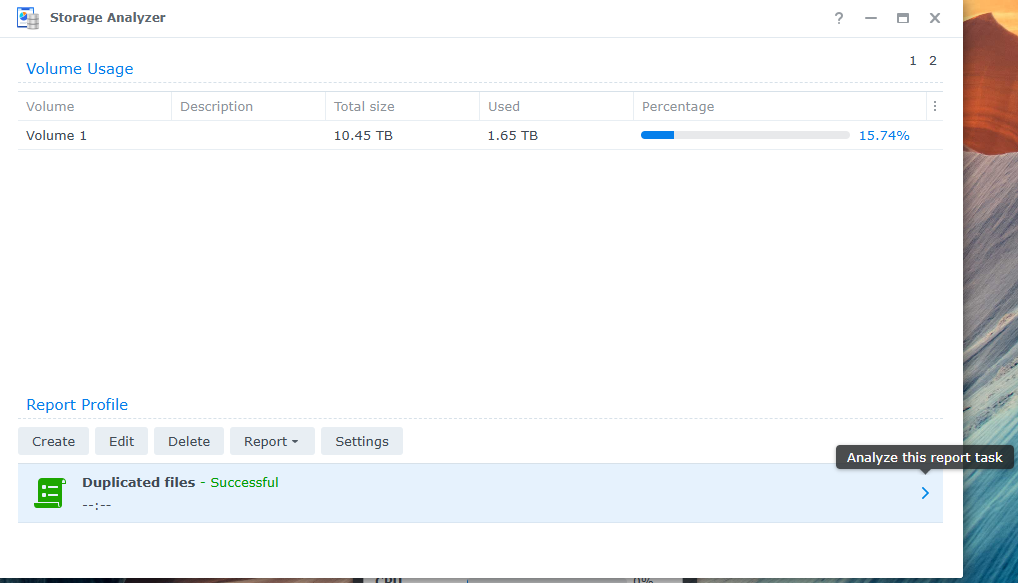
14. "File" > "Duplicats".
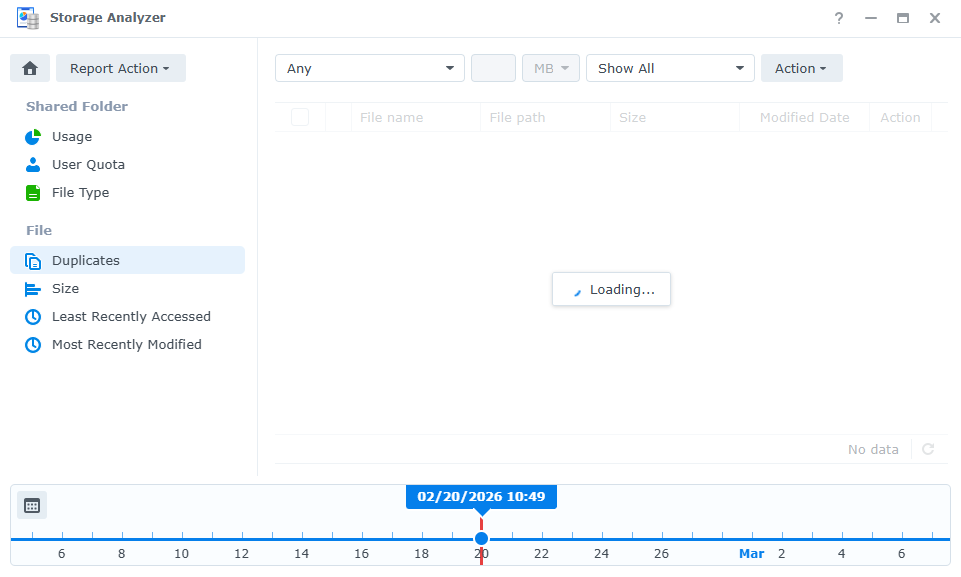
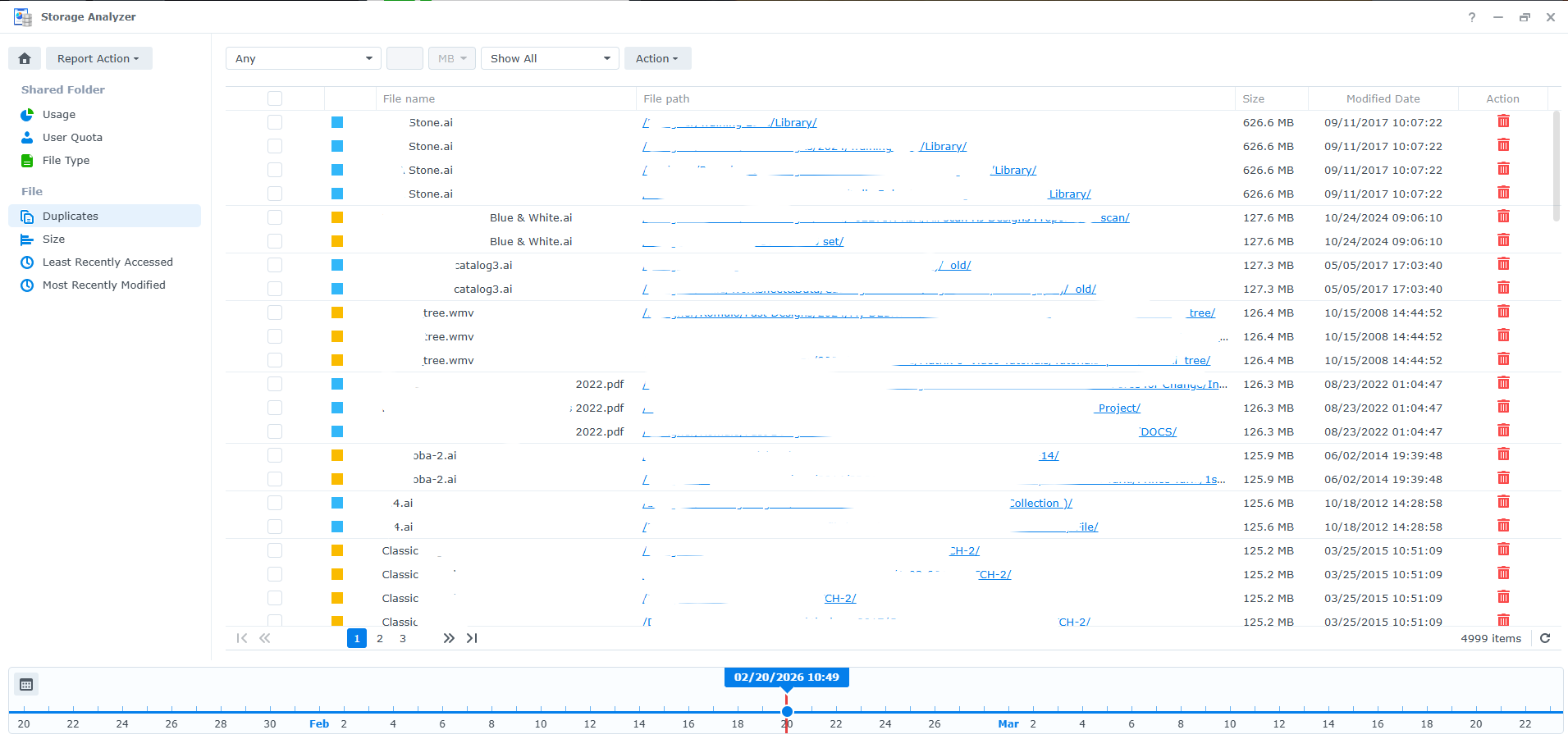
15. Duplicate files.
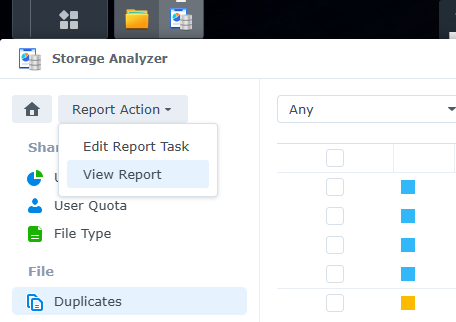
16. To export this report > "Report Action" > "View report".
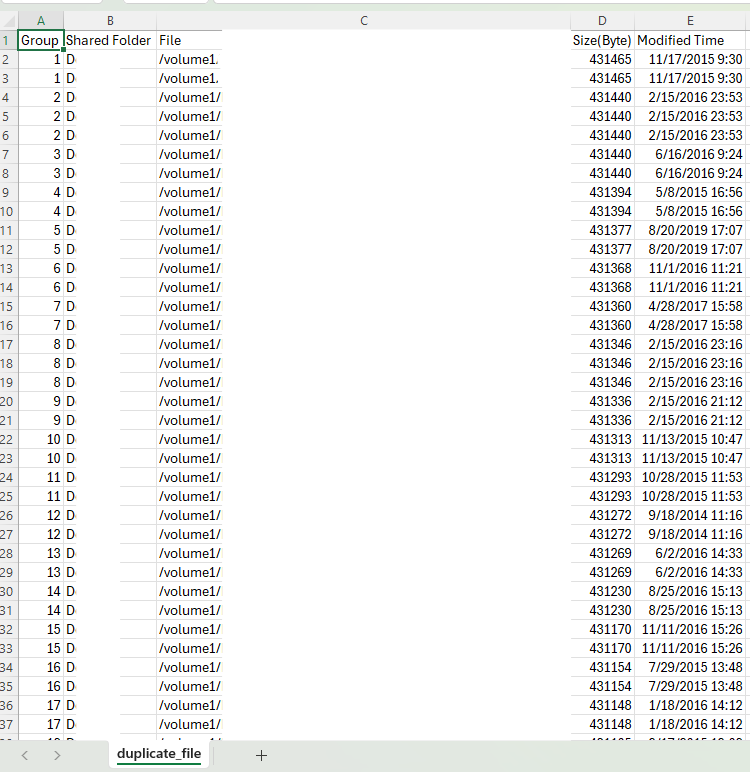
17. Download CSV.
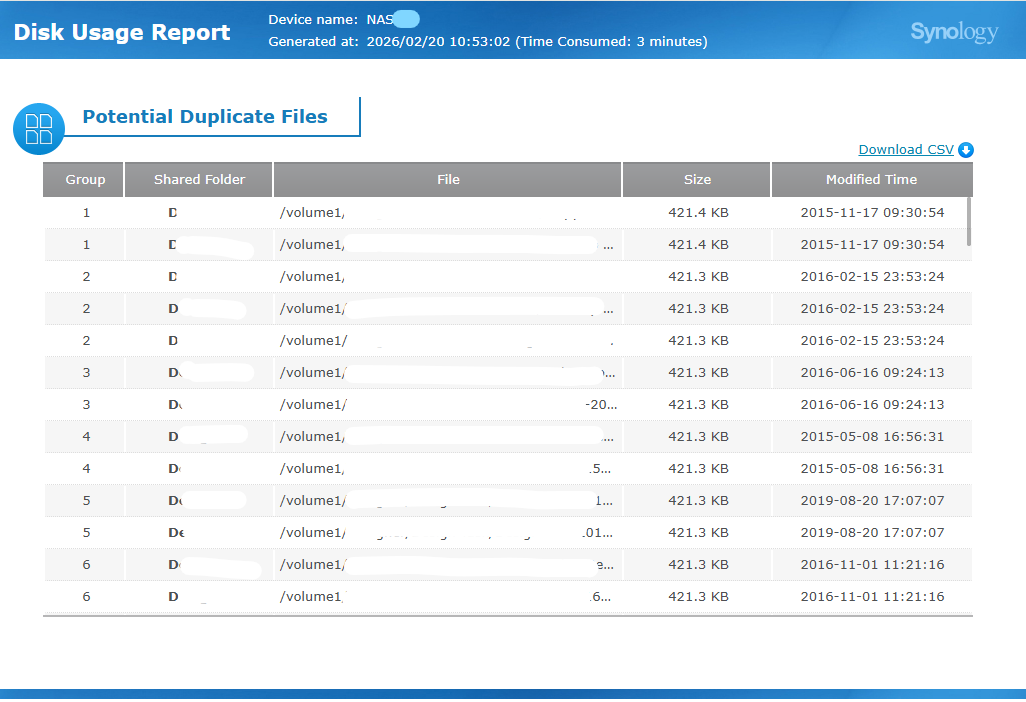
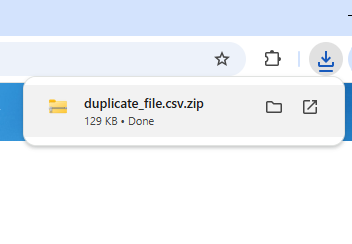
18. CSV file report.
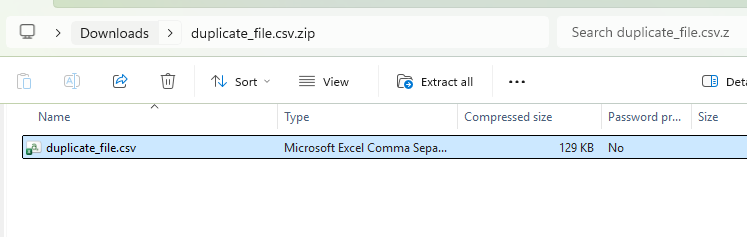
19. Report in CSV format.