
Sysadmin Tip: Run system analysis tools via the cloud without downloading (Sysinternals Live)


When dealing with complex computer issues—such as a folder that won't delete because a program has it locked, or the need for a deep-dive check into startup programs for hidden spyware—most people turn to Microsoft’s powerhouse tools: the Sysinternals Suite (including Process Explorer, Autoruns, and TCPView). However, the process of visiting the website, downloading the .zip file, and extracting it is time-consuming.
Microsoft has quietly set up a WebUNC server that allows us to access these utility files and run them directly over the network, without needing to download them first.
How to use:
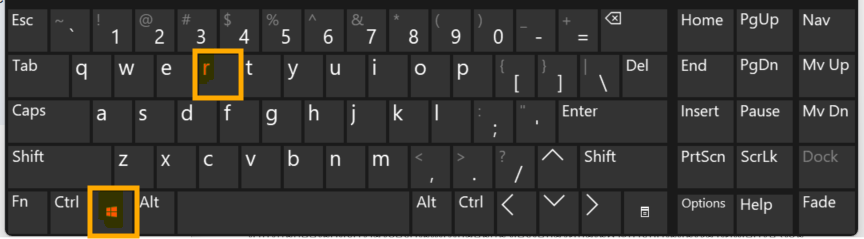
1.Press the Win + R keys on your keyboard.
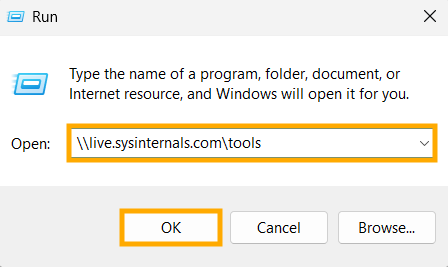
2.Type this command and press Enter:
\\live.sysinternals.com\tools
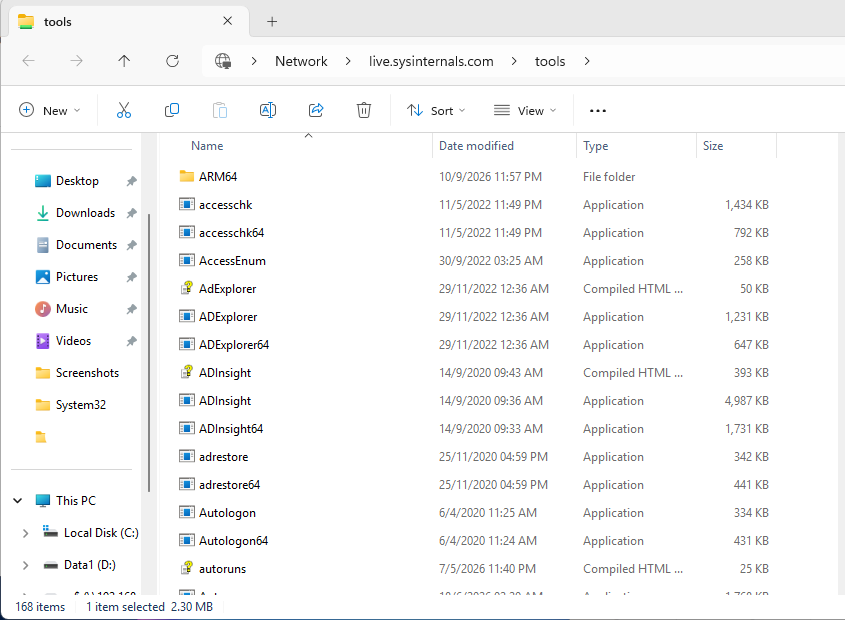
3.A folder window will open, containing the .exe files for the complete suite of Sysinternals analysis tools.
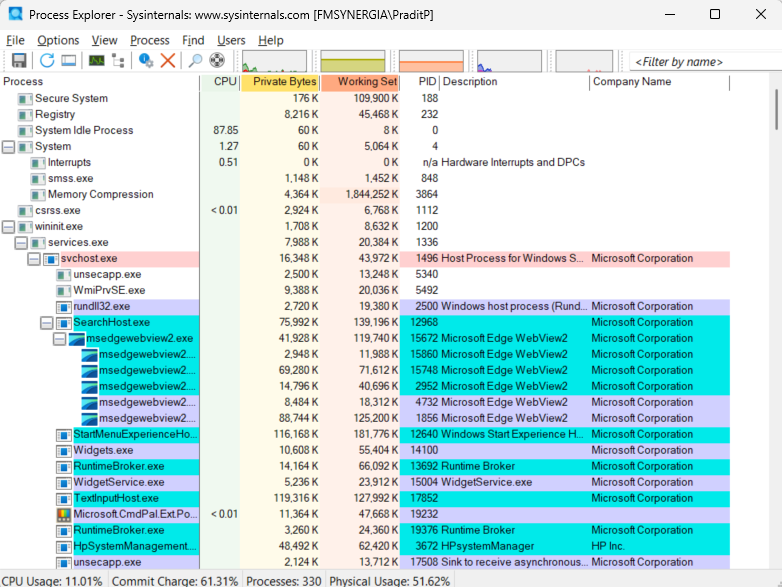
4.Double-click to launch the desired program (such as procexp.exe or autoruns.exe) and use it immediately from the cloud.
Why this method is useful:
- Leaves no trace: No installation required and leaves no junk files—highly convenient when working on other computers.
- Always the latest version: The executable file is retrieved directly from Microsoft's servers, ensuring you get the most up-to-date and malware-free version.
end..