
Ultimate shortcut with "Text Extractor" (OCR extracts text from images).


This is another module in PowerToys that those who work in design will really like:
Below is a detailed, step-by-step guide.
Things to prepare before starting.
- Download and install Microsoft PowerToys.
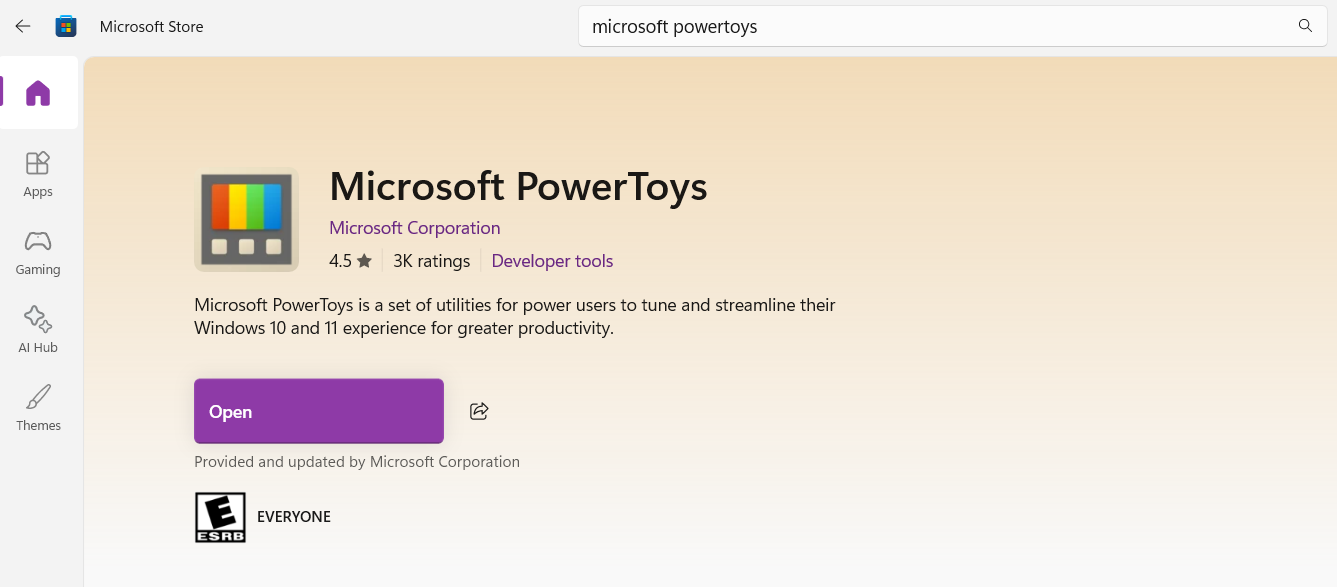
- Open the Microsoft Store on your computer and search for "Microsoft PowerToys". Click Install.
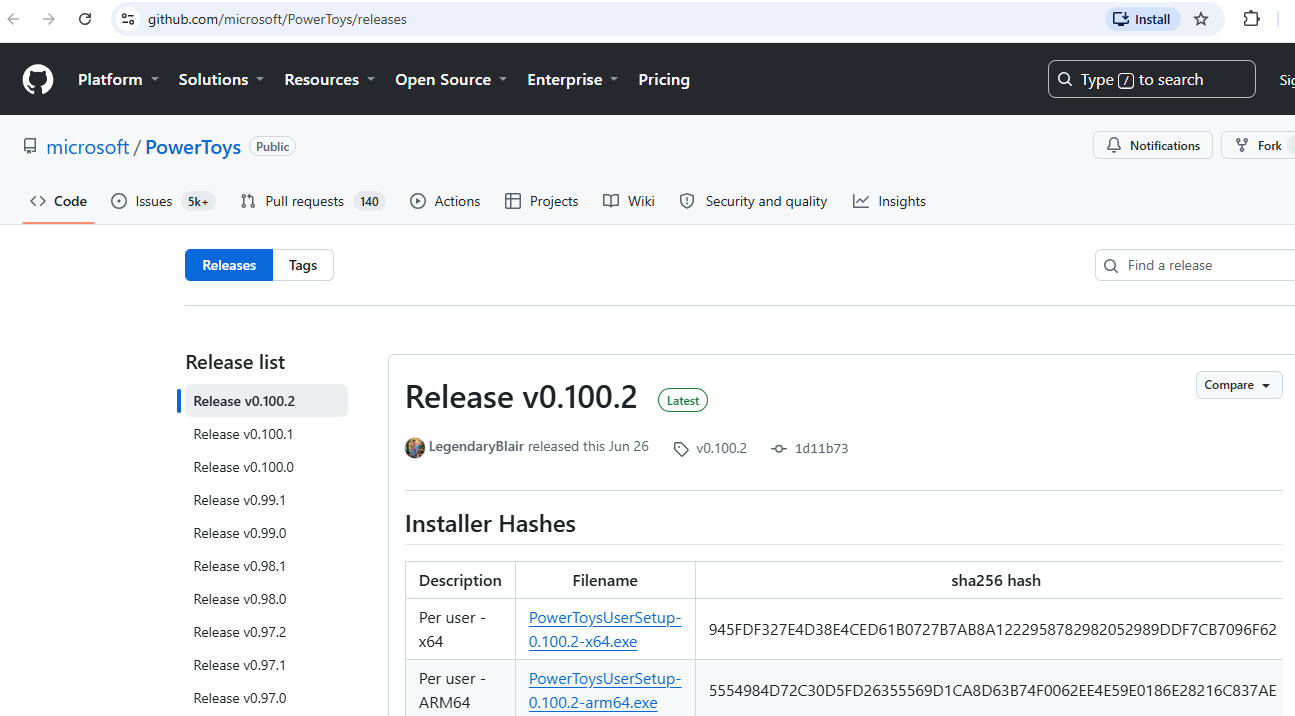
- (Or download the installation file directly from GitHub - Microsoft PowerToys)
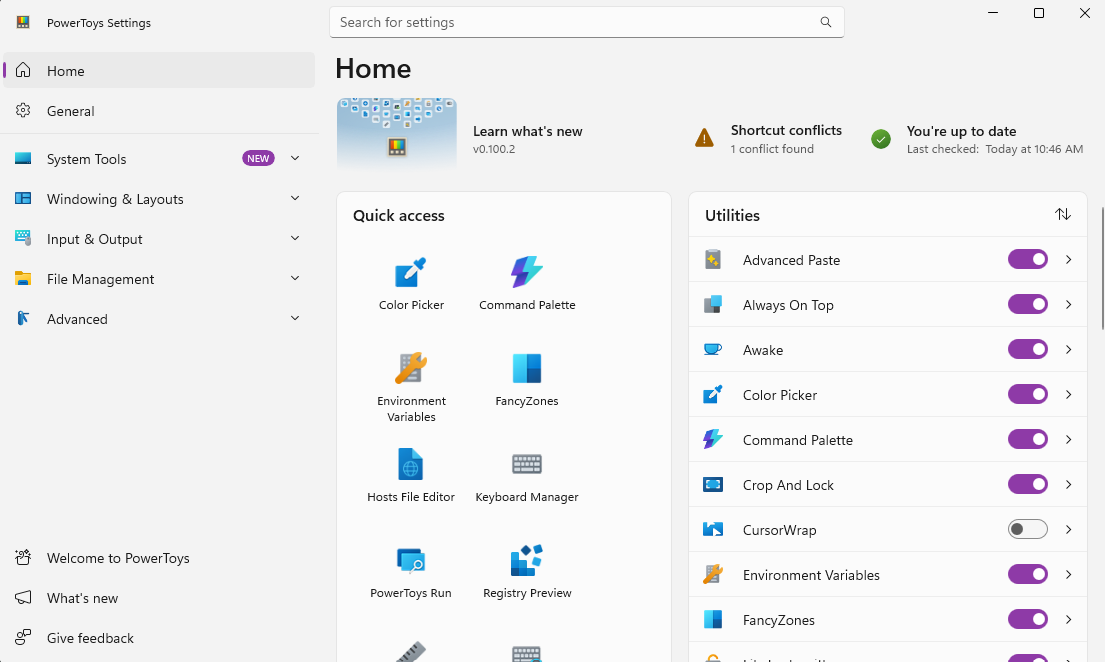
- Open the PowerToys program (you can leave it running in the background).
- You can enable the Text Extractor feature now.
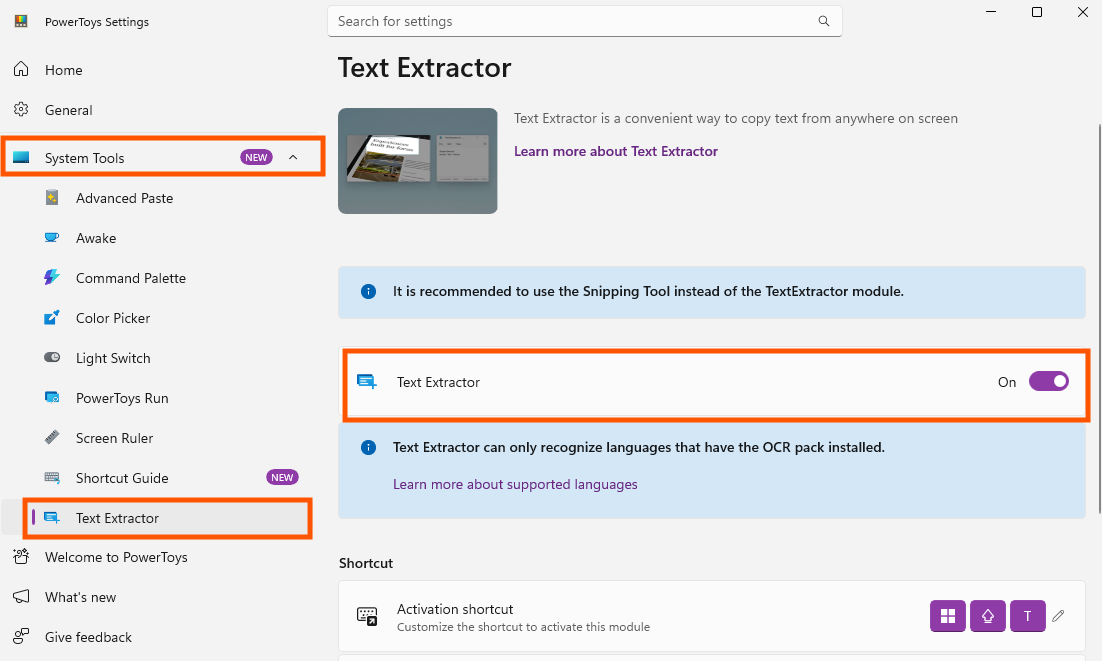
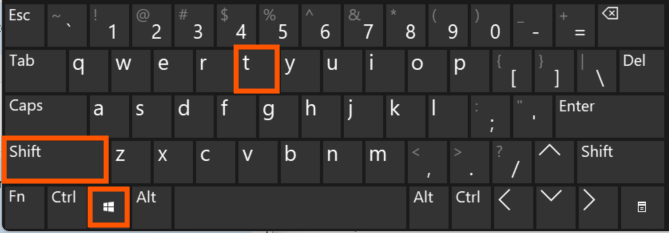
- Press button Windows + Shift + T
- Use your mouse to drag and select the area with text on the screen (whether it's a photo, a non-copyable PDF file, a YouTube video, or a screenshot from anywhere).
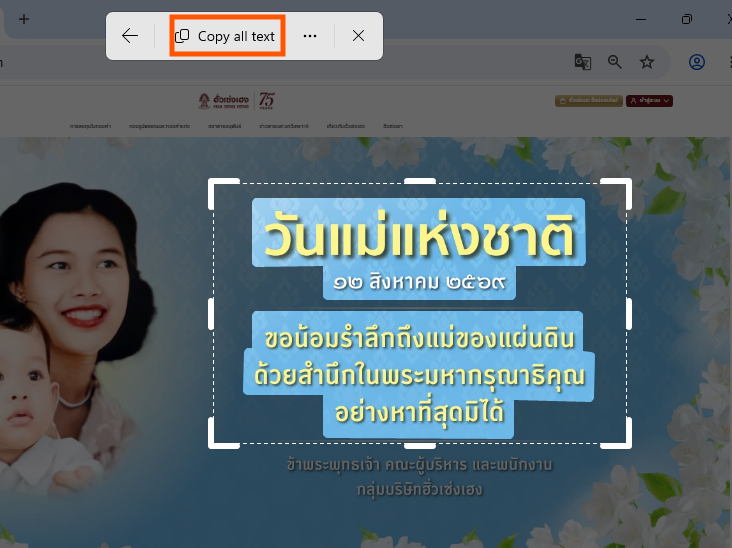
- The system will automatically extract all text from the image, convert it to text format, and copy it to the clipboard. You can then paste it using Ctrl + V; no need to type it manually.
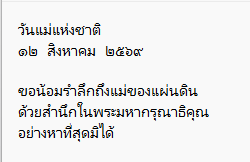
finished..
end..