Unifi: Set VLAN on unifi switch and UAP


Set unifi switch vlan and UAP VLAN WiFi on unifi controller. This example will using Mikrotik sent tagged (Trunk), (VLAN ID 1, 101, 102, 200) to unifi switch and from this switch connect to UAP (Untagged VLAN ID 102), and LAN port will untagged VLAN ID 101.
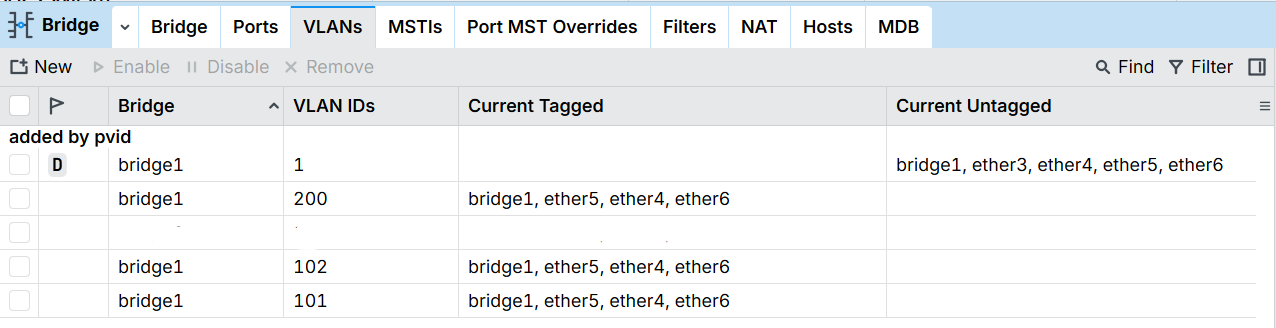
- Tagged VLAN on Mikrotik (Bridge > VLANs).
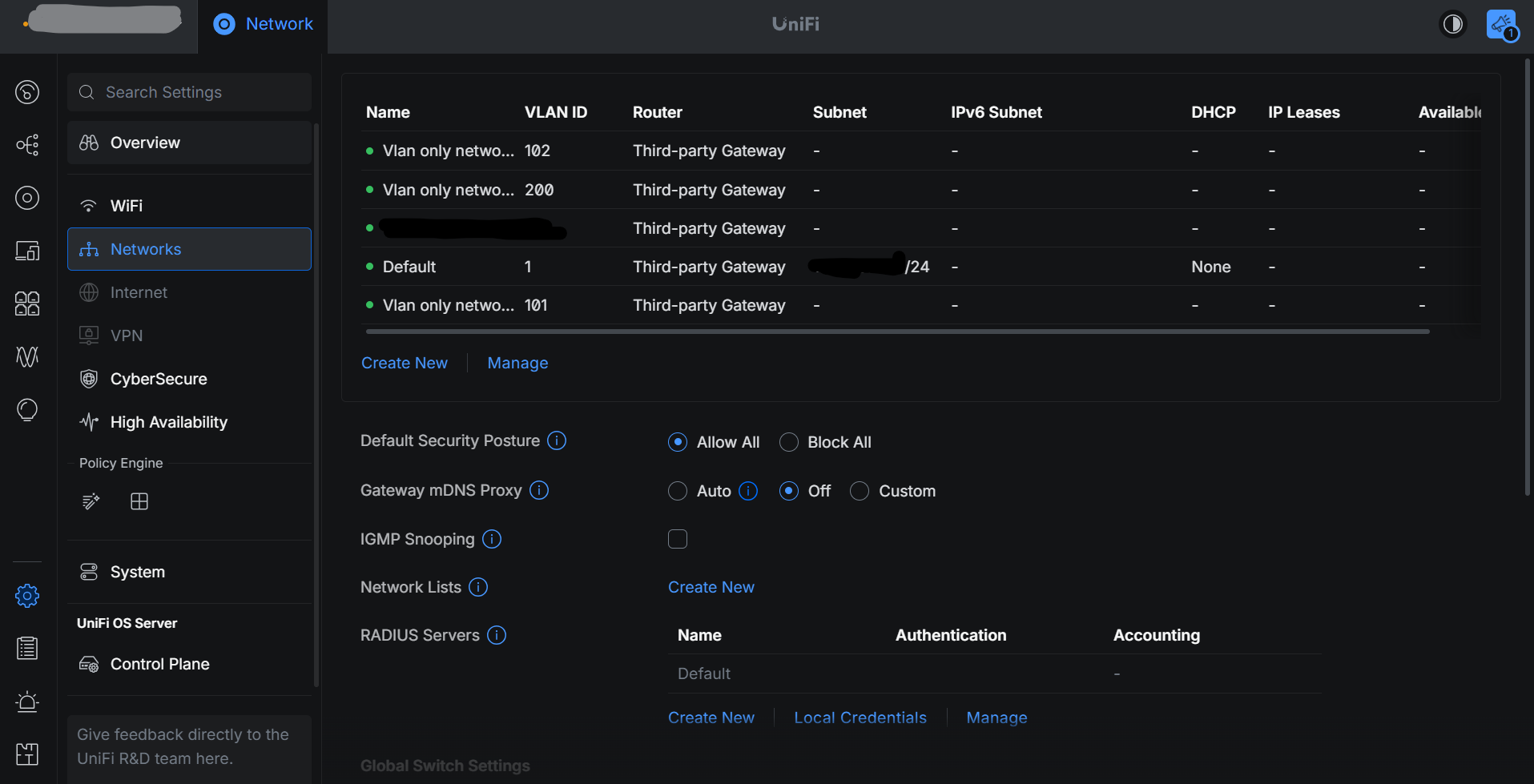
- On Unifi controller set VLAN (Settings > Networks > Create New VLAN).
- Create Vlan 101 for LAN
- Create Vlan 102 for WiFi
- Create Vlan 200 for Guest
- Vlan 1 for Default network
- Create SSID WiFi for receipt Vlan (102, 200).
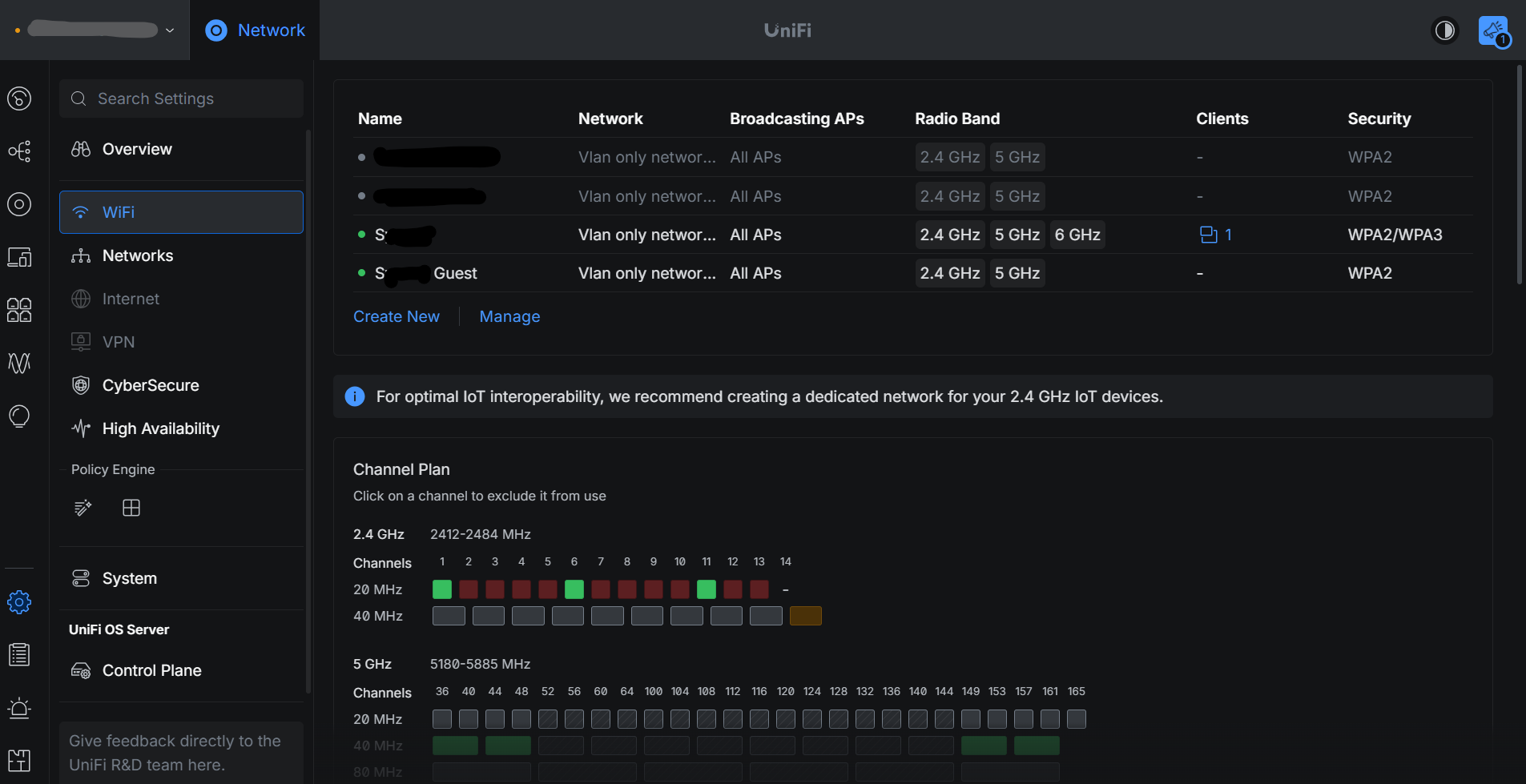
- SSID: S for received Vlan 102.
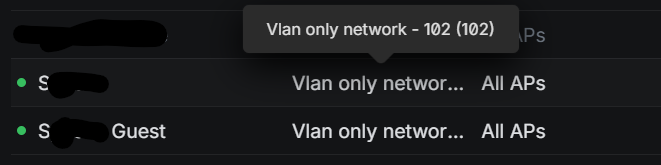
- SSID: S Guest for received Vlan 200.

- Port 1-5 connect to UAP as set untagged Vlan with specific SSID, So all client conected to SSID S with received IP set Vlan ID 102 and client conected to SSID S Guest with received IP set Vlan ID 200.
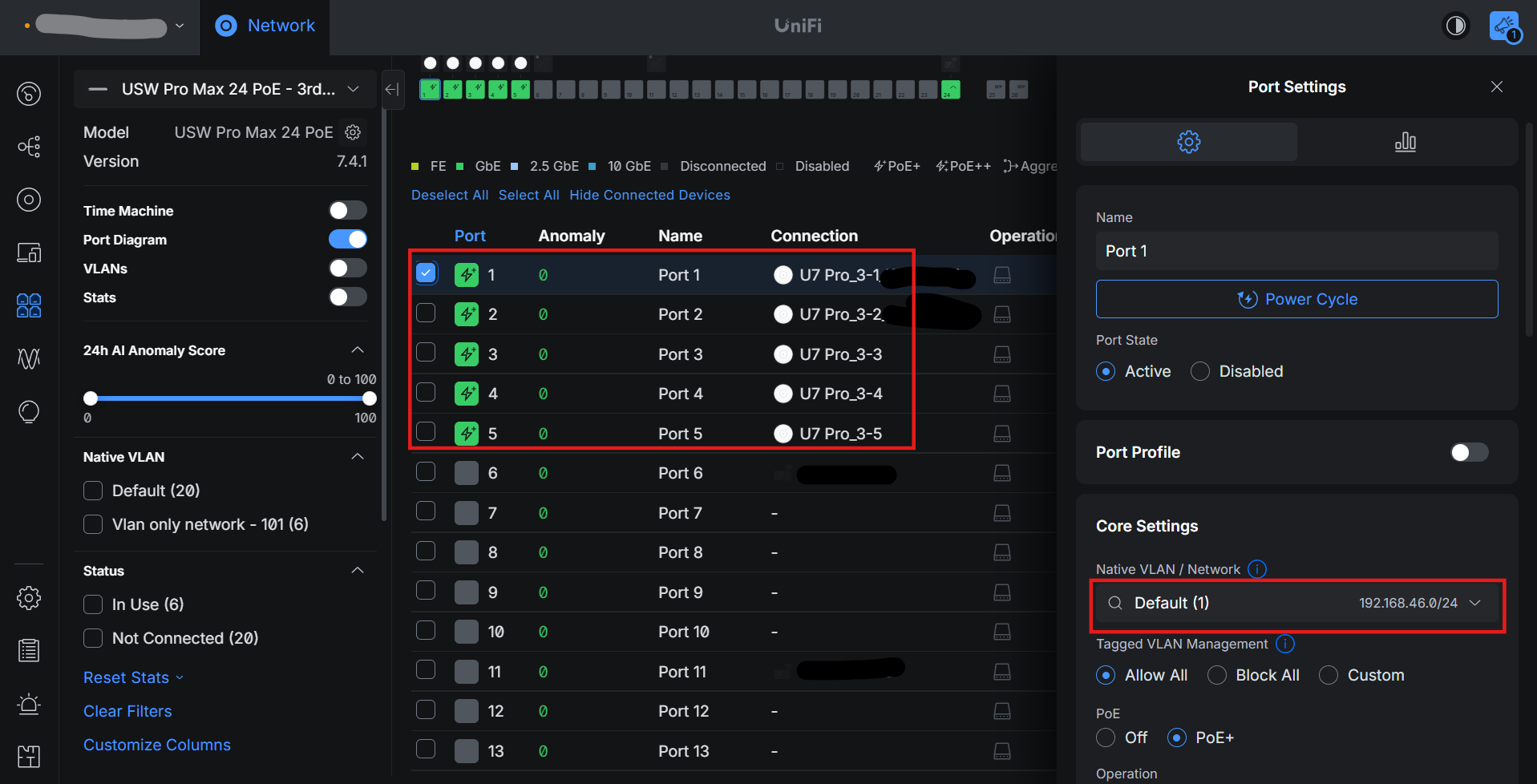
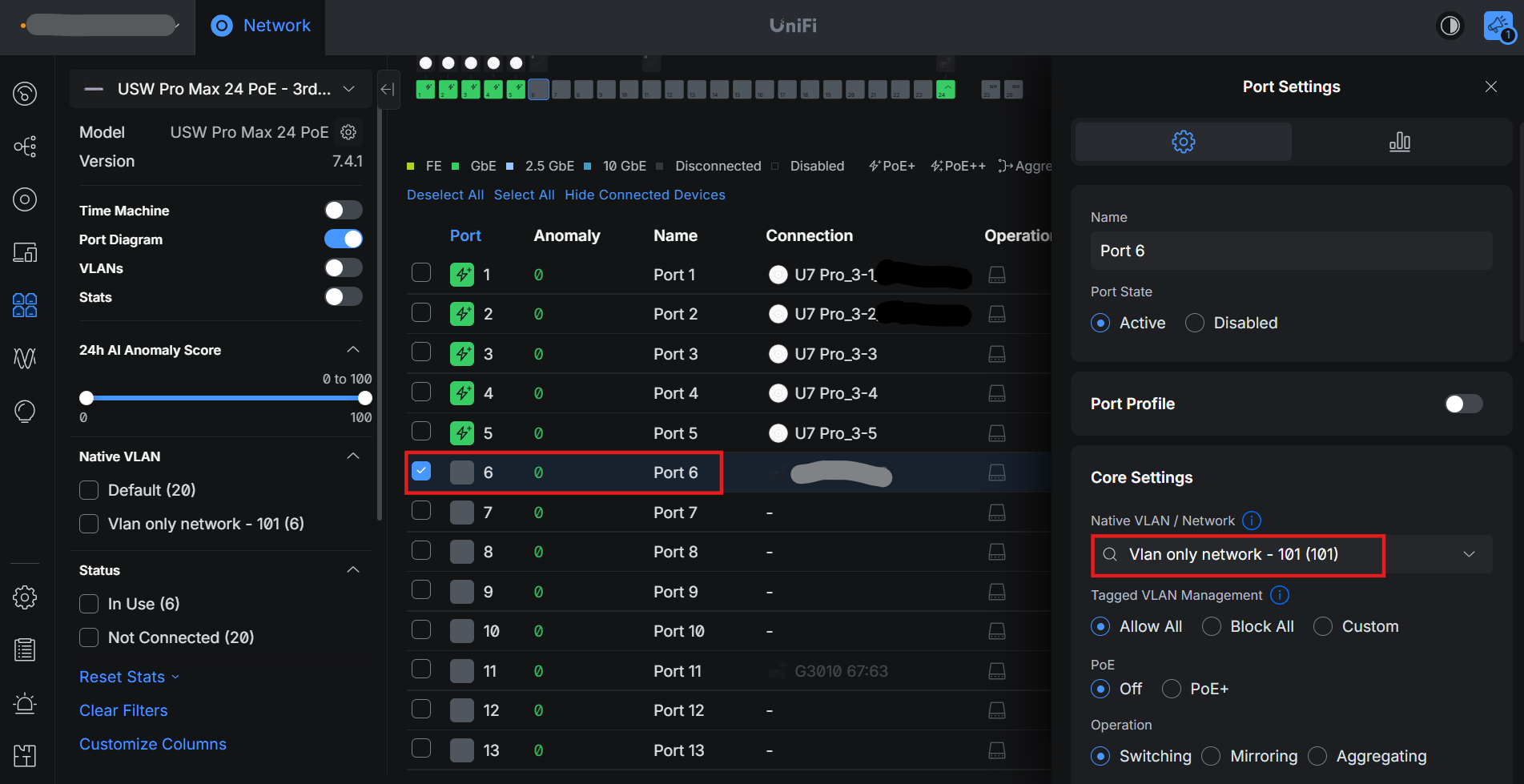
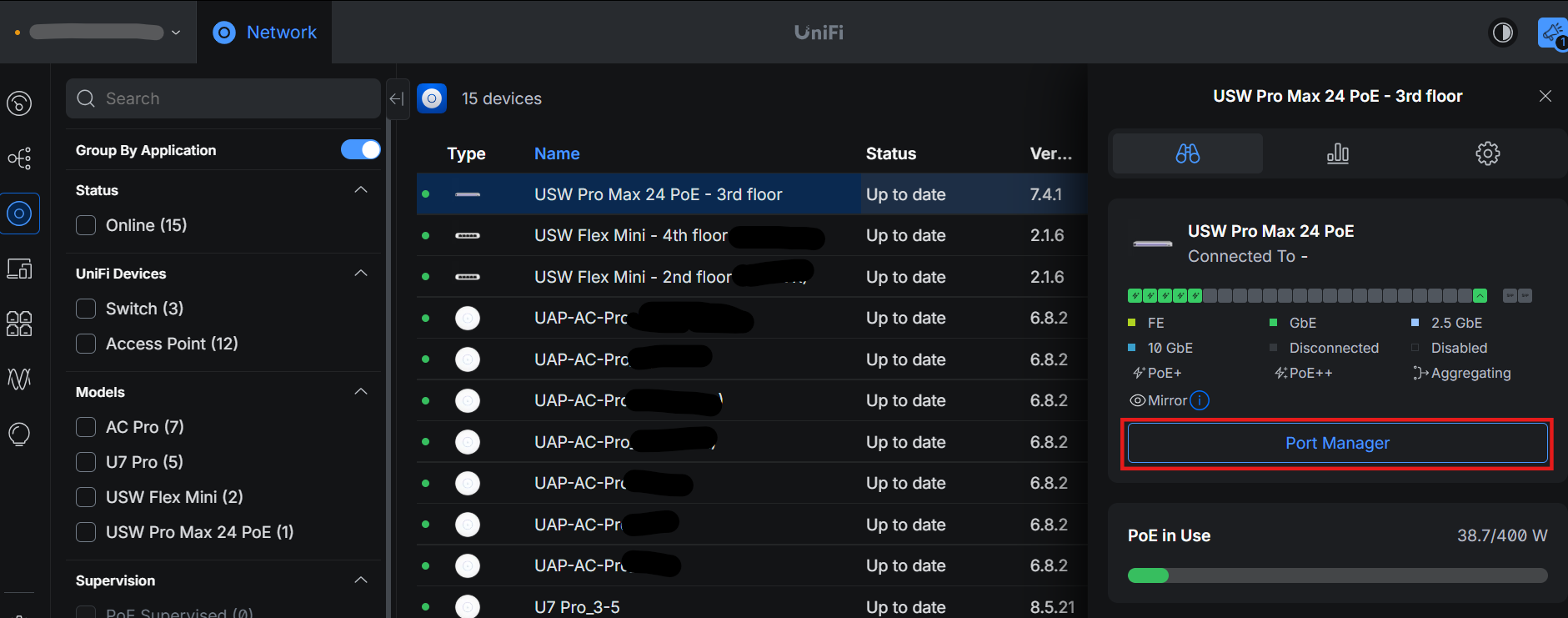
- On UnifiController goto (Devices > Unifi Switch > Port Manager).
- Set port 6 to untagged Vlan id 101 for Lan port.