
Unifi: Step-by-step process to access and read logs on a UniFi Access Point (UAP) via ssh


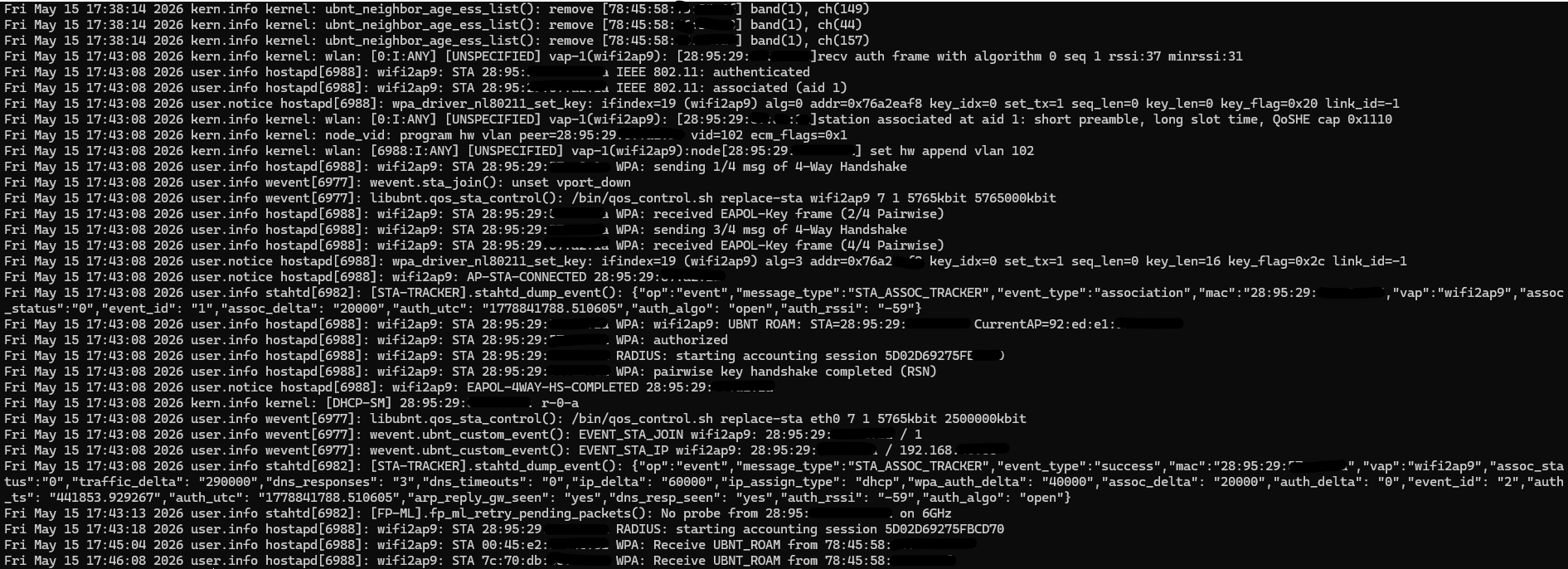
To check the logs on a UniFi Access Point (UAP) via SSH. We will looking for the messages file. This file captures system events, connection attempts, and errors in real-time.
Here is the step-by-step process to access and read those logs.
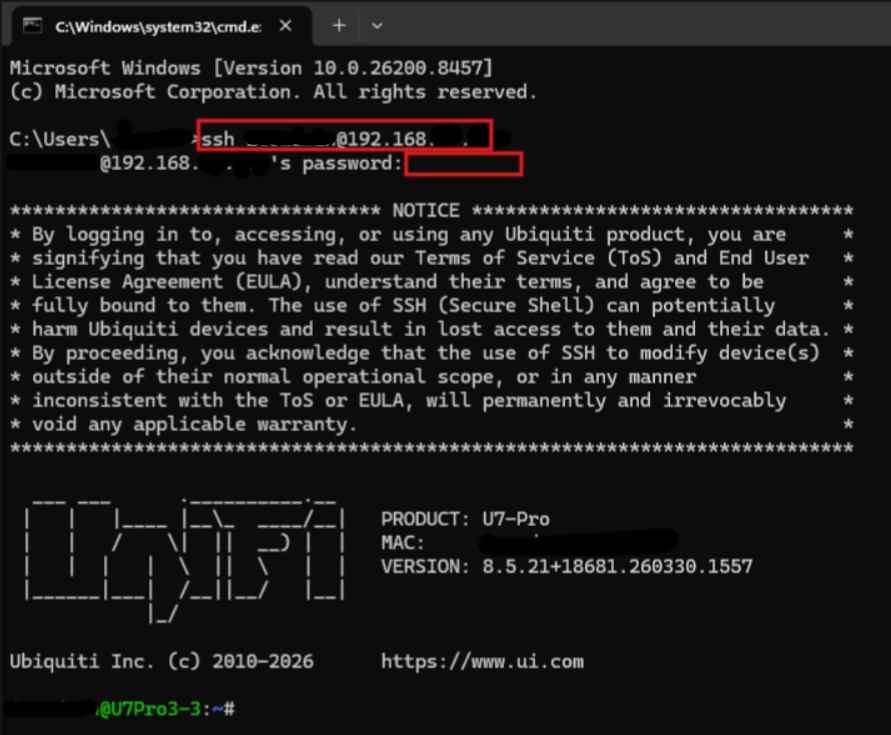
- Access the UAP via SSH
ssh <username>@<ip-address-of-uap>
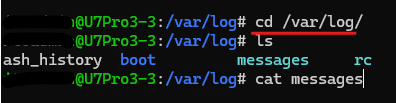
2. Locate to the logs location
cd /var/log
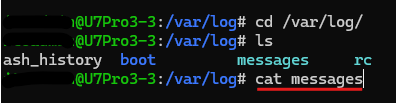
- To view the logs file.
cat messages
- Log look like.
- Command option.
To see the most recent entries (last 50 lines):
tail -n 50 /var/log/messages
To watch the log update in real-time (Press Ctrl + C to stop the live feed.):
tail -f /var/log/messages
To search for a specific keyword (e.g., "DHCP" or "error"):
grep -i "keyword" /var/log/messages