
How to Up to date Microsoft 365 and Office Updates (Choose only one option programs).


To keep your Microsoft 365 or Office apps current in 2026, the process is mostly automated, but you can always "force" an update if you're looking for a specific new feature (like the latest AI integrations).
Here is the step-by-step guide for all your devices:
- Windows: The "Backstage" Method
This is the most reliable way to check for updates manually on a PC.
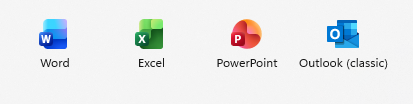
1.1) Open any Office app (Word, Excel, or PowerPoint).
Choose only one option programs.
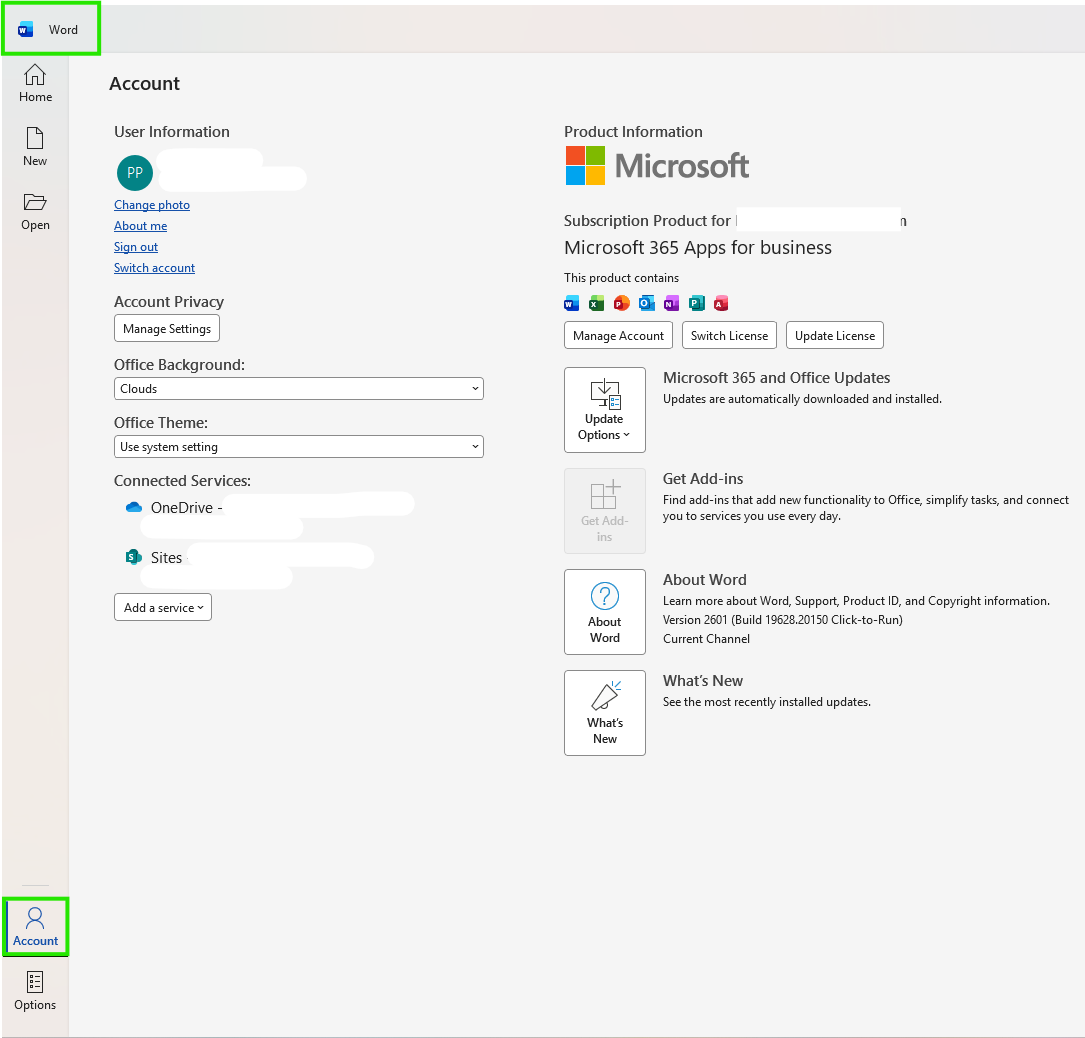
1.2) Select Account from the left sidebar.
for the Word.
for the Excel.

for the PowerPoint

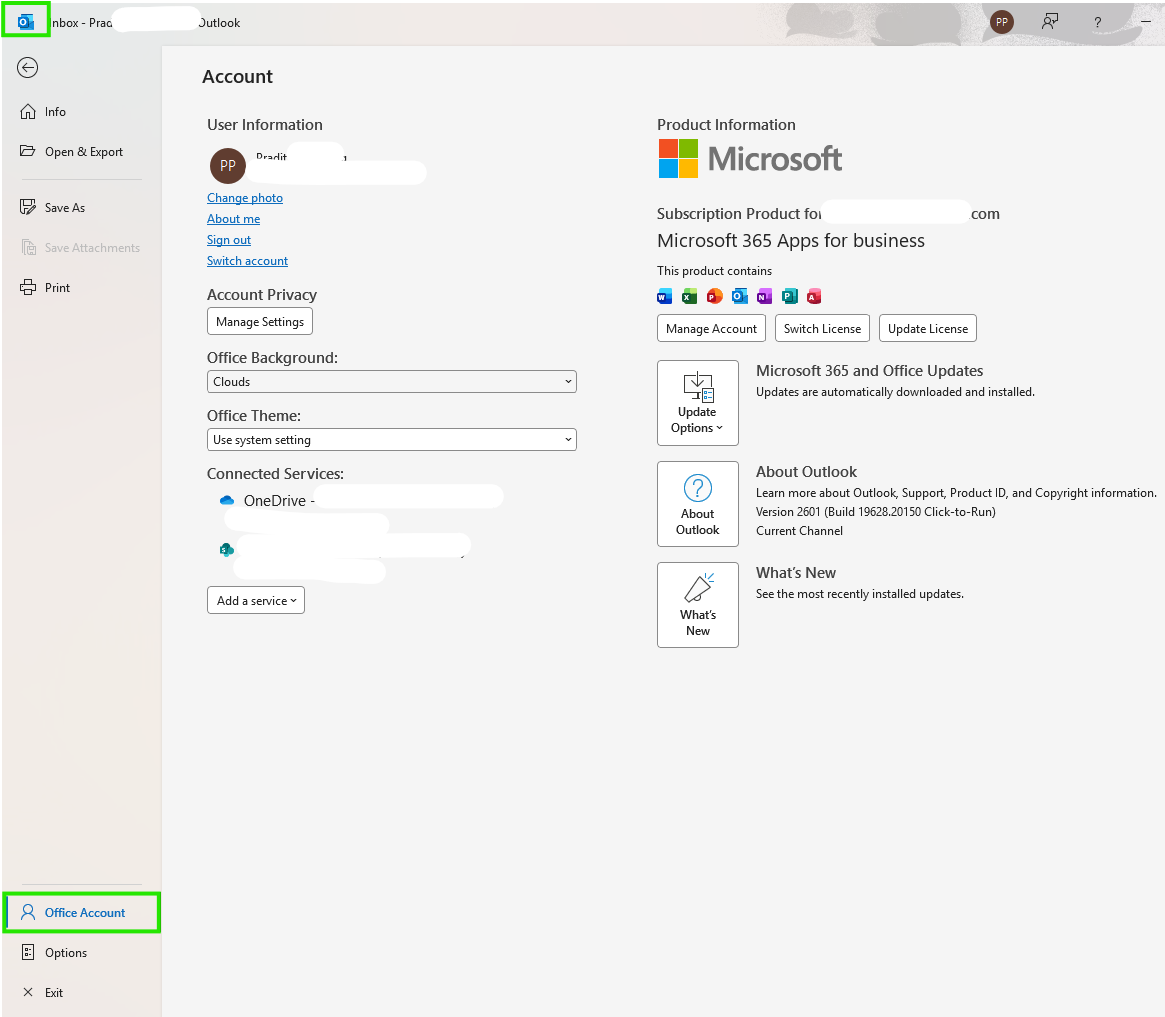
And for the Outlook click on File in the top-left corner.

Select Office Account.
1.3) Look for Update Options under Product Information then click Update Now.
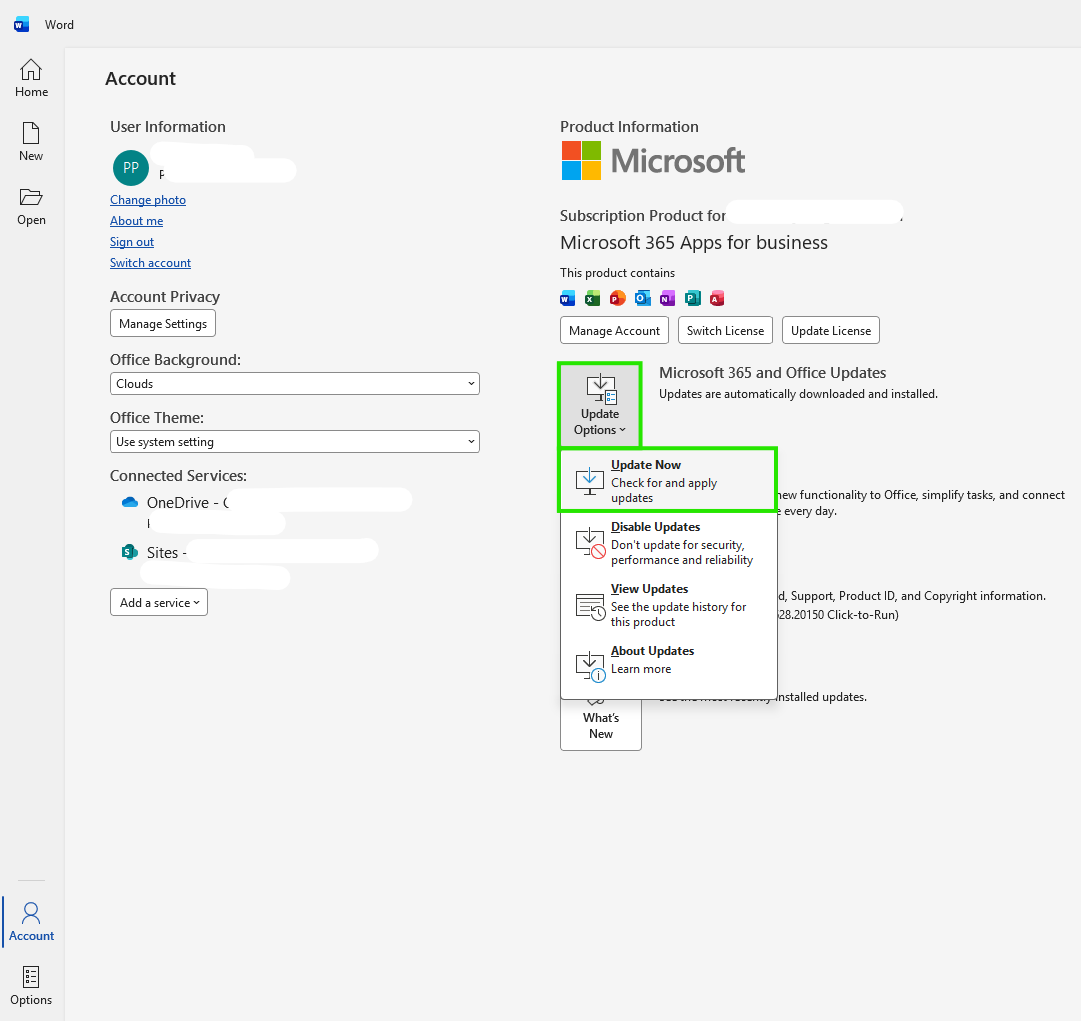
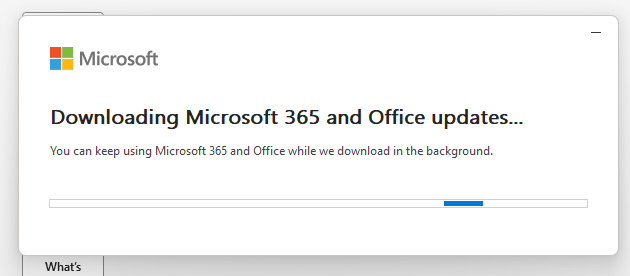
1.4) The system will begin downloading the update.
finished..
end..